
Ecommerce teams
Make a small catalog image easier to reuse.
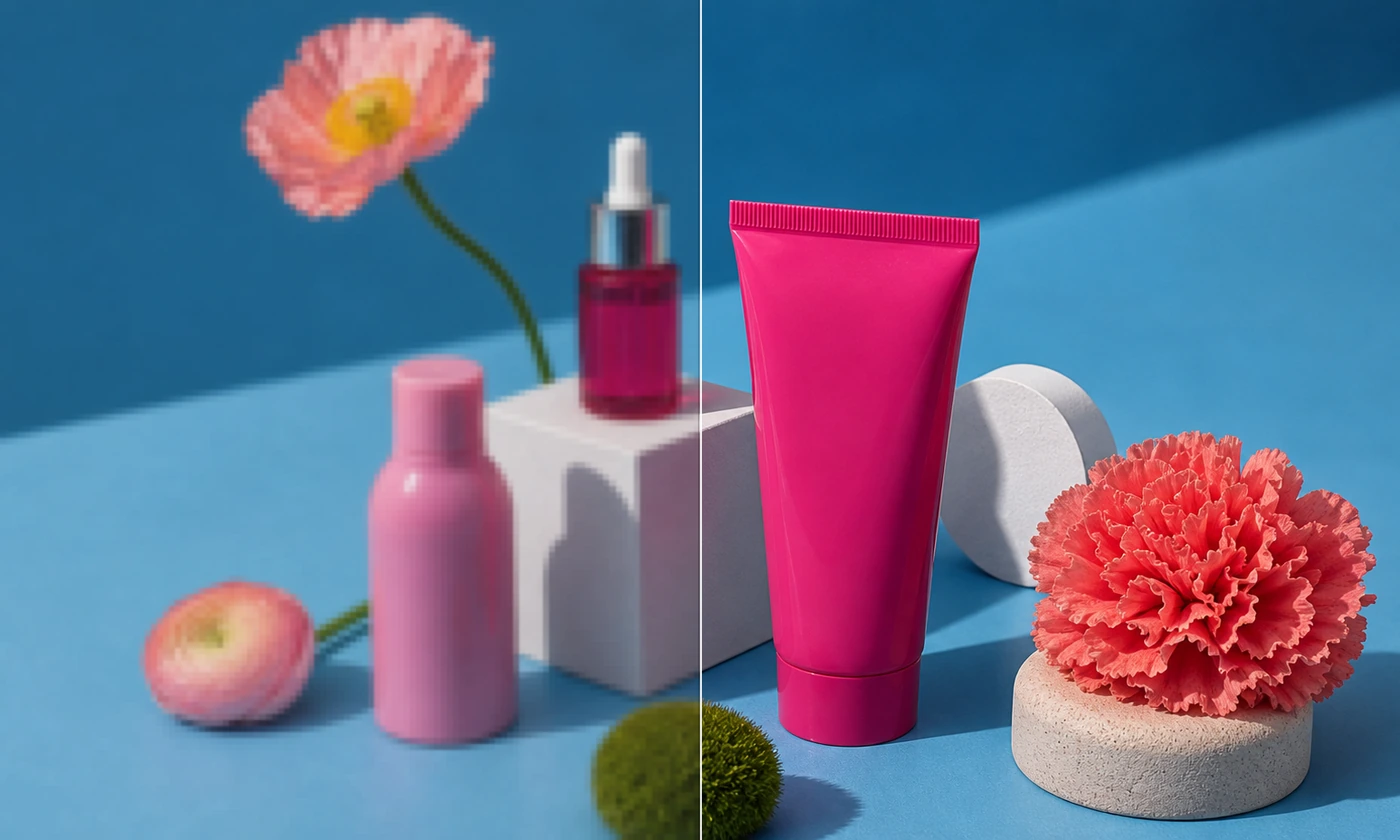
A good product photograph can still be too small for its next placement. Create a larger working copy for a listing, presentation, or campaign using the nearest supported aspect ratio. Review composition and identity after enhancement.
Review labels and hard edges at 100%; AI may invent detail or alter text.
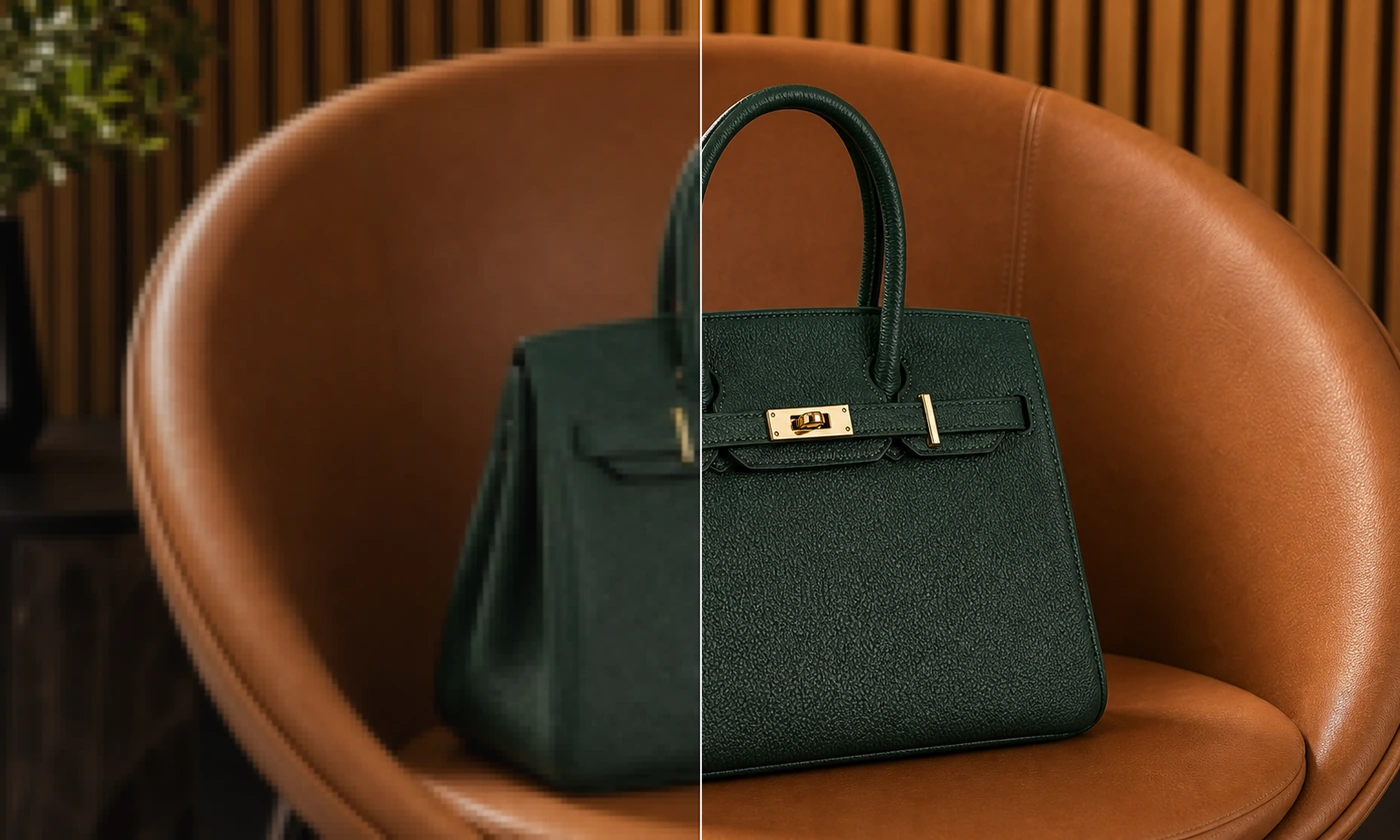
Reuse a favorite source in a larger post, presentation, or campaign crop. AI enhances detail and clarity at the selected resolution. Check that the reconstructed details still match your source.
Choose the final crop first so you do not enlarge pixels that will be discarded.
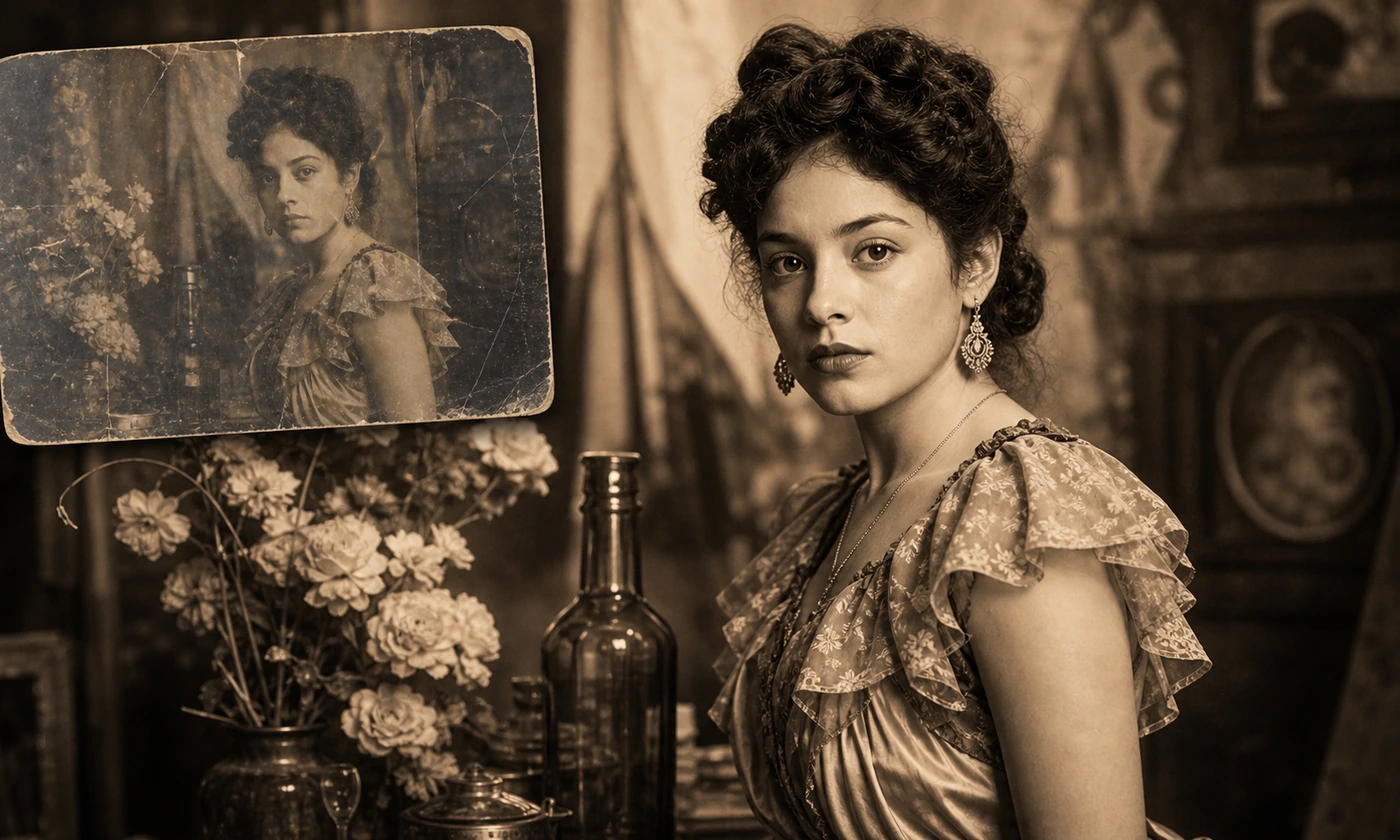
A small scan can be difficult to share or place in a larger layout. Prepare an enlarged working copy for a family album, memory project, or print preview while retaining the untouched source file.
Estimated AI detail should never replace an archival master.
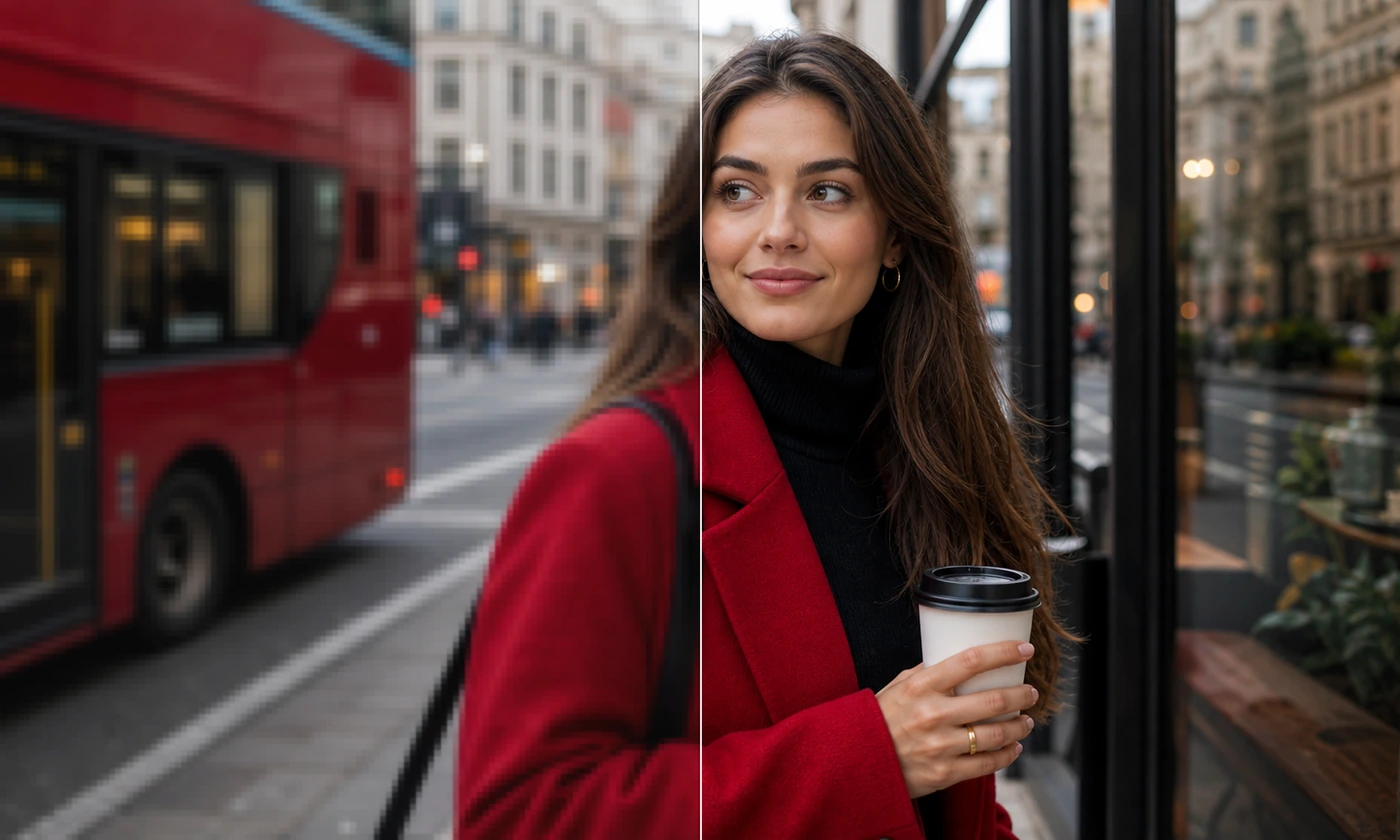
Plan a print or display using the actual output dimensions and intended physical size. Create a larger working copy using the nearest supported aspect ratio, then check visible grain and edges at the final placement size.
The 2K and 4K presets request at least 2048 and 3840 pixels on the long edge. The model may return a larger native size. Review the actual dimensions shown with the result.
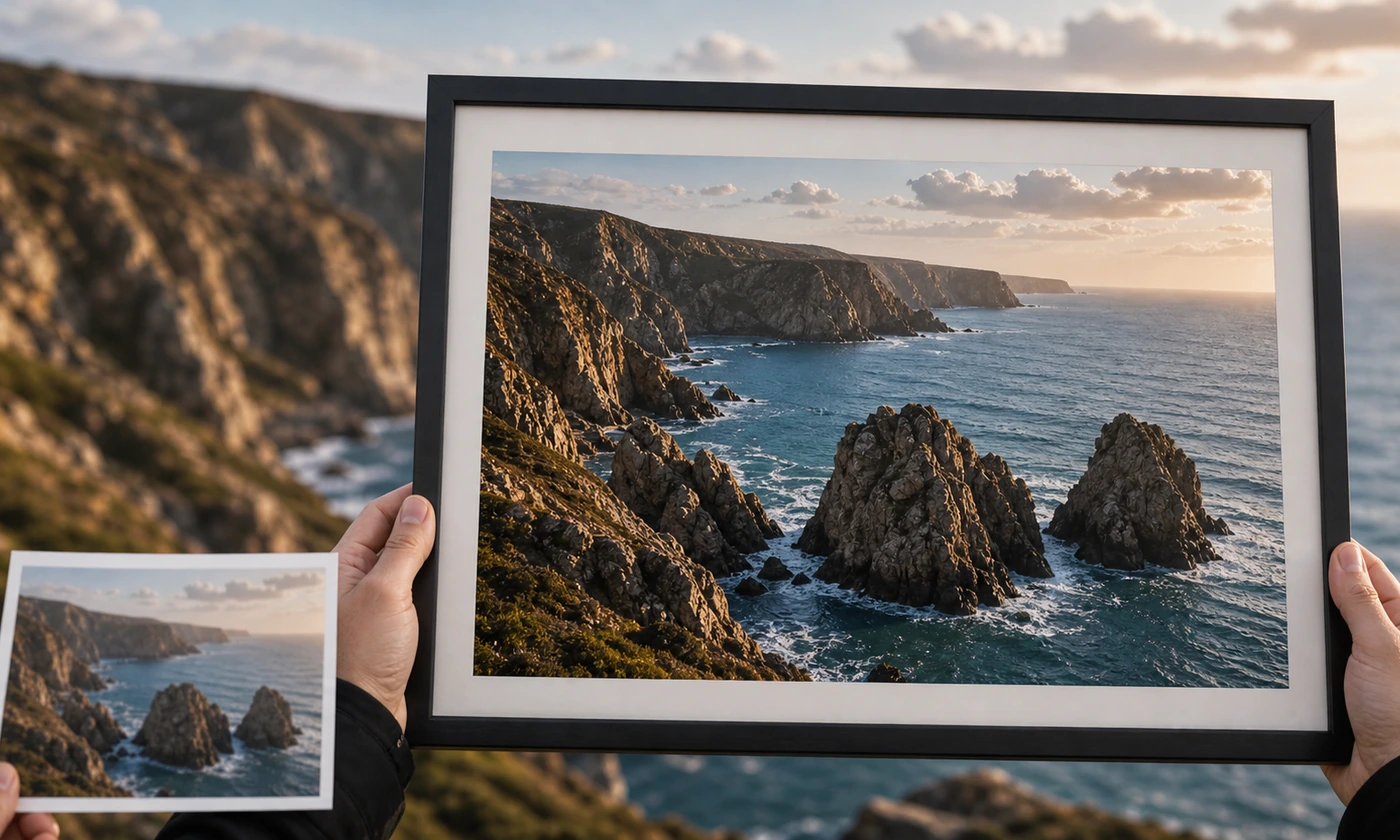
Larger working copies for ecommerce, social posts, presentations, family photos, and print planning.
Make a small catalog image easier to reuse.
Prepare older thumbnails and campaign crops for larger placements.
Create a larger working copy for layouts and presentations.
Test the enhanced raster in the intended physical layout.
Upload an image, create a larger working copy, then check the result at its intended size.
Choose the source whose composition already works and whose pixel dimensions are the next limitation.
Confirm image permissions and submit to Nano Banana Pro. Output dimensions and aspect ratio are checked against the selected resolution before a result is accepted.
Compare hard edges, small text, textures, and the final crop before downloading the enhanced image.
Questions about AI enhancement, 2K and 4K output dimensions, credits, and detail changes.
Choose 2K or 4K. This selects model output dimensions rather than a fixed multiple of your source. Both options normally cost 40 credits; the displayed quote includes eligible plan benefits.
The model reconstructs plausible detail. It cannot verify missing information and may alter faces, textures or text. Keep and compare the original.
The 4K preset requires at least 3840 pixels on the long edge; 2K requires at least 2048. Larger native model dimensions are accepted when the aspect ratio matches. The result shows the actual width and height.
Yes. After you confirm permissions and submit, the source is stored privately and sent to Nano Banana Pro through our AI provider.
Use a JPEG, PNG, or WebP image no larger than 10 MB, with at most 16 million decoded pixels and no edge above 8192 pixels.
Download the validated PNG or JPEG returned by the model. The download keeps its actual file format. Keep your original file separately.
The nearest supported model aspect ratio is selected from your source dimensions. Framing and reconstructed details may change.
The illustrations are reference material from Zanta. Review your own AI result; source quality and model behavior affect the outcome.
Yes. Completed images are saved in your account. You can refresh, favorite, download, re-edit or delete them from the tool history.
Upload one image and review its larger working copy before downloading.