Skip to content

免费 AI 视频生成器

60 credits

将场景描述或静态图片转为短视频。选择当前可用的模型,确认积分费用,再描述需要的动作。

AI Video Prompts for Clean Cinematic Motion

Explore eight video prompts with previews, from product and lifestyle scenes to sport, sci-fi, animation, and retro film. Choose a prompt to adapt for your next video.

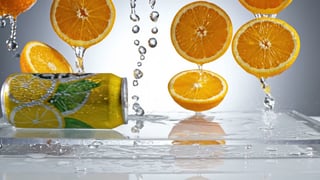
Citrus Can Splash

A chilled citrus soda can without branding rotates slowly on a wet acrylic surface as orange slices and clear water droplets float briefly in slow motion behind it. Clean high-key studio lighting, crisp commercial product video, bright yellow and silver palette, shallow depth of field, no readable text, no logo, no watermark, no subtitles.
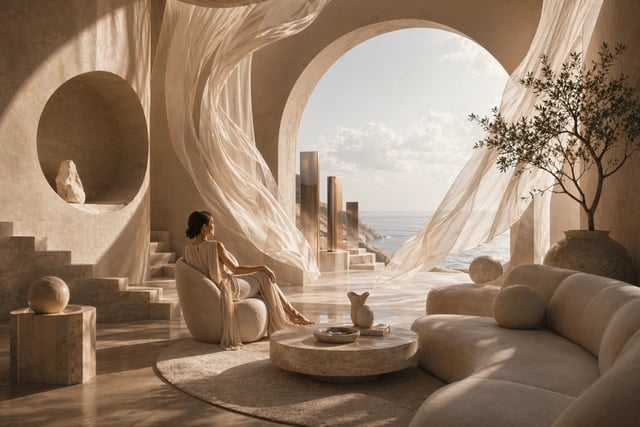
Curtain Light Interior

Modern quiet living room at sunrise with linen curtains moving gently, warm light bands sliding over a low sofa, ceramic vase, and wood floor. Slow locked-off camera with subtle breathing motion, architectural magazine video style, clean background, no people, no readable text, no logo, no watermark, no subtitles.
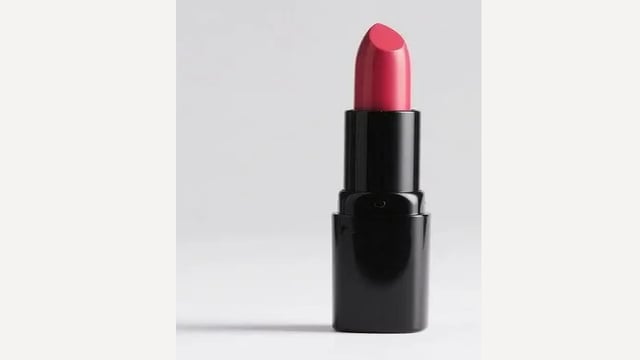
Linen Object Morning

Clean lifestyle object scene with a small matte ceramic diffuser on a low shelf beside linen curtains, morning light sliding gently across pale wood and fabric. Slow locked-off camera with subtle focus shift, quiet premium interior video, restrained palette, no people, no readable text, no logo, no watermark, no subtitles.
Mountain Bike Descent

Wide action shot of a fully geared mountain biker descending a clean rocky alpine trail under a bright blue sky, dust trailing behind the tires, camera tracks parallel at medium speed with stable cinematic motion. Outdoor sport commercial style, crisp natural light, no readable text, no logo, no watermark, no subtitles.
Orbital Glass Habitat

Graphic sci-fi glass habitat above Earth, translucent ring structures turning slowly while a small maintenance arm glides along the frame. Clean composition, cool light, polished hard-surface design with generous negative space, quiet cinematic mood, no humans, no readable text, no logo, no watermark, no subtitles.
Dog Cafe Laptop

A golden retriever wearing simple round sunglasses sits at an outdoor cafe table beside an open laptop, paws tapping lightly on the keyboard, passersby blurred in the background. Handheld natural camera feel, warm cheerful cafe ambience, playful but polished social video, no readable text, no logo, no watermark, no subtitles.
Painted Floating Marsh

Hand-painted quiet marsh at sunset, layered hills and paper clouds moving gently like a small theater set, reeds swaying around a reflective stream. Slow panoramic camera move, painterly texture, soft color harmony, calm storybook mood, no characters, no readable text, no logo, no watermark, no subtitles.
Retro Desk Fan Shadows

Empty 1980s office corner with a desk fan, venetian blinds, paper stacks, and a small monochrome monitor glowing softly. Fan blades turn slowly as striped shadows slide over the wall. Slow dolly-in, restrained retro film grain, low room hum, no people, no readable text, no logo, no watermark, no subtitles.
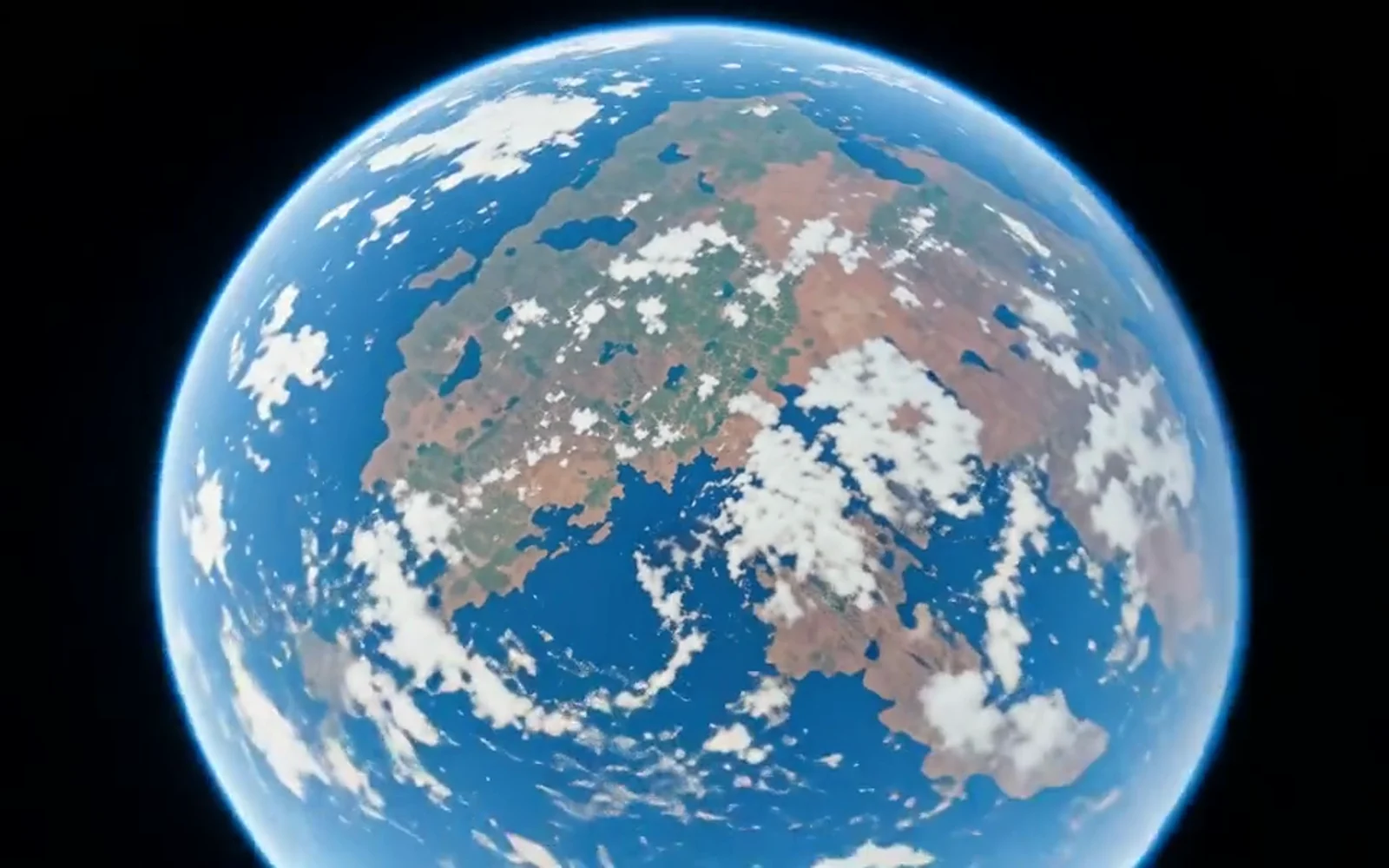
将文字或图片转为视频

用场景提示词生成短片,或通过支持参考图的模型让静态图片动起来。提交前选择格式、时长和结果数量,并确认积分费用。

文字生成图片与参考图编辑

描述主体、构图和光线,或上传参考图进行风格与场景变化。选择当前可用的图片模型及支持的设置。

打开图片生成器 →

文字生成视频与图片动画

用提示词描述一个镜头,或以现有图片作为起点,说明主体动作与镜头运动。时长和格式由所选模型决定。

打开视频生成器 →

为你的创意选择视频创作方式

先明确画面从哪里开始,再用一个清楚的动作推进镜头。

文字生成视频

适合还没有素材的故事镜头、场景概念与氛围短片。提示词同时描述主体、环境、动作与镜头。

图片生成视频

适合已有商品图、角色设计或插画的创作。使用支持参考图的模型,重点描述需要发生的运动;输出可能改变细节。

商品展示短片

用自己的商品图探索展示节奏,发布前检查形状、标签与细节。

A ceramic mug on a wooden table. The camera slowly moves from left to right, warm window light moves across the glaze, a thin wisp of steam rises. One continuous shot, keep the mug shape stable.

竖屏社交视频

选择模型支持的竖屏比例,将一个主题或动作放在构图中心。

Vertical composition: a cyclist rides along a quiet coastal road at sunrise. The camera tracks beside the bicycle at a steady pace, soft sea mist in the distance. One smooth shot.

故事与概念镜头

在拍摄或剪辑前测试环境、灯光和镜头走向。

A small observatory above the clouds at blue hour. The camera slowly pushes toward the open dome as its telescope turns toward a bright star. Gentle cloud movement, cinematic lighting, one continuous shot.
阅读视频生成与提示词指南 →

Video Models in Dola AI

Pick the video model by the clip you need: realistic motion, first-frame animation, scene continuity, camera direction, or another take from the same still.

Veo 3.1 AI Video Generator for Realistic Motion

Google Cloud documents Veo 3.1 for text-to-video and image-to-video, including prompt rewriting, reference assets, first-and-last-frame workflows, C2PA support, and horizontal or vertical outputs. Use Veo 3.1 for hero clips, product loops, cinematic ad concepts, and image-to-video workflows.

Strong for realistic motion

Veo 3.1 is a model for believable movement, clean camera feel, and polished clips that can support ads, landing pages, and launch visuals.

Starts from text or a source image

Invent a scene from a prompt, or animate an image when you already have the opening composition you want.

Useful when the shot needs control

Reference assets and first-and-last-frame workflows make Veo 3.1 relevant when the beginning, ending, and subject continuity matter.

Veo 3.1

AI Video Generator

Create AI video from a text prompt, source image, or photo with Veo 3.1, then compare each clip with your creative brief.

  • Start from text when the scene does not exist yet.
  • Start from an image or photo when the first frame, product, or subject is already approved.
  • Choose the video model, ratio, duration, and motion intent before spending credits.
  • Start from text or an image, then choose the model and video settings in one place.
Create AI video
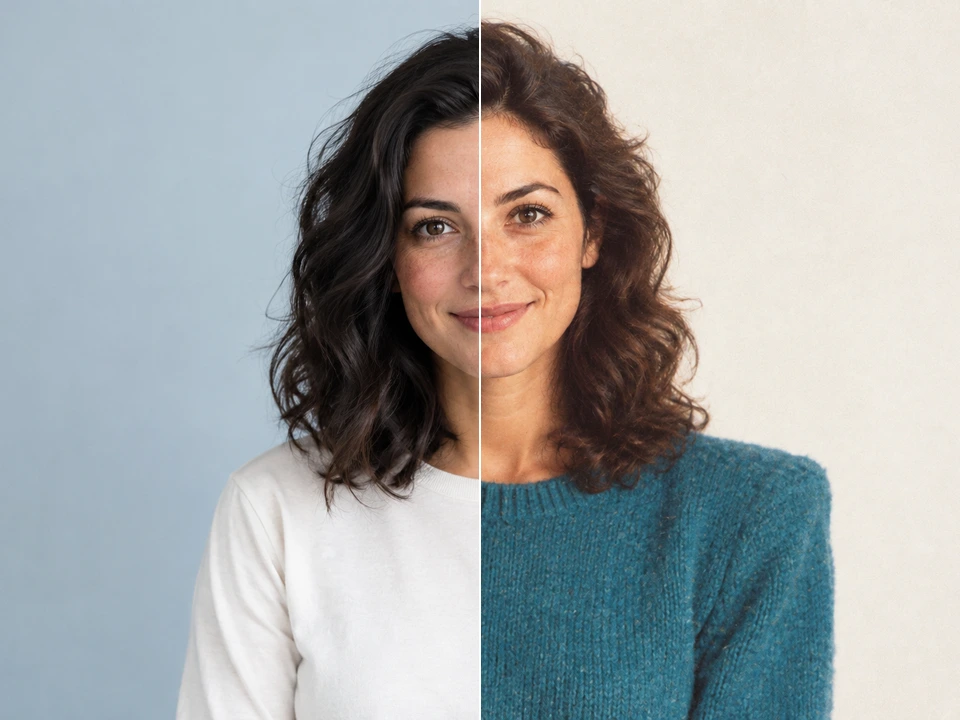
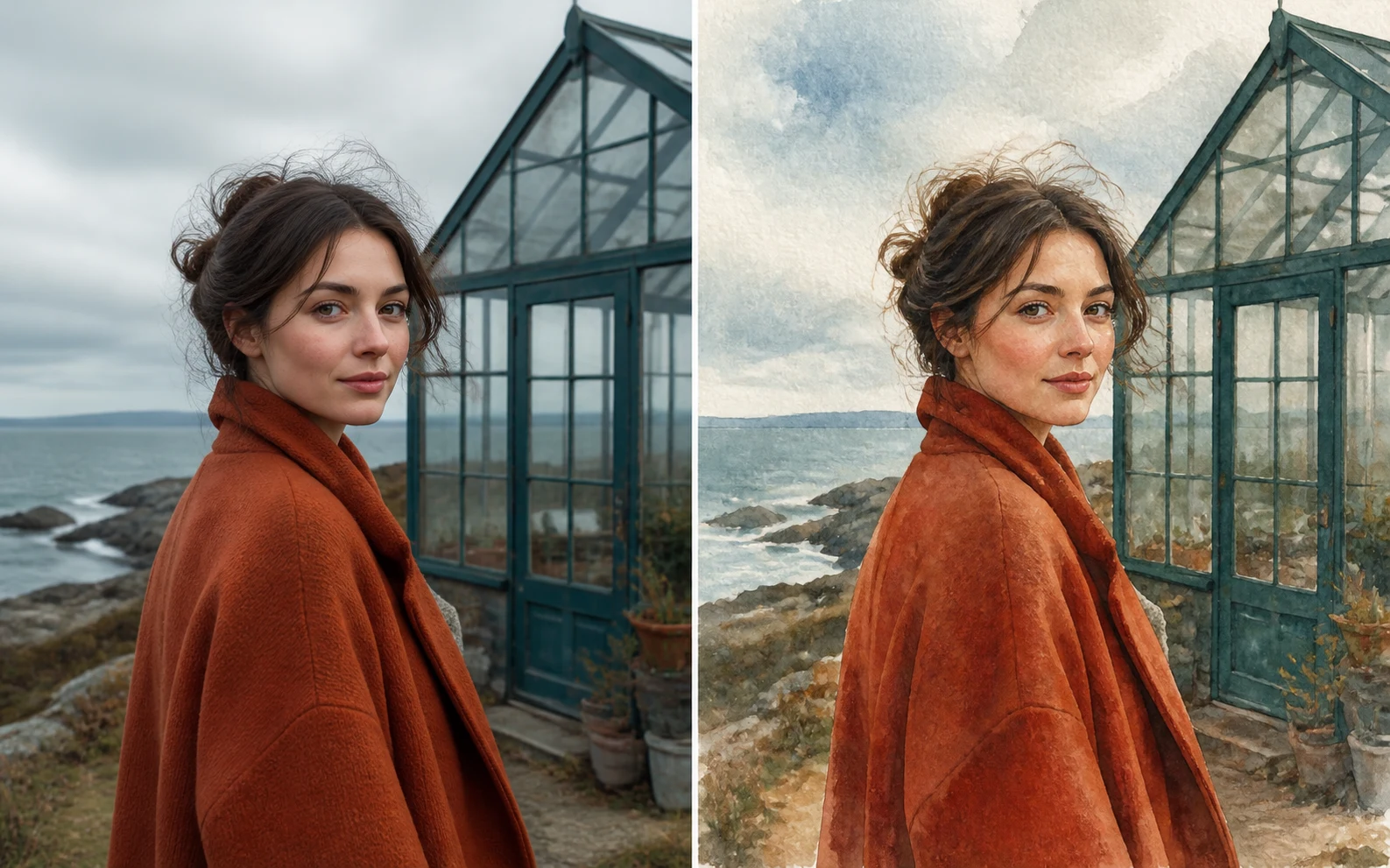
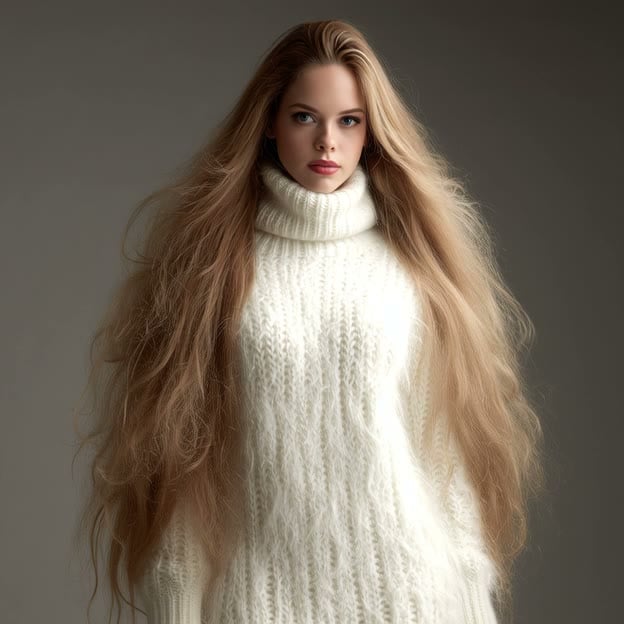
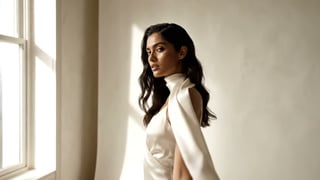
Portrait-led image-to-video example with elegant subject motion

Image to Video and Text to Video in One Studio

Use image to video for approved frames or product photos, or start with text to video when the scene needs invention.

  • Use image or photo input for product loops, portrait motion, and approved campaign stills.
  • Use text input for scenes that need to be invented from a brief.
  • Keep the output goal stable while the input mode changes inside the studio.
  • Keep the source frame and motion direction together in one studio.
Sculptural salon still used as the first frame for image-to-video

Direct the Shot Before You Generate

Give Veo 3.1 clear camera movement, pacing, and scene continuity to help direct a focused shot.

  • Choose the placement first so composition and framing match the final channel.
  • Write motion cues such as push-in, orbit, drift, handheld, or slow reveal.
  • Compare a few strong directions instead of overworking the first acceptable clip.
  • Keep prompts focused on one scene or one motion idea per generation.
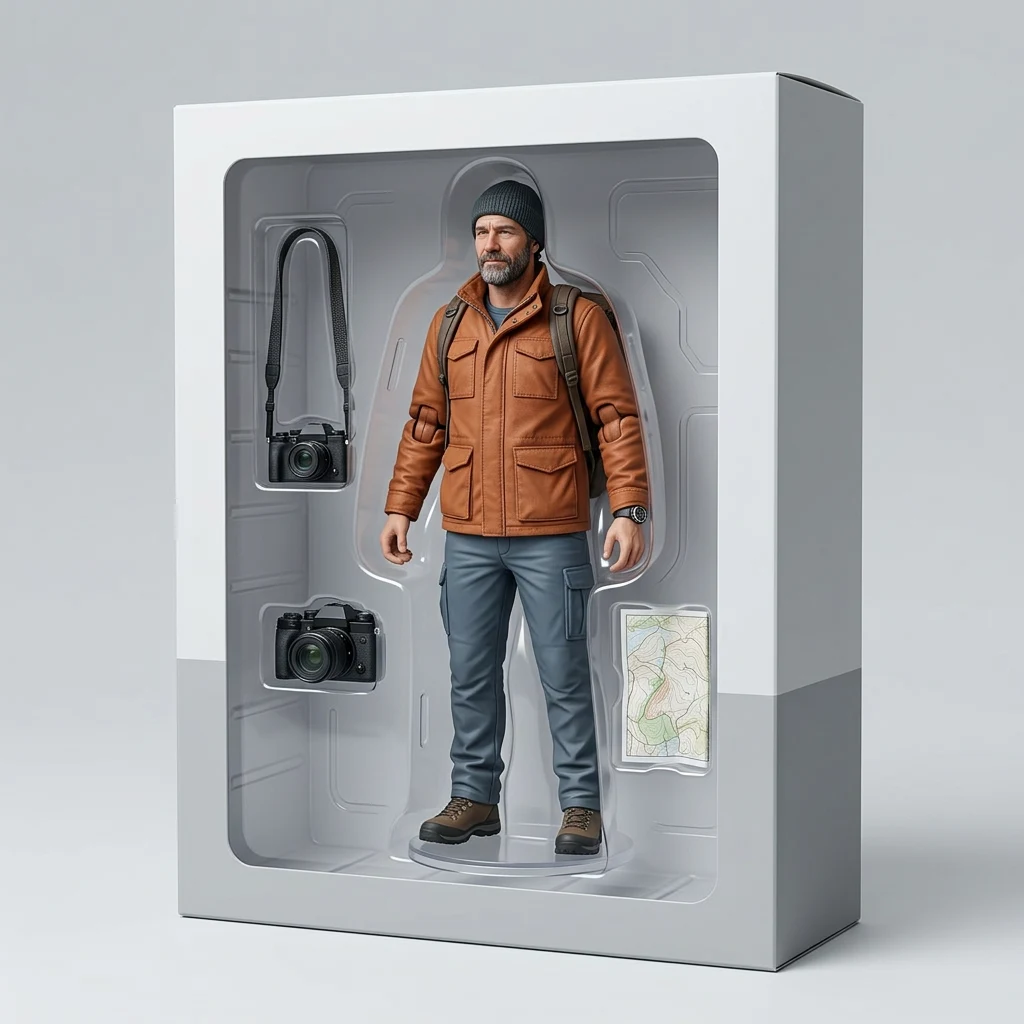
Product still extended into a premium motion loop

AI Video Generator Use Cases

Use AI video when the idea needs motion proof before a full edit or campaign build.

HOOK TESTING

Ad hooks and social clips

Test opening moments with Veo 3.1 for polished realism when camera movement drives the opening hook.

Wide citrus product hook video for social ad testing
PRODUCT MOTION

Product and landing loops

Animate product stills with Veo 3.1, compare the motion, then keep the loop that fits the page.

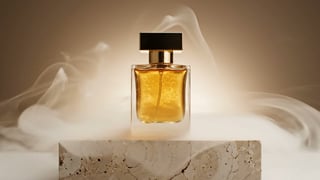
Wide fragrance product loop for landing page motion
EDITORIAL CLIPS

Portrait and editorial motion

Use Veo 3.1 to add slow camera movement, atmosphere, and subtle subject motion to an approved source still.

Wide editorial portrait motion clip from a source frame
DIRECTION FINDING

Concept and storyboard clips

Use Veo 3.1 when a clip needs a clear scene, character beat, consistent props, or storyboard-like flow.

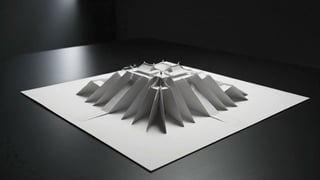
Wide concept storyboard clip for motion direction testing

如何开始创作

从一个清晰的想法开始,提交前检查设置与积分费用。

Image to video sequence with atmospheric motion
1

描述一个画面或镜头

写明主体、环境、光线与风格;使用参考图片时说明需要的变化,视频则补充动作与镜头运动。

2

选择模型并确认费用

选择可用模型及支持的格式。登录账号后,在生成按钮上确认当前批次的积分费用。

3

提交并等待生成完成

确认设置后点击生成,在编辑器中查看任务状态。完成时间随模型、设置及服务负载变化。

4

预览、调整并下载

检查结果,修改提示词继续尝试。已完成的作品可在结果区或登录后的历史记录中查看和下载。

Start AI video

开始使用前的常见问题

了解免费额度、账号要求与图片和视频创作流程。

文字生成视频和图片生成视频有什么区别?

文字生成视频从新场景的描述开始;图片生成视频以上传图片引导起始构图。使用参考图时,重点描述动作与镜头变化,而不必重复图片中的每个细节。

视频可以生成多长、什么分辨率?

时长、分辨率、比例和音频能力由所选模型决定。选择模型后,以编辑器实际显示的选项和积分报价为准。

AI 视频需要多久才能生成?

等待时间取决于模型、服务商负载和所选设置。请查看任务状态,完成后先播放检查画面、运动与细节,再下载或发布。

Dola AI 可以免费使用吗?

新用户可获得 100 注册积分,每日签到可领取 40–120 积分。签到奖励按连续签到天数计算,每个 UTC 日可领取一次。生成会消耗积分,免费积分不代表无限生成。

生成前需要登录吗?

可以先浏览示例、写提示词并选择设置。生成或上传参考素材前,需要登录账号。登录成功后仍由你点击生成。

一次生成需要多少积分?

费用取决于模型、分辨率、质量、视频时长及结果数量。生成按钮会显示当前批次的积分费用,请在提交前确认。余额不足时可以领取可用签到奖励,或查看定价。

生成后在哪里查看和下载?

完成的作品会显示在结果区,也可以在登录账号的历史记录中查看。先预览图片或播放视频,再下载需要保留的结果。

可以用于商业项目吗?

发布前请阅读本站条款与所选模型的使用规则,并确认你有权使用上传的图片和其他素材。不要仅凭生成成功判断所有使用场景都已获授权。

把下一个想法变成画面

从提示词或参考图开始,按当前可用模型和积分余额安排你的创作。