Skip to content

免费 AI 图片生成器与照片编辑

10 credits

从文字创造新图片,或用参考照片探索新风格。使用免费积分体验当前可用的图片模型。

Text to Image Prompts for Better AI Images

Eight copyable text to image briefs tuned for Dola AI: concrete subject, composition, material, lighting, and ratio.

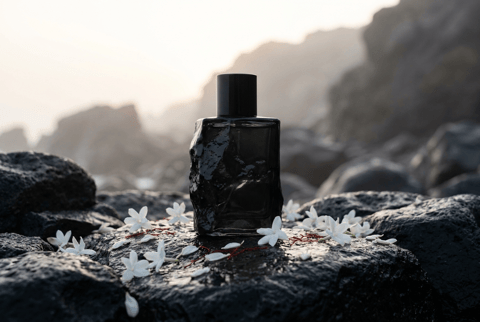
Obsidian Bloom Launch

Obsidian Bloom Launch

Premium brand-world image for an imaginary fragrance called Obsidian Bloom, black volcanic glass bottle on wet basalt, white jasmine petals, thin red thread, misty dawn light, restrained luxury campaign still, crisp product silhouette, no logo, no watermark.
Museum Chair Still

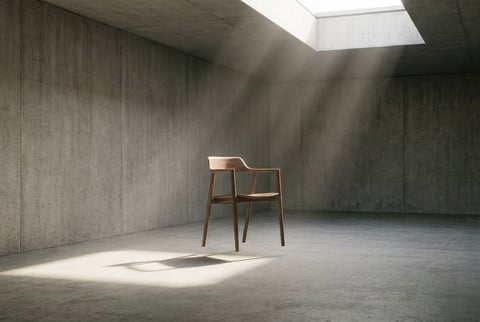
Museum Chair Still

Museum campaign still of a single walnut chair floating inside a quiet concrete gallery, long soft shadow, dust in skylight beams, minimal composition, refined architecture photography, wide editorial composition, no readable text, no logo, no watermark.
Ceramic Speaker Study

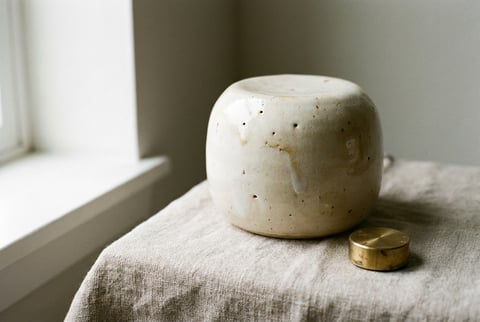
Ceramic Speaker Study

Three-quarter product study of a handmade ceramic smart speaker with tiny glaze imperfections, placed on raw linen beside a brass volume dial, soft window light, gentle shadow gradient, calm premium product photography, no text, no logo, no watermark.
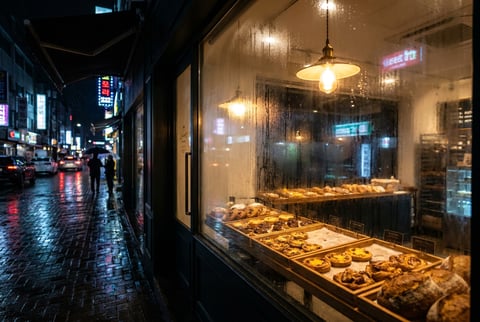
Night Bakery Window

Night Bakery Window

Wide cinematic retail window scene of a tiny late-night bakery glowing in rain, trays of pastries, condensation on glass, one warm pendant lamp, reflections of street lights, cozy but sophisticated commercial photography, no text, no logo, no watermark.
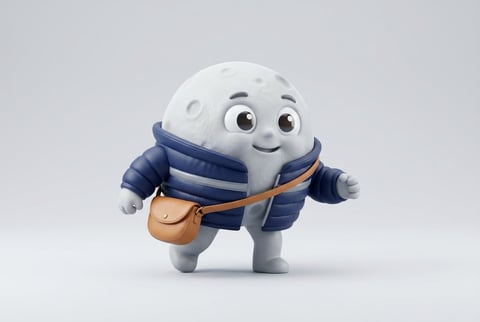
Moon Courier Mascot

Moon Courier Mascot

Cute but polished 3D mascot character, a moon courier wearing a tiny padded messenger jacket and carrying a crescent-shaped satchel, clean studio background, soft vinyl texture, expressive eyes, product mascot quality, no text, no logo, no watermark.
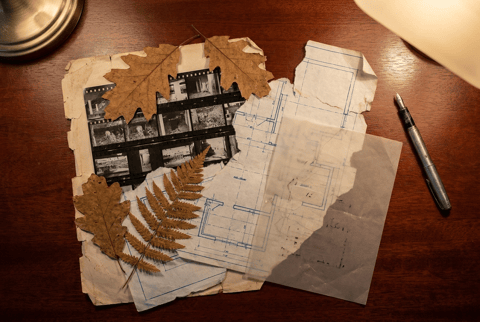
Archive Desk Collage

Archive Desk Collage

Editorial collage still of old contact sheets, torn blueprints, pressed leaves, a silver fountain pen, and one translucent acetate overlay on a mahogany desk, top-down composition, warm lamp light, tactile archival mood, no readable text, no logo, no watermark.
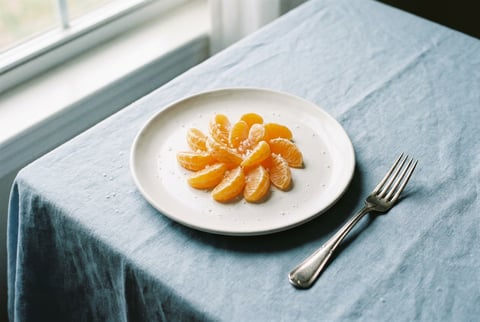
Tangerine Plate Study

Tangerine Plate Study

Editorial food image of tangerine segments arranged like a precise flower on a handmade white plate, pale blue tablecloth, tiny salt crystals, silver fork, crisp natural window light, magazine-quality restraint, no text, no logo, no watermark.
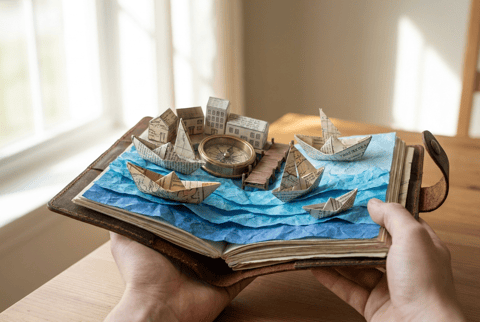
Pocket Harbor Diorama

Pocket Harbor Diorama

Miniature harbor diorama inside an open travel notebook, tiny paper boats, folded blue paper waves, brass compass, soft morning light, shallow depth of field, tactile craft meets realistic photography, clean wide composition, no text, no logo, no watermark.
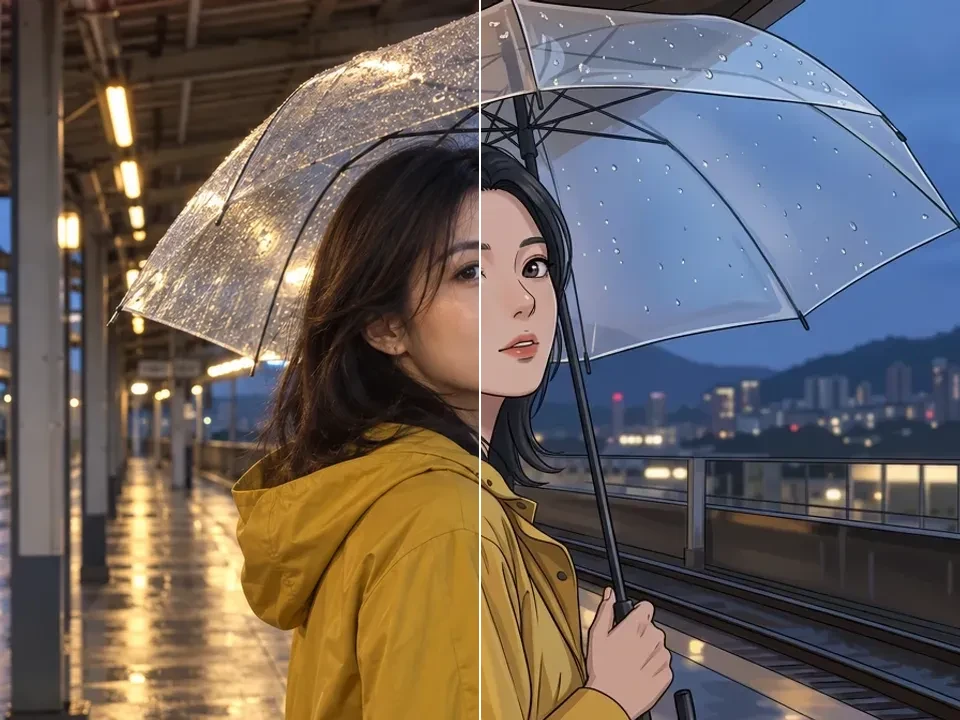
从提示词或照片开始创作

在同一编辑器中使用文字生成图片和参考图编辑。描述人物、商品场景、插画或活动创意,再选择适合需求的模型与格式。

文字生成图片与参考图编辑

描述主体、构图和光线,或上传参考图进行风格与场景变化。选择当前可用的图片模型及支持的设置。

打开图片生成器 →

文字生成视频与图片动画

用提示词描述一个镜头,或以现有图片作为起点,说明主体动作与镜头运动。时长和格式由所选模型决定。

打开视频生成器 →

Image Models in Dola AI

Pick the image model by the task: source photo control, readable text, high-fidelity stills, fast concepts, or precise local changes.

GPT Image 2.5 for Image Creation and Reference Edits

Use GPT Image 2.5 for detailed creative briefs, reference-guided product edits, structured layouts, and polished scene generation with the connected high-quality preset.

Connected high-quality workflow

Choose the available GPT Image 2.5 settings and review the full credit quote before generating.

Reference-led variations

Bring an approved image into a new setting. Describe the change and the product, subject or layout details that should stay unchanged.

Output controls that fit the task

Available resolution, aspect ratio and quality controls depend on your selected model. Review fine text and edges in the downloaded result.

GPT Image 2.5

AI Image Generator and Editor

Create AI images from prompts, or upload a source photo when you want an AI image edit. Compare Nano Banana, Nano Banana Pro, and GPT Image 2 in one studio.

  • Generate fresh visuals from a written brief when no source image exists.
  • Upload an image when the job is restyling, cleanup, or controlled variation.
  • Compare image models by realism, style, detail, speed, text rendering, and prompt adherence.
  • Create from a prompt or edit an uploaded photo in the same studio.
Create AI images
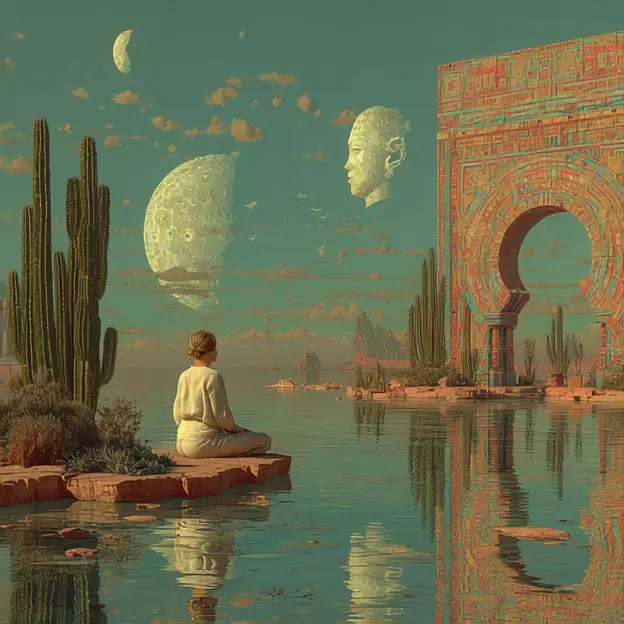
Surreal courtyard scene generated from a text prompt

Create New Images or Transform Photos

Use Nano Banana Lite or GPT Image 2 for new prompt images, then switch to image to image workflows when an upload should guide the edit.

  • Use a prompt when the image should be invented from the brief.
  • Upload a source image when continuity, cleanup, or restyling matters.
  • Choose the supported model settings for the input you provide.
  • Keep your focus on the image output and the change you want to make.
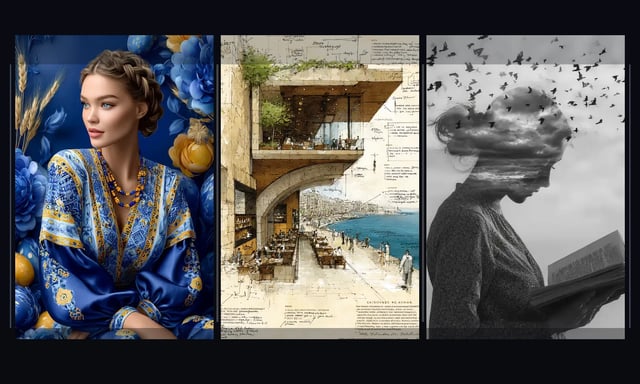
Three distinct visual directions for AI image generation

Image to Image AI for Controlled Edits

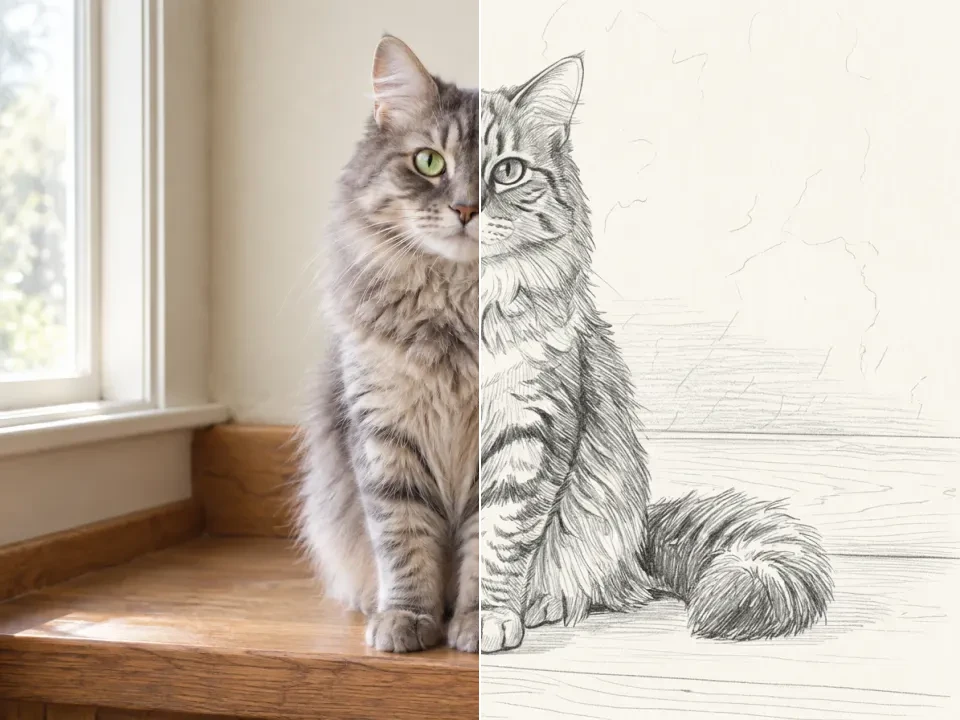
Use a source image to guide restyling, cleanup, local edits, or controlled variants while keeping the useful structure of the original photo.

  • Write for the destination, whether it is a hero image, ad, product visual, or deck slide.
  • Use composition, light, texture, and finish cues that match the intended brand feel.
  • Compare a few candidates and keep the one with the cleanest hierarchy.
  • Treat the output as a creative asset, not just a placeholder frame.
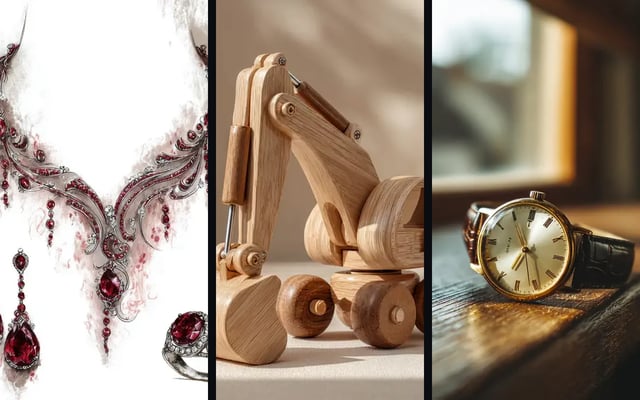
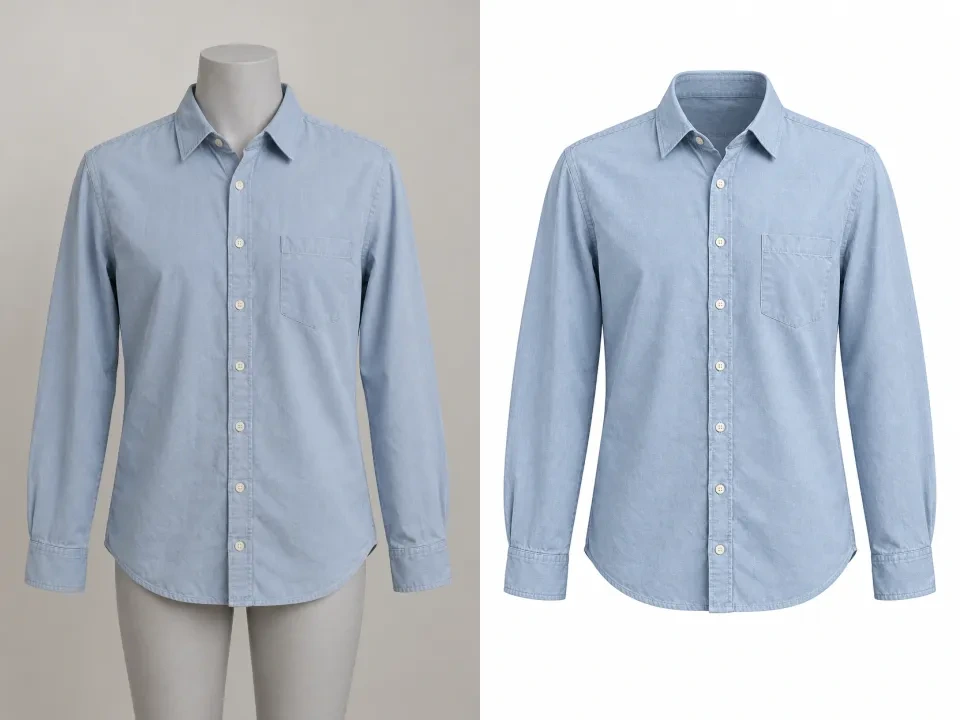
Refined product-style assets presented as finished visual directions

AI Image Generator Use Cases

Use AI image generation for fresh concepts, product stills, edits, and controlled variants in one workspace.

CAMPAIGN VISUALS

Campaign and editorial stills

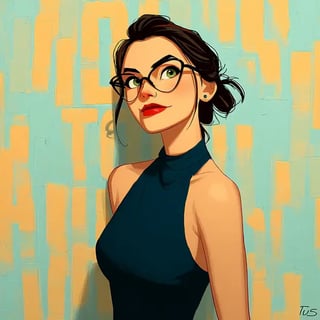
Create campaign stills with Nano Banana Pro or GPT Image 2 when polish and prompt-following matter.

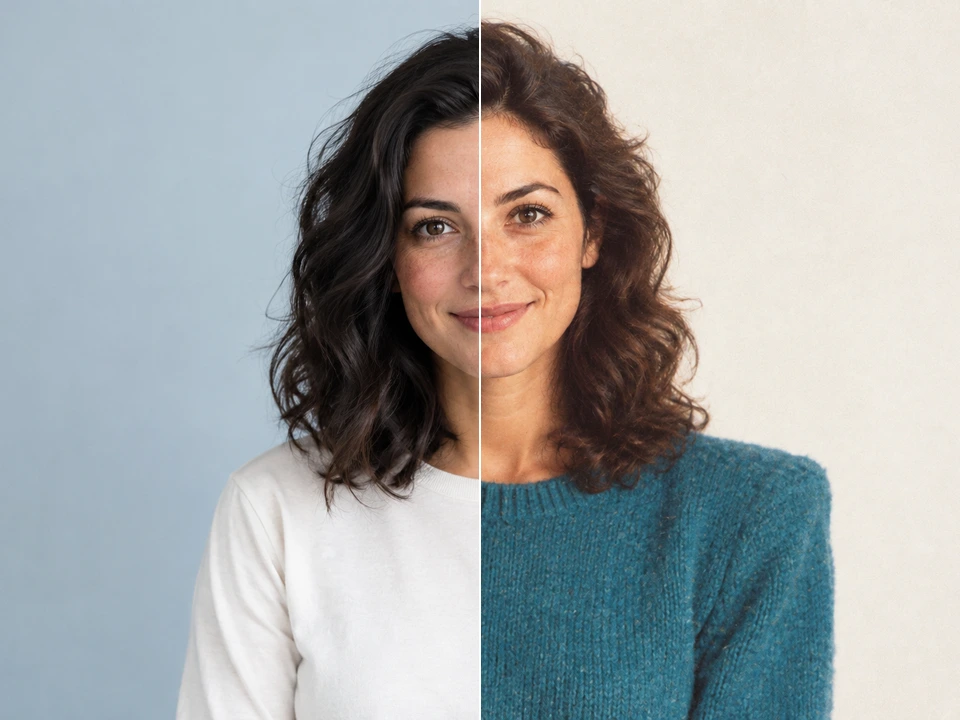
Illustrated editorial portrait for ad creative testing
PRODUCT ASSETS

Product concepts and cleanup

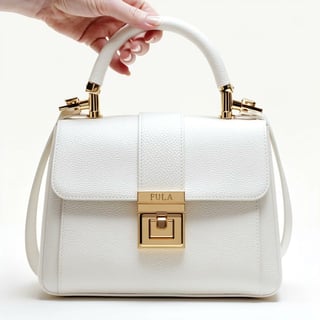
Use Nano Banana for product restyling and GPT Image 2 for detailed edits before assets reach catalogs or ads.

Luxury bag concept visual for ecommerce merchandising
BRAND DIRECTION

Brand visual systems

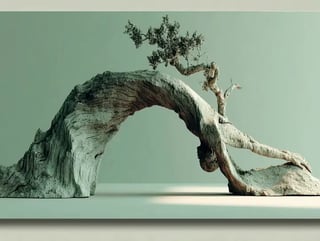
Develop branded imagery, poster directions, and cohesive visual reference systems with Nano Banana Pro or GPT Image 2.

Sculptural driftwood arch visual used to define a premium campaign world
IMAGE EDITING

Controlled variants

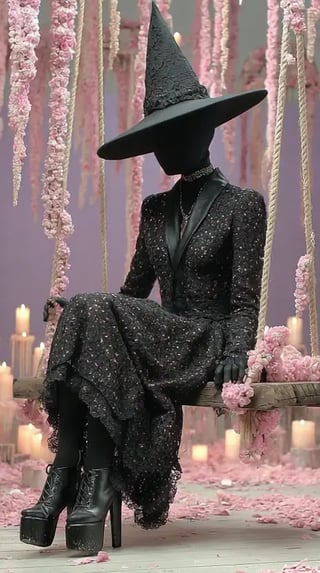
Use GPT Image 2 or Nano Banana to adapt an existing image while preserving the useful source structure.

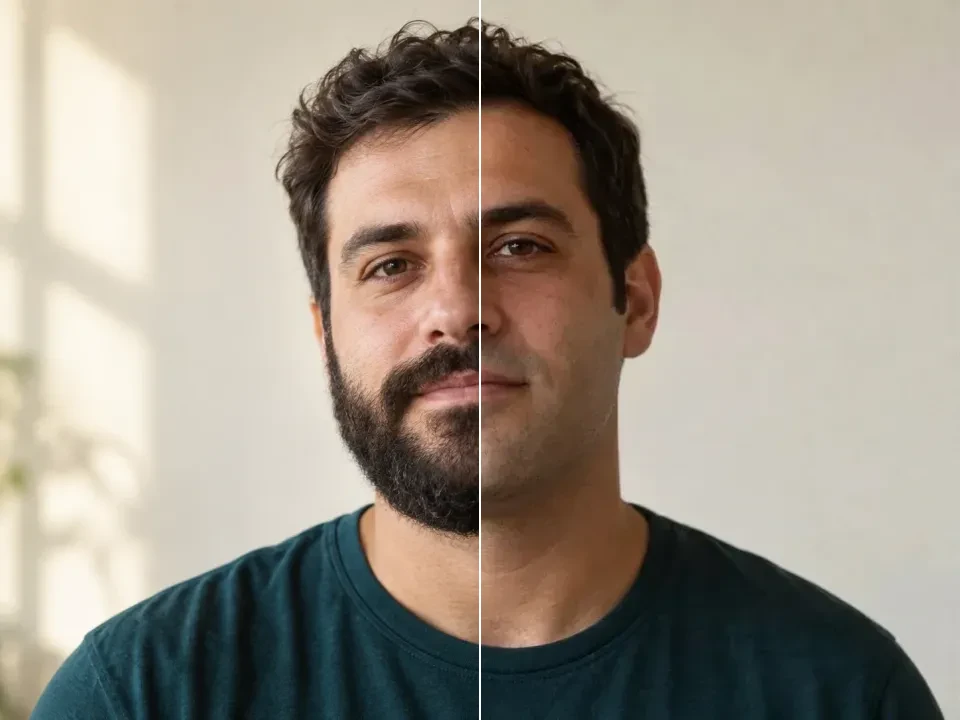
Character study created from a text prompt

如何开始创作

从一个清晰的想法开始,提交前检查设置与积分费用。

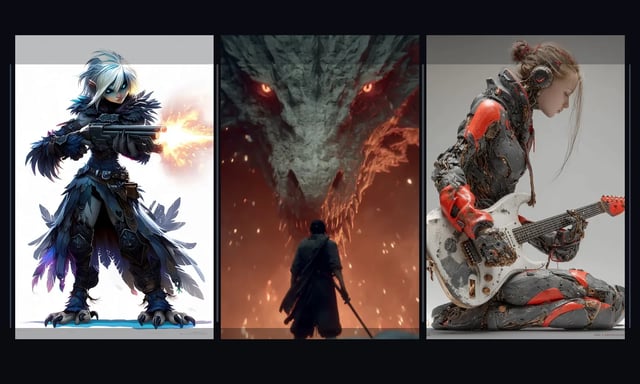
Character concept directions shown side by side
1

描述一个画面或镜头

写明主体、环境、光线与风格;使用参考图片时说明需要的变化,视频则补充动作与镜头运动。

2

选择模型并确认费用

选择可用模型及支持的格式。登录账号后,在生成按钮上确认当前批次的积分费用。

3

提交并等待生成完成

确认设置后点击生成,在编辑器中查看任务状态。完成时间随模型、设置及服务负载变化。

4

预览、调整并下载

检查结果,修改提示词继续尝试。已完成的作品可在结果区或登录后的历史记录中查看和下载。

Start AI image

开始使用前的常见问题

了解免费额度、账号要求与图片和视频创作流程。

可以编辑上传的照片吗?

可以,前提是所选图片模型支持参考图。上传原图后描述想要改变的场景、风格或构图。参考数量和输出设置以当前模型支持的选项为准。

Dola AI 可以免费使用吗?

新用户可获得 100 注册积分,每日签到可领取 40–120 积分。签到奖励按连续签到天数计算,每个 UTC 日可领取一次。生成会消耗积分,免费积分不代表无限生成。

生成前需要登录吗?

可以先浏览示例、写提示词并选择设置。生成或上传参考素材前,需要登录账号。登录成功后仍由你点击生成。

一次生成需要多少积分?

费用取决于模型、分辨率、质量、视频时长及结果数量。生成按钮会显示当前批次的积分费用,请在提交前确认。余额不足时可以领取可用签到奖励,或查看定价。

生成后在哪里查看和下载?

完成的作品会显示在结果区,也可以在登录账号的历史记录中查看。先预览图片或播放视频,再下载需要保留的结果。

可以用于商业项目吗?

发布前请阅读本站条款与所选模型的使用规则,并确认你有权使用上传的图片和其他素材。不要仅凭生成成功判断所有使用场景都已获授权。

把下一个想法变成画面

从提示词或参考图开始,按当前可用模型和积分余额安排你的创作。