Skip to content

Hotel Lobby AI

Effect

Hotel LobbyTwo photos. One rap duo.

One person per photo.

Result

Two photos, one performance

Hotel Lobby AI Video Examples

Explore four public reference performances with different portrait pairings. Each example shows the two source photos alongside the completed scene.

  • Two separate portraits guide the performers.
  • Play with sound to review the complete reference clip.

The trend behind the look

What Is the Hotel Lobby AI Trend?

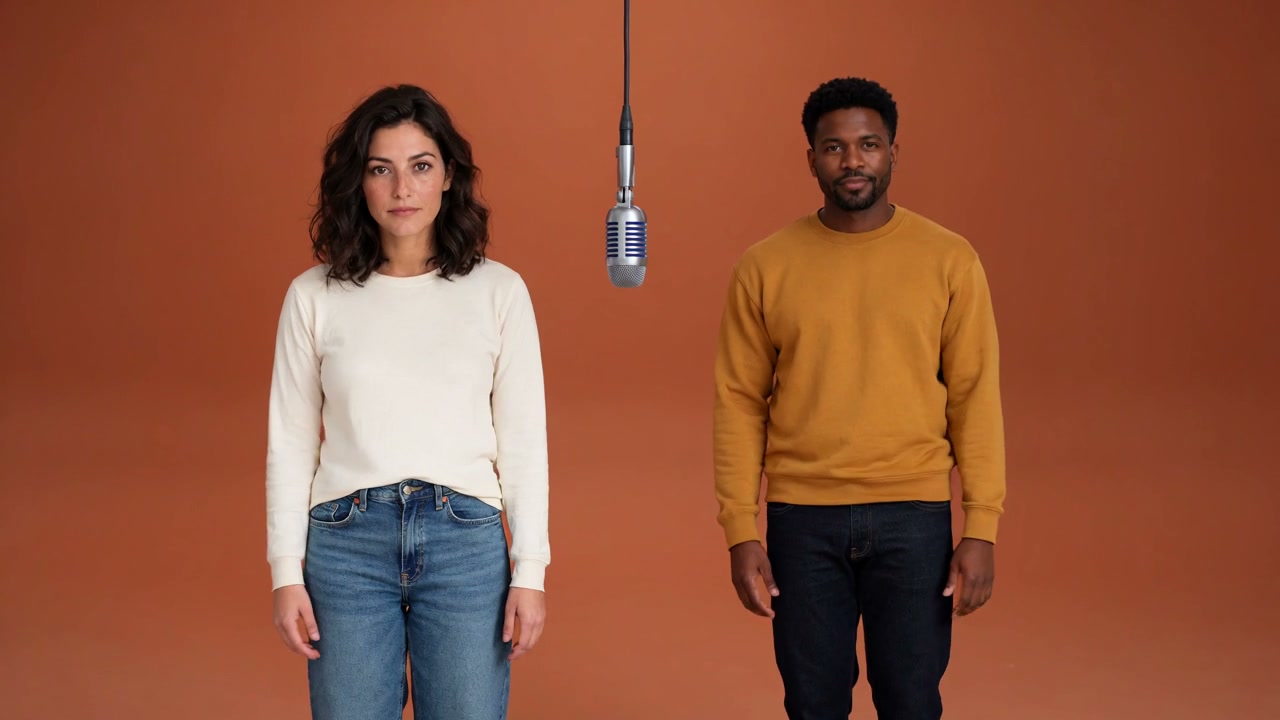
The orange backdrop, hanging microphone, and two-person performance make this creative direction instantly readable. You may see it called Hotel Lobby AI or AI Rap Duo. The preset asks the model for a new studio performance guided by your own two portrait references.

Start with separate photos rather than a shared shoot. Your portraits define the people; the scene, gestures, and camera brief are already supplied.

  1. 01The name describes a performance look.
  2. 02Two portraits guide one shared scene.
  3. 03Review identities and motion in the final clip.
The Best Photos for Your Hotel Lobby AI Duo

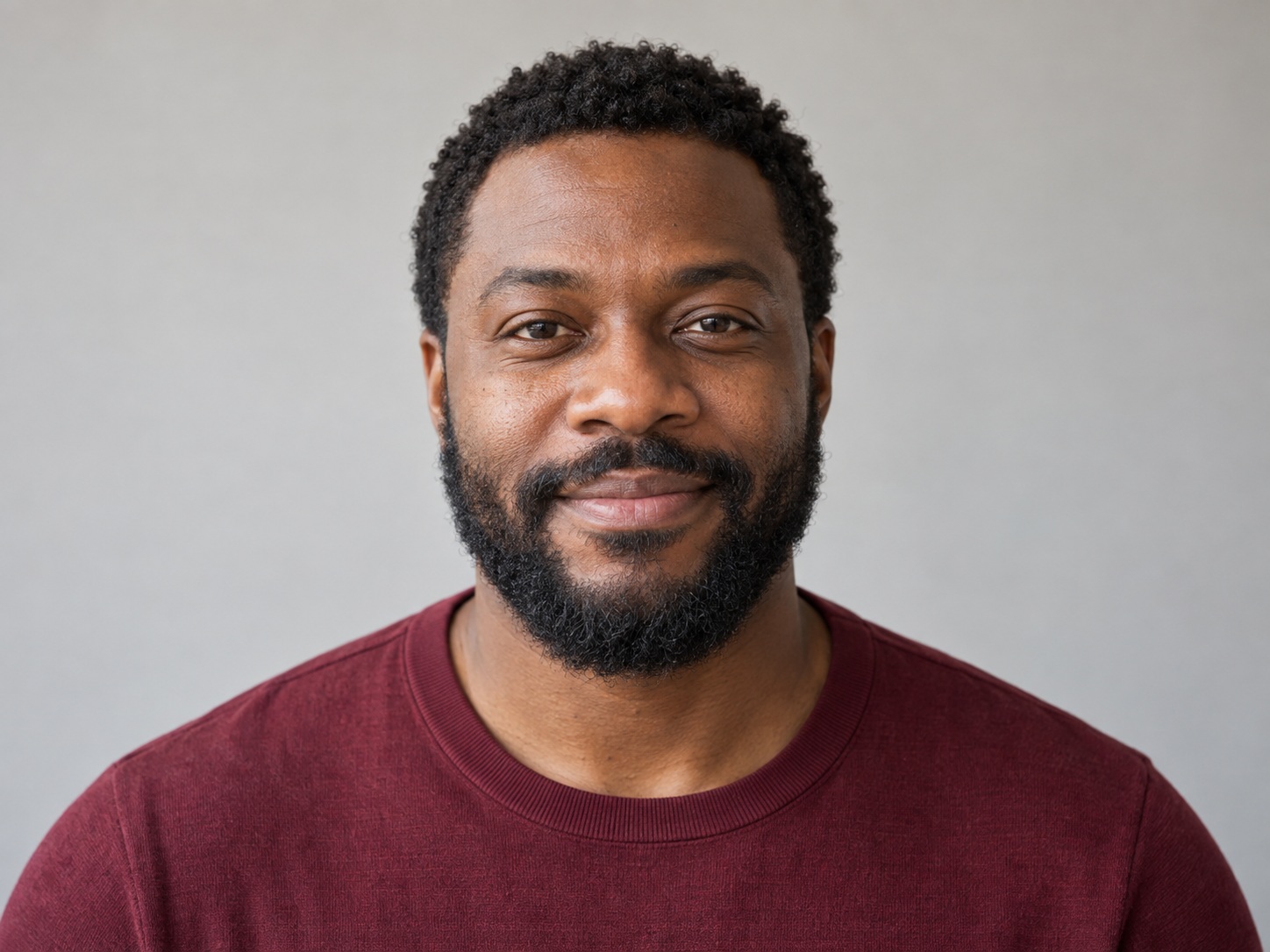
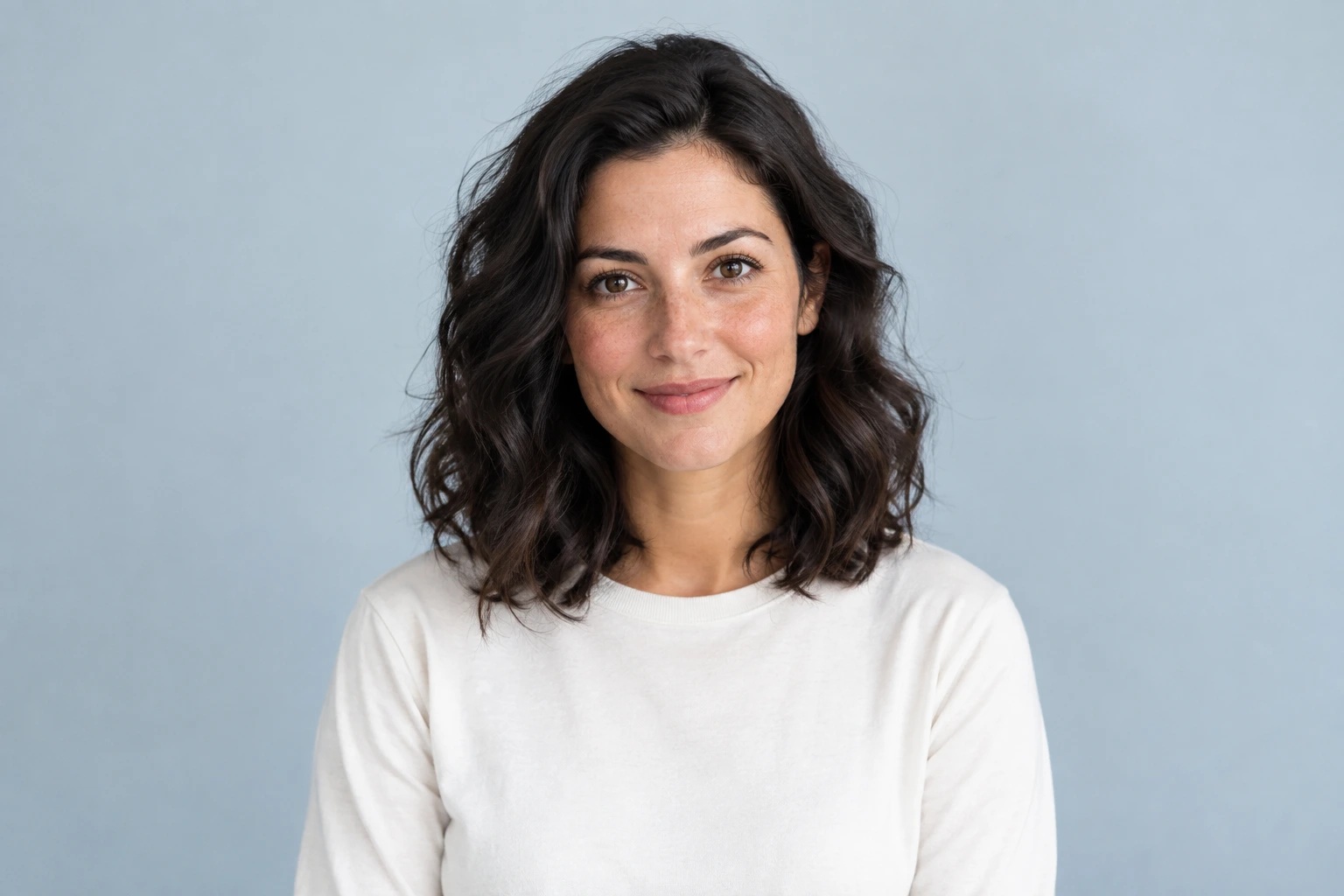
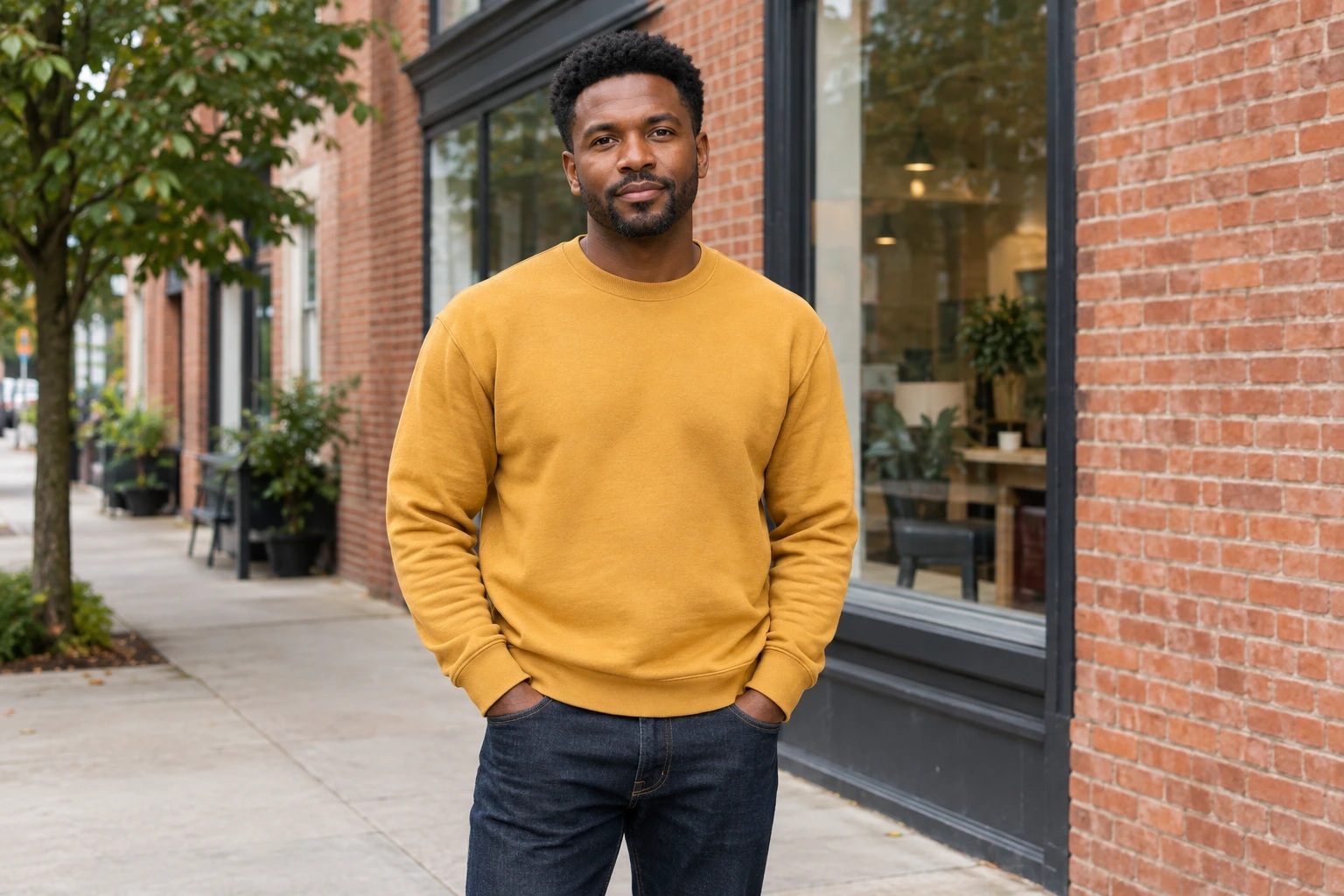
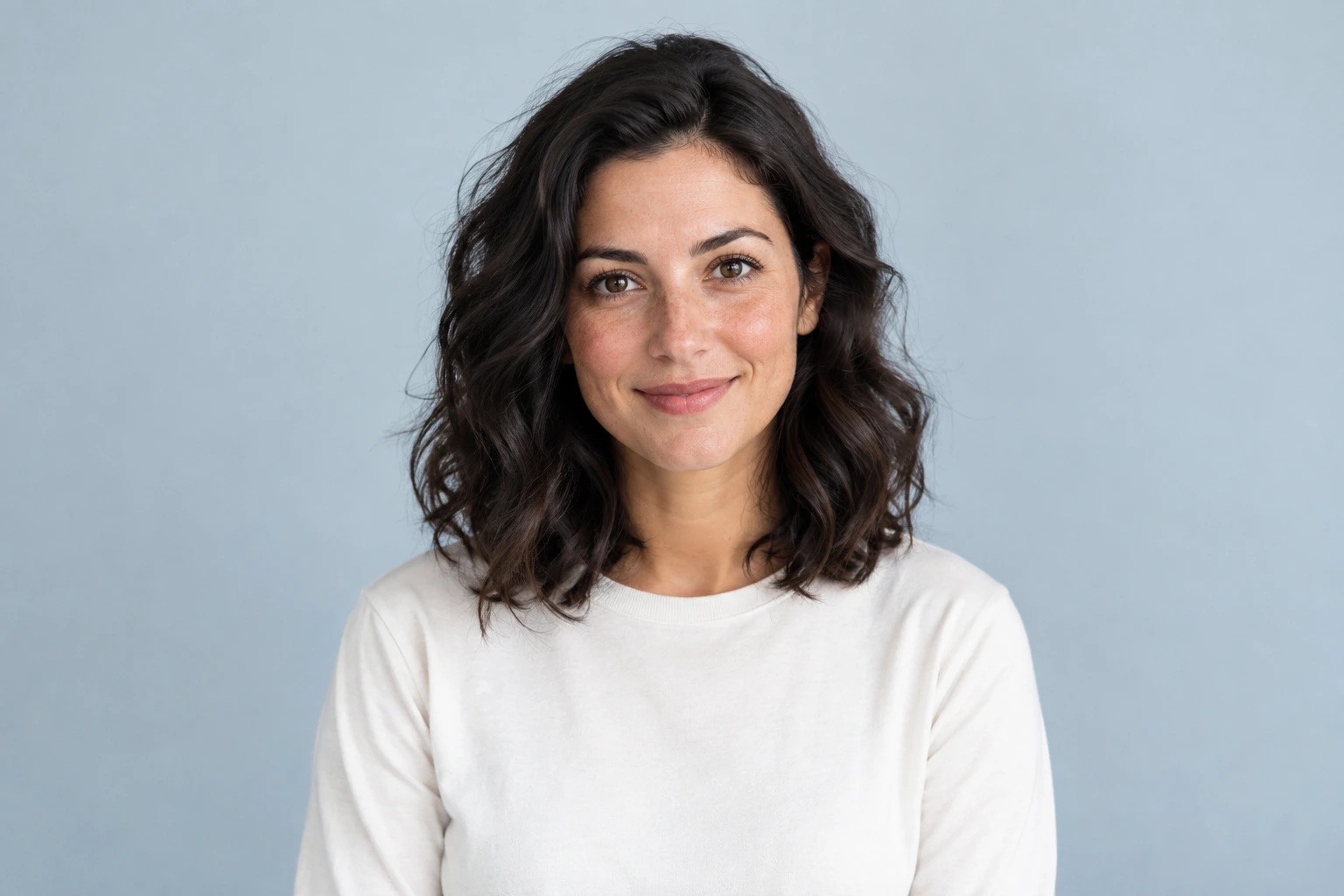
Choose one adult per photograph, with a sharp, unobstructed face. Separate portraits can have different backgrounds; similar face scale makes the pair easier to review.

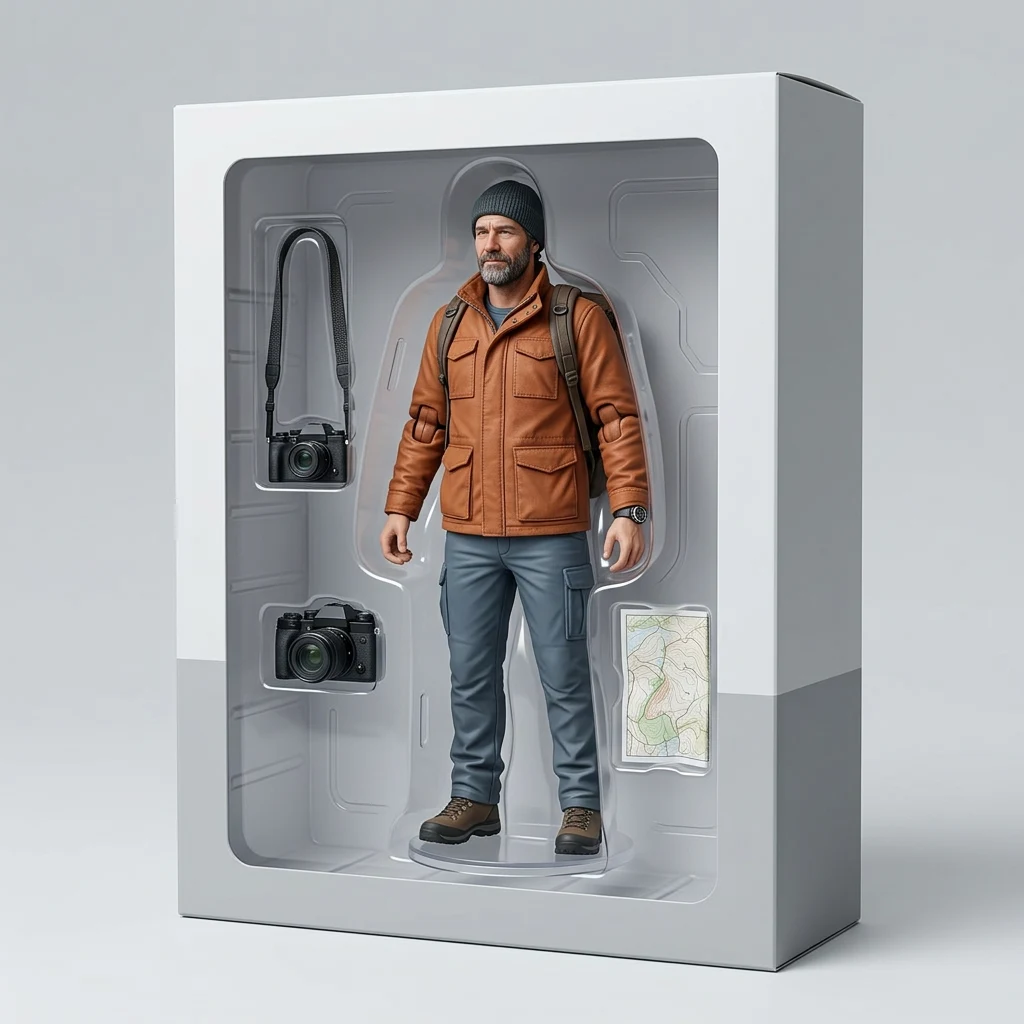
Clear left performer portrait reference

One person, a clear face

A sharp portrait gives the model a useful identity reference.

Separate right performer portrait reference

A separate photo works

Keep the face visible even when the background or outfit differs.

Motion and sound

More Than a Still Photo Filter: Motion and Sound

Small gestures and a steady wide frame keep attention on the duo. Dola AI sends your two portraits to its configured MiniMax H3 route and requests an original instrumental beat when native sound is supported.

  1. 01The example clips illustrate the creative direction.
  2. 02New motion, identity preservation, and audio can vary.
  3. 03Review the whole output before adding any separately licensed music.

Check the Whole Duo Before You Post

Play the completed clip from beginning to end. Compare each face, position, and gesture with the source portraits before choosing a video to share.

Fit the complete landscape video into a vertical edit if you want to keep both people in view.

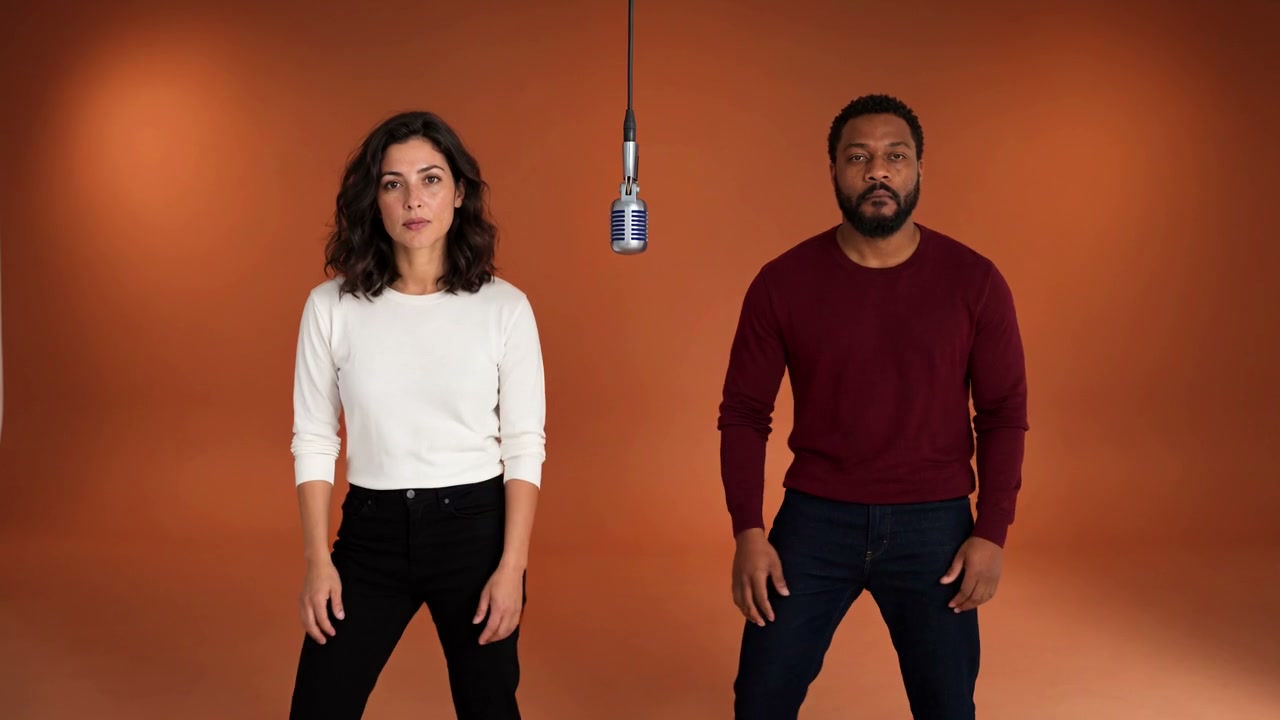
opening frame from the same Hotel Lobby reference video

Opening

Check the starting identities and positions.

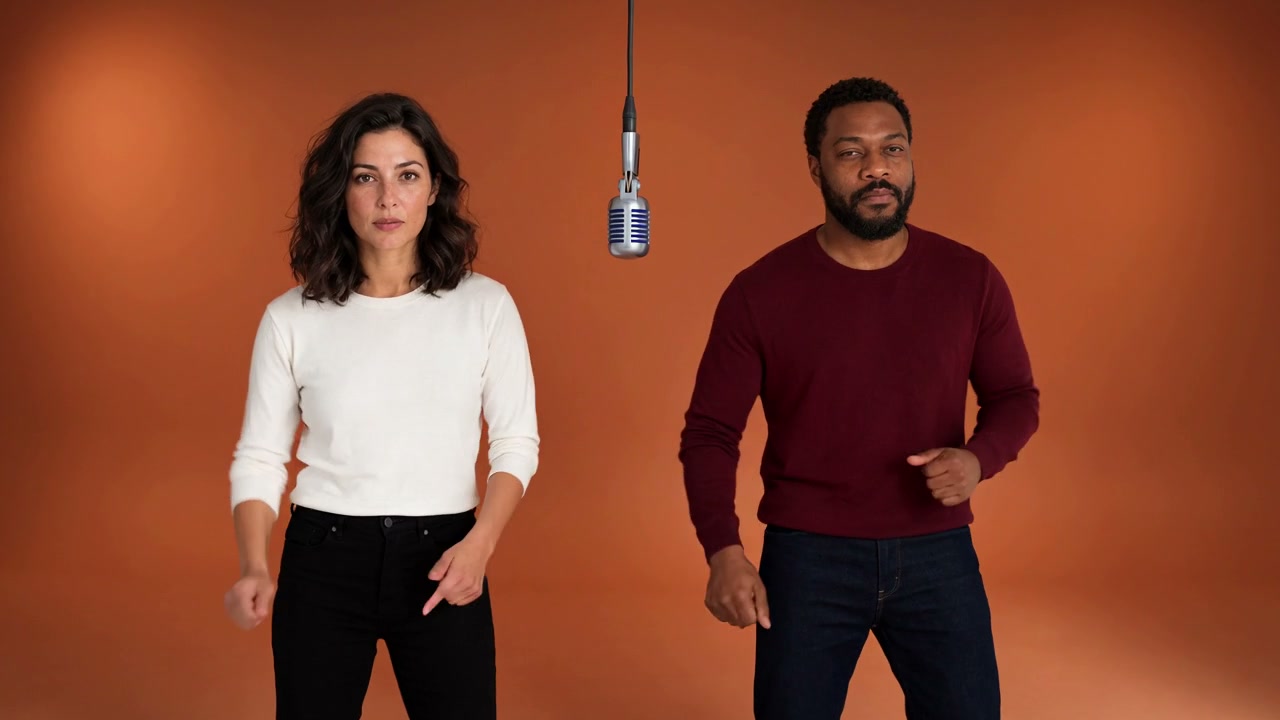
middle frame from the same Hotel Lobby reference video

Middle

Watch hands and faces during movement.

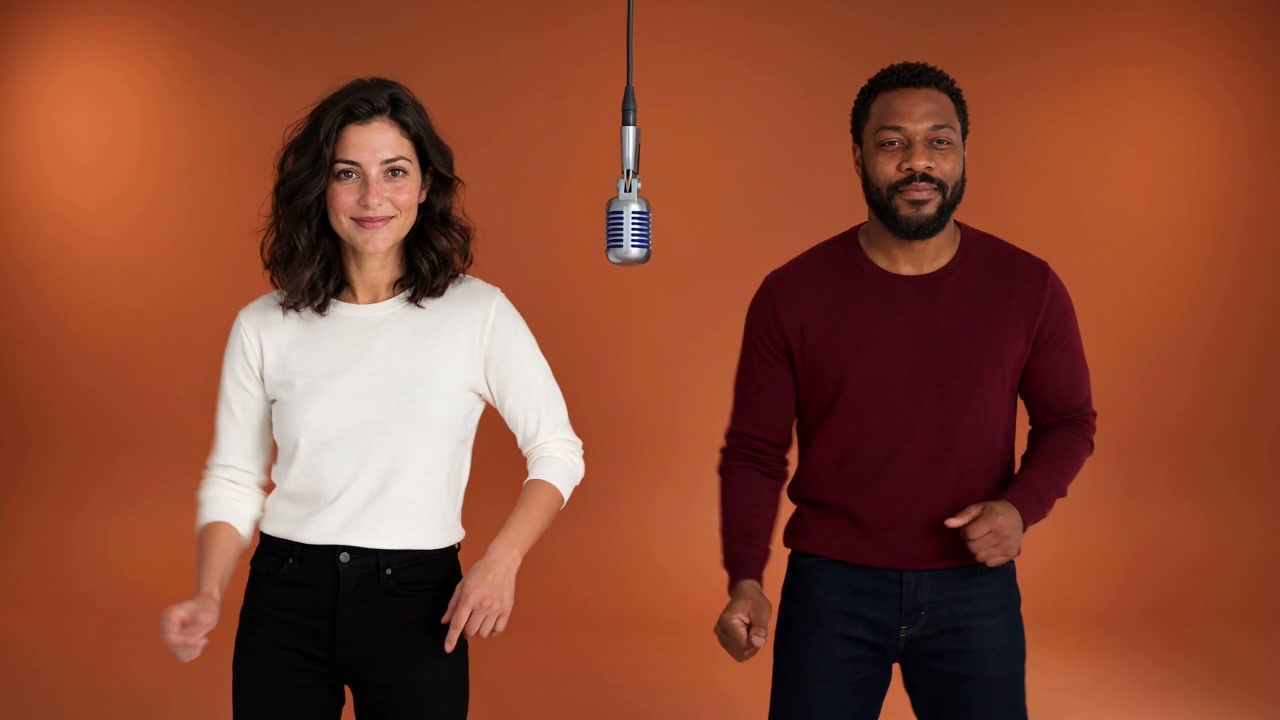
ending frame from the same Hotel Lobby reference video

Ending

Keep both people visible through the last frame.

Practical applications

Hotel Lobby AI Ideas for Your Next Duo

Try a playful birthday duo, an original-character performance, or a clip for your group chat. Use portraits shared with permission and add your own caption after you have reviewed the result.

How to create

How to Make a Hotel Lobby AI Video

Two portraits, one preset, a clip you can review and save.

1

Upload two portraits

Put one clear adult portrait in Left person and another in Right person.

2

Check and create

Review the roles, swap them if needed, and check the actual credits before creating.

3

Play and download

Review both faces and any generated sound, then download the completed MP4.

Create Hotel Lobby Video

Hotel Lobby AI FAQ

Photo preparation, generated sound, credit costs, and reviewing your duo before sharing.

What is the Hotel Lobby AI effect?

This preset brings two portrait references into a generated orange studio performance. A central microphone and relaxed duo movement establish the creative direction.

Are Hotel Lobby AI and AI Rap Duo the same idea?

Both names describe the two-person orange studio trend. Dola AI supplies a reference-led creative brief, rather than an exact recording or recreation of named performers.

Is this a filter or a video template?

It creates a new video from two identity references. The preset includes the scene and movement instructions, so you can start with the upload fields.

How do I make a Hotel Lobby AI video?

Add one portrait per named slot, check the roles, and review the actual credit cost. Submit, wait for the workflow to finish, then play and download the result.

Do I need a photo of both people together?

No. This preset requires two independent adult portrait files. Their order is sent to the model as left performer followed by right performer.

What duration, quality, and format do I get?

Dola AI uses the configured MiniMax H3 route with one 10-second, 16:9, 768p request. The provider determines the final file; inspect the delivered result before publication. Open AI Video for other supported settings.

Does it include the original Hotel Lobby song?

No original recording or lyrics are supplied. The preset requests original instrumental audio through the model’s native sound capability. Sound, rhythm, and lip movement can vary and are not guaranteed.

Is Hotel Lobby AI free?

You can browse and play the public examples without spending credits. A new generation uses the actual amount displayed in the form, checked against your account when you submit.

How can I keep both faces recognizable?

Choose sharp front-facing portraits without obstructed faces or heavy filters. Review the whole video for changes to identity, position, hands, and anatomy. Reference images guide the result; they do not guarantee exact likeness.

Can I make a duo with a friend somewhere else?

Yes. Use a separate portrait from each person, with permission to animate their likeness. The two references do not need the same location or background.

How can I share the clip in a vertical post?

Download the completed video, then fit the landscape frame into your vertical editing canvas so both performers remain visible. Review the sound and add any separately licensed music in your editor.

Can I use the video commercially?

Use photos and likenesses you have permission to animate. Review the synthetic video and audio, and confirm the rights for any music or other assets you add before publishing.

Create Your Hotel Lobby AI Duo

Bring two clear portraits into a shared orange studio scene.