Skip to content

80s Photo Filter

Effect

80s Photo FilterYour photo, a vintage 1980s look
0/1 max

Result

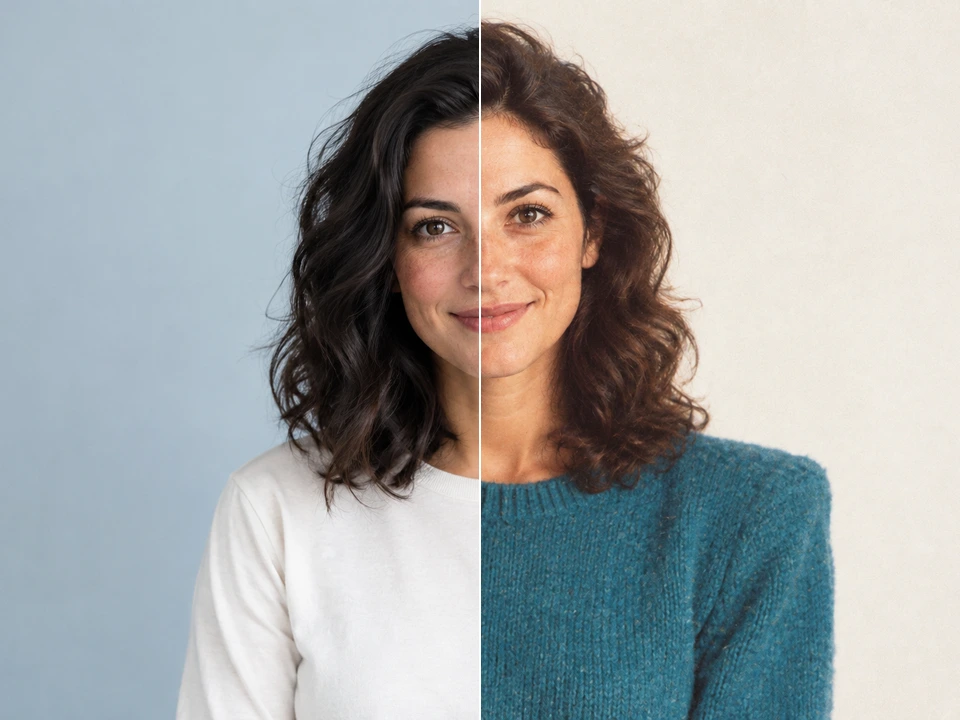
Contemporary studio portrait of an adult woman in an ivory shirt against a blue-gray backdrop.
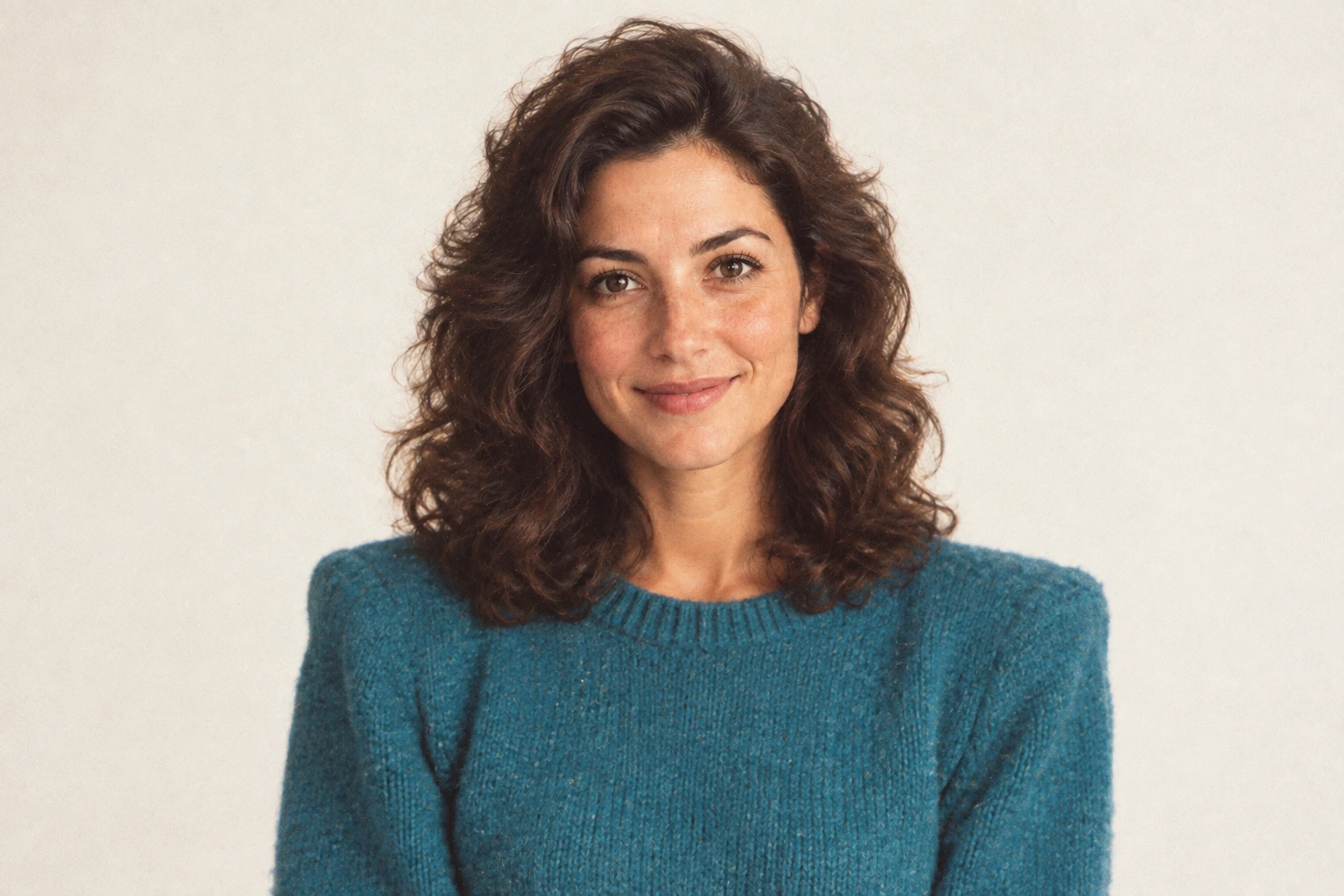
The same woman reimagined in a vintage 1980s studio portrait with period styling and soft film color.

Drag the divider or use the arrow keys to compare the same source photo with its generated result.

80s Photo Filter for Portraits

Bring a contemporary portrait into a studio-photo setting from the 1980s. The reference pairs soft lighting with a pale backdrop, fuller hair, and a bright jacket. Your upload provides the face and framing; the preset asks for period styling and an analog finish rather than a new character.

Begin with a head-and-shoulders photograph if you want a yearbook-style composition. Keep the top of the hair visible and leave a little background around the shoulders. After generation, compare the eyes, smile, and outline of the face before choosing an image for a profile or keepsake.
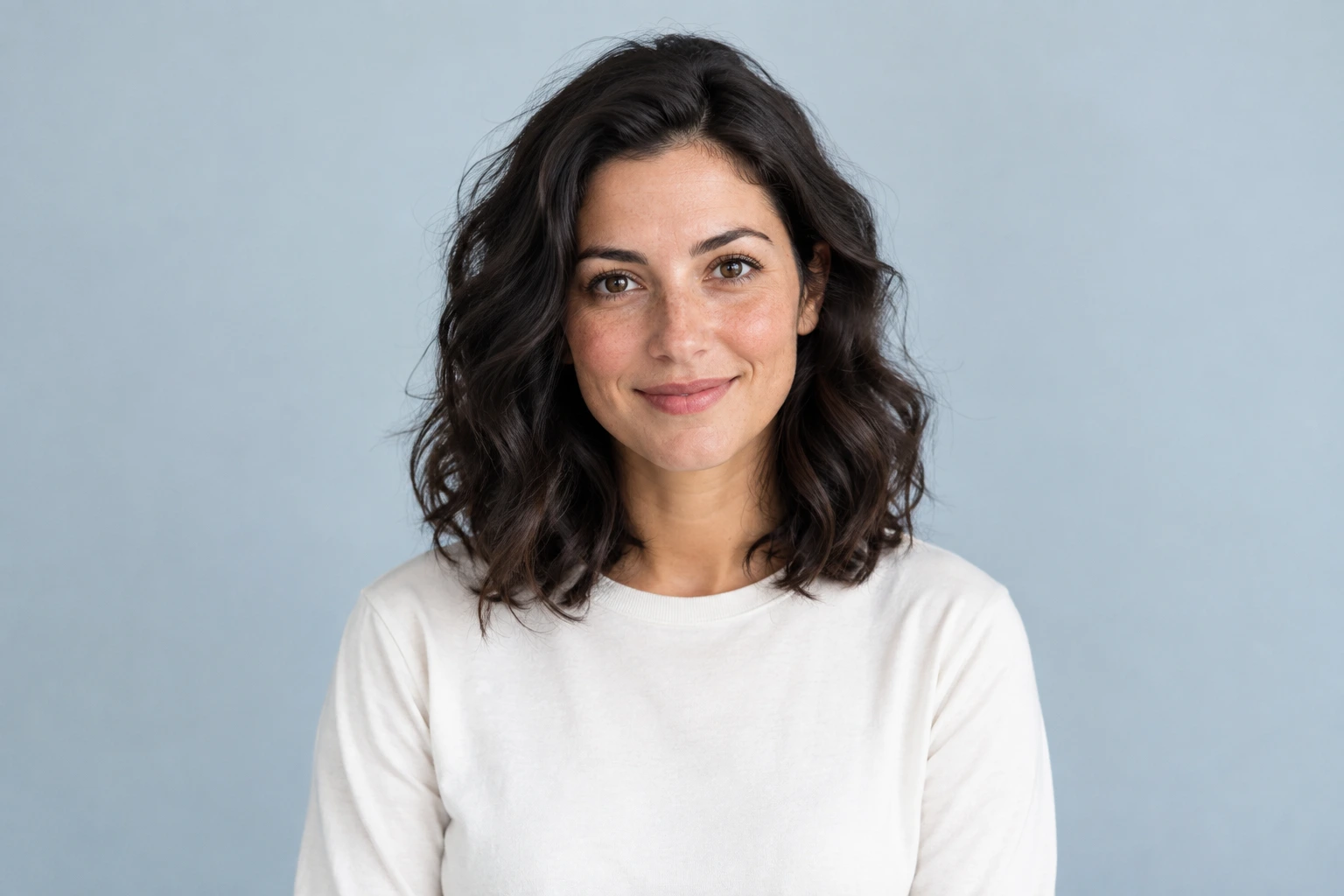
Contemporary studio portrait of an adult woman in an ivory shirt against a blue-gray backdrop.
The same woman reimagined in a vintage 1980s studio portrait with period styling and soft film color.

Drag the divider or use the arrow keys to compare the same source photo with its generated result.

80s Studio Portrait

Compare the wardrobe, hairstyle, and soft studio lighting that establish the vintage direction while keeping the original subject in view.
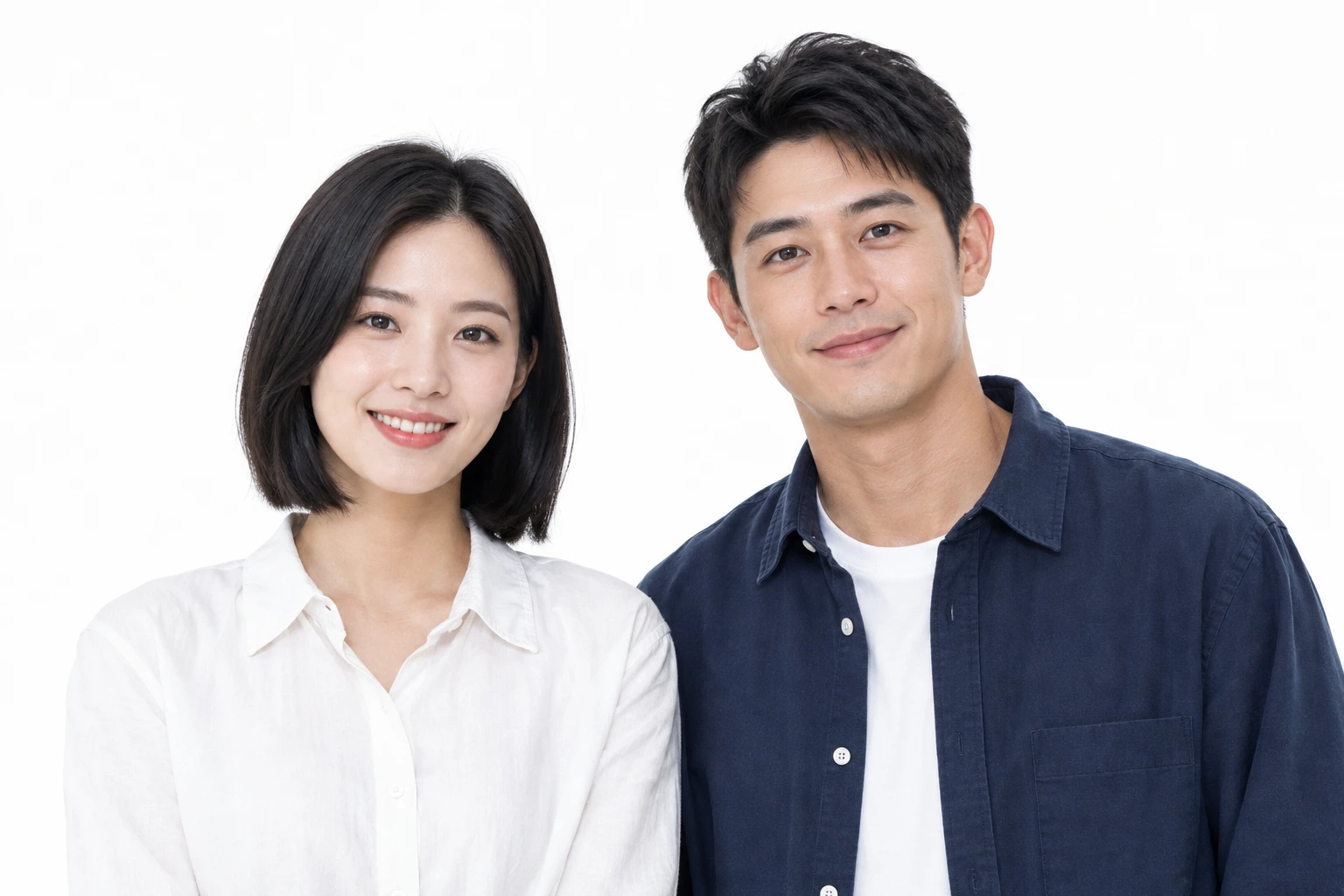
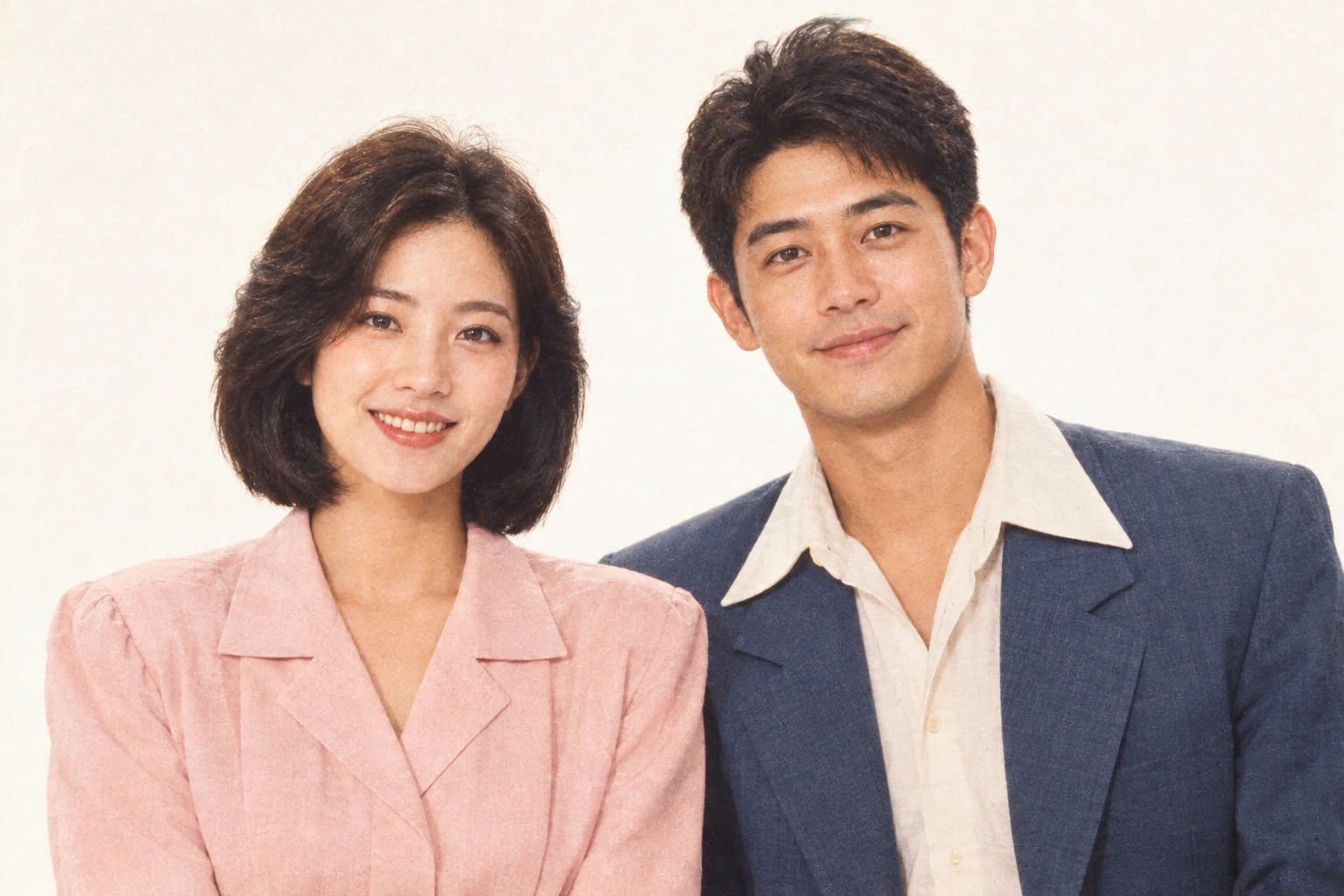
80s Couple Photo Filter

Give a photograph of two people a coordinated vintage treatment. A shared palette and softly lit background can make everyday clothing feel more like a planned studio session. Keep both subjects together in the original upload so the image model can work from their positions, expressions, and relationship within the frame.

An anniversary card or personal photo collection is a useful starting point for this effect. Pick an image where both faces are reasonably large and evenly lit. Check each person separately in the result, especially their eyes and hands.

Two adult partners posing together against a white background in contemporary casual clothing.
The same adult couple in an 80s-inspired portrait with retro wardrobe and warm analog tones.

Drag the divider or use the arrow keys to compare the same source photo with its generated result.

Vintage 80s Couple Photo

Compare the wardrobe, hairstyle, and soft studio lighting that establish the vintage direction while keeping the original subject in view.
80s Outfit Photo Filter

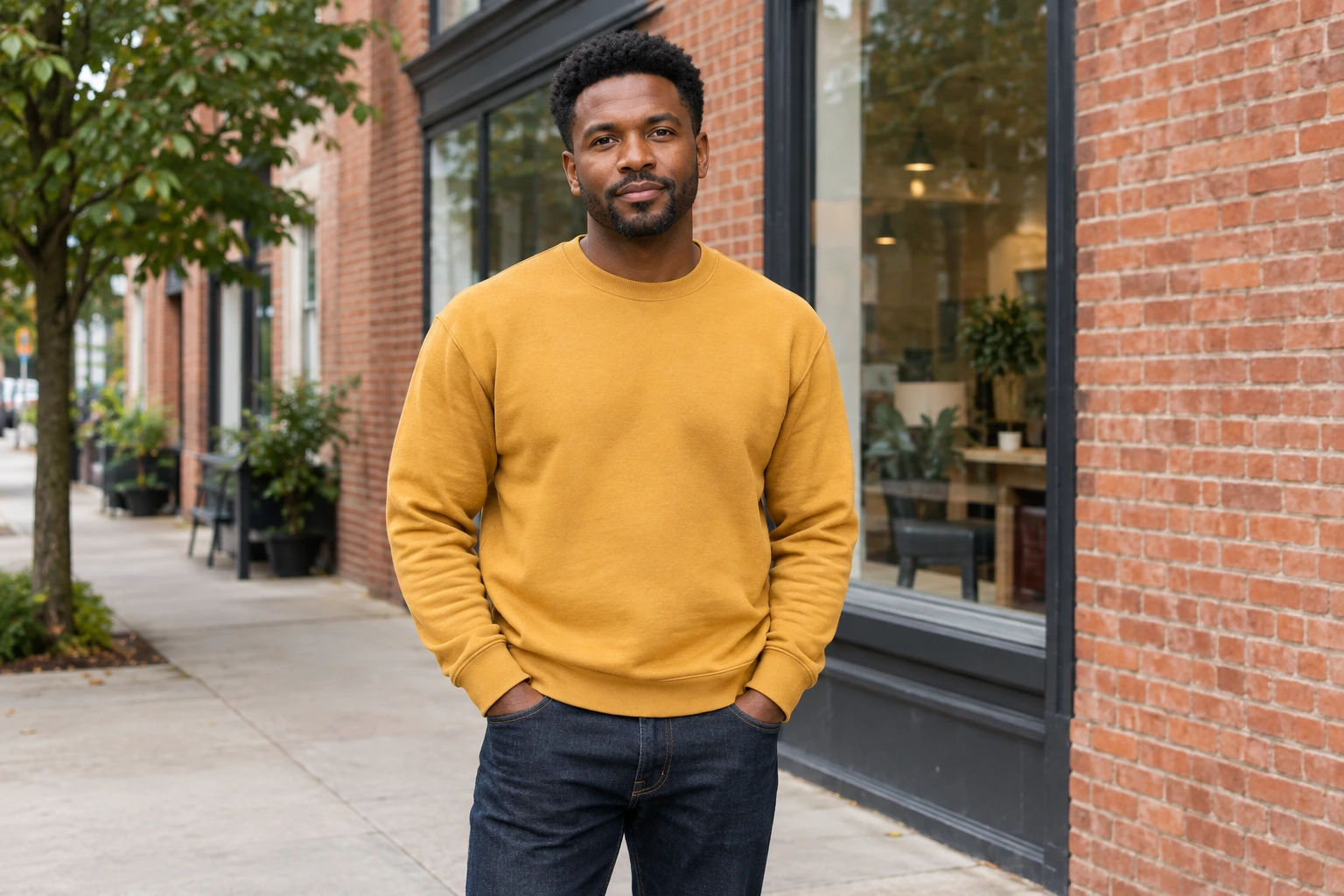
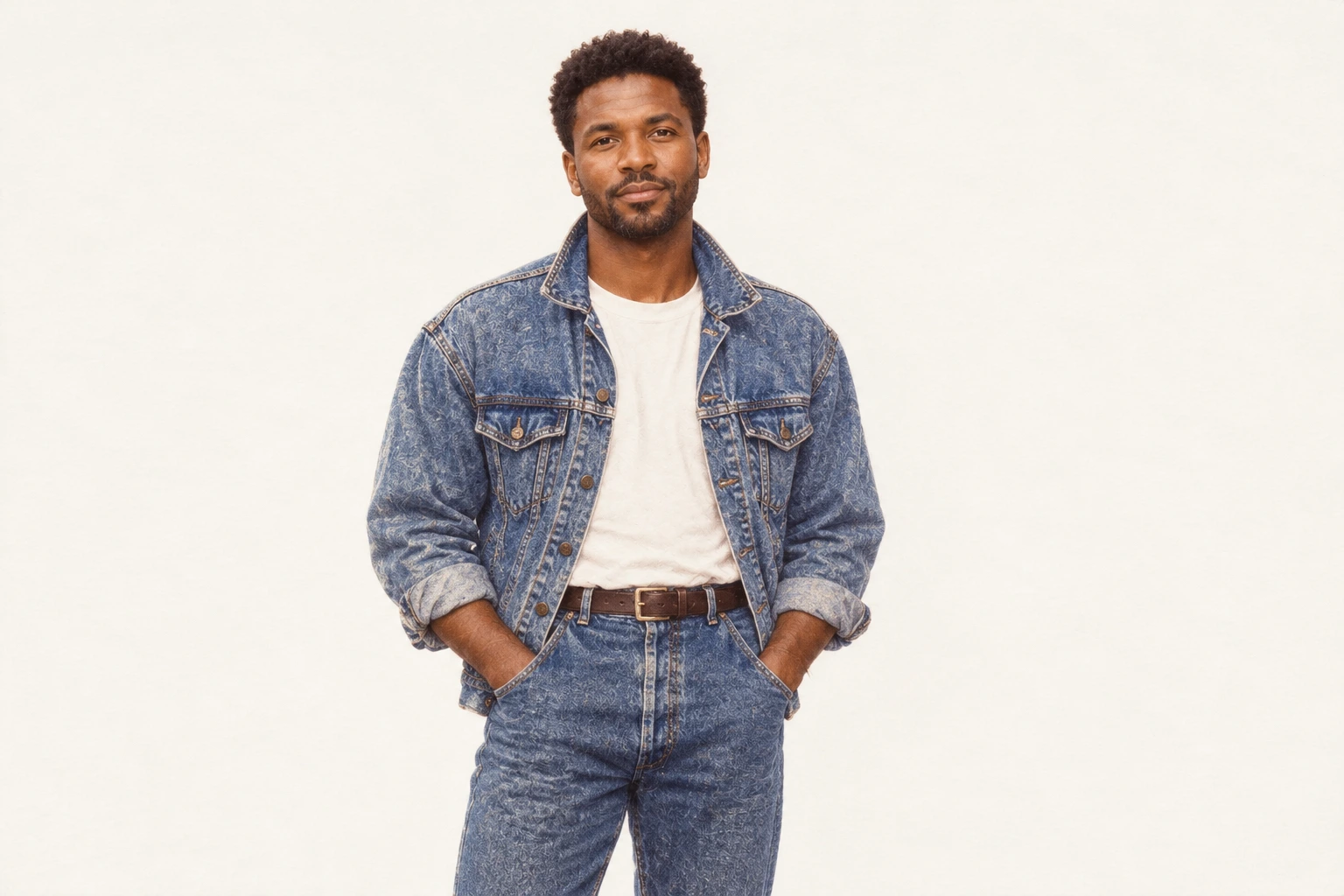
Clothing helps establish the decade as strongly as the lighting does. Denim textures, generous jacket shapes, and an open collar give the example a recognizable retro direction. A wider source photograph lets the preset work with the complete outfit while retaining the pose that made the original photograph worth keeping.

For an outfit-focused image, include the waist and leave enough space around sleeves and shoulders. Clear fabric edges are more useful than a tightly cropped selfie. Review garment shapes after generation and keep the version whose color, styling, and expression fit the mood of your personal project.

Adult man in contemporary casual clothing on a neighborhood street beside a brick storefront.
The same man in an acid-wash denim jacket and jeans, reimagined against a light background with warm 1980s film color.

Drag the divider or use the arrow keys to compare the same source photo with its generated result.

80s Denim Outfit

Compare the wardrobe, hairstyle, and soft studio lighting that establish the vintage direction while keeping the original subject in view.
Vintage 80s Photo Effect

You can suggest an older photograph without filling the scene with neon props. Gentle grain, quieter color, and a softened highlight can create an understated editorial mood. The source composition still matters: the example keeps attention on the person while changing the photographic finish and the atmosphere surrounding them.

Choose a simple setting for a restrained result. A plain wall, modest studio backdrop, or uncluttered room gives the visual treatment space to work. Compare the downloaded image at full size, where you can judge the texture and facial details more clearly than in the thumbnail.

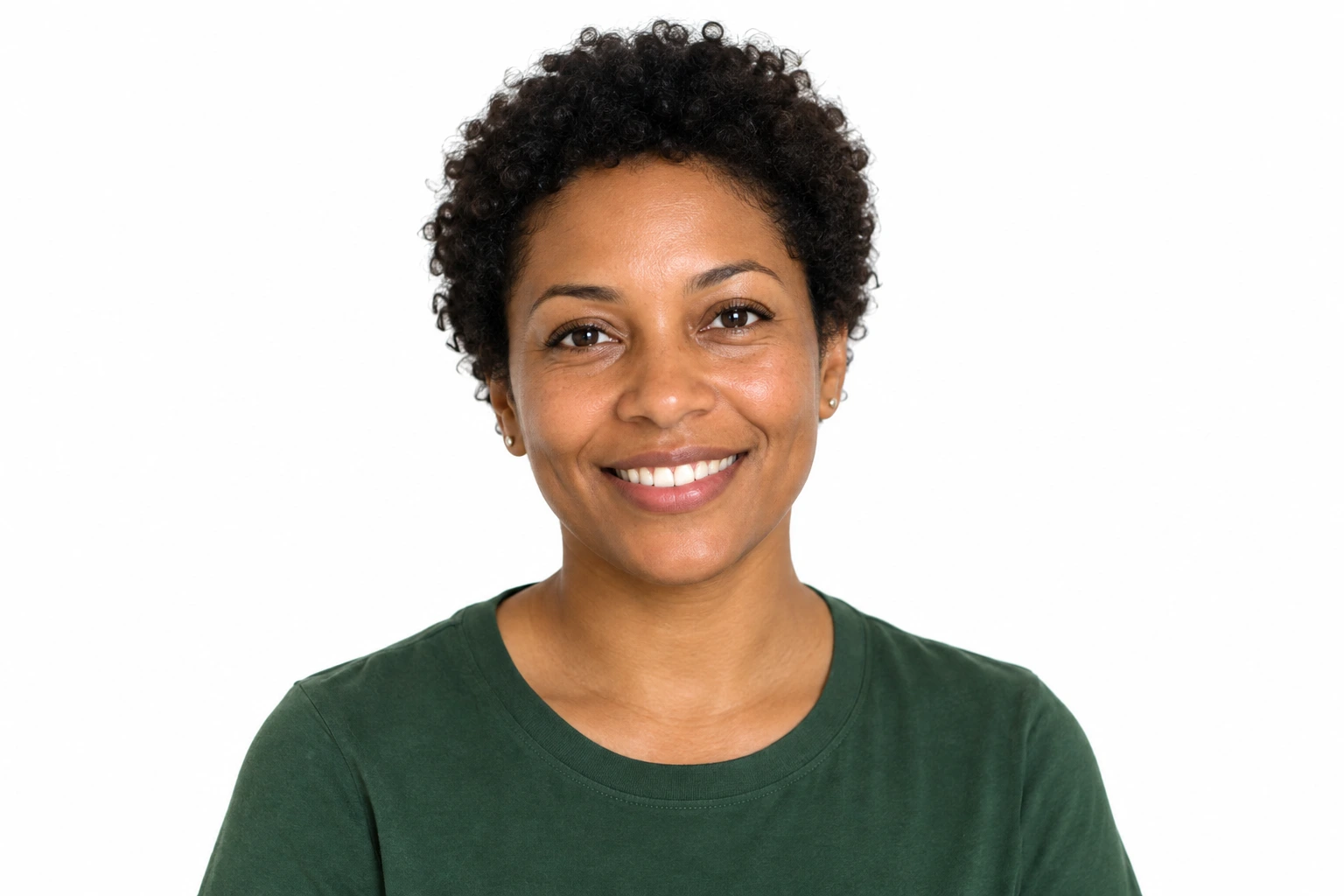
Close portrait of an adult woman with short curly hair in a contemporary green shirt against a white background.
The same woman in a warm 1980s-inspired close portrait with analog softness and period styling.

Drag the divider or use the arrow keys to compare the same source photo with its generated result.

80s Film Portrait

Compare the wardrobe, hairstyle, and soft studio lighting that establish the vintage direction while keeping the original subject in view.
1980s Photo Prompts

Explore three original prompt directions for a portrait, a couple, or a denim outfit. Copy a starting point into an image editor with your own reference photograph.

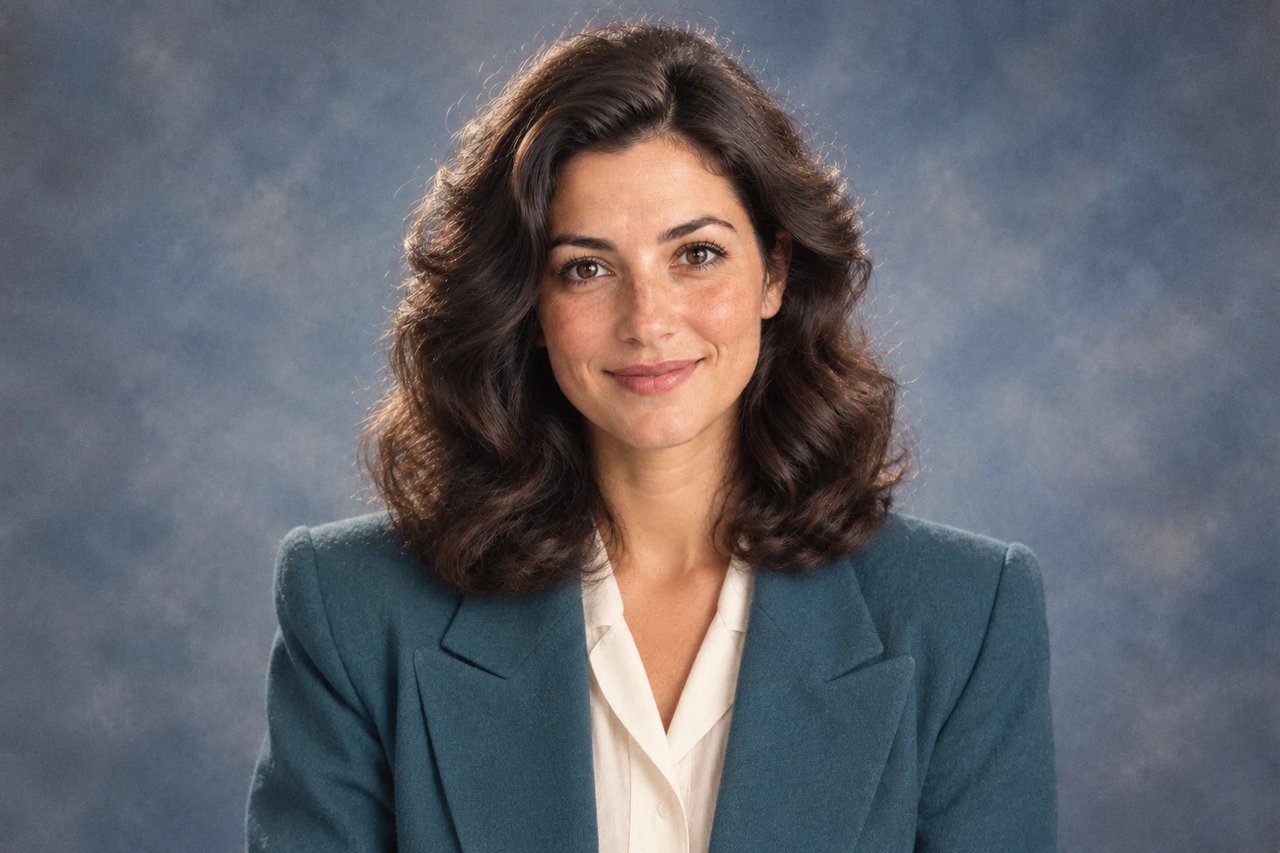
Teal jacket portrait against a softly lit studio backdrop.
A structured teal jacket and gentle light suggest a vintage studio session.

80s Portrait Prompt

Explore a restrained studio portrait. Adjust the jacket color and backdrop to suit your subject while keeping the face central to the composition.

Create an understated 1980s-style studio portrait using the uploaded photograph as the identity reference. Retain the subject’s age, complexion, gaze, and expression, and keep the camera framing close to the original. Introduce a softly structured teal jacket over a light neutral blouse, with modest volume in the hair. Place the subject in front of a quiet blue-gray studio background with a gently mottled texture. Use broad, diffused frontal light, natural skin detail, subtle film grain, and the slightly warm color of a printed photograph. Keep the eyes well defined. Produce one coherent image without captions, date stamps, logos, decorative borders, or exaggerated neon effects.

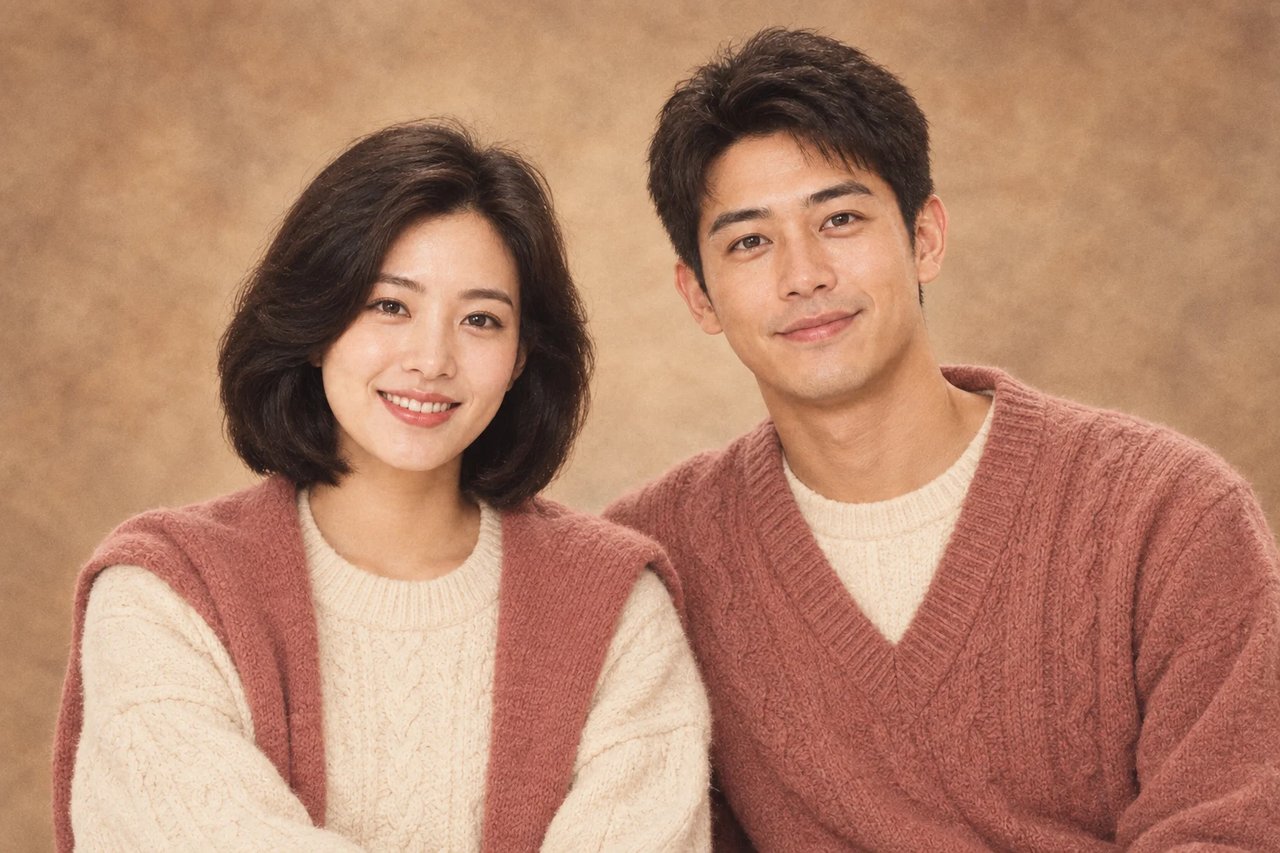
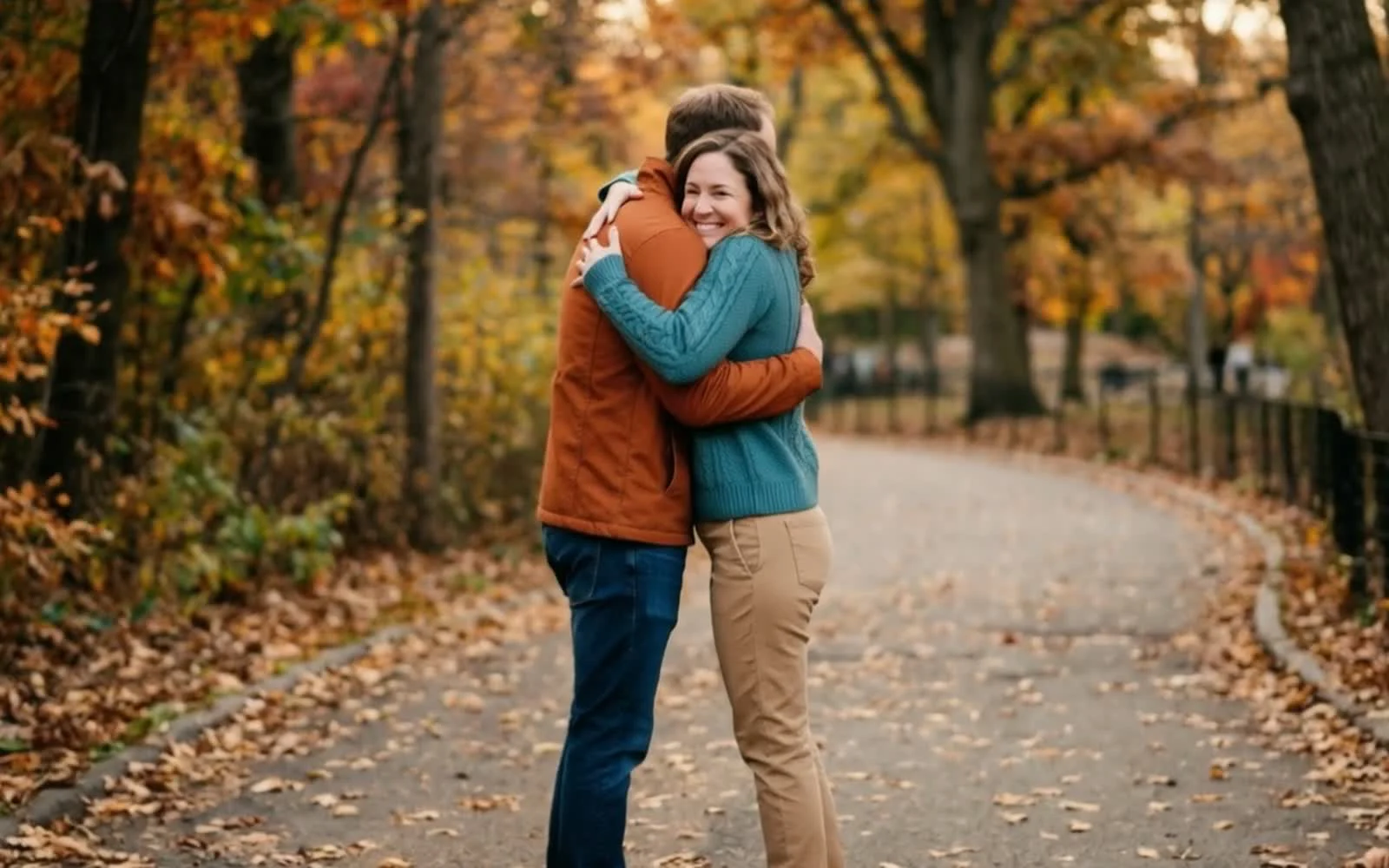
Two adults wearing coordinated knitwear in a warm studio setting.
Soft neutral clothing and a shared backdrop connect the two portraits.

80s Couple Photo Prompt

Use a source that clearly shows both people. This direction keeps their relationship and expressions while introducing coordinated vintage styling.

Use the uploaded photograph of two adults to make a nostalgic studio portrait with a quiet 1980s mood. Keep each person recognizable, preserving their relative positions, facial expressions, skin tones, and apparent ages. Restyle the clothing with comfortable cream and muted rose knitwear, softly shaped shoulders, and a little period-appropriate fullness in the hair. Surround them with a warm neutral photography backdrop rather than adding props. Light both faces evenly so neither subject falls into deep shadow. Give the image a gentle printed-film color palette and fine photographic grain while keeping skin texture believable. Retain natural hands and body proportions. Do not introduce additional people, lettering, watermarks, or a decorative frame.

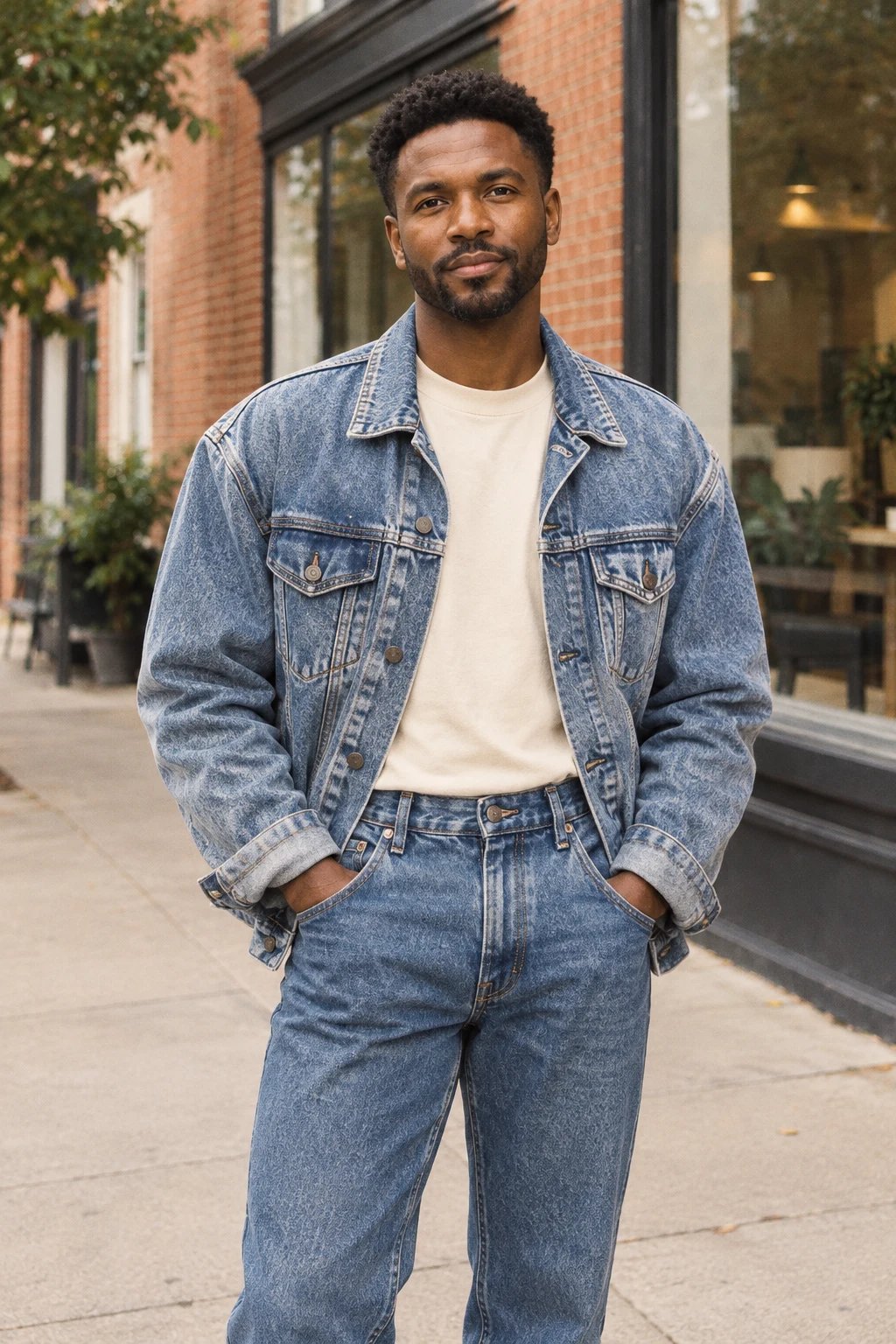
Denim jacket and jeans styled in a brick-street portrait.
The street remains part of the image while the clothing carries the retro direction.

80s Outfit Prompt

Choose a waist-up or full-body reference so the jacket and proportions remain visible. Keep the original location to give the styling some context.

Rework the clothing in this adult street portrait into a believable 1980s denim look. Preserve the face, expression, age, natural body proportions, and relaxed stance from the uploaded image. Build the outfit around a generously cut, lightly faded denim jacket, a simple cream T-shirt, and higher-waisted blue jeans. Keep the surrounding brick street and the camera viewpoint recognizable. Follow the original direction of daylight rather than adding dramatic studio lighting. Introduce a restrained warm film palette, slightly softened dark tones, and fine grain, with enough detail to keep the face clear. The finished result should read as one fashion photograph. Avoid costume exaggeration, neon graphics, text, logos, timestamps, borders, and extra subjects.

These prompts are editable creative starting points. The reference images illustrate each direction; a new result will depend on your source photograph and selected model.

Try this effect
How to create

How to Use the 80s Photo Filter

One photo, one effect, a result you can save.

1

Choose a clear source

Pick one photo with distinct faces and enough space around the hair and shoulders. Keep both people in the same frame for a couple portrait.

2

Create the retro version

Keep the 80s preset selected, review the credit cost and submit your source. The effect supplies the styling instructions.

3

Compare and save

Inspect the face, outfit and crop against the original, then download the vintage-style image you want to keep.

Create 80s Photo

80s Photo Filter FAQ

What is the 80s Photo Filter?

Dola AI uses your photo as the starting point for an AI-created 1980s portrait. The preset asks for film grain, softer flash, faded color and period styling while keeping the main subject and composition recognizable.

How do I make a 1980s AI photo?

Choose one well-lit photo, upload it here and select Create 80s Photo. The style instructions are already included. Review the credit amount before submitting, then compare the finished image with your source.

How do I use a 1980s photo prompt?

This effect has a fixed preset, so you can start without writing a prompt. For a different brief or more specific wardrobe and lighting directions, open AI Image and describe your own edit with the photo as a reference.

Can I create an 80s couple photo?

Use one photograph with both people clearly visible. Leave space around their heads and shoulders so the model can restyle the scene. Check both faces afterward, because the generated image may interpret each person differently.

Will the 80s filter keep my face and photo shape?

The preset asks the model to retain the subject, pose and composition, but exact identity and framing are not guaranteed. Use the comparison slider to inspect facial details and edges before choosing a result to download.

Is the 80s Photo Filter free?

You can view the examples without spending credits. A new generation uses the amount displayed beside the Create button. Sign in to review your balance and the current cost before submitting your photo.

Why does my 80s photo look too soft or different?

Dim lighting, motion blur or a tightly cropped face can make a retro treatment lose detail. Try a sharper source with more space around the subject. Compare eyes, hair and clothing after generation rather than judging only the overall color.

Is the 80s Photo Filter a VHS effect or old-photo restoration tool?

This preset creates a still image with a 1980s-inspired photographic treatment. It does not repair damaged originals or produce an animated tape effect. Keep the source file if you also need a restoration or a separate video edit.

Try 80s Photo Filter

Start with your photo, explore the effect, and save a result that feels personal.