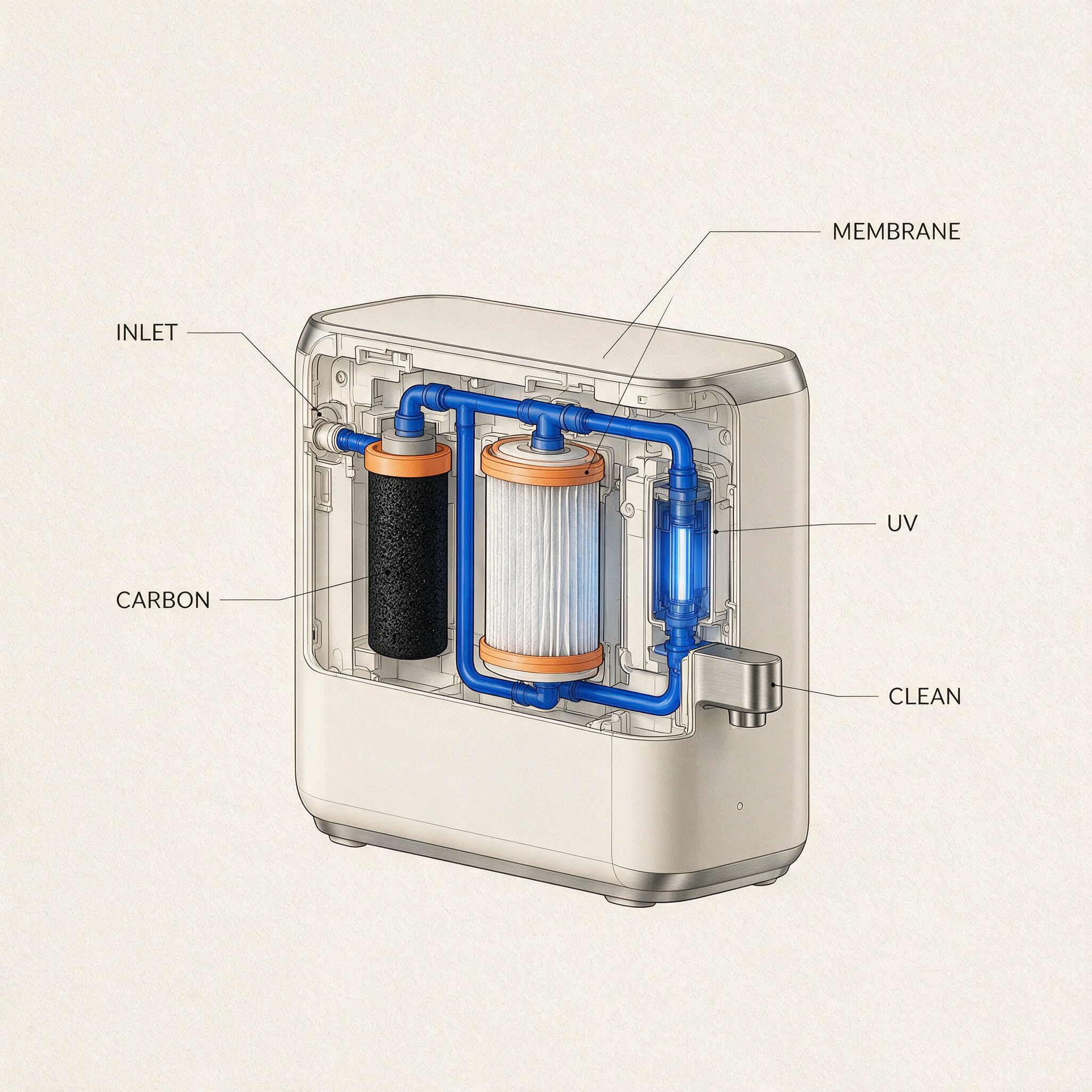
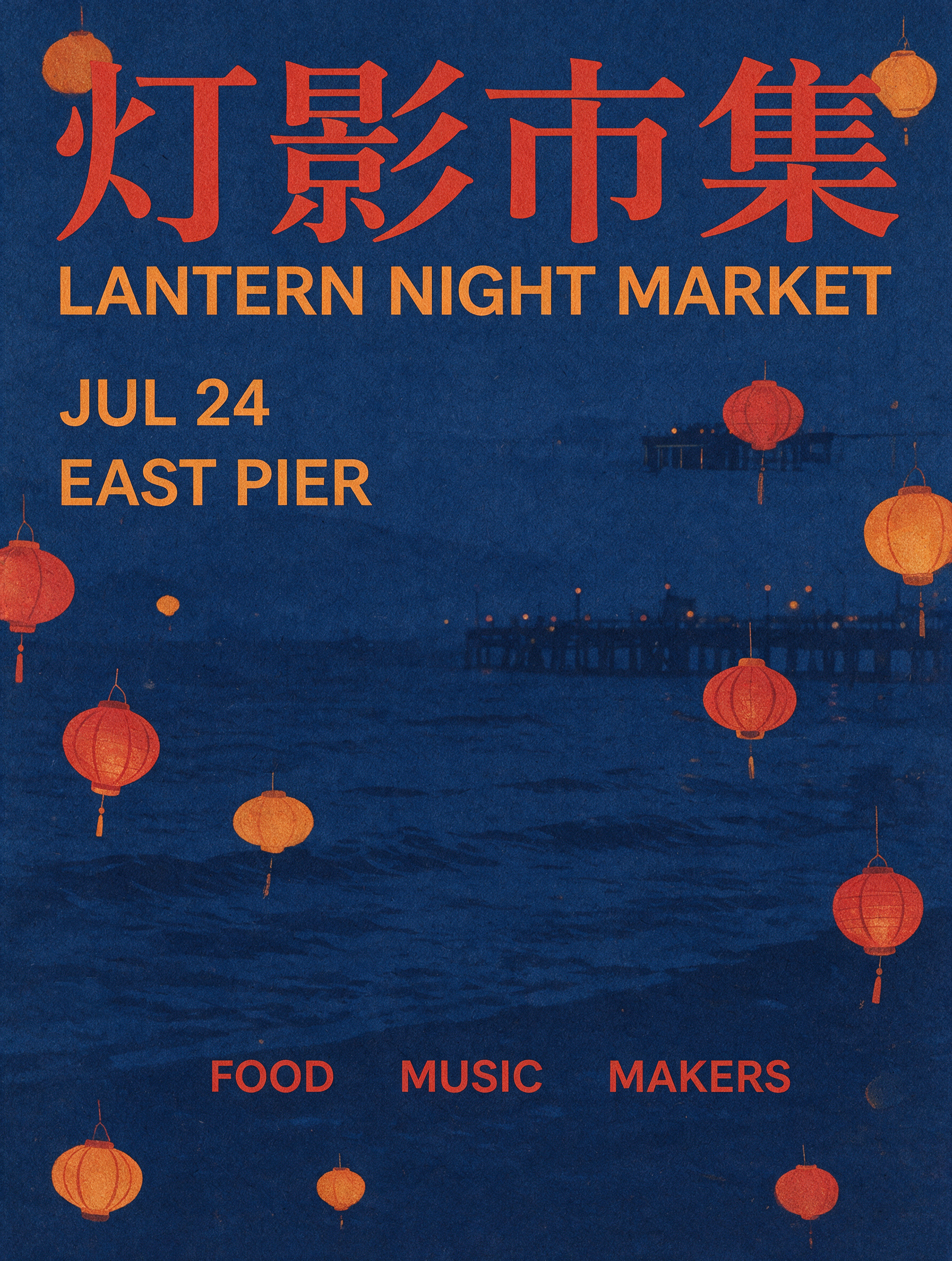
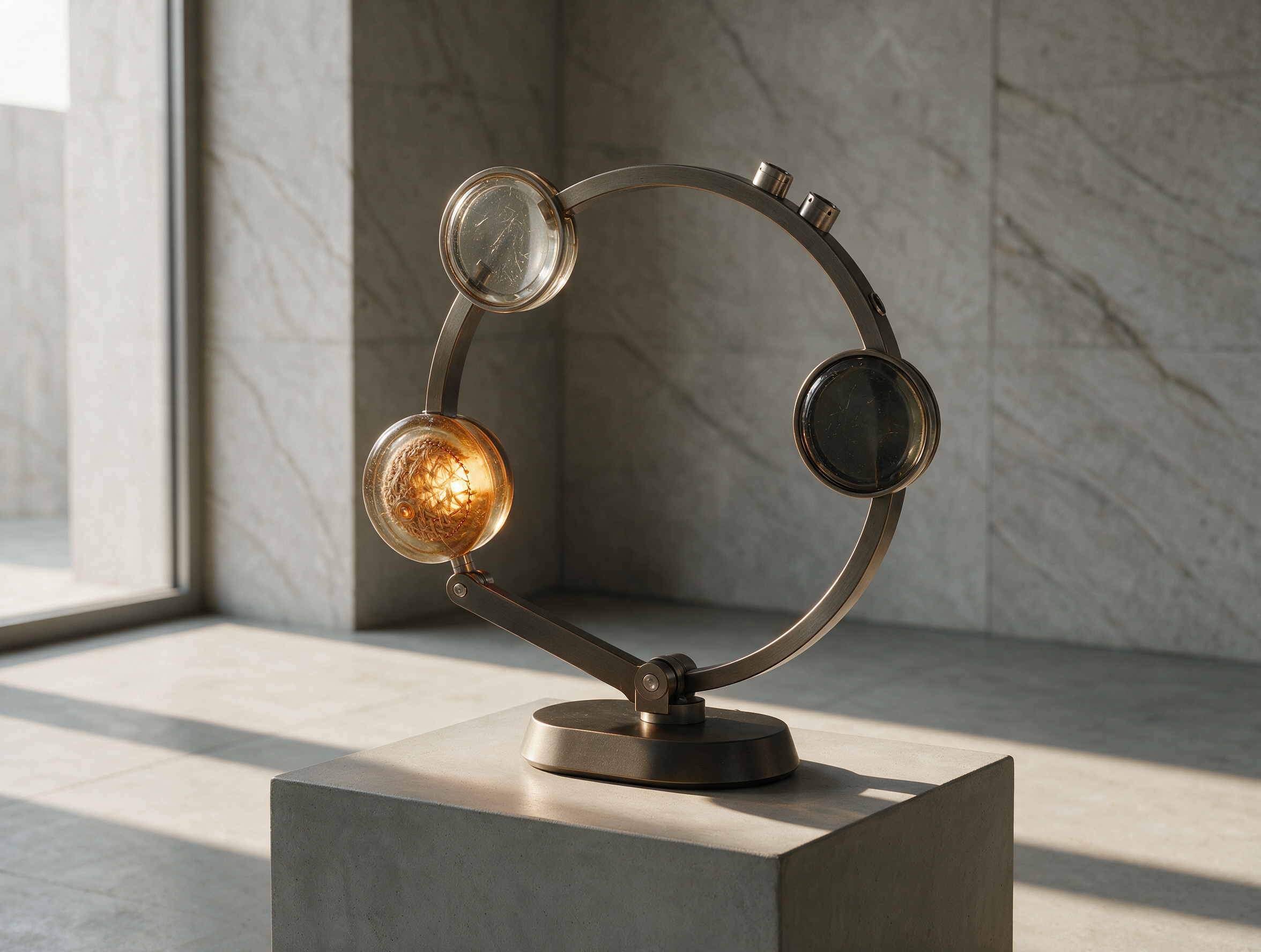
Combine a clear illustration with short text in the language needed for your audience.
Quote each line exactly and check every character after generation.
Check text, proportions, and the final crop at full size.
Use a focused brief and change one visible variable when refining the result.
Reference gallery examples · Zanta
Photographic Light and Materials
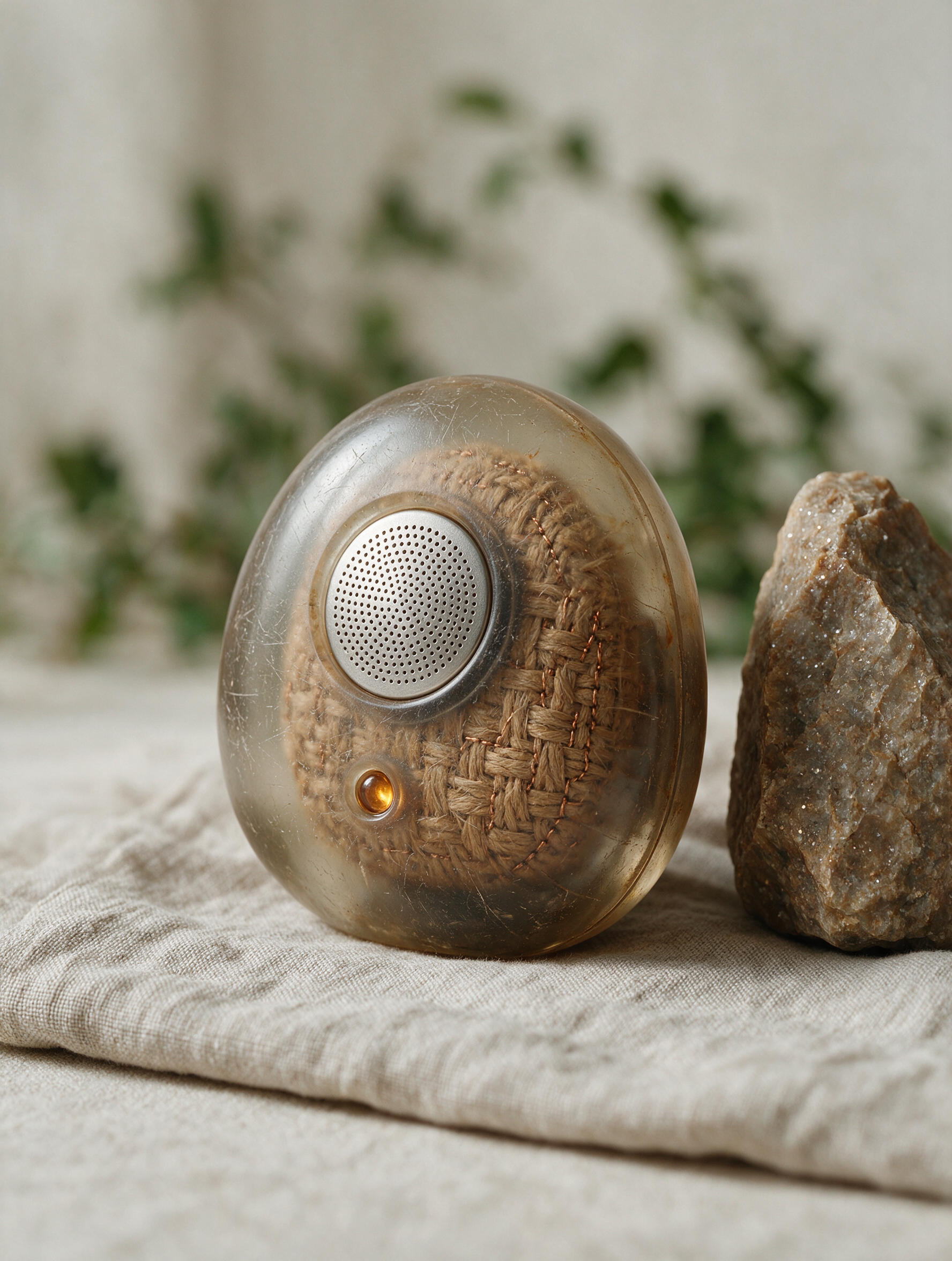
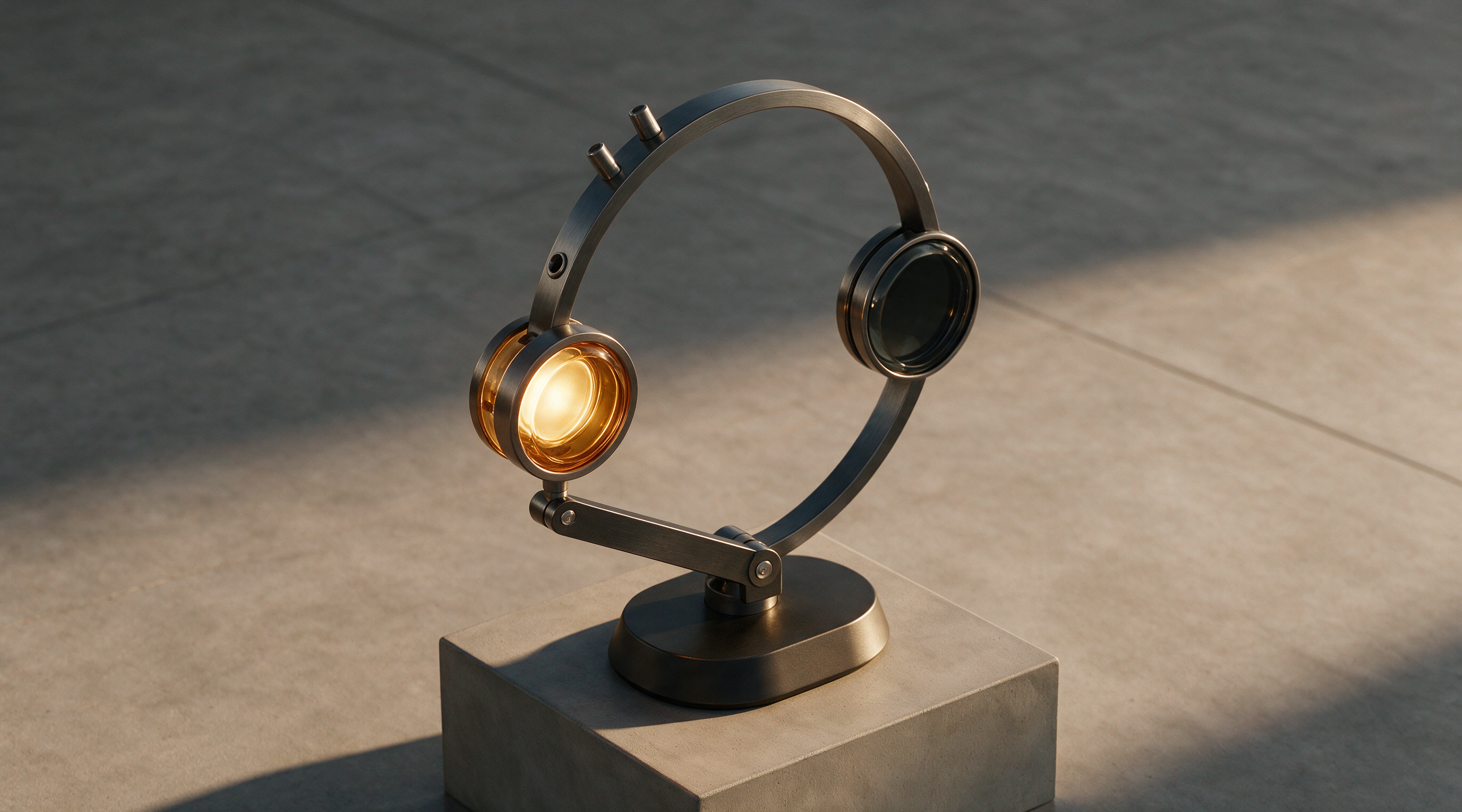
Describe how light falls across resin, linen, skin, ceramic, metal, or other visible surfaces.
Name the light direction and the material behavior you want.
Check text, proportions, and the final crop at full size.
Use a focused brief and change one visible variable when refining the result.
Reference gallery examples · Zanta
Image-to-Image Editing
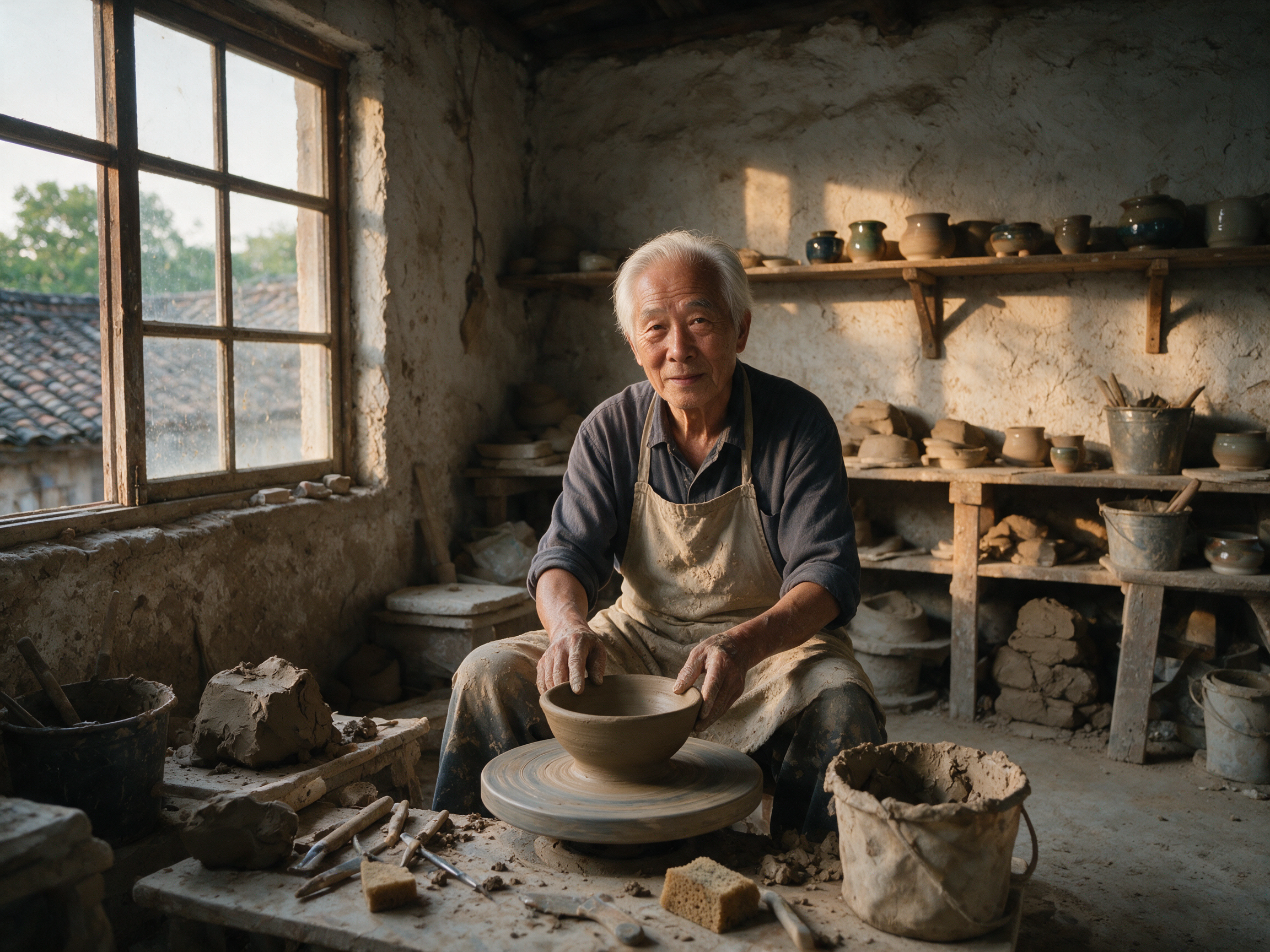
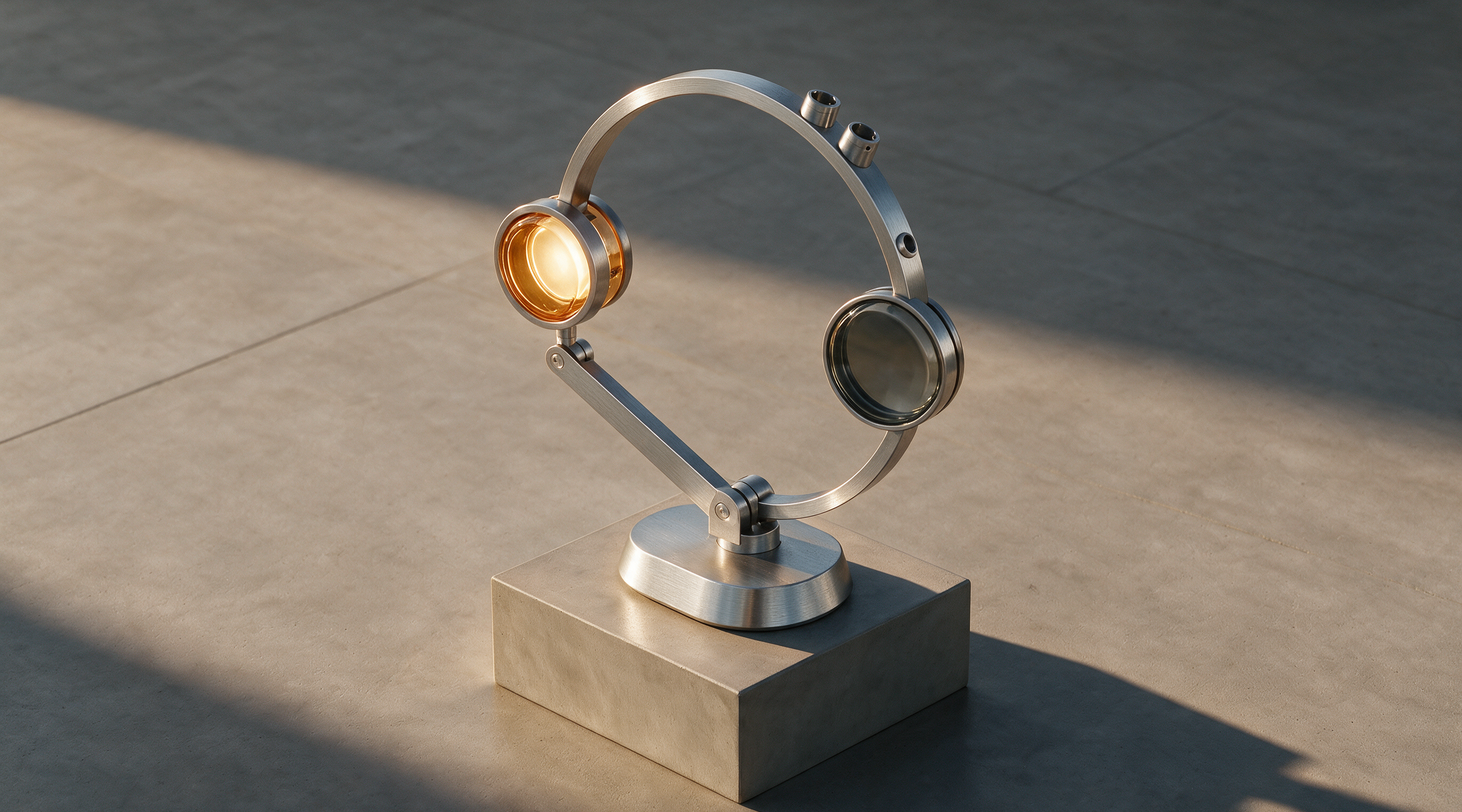
Guide a new framing, finish, or background with up to four source images and a precise edit brief.
Separate the part to change from the source details to preserve.
Check text, proportions, and the final crop at full size.
Use a focused brief and change one visible variable when refining the result.
Reference gallery examples · Zanta
Combine References and Keep Identity
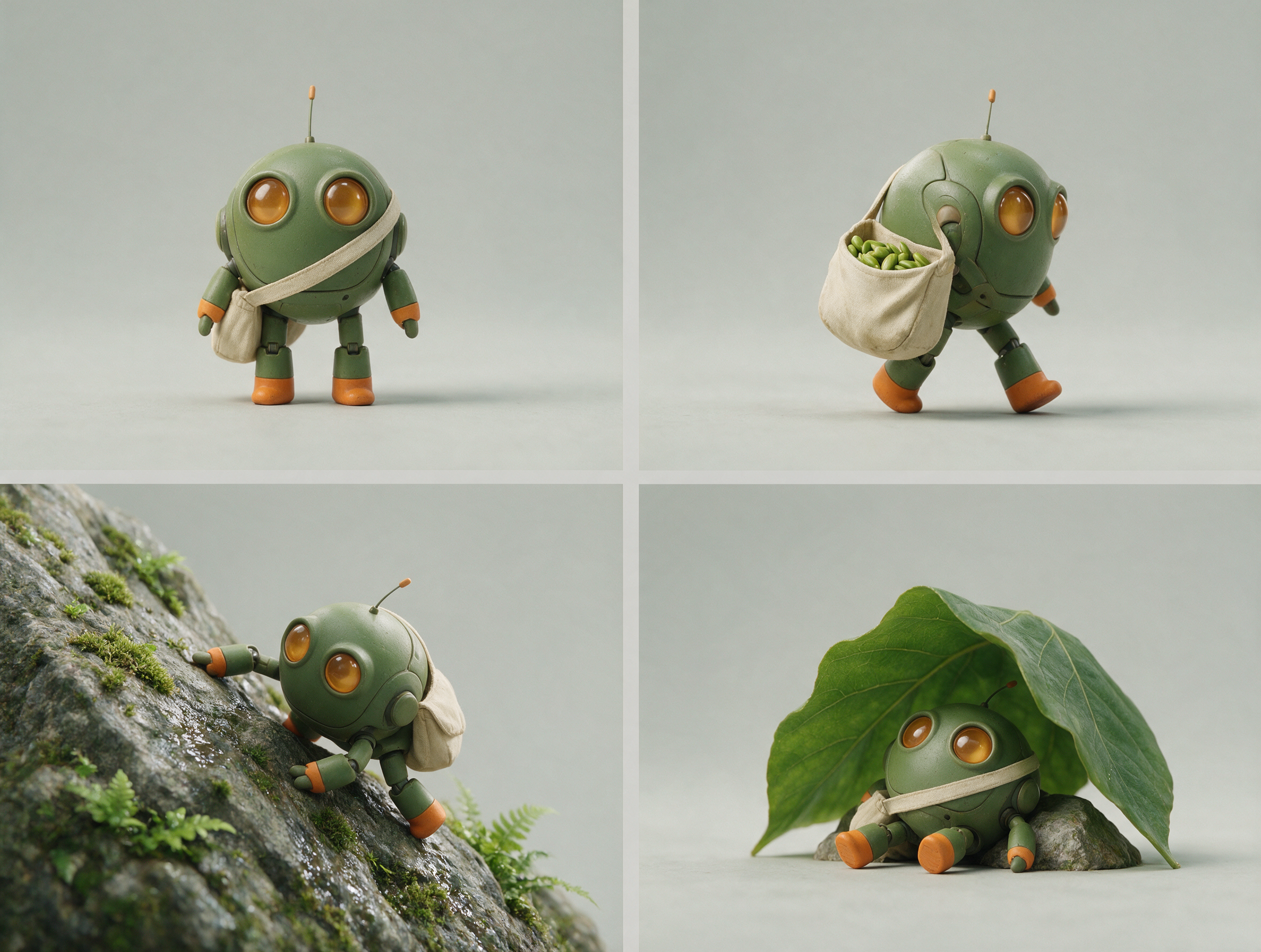
Give each reference a role such as object geometry, character appearance, material, or setting.
Remove conflicting angles and explain which source controls each detail.
Check text, proportions, and the final crop at full size.
Use a focused brief and change one visible variable when refining the result.
Reference gallery examples · Zanta
Seedream 5 Prompt Examples
New starting briefs for the visual directions shown below. The images are reference gallery examples from Zanta, not verified outputs of these prompts.
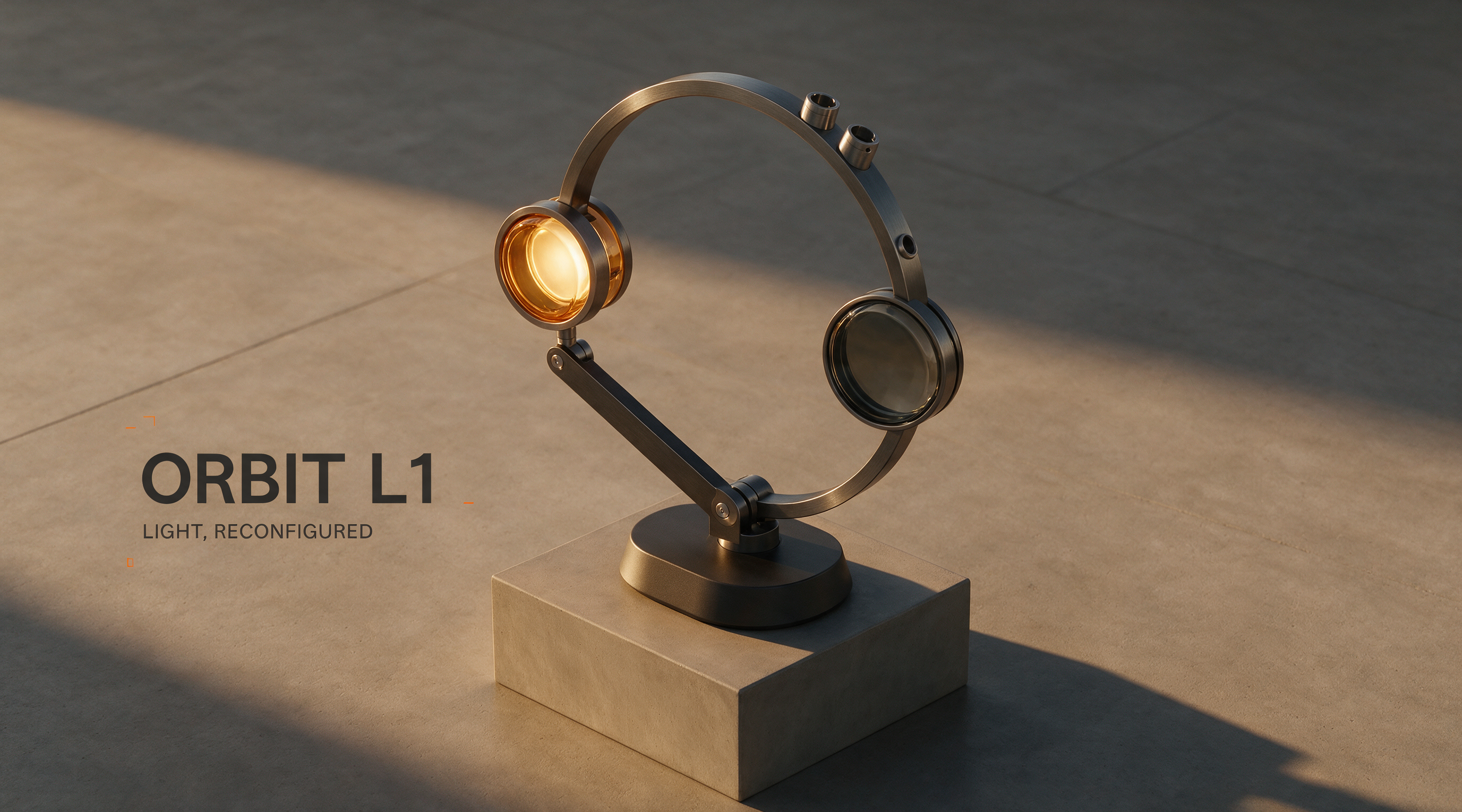
Modular Lamp Campaign
Create a landscape product campaign image for a fictional modular desk lamp with an ivory base and a charcoal stem. Warm side light, soft shadow, pale stone desk, precise material texture, and generous copy space. Exact visible words only: ORBIT L1, LIGHT THAT MOVES. No additional copy or logos.
Reference gallery example · Zanta
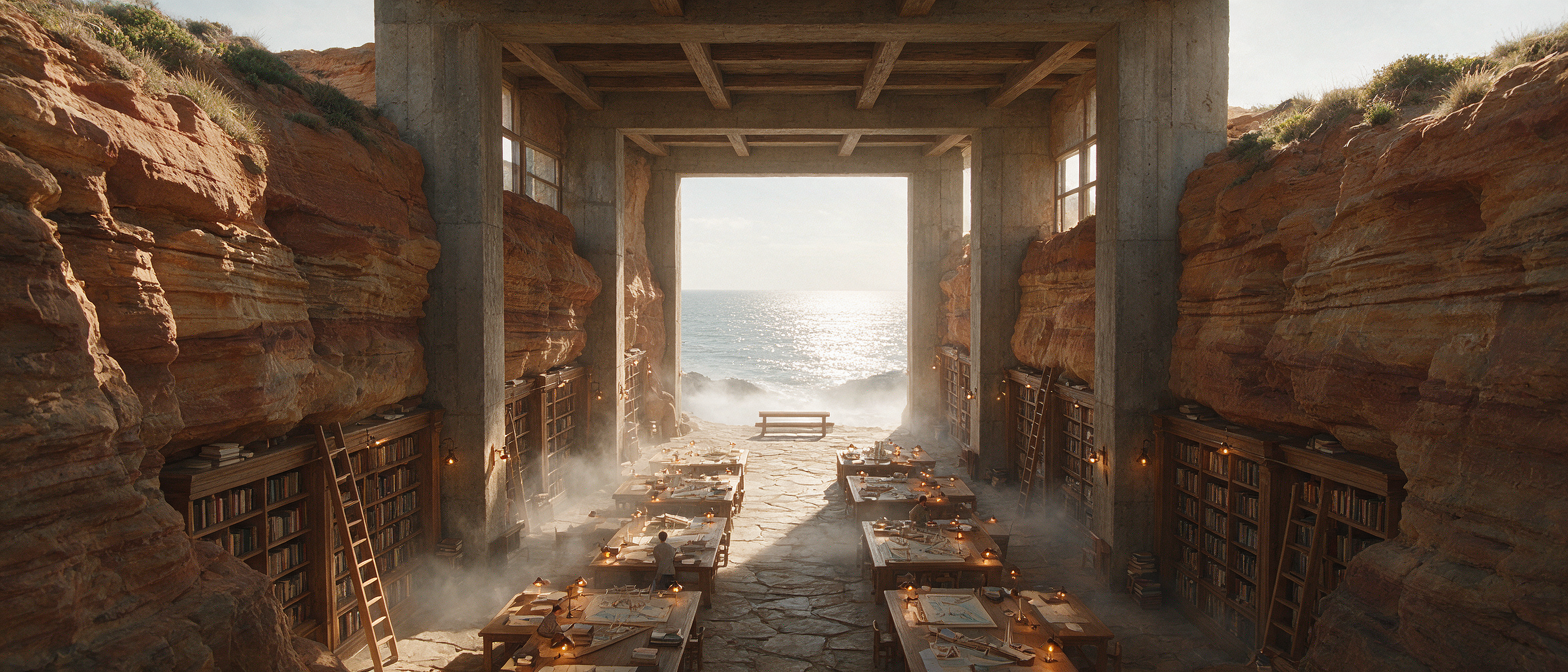
Coastal Research Library
Create a wide cinematic architectural image of a research library carved into terracotta coastal cliffs. Layered reading terraces, narrow windows, pale concrete paths, calm blue water, and warm late-afternoon light. Keep the scale believable and the composition clear. No text or watermark.
Reference gallery example · Zanta
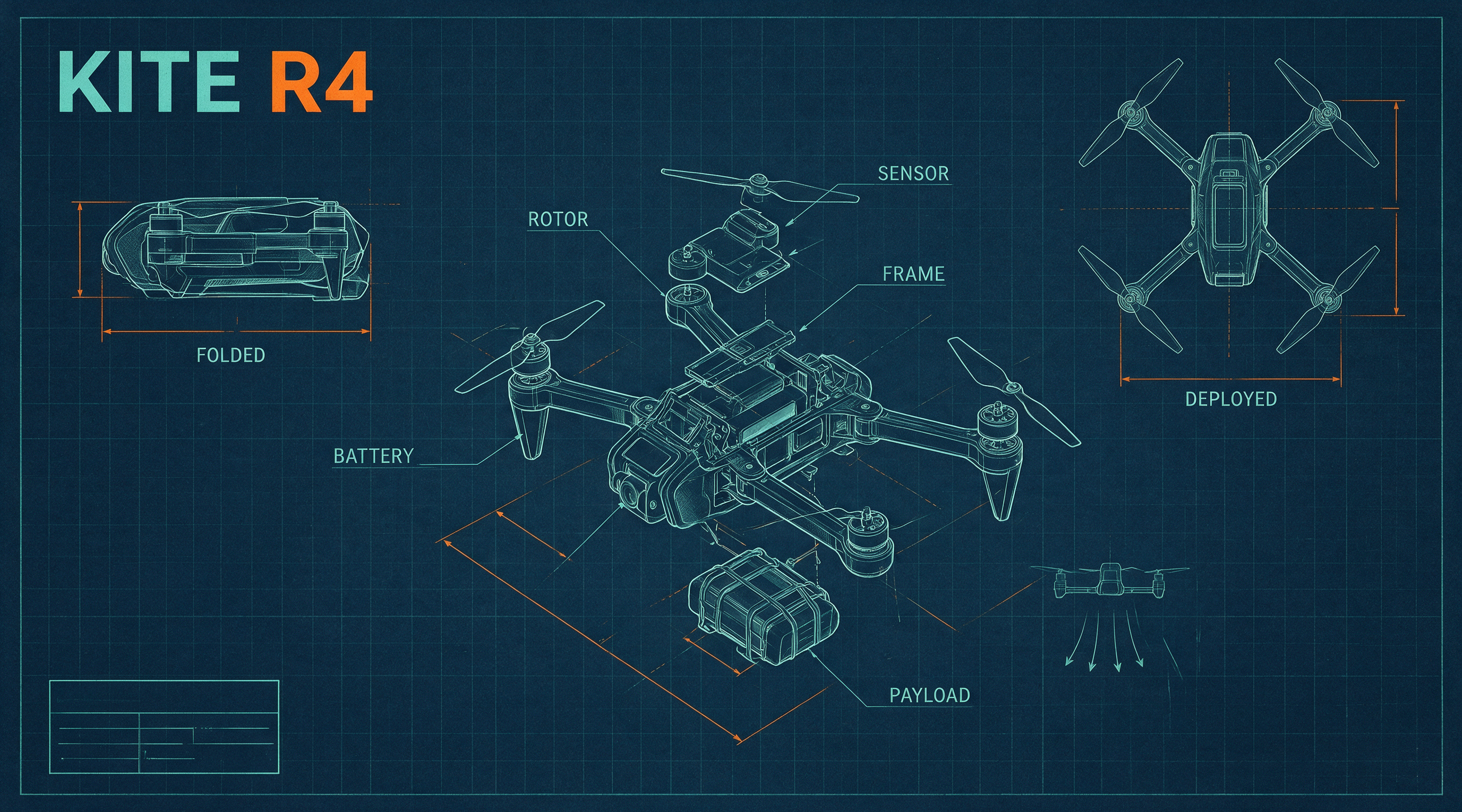
Foldable Drone Blueprint
Create a three-view technical concept board for a fictional foldable rescue drone. Show one exploded view, one folded view, and one deployed view with the same body proportions. Exact labels only: KITE R4, FOLDED, DEPLOYED. Use clear blue-gray lines on ivory paper; treat it as a design concept, not a verified engineering drawing.
Reference gallery example · Zanta
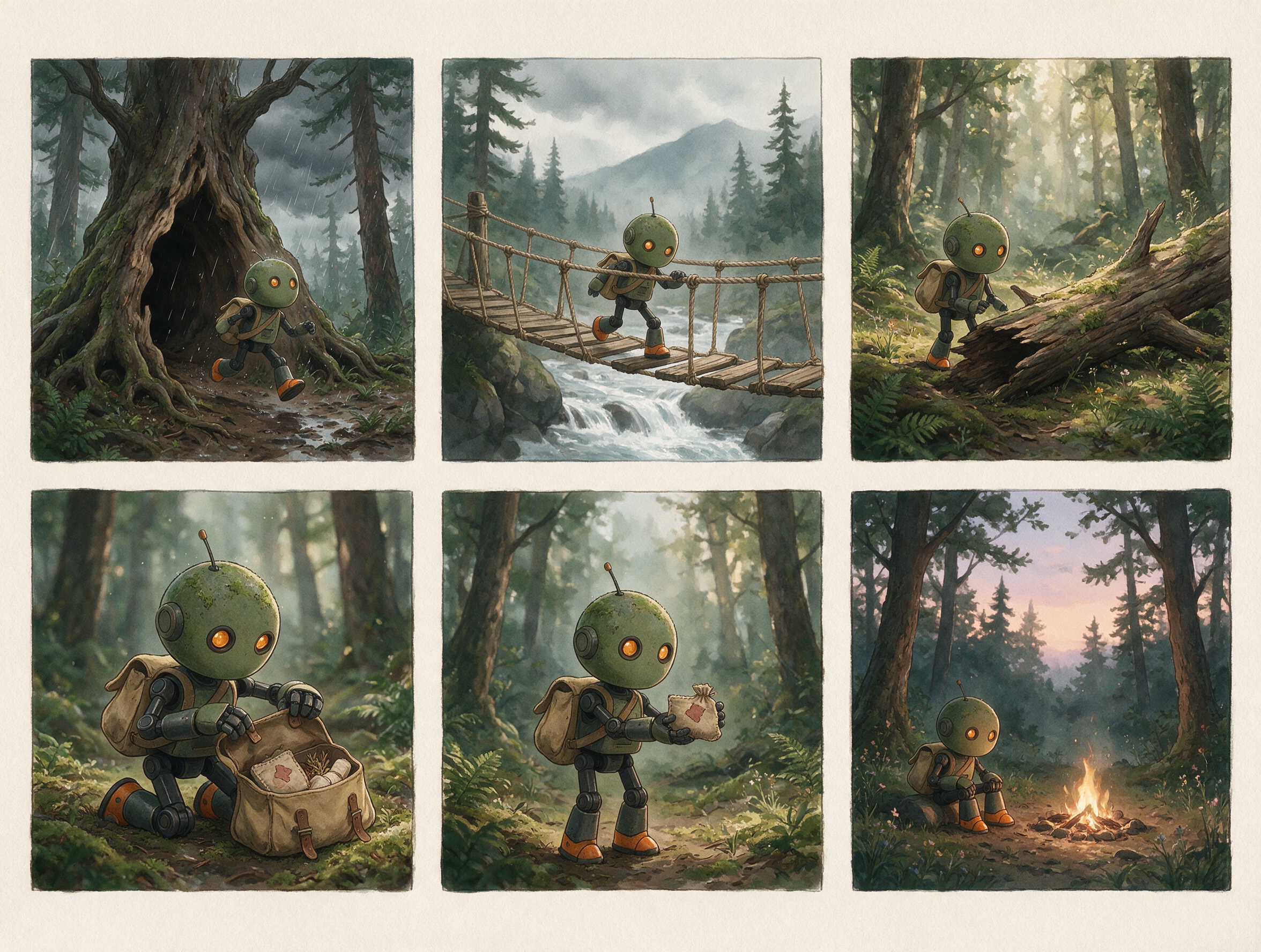
Rescue Robot Storyboard
Create a six-panel wordless storyboard of one compact rescue robot with a cream body, orange trim, and two round lamps. Show it locating a path, crossing a bridge, reaching a person, opening a light, guiding the person, and returning. Keep its geometry, colors, and the environment consistent across the sequence.
Reference gallery example · Zanta
Seedream 5 Prompt Tips
Write a production brief that makes the result easy to inspect, compare, and refine.
01 · DELIVERABLE
Name the asset first
Start with the poster, product still, character sheet, diagram, or campaign image you actually need.
02 · LAYOUT
Describe hierarchy and placement
Explain where the subject, copy space, supporting objects, and focal point belong in the frame.
03 · MATERIAL
Use concrete visual evidence
Name surfaces, light direction, lens feel, texture, environment, and the intended finish.
04 · TEXT
Keep visible words short
Quote the required words exactly and review spelling, casing, punctuation, and invented copy.
05 · QA
State the reject conditions
Call out fake logos, extra subjects, source drift, broken anatomy, or an unsafe crop before generating.
Seedream 5 Use Cases
Choose the model by the job and review the visible failure mode before you publish.
Campaign-ready stills
Good fit
Product heroes, posters, social images, thumbnails, and landing-page visuals with an inspectable art direction.
Watch for
Review text, logos, product geometry, crop safety, and whether the result actually fits the channel.
Reference-guided edits
Good fit
Carry product shape, character identity, wardrobe, room layout, or material cues into a new visual.
Watch for
A reference guides generation; it does not guarantee pixel-perfect preservation of every source detail.
Concept exploration
Good fit
Compare several controlled visual directions before investing in a polished final or production shoot.
Watch for
Keep prompts and settings comparable so the batch produces a useful decision rather than unrelated images.
Practical answers about access, settings, references, review, and output use.
How do I start an image?
Sign in, write a concrete visual brief, choose the available output settings, and check the credit estimate before generating. Your completed images appear in Assets.
Can I try it with free credits?
Eligible accounts can use the credits currently available in their balance. Daily check-in may add credits when enabled. Each generation uses the amount shown in the generator; access is not an unlimited free offer.
Can I upload reference images?
Add up to 4 JPG, PNG, or WebP images. Describe what each image should guide and what needs to remain recognizable. Review the output rather than assuming exact preservation.
Which output sizes and ratios can I choose?
The generator offers 2K, 4K output and 1:1, 4:3, 3:4, 16:9, 9:16, 3:2, 2:3, 21:9 framing. Choose from the controls shown and check the updated credit estimate.
How can I improve visible text?
Quote the exact words, keep them short, describe their placement and hierarchy, and review spelling and punctuation at full size. A visually convincing layout may still contain text mistakes.
Why did the image miss part of my brief?
Long or conflicting instructions make a result harder to control. Keep one main subject, state the protected details, and change one visible variable at a time when refining the image.
Are the samples results tested on this site?
These are examples from the reference website, reused for visual comparison. The prompt examples are newly written starting briefs, not the original prompts or a claim that this site reproduced the displayed images.
What should I check before publishing?
Check text, anatomy, product geometry, factual labels, and the final crop. Review the current site terms and make sure you have permission to use any supplied references or recognizable material.
Which Seedream version is available here?
The generator offers Seedream 5.0 Lite with 2K and 4K output options. It does not label this model as Seedream 5.0 Pro.
Can I combine more than one reference?
Yes. You can add up to four images. Give each one a role, such as object geometry, material, character identity, or environment, and keep conflicting details out of the brief.
Can I create multilingual graphics?
You can request short visible text in the languages your design needs. Quote each line and check every character, reading order, and spacing before using the image.
What do the image-quality choices mean?
Auto, Low, Medium, and High are the available quality selections. Resolution is a separate 2K or 4K choice; check the updated credit estimate before generating.
Start with Seedream 5 in Dola AI
Create structured 2K or 4K images and focused edits using up to four reference images with Seedream 5.0 Lite.