Skip to content

Grok Image 2.0 AI Image Generator

Create product concepts, portraits, editorial illustrations, and cinematic stills from a clear written brief.

10 credits
Prompt ideas

Key Features of Grok Image V2.0

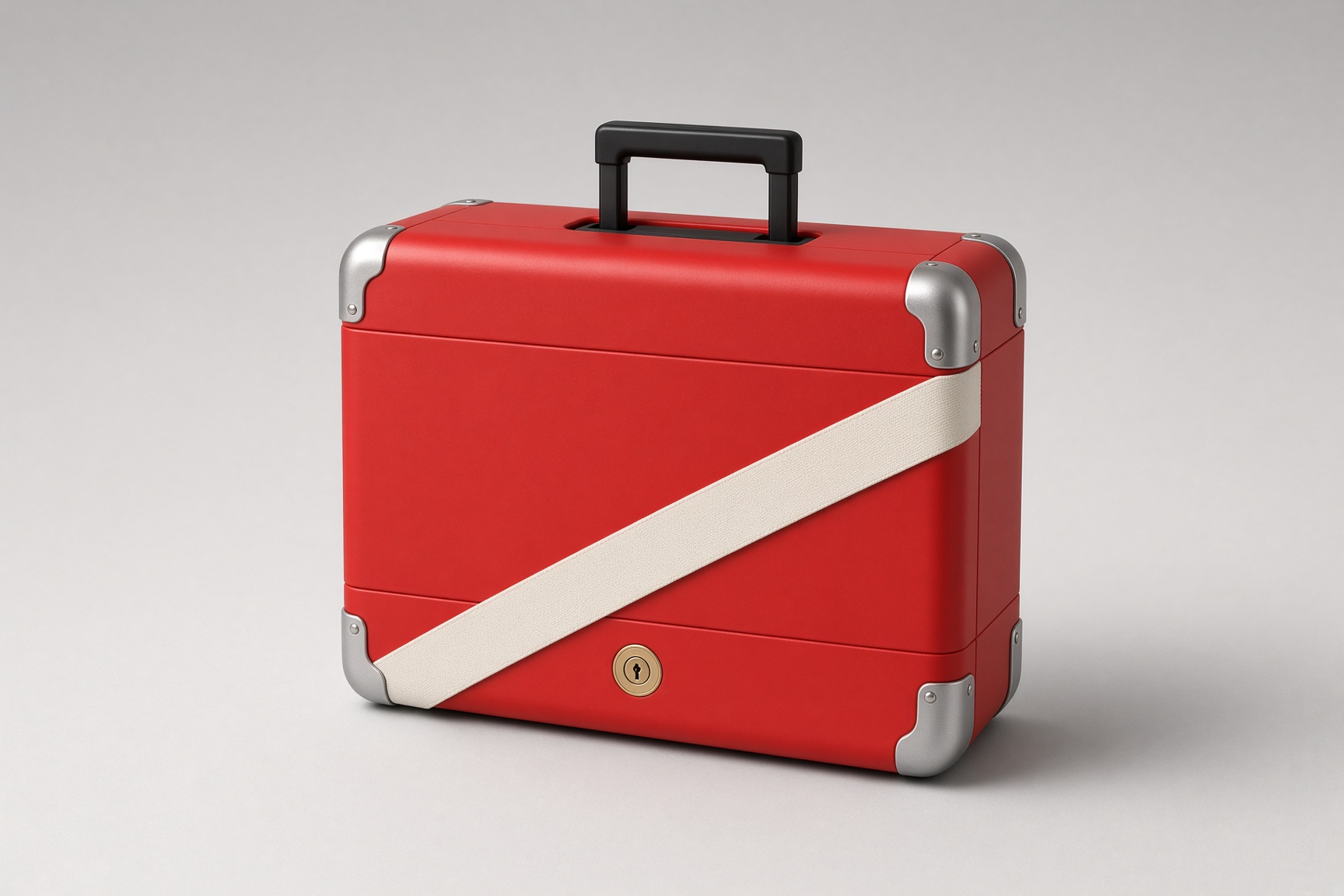
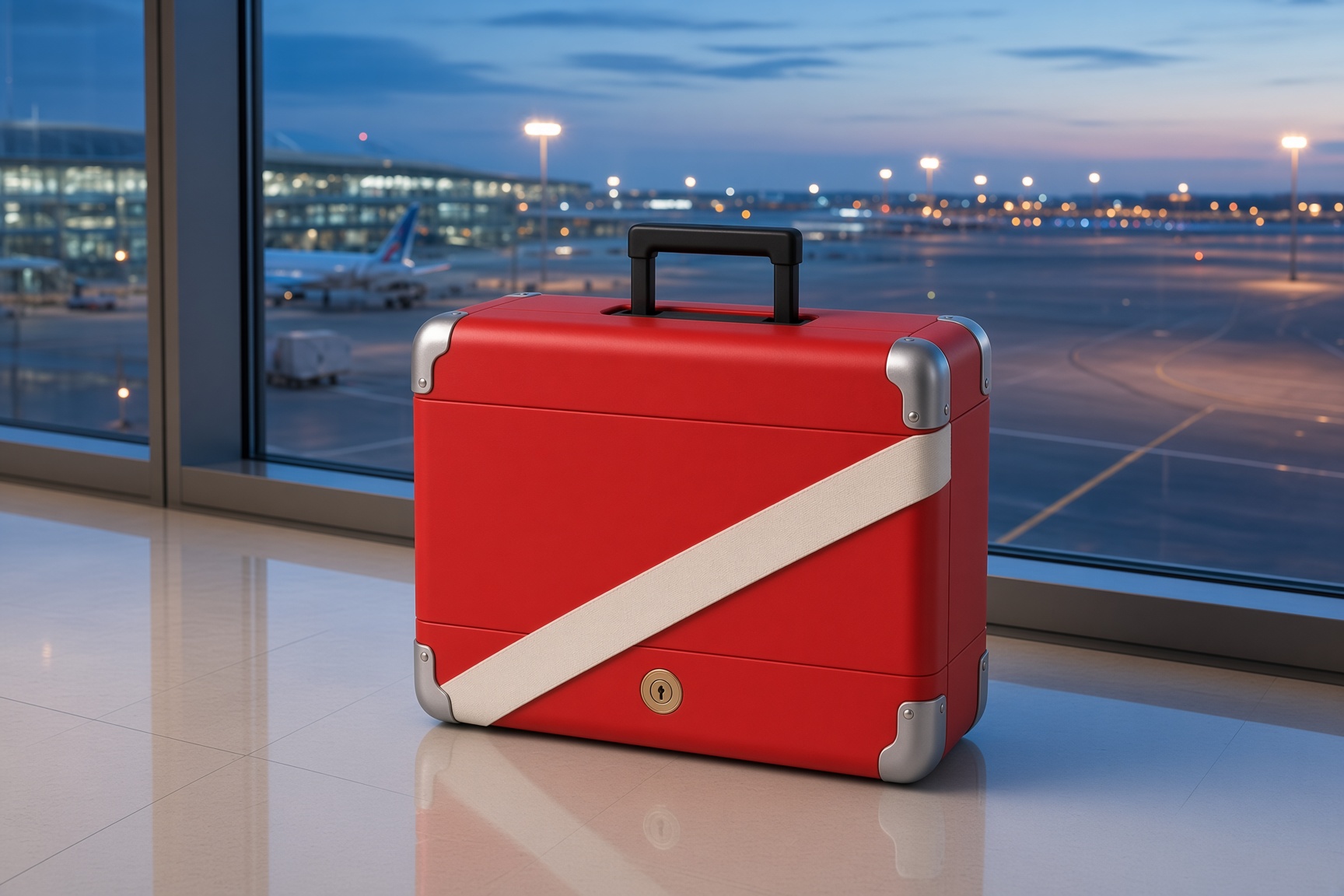
Reference gallery examples from Zanta illustrate visual directions. They are not results verified on this site.

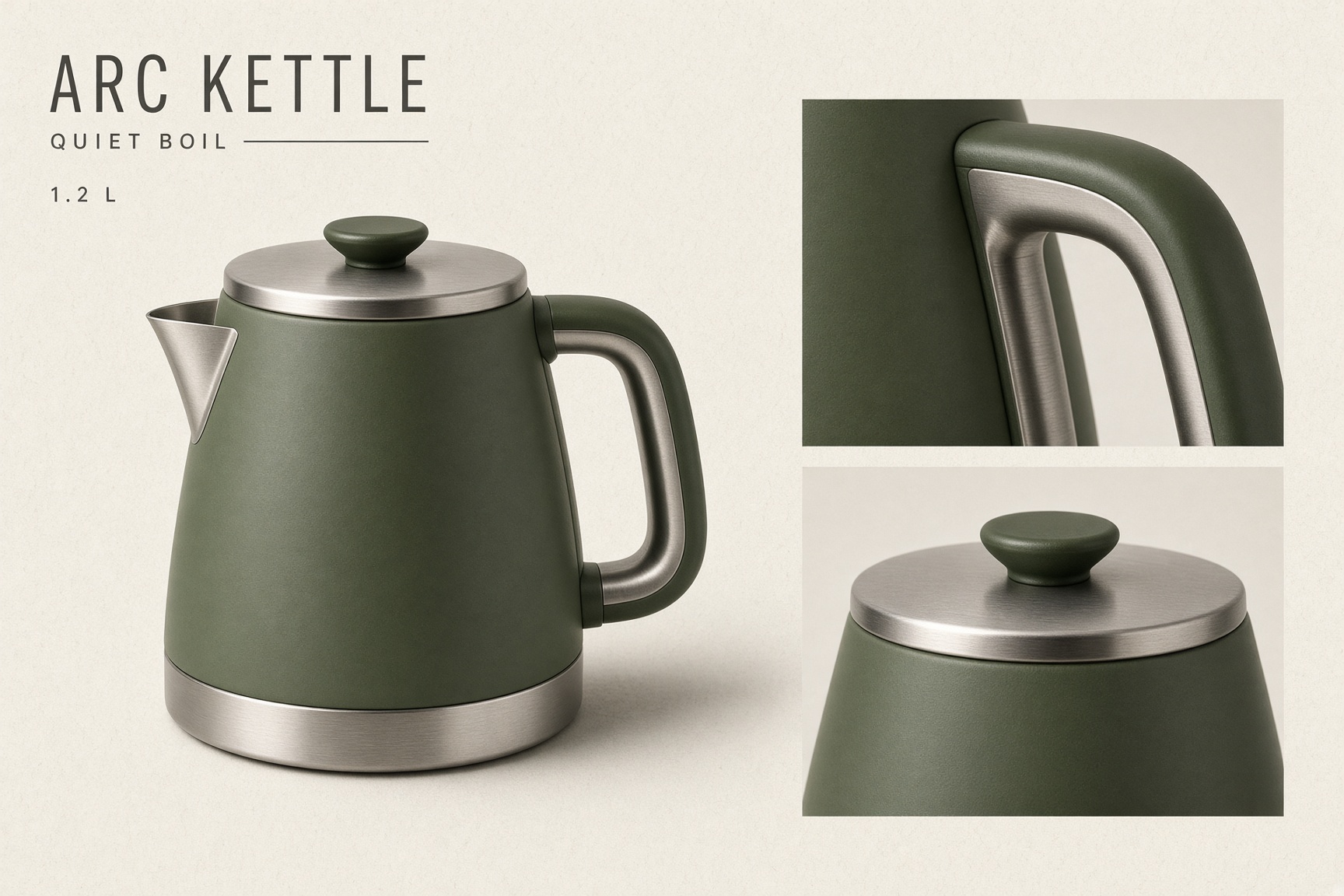
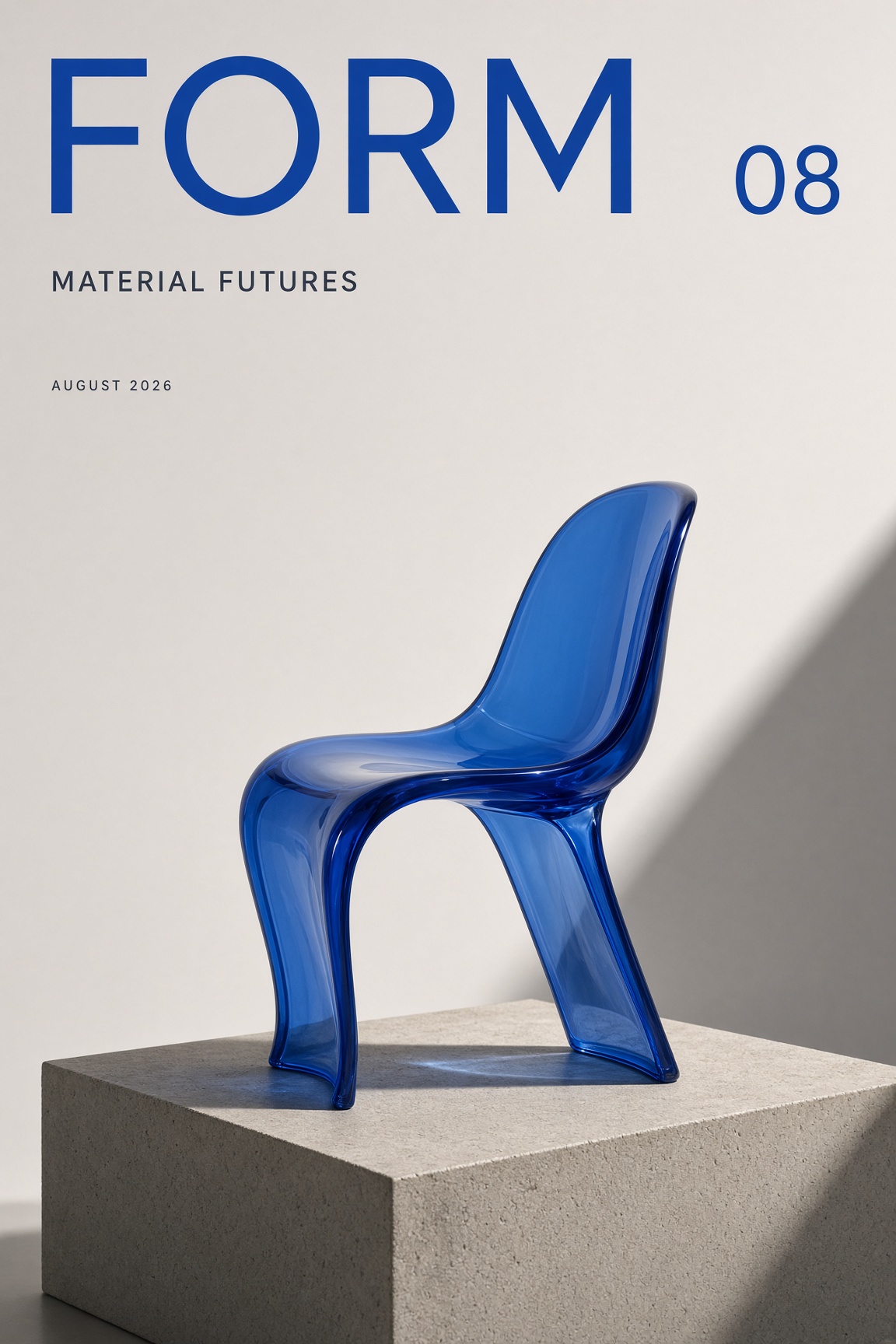
Product Boards and Editorial Images

Describe a fictional product, its key details, and a coherent art direction to explore a concept from text.

  • Specify the views, labels, and materials that matter to the idea.
  • Check text, proportions, and the final crop at full size.
  • Use a focused brief and change one visible variable when refining the result.
Reference image: Feature arc kettle
Reference image: Feature form 08
Reference gallery examples · Zanta

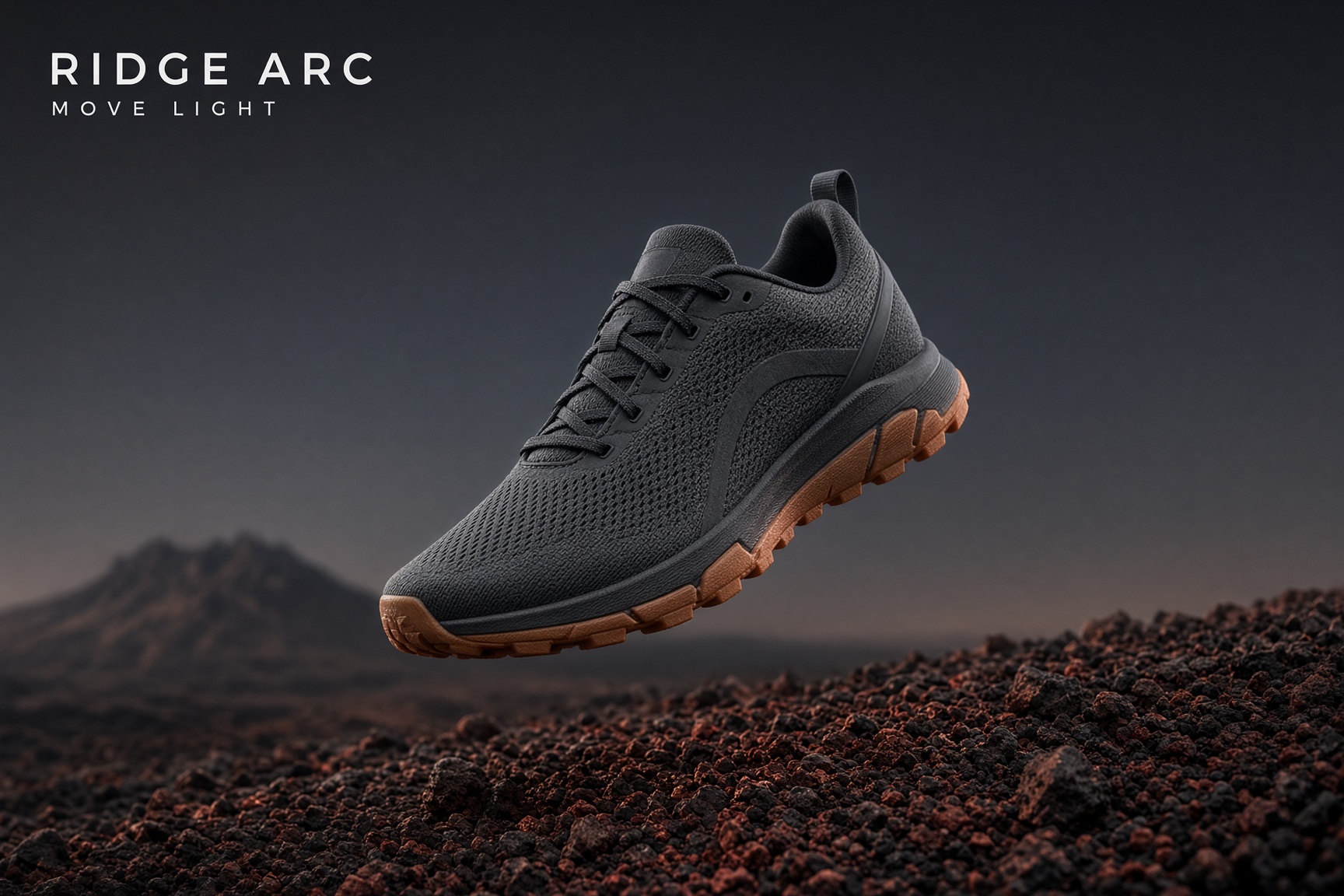
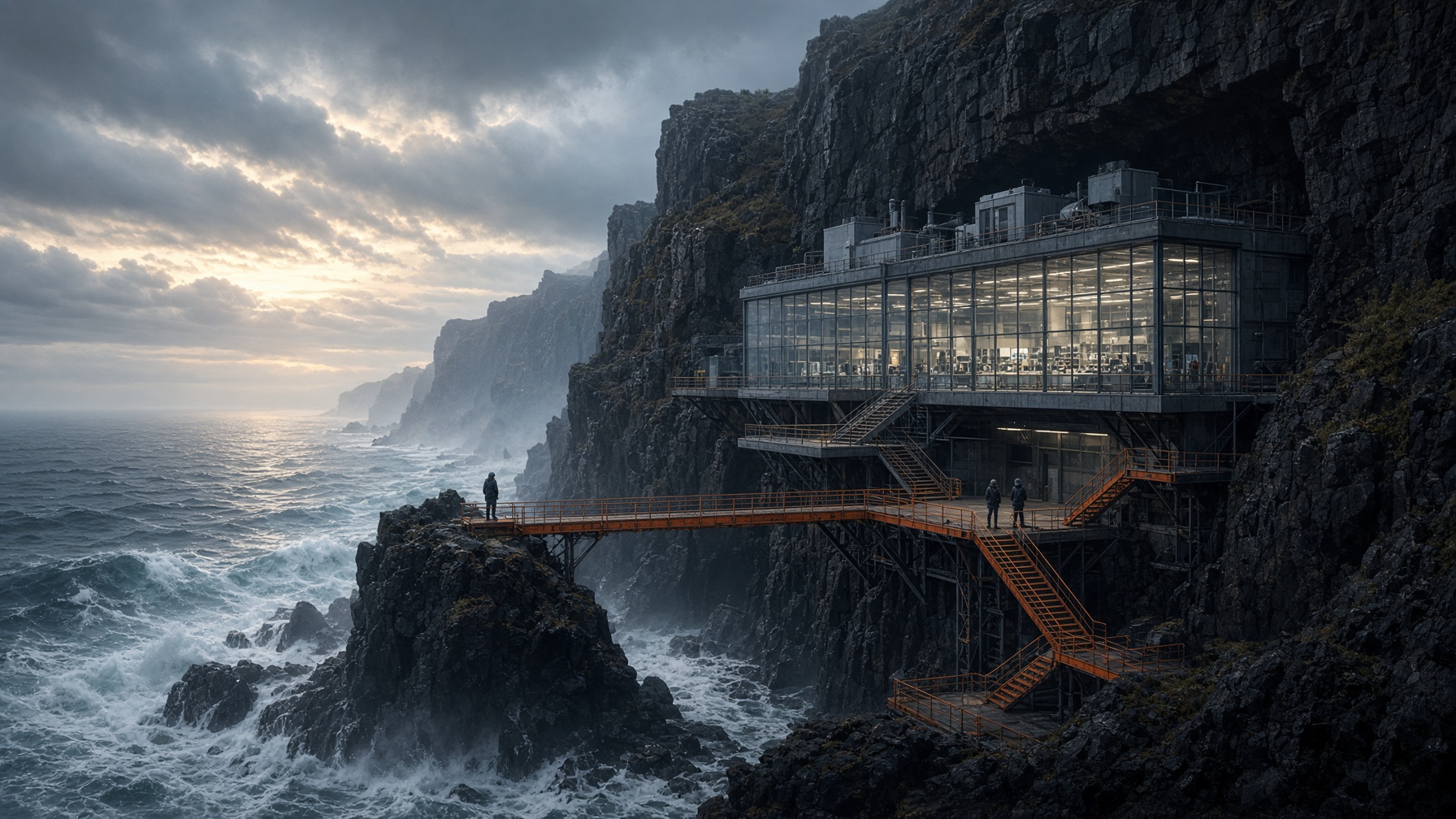
Products in Detailed Environments

Place a clearly described subject in a believable setting with intentional scale, light, and atmosphere.

  • Keep the environment in service of one focal product or subject.
  • Check text, proportions, and the final crop at full size.
  • Use a focused brief and change one visible variable when refining the result.
Reference image: Feature ridge arc
Reference image: Feature coastal station
Reference gallery examples · Zanta

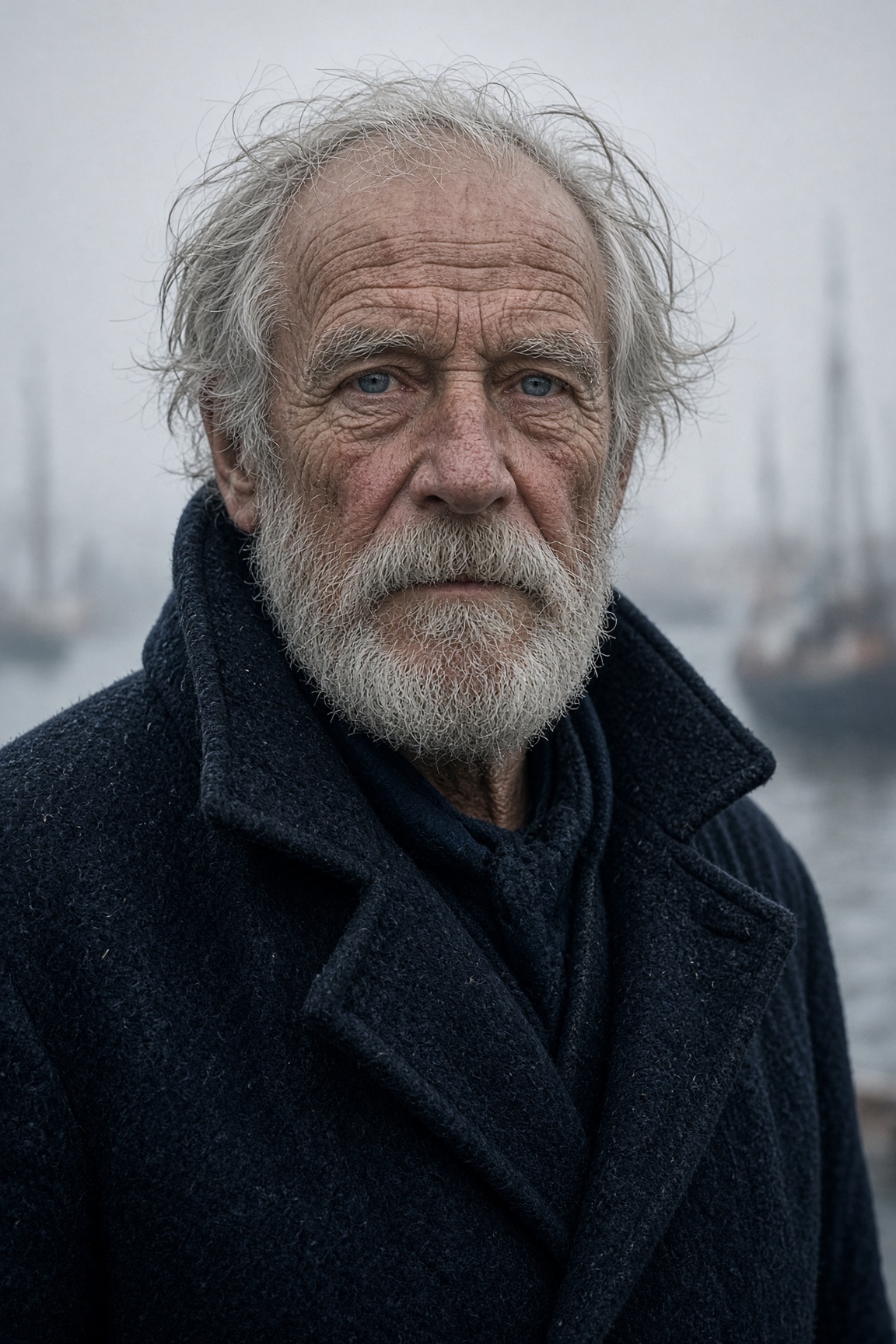
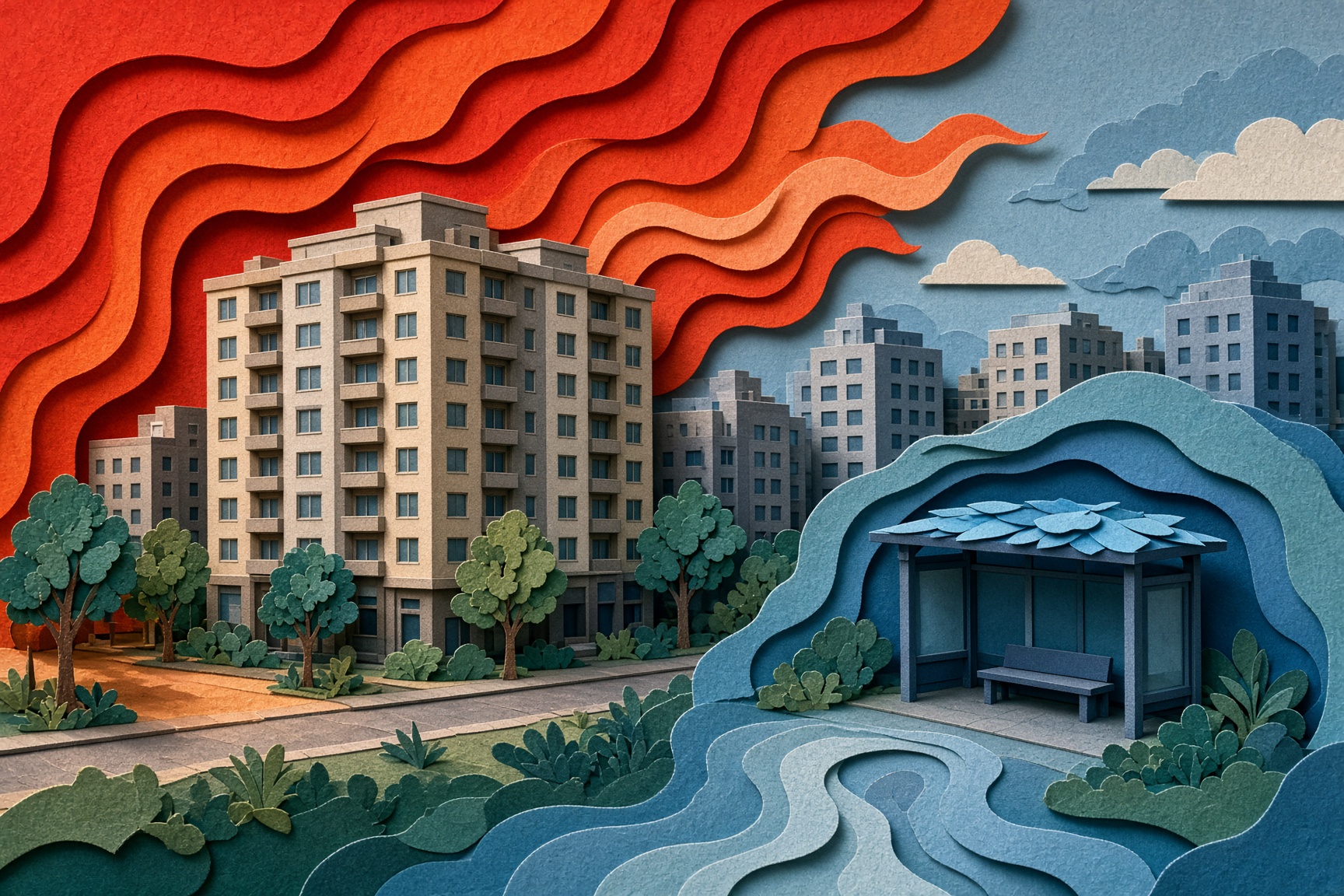
Portraits and Tactile Illustrations

Explore portraits, editorial scenes, and layered illustrations using concrete descriptions of expression and texture.

  • Define the camera distance, finish, and one dominant color relationship.
  • Check text, proportions, and the final crop at full size.
  • Use a focused brief and change one visible variable when refining the result.
Reference image: Feature sailor portrait
Reference image: Feature urban heat
Reference gallery examples · Zanta

Scene Variations from a Written Brief

Compare two visual settings for the same described subject. These reference-site comparison images illustrate a direction; this generator currently accepts text only.

  • Repeat the essential subject description when changing its setting.
  • Check text, proportions, and the final crop at full size.
  • Use a focused brief and change one visible variable when refining the result.
Reference image: Feature porter source
Reference image: Feature porter edit
Reference gallery examples · Zanta

Grok Image V2.0 Prompt Examples

New starting briefs for the visual directions shown below. The images are reference gallery examples from Zanta, not verified outputs of these prompts.

Compact Camera Campaign

Create a fictional compact-camera campaign board with a graphite body, a short lens, and precise tactile buttons. One product hero and two macro detail insets, dark-gray studio, cool side light, restrained orange accent. Exact visible text only: FIELD ONE. No real logos or unverified feature claims.
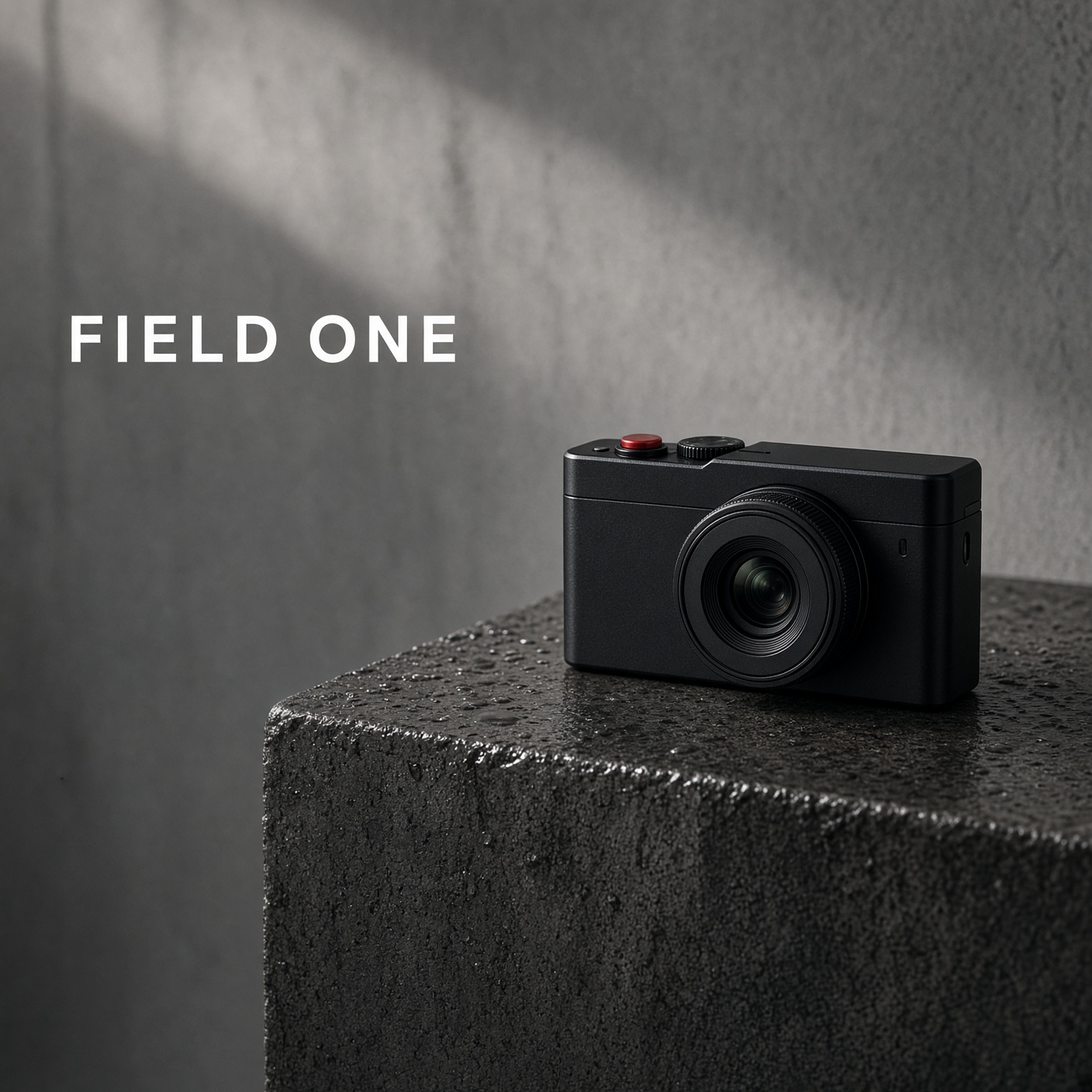
Reference image: Example field one
Reference gallery example · Zanta

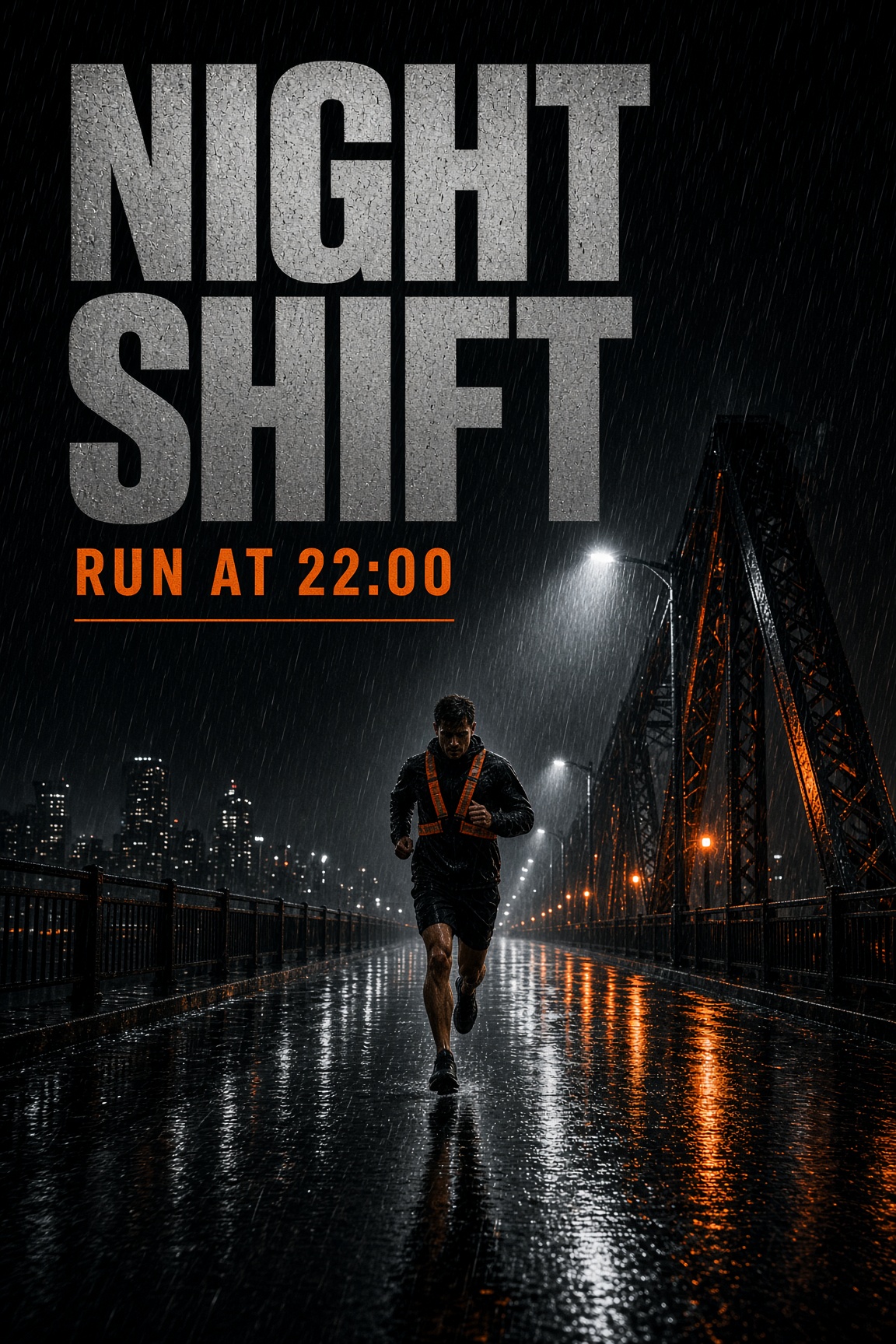
Night Run Poster

Create a vertical event-poster concept showing one runner on a quiet city street at night. Reflective blue pavement, one orange light source, clear silhouette, and generous title space. Exact visible text only: NIGHT SHIFT, 9 PM. Keep the image energetic and uncluttered, with no additional words.

Reference image: Example night shift
Reference gallery example · Zanta

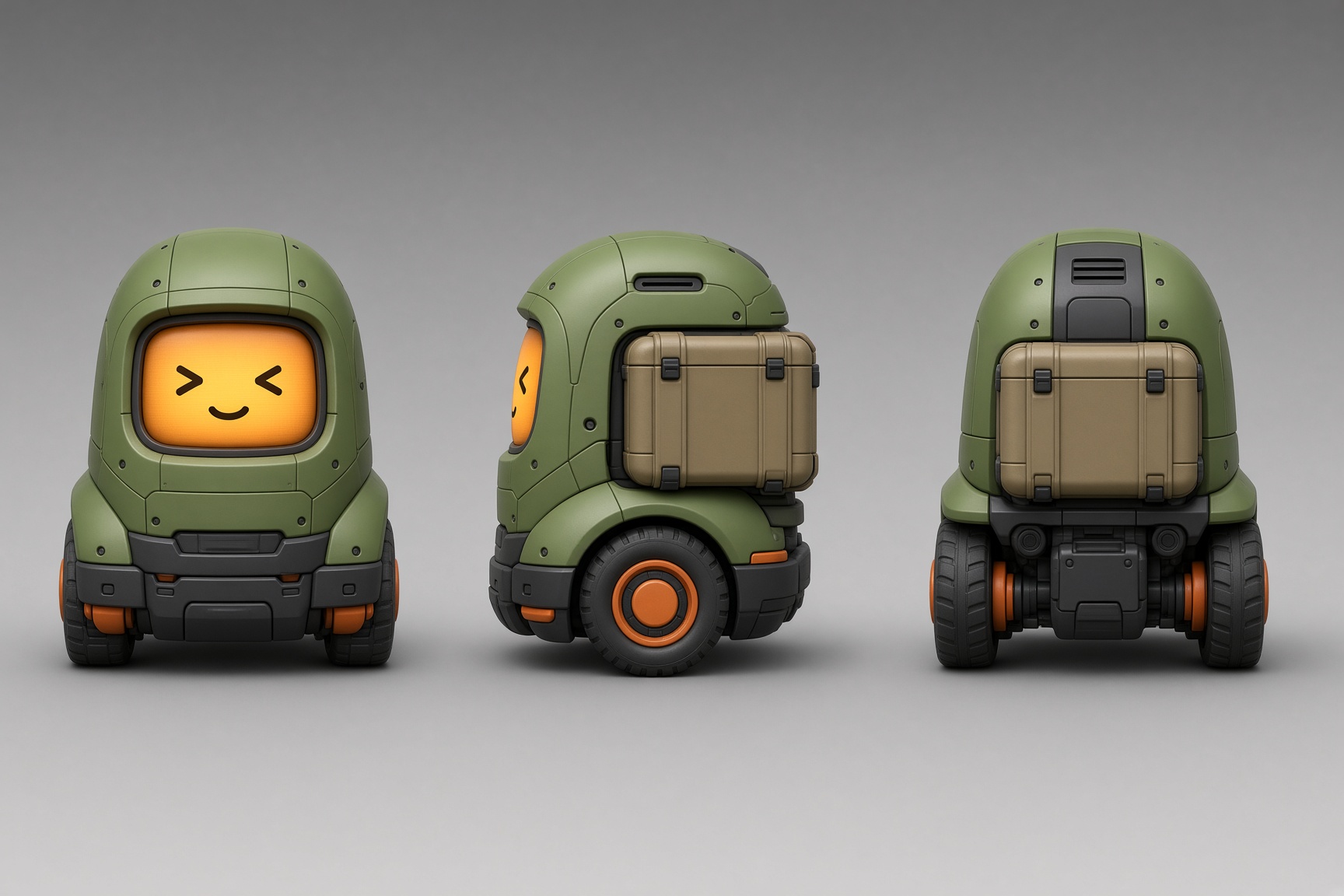
Courier Robot Design Sheet

Create a three-view design sheet of a small fictional courier robot with a white shell, red side panels, and two dark wheels. Show front, side, and rear views with identical proportions and materials. Clean ivory studio background, precise soft shadows, no text or logo.

Reference image: Example courier robot
Reference gallery example · Zanta

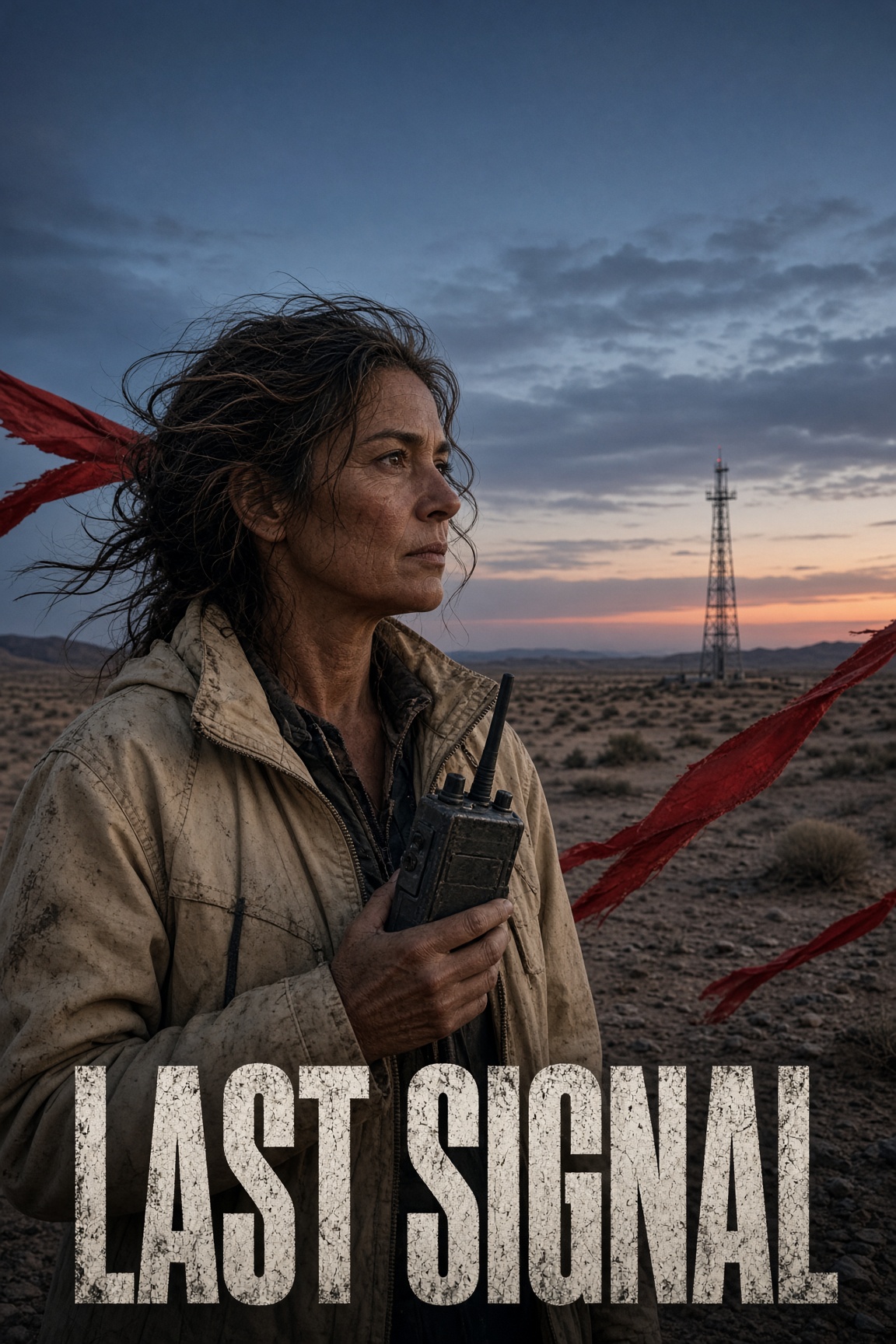
Desert Film Poster

Create a cinematic poster concept of a lone radio operator beside a small antenna in a vast desert at dusk. Copper light, deep-blue sky, fine windblown dust, and a readable human silhouette. Exact visible title only: LAST SIGNAL. Keep the scene original, atmospheric, and free of real brand marks.

Reference image: Example last signal
Reference gallery example · Zanta

Grok Image V2.0 Prompt Tips

Write a production brief that makes the result easy to inspect, compare, and refine.

01 · DELIVERABLE

Name the asset first

Start with the poster, product still, character sheet, diagram, or campaign image you actually need.

02 · LAYOUT

Describe hierarchy and placement

Explain where the subject, copy space, supporting objects, and focal point belong in the frame.

03 · MATERIAL

Use concrete visual evidence

Name surfaces, light direction, lens feel, texture, environment, and the intended finish.

04 · TEXT

Keep visible words short

Quote the required words exactly and review spelling, casing, punctuation, and invented copy.

05 · QA

State the reject conditions

Call out fake logos, extra subjects, source drift, broken anatomy, or an unsafe crop before generating.

Grok Image V2.0 Use Cases

Choose the model by the job and review the visible failure mode before you publish.

Campaign-ready stills

Good fit
Product heroes, posters, social images, thumbnails, and landing-page visuals with an inspectable art direction.
Watch for
Review text, logos, product geometry, crop safety, and whether the result actually fits the channel.

Subject and scene variations

Good fit
Describe the same character or product in a new visual setting using a repeated text brief.
Watch for
This model does not expose visual-reference uploads; identity can vary between generations.

Concept exploration

Good fit
Compare several controlled visual directions before investing in a polished final or production shoot.
Watch for
Keep prompts and settings comparable so the batch produces a useful decision rather than unrelated images.

Explainers and layouts

Good fit
Create labeled scenes, simple diagrams, boards, packaging concepts, and multi-panel compositions.
Watch for
Plausible-looking labels and structures still require a human accuracy review before publication.

Grok Image V2.0 vs Other Image Models

Compare the controls available in Dola AI before opening another workspace. Each model keeps its own identity, settings, and credit estimate.

ModelInputsOutput settingsWorkspace
GPT Image 2.5Prompt + up to 4 images1K / 2K / 4KOpen model
Nano BananaPrompt + up to 4 images1KOpen model
GPT Image 2Prompt + up to 4 images1K / 2K / 4KOpen model
Seedream 5Prompt + up to 4 images2K / 4KOpen model
Grok Image 2.0Written prompt1K / 2KOpen model
HOW IT WORKS

How to Use Grok Image V2.0

Keep the first pass comparable, then spend more only after the direction is working.

1

Start with the job

Define the asset, audience, format, and one visible outcome.

2

Write a checkable brief

Describe the subject, composition, material, light, motion, and reject conditions.

3

Choose the real model settings

Select only the ratios, sizes, quality tiers, and references supported by this route.

4

Review before export

Inspect the complete result, then change one variable for the next attempt.

Start with Grok Image V2.0

Grok Image V2.0 FAQ

Practical answers about access, settings, references, review, and output use.

How do I start an image?

Sign in, write a concrete visual brief, choose the available output settings, and check the credit estimate before generating. Your completed images appear in Assets.

Can I try it with free credits?

Eligible accounts can use the credits currently available in their balance. Daily check-in may add credits when enabled. Each generation uses the amount shown in the generator; access is not an unlimited free offer.

Can I upload reference images?

This generator currently accepts a written prompt only. It does not expose reference-image uploads or image editing for this model.

Which output sizes and ratios can I choose?

The generator offers 1K, 2K output and 2:3, 3:2, 9:16, 16:9, 1:1 framing. Choose from the controls shown and check the updated credit estimate.

How can I improve visible text?

Quote the exact words, keep them short, describe their placement and hierarchy, and review spelling and punctuation at full size. A visually convincing layout may still contain text mistakes.

Why did the image miss part of my brief?

Long or conflicting instructions make a result harder to control. Keep one main subject, state the protected details, and change one visible variable at a time when refining the image.

Are the samples results tested on this site?

These are examples from the reference website, reused for visual comparison. The prompt examples are newly written starting briefs, not the original prompts or a claim that this site reproduced the displayed images.

What should I check before publishing?

Check text, anatomy, product geometry, factual labels, and the final crop. Review the current site terms and make sure you have permission to use any supplied references or recognizable material.

What is Grok Image useful for here?

Use it for text-led product concepts, portraits, editorial illustrations, campaign drafts, and fictional scenes. This page focuses on a clearly written brief rather than reference-image editing.

Start with Grok Image V2.0 in Dola AI

Create product concepts, portraits, editorial illustrations, and cinematic stills from a clear written brief.

Try the generator