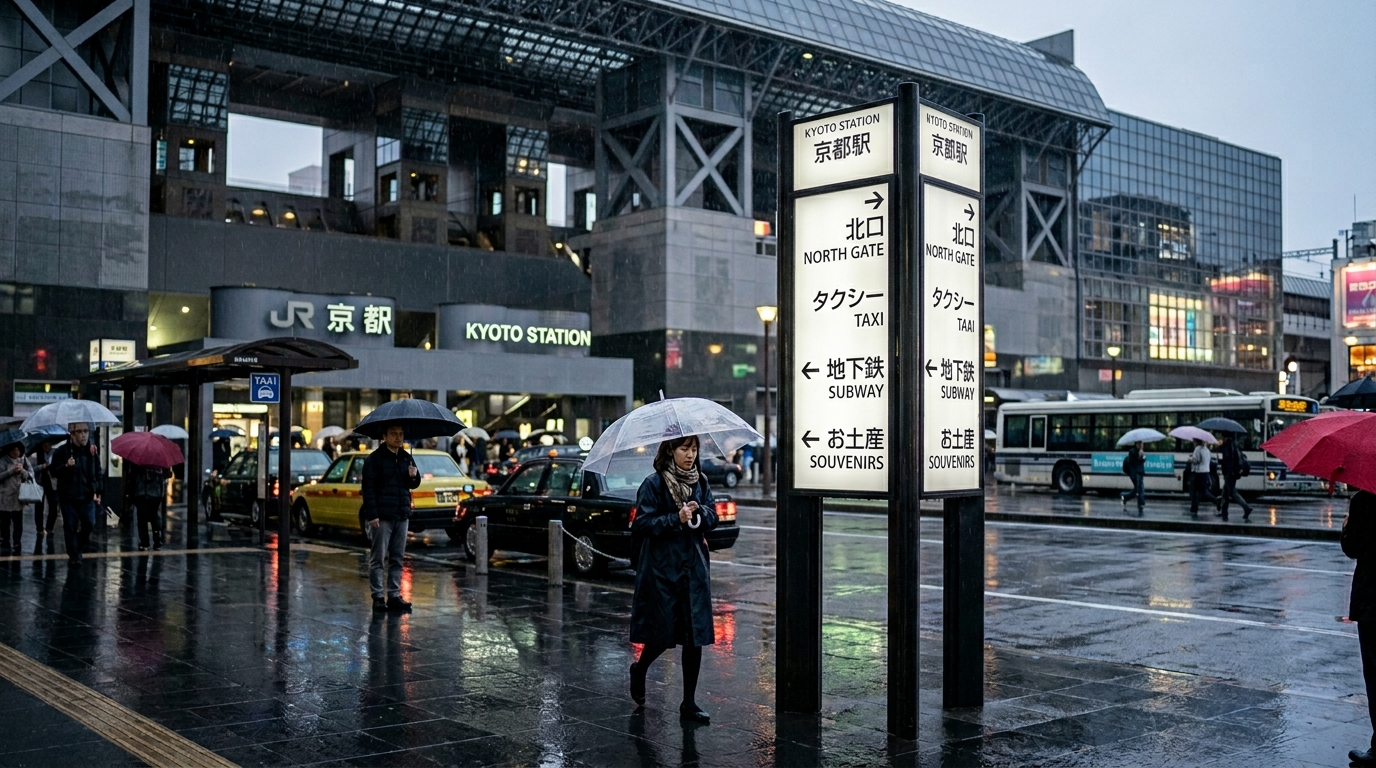
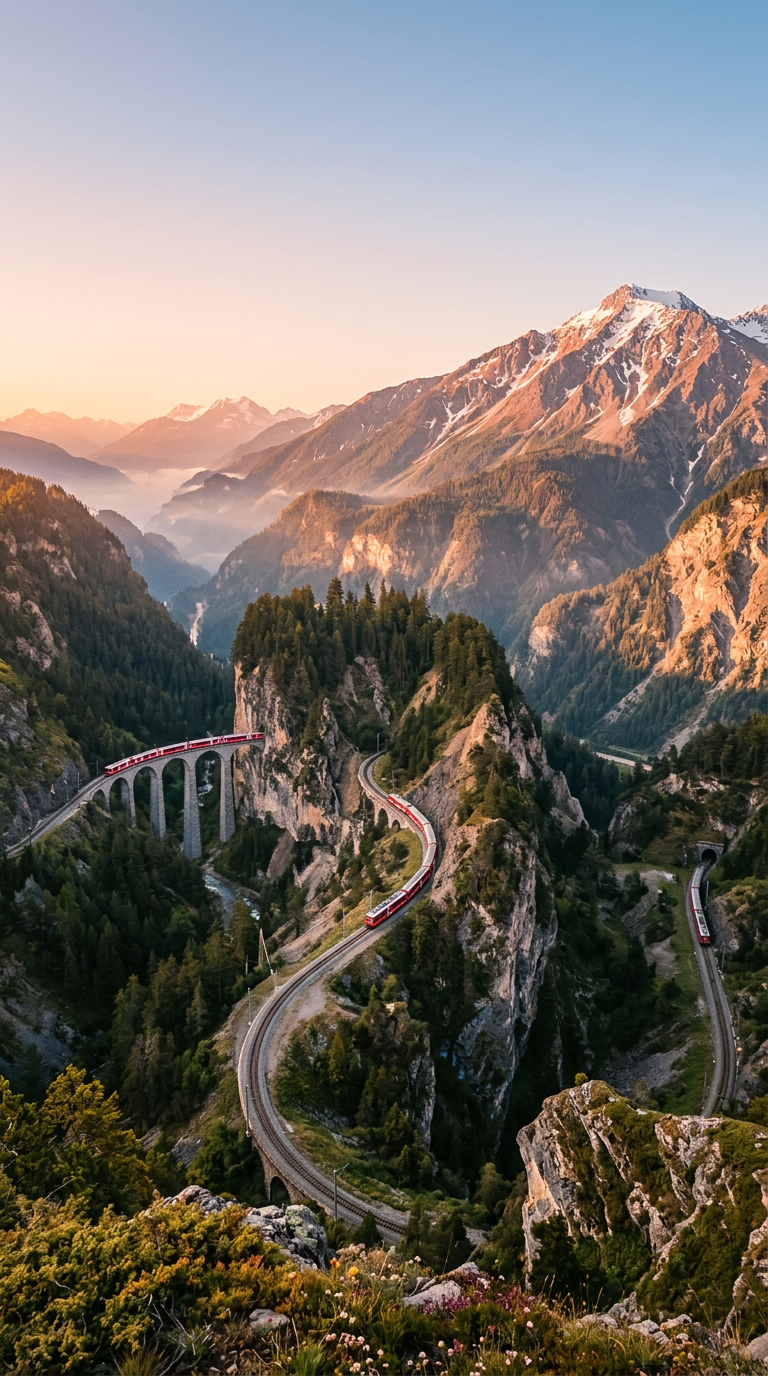
Give a scene a clear purpose, then specify its objects, signs, layout, and visible relationships.
Keep any factual labels short enough to check individually.
Check text, proportions, and the final crop at full size.
Use a focused brief and change one visible variable when refining the result.
Reference gallery examples · Zanta
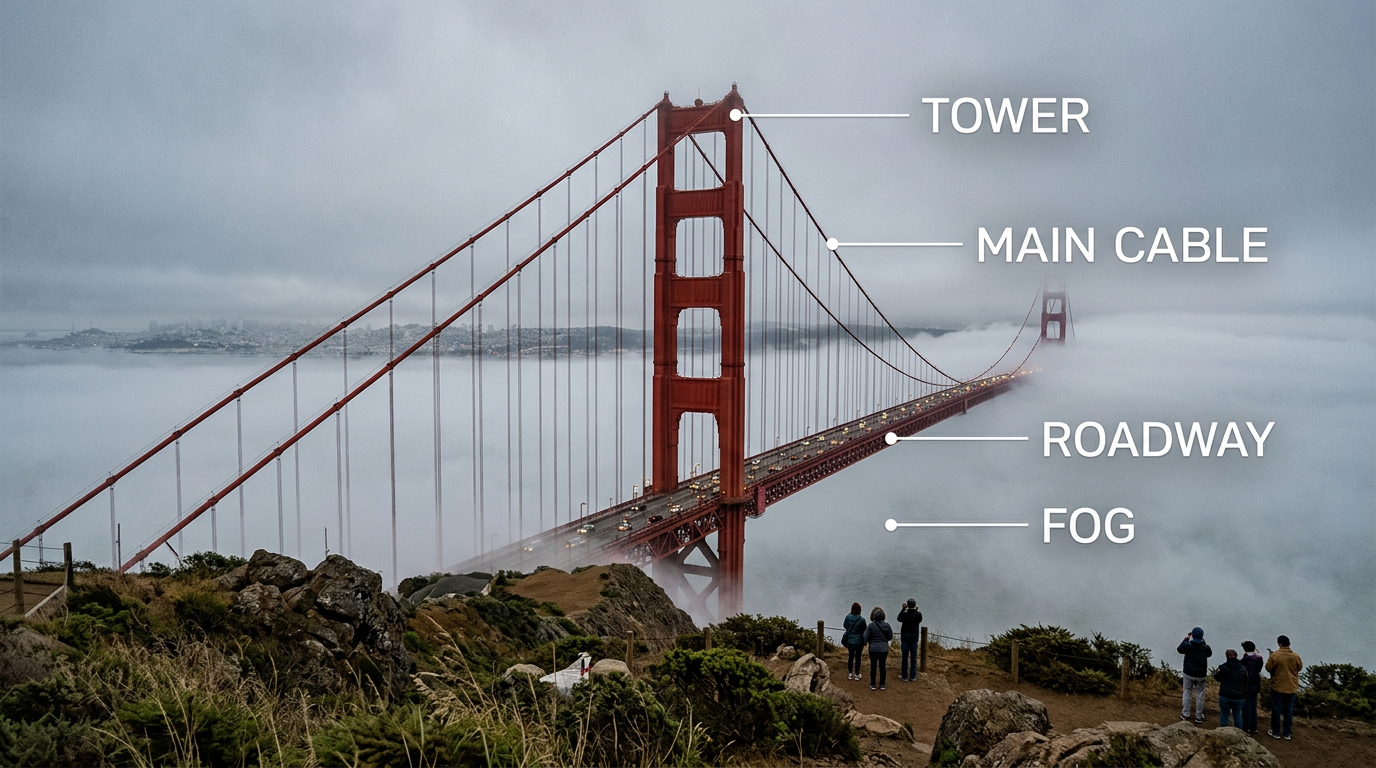
Consistent Subjects from References
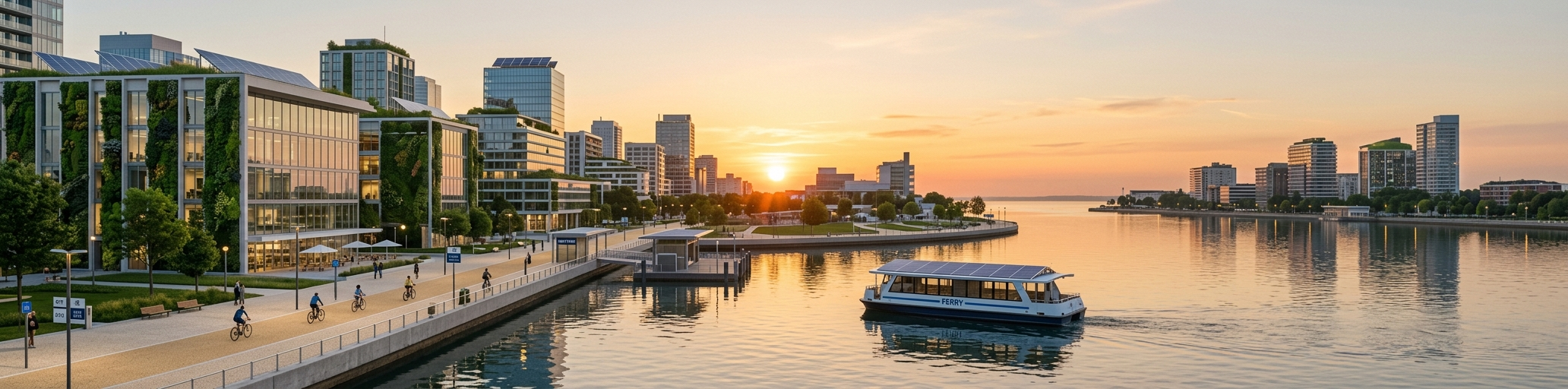
Use up to four reference images to guide character appearance, product geometry, or a repeated visual identity.
Explain the role of each image rather than leaving them ambiguous.
Check text, proportions, and the final crop at full size.
Use a focused brief and change one visible variable when refining the result.
Reference gallery examples · Zanta
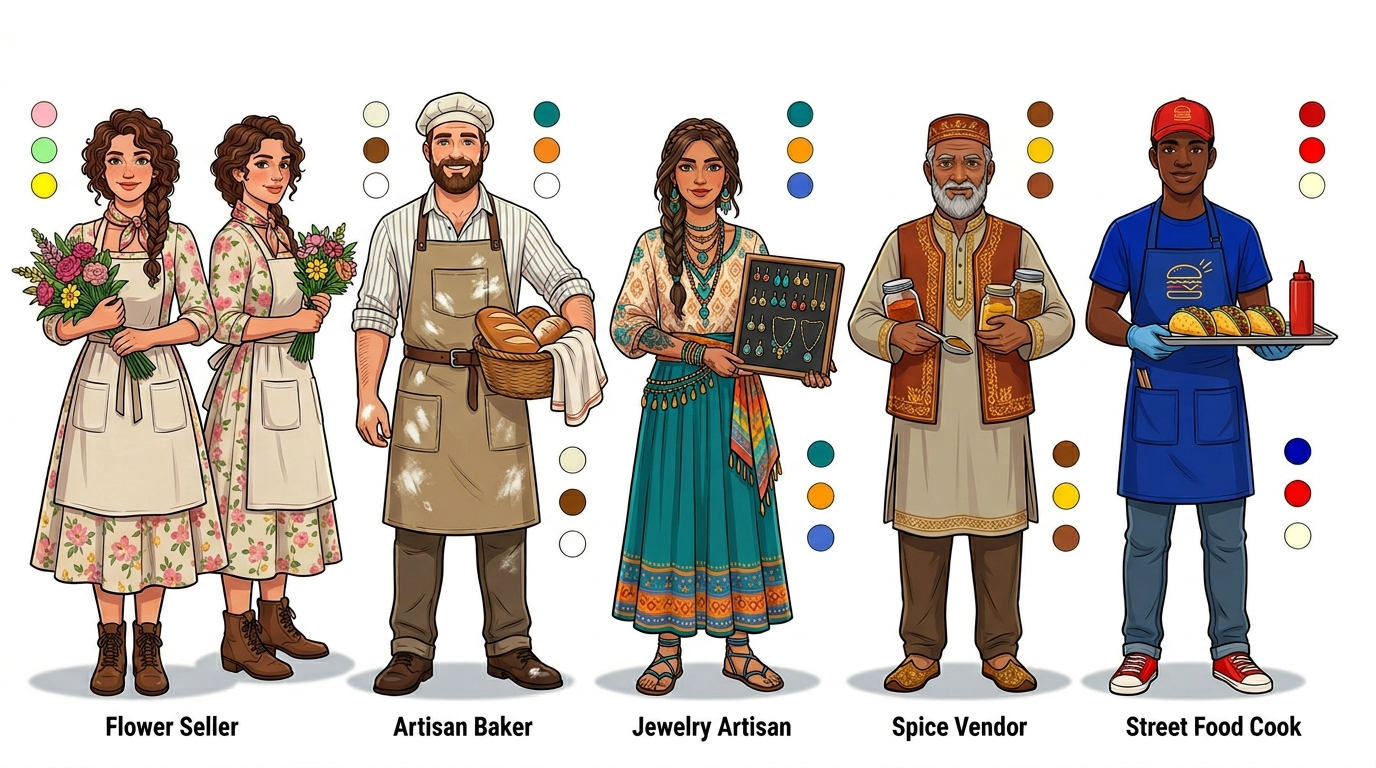
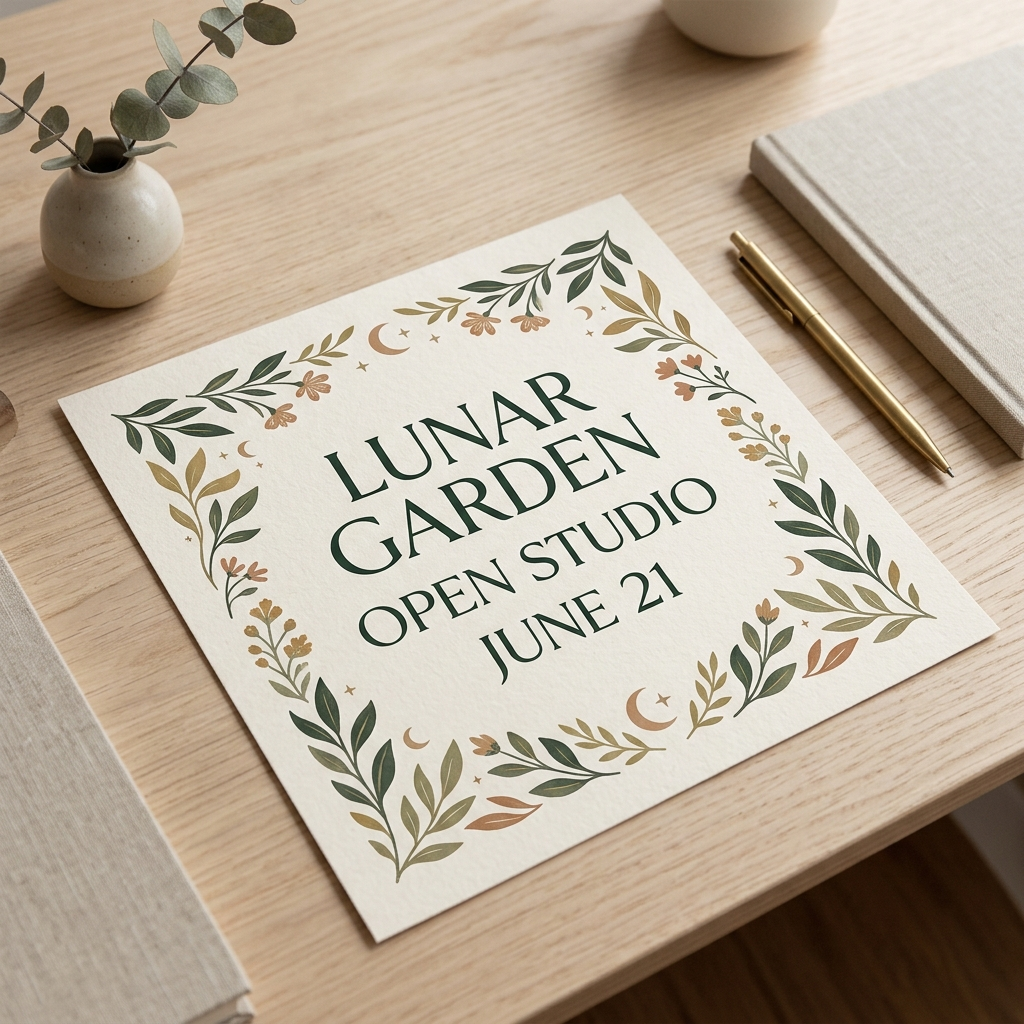
Composition for Your Format
Plan a square card, portrait story, or landscape image around the space available in the final placement.
Choose a supported ratio and reserve space for the focal subject.
Check text, proportions, and the final crop at full size.
Use a focused brief and change one visible variable when refining the result.
Reference gallery examples · Zanta
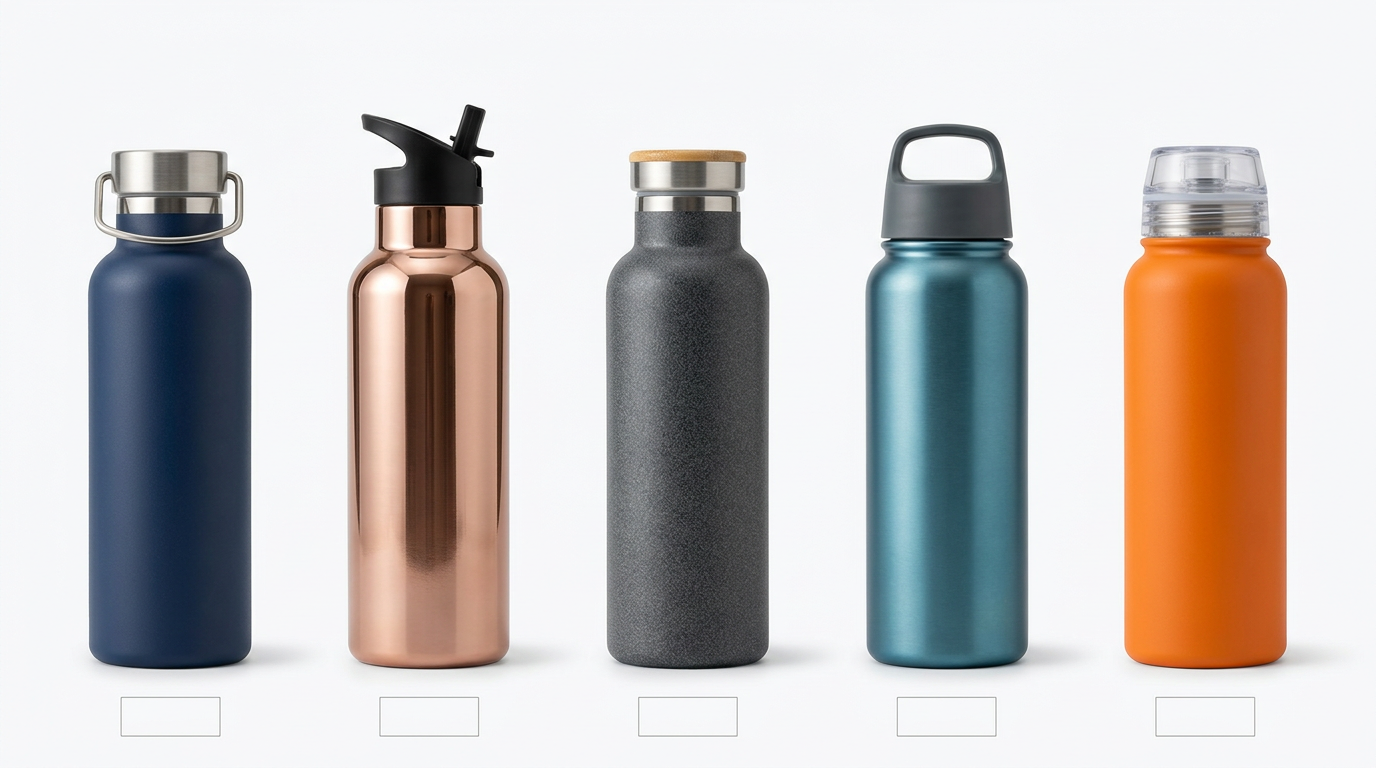
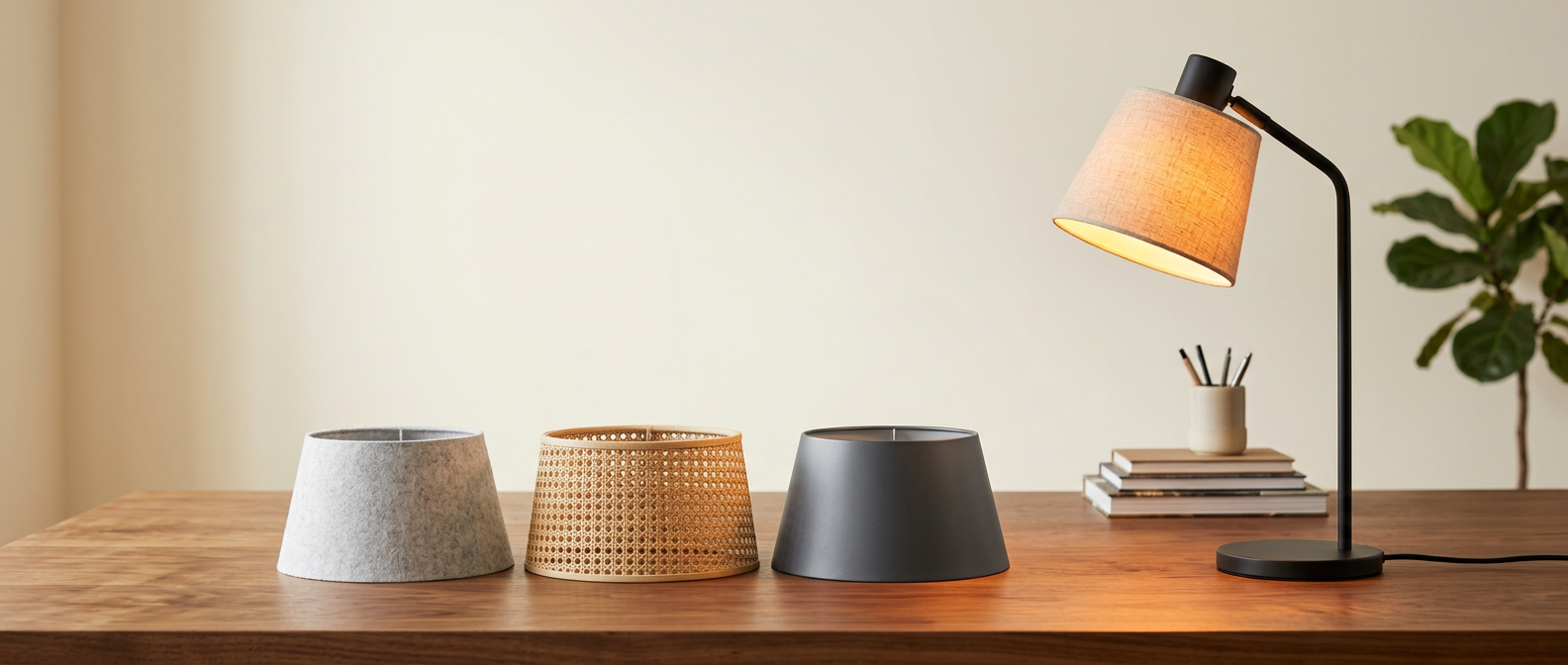
Products, Photos, and Layouts
Combine an identifiable product with lighting, materials, background, and a restrained typographic hierarchy.
Keep the key product details visible and easy to compare.
Check text, proportions, and the final crop at full size.
Use a focused brief and change one visible variable when refining the result.
Reference gallery examples · Zanta
Nano Banana Prompt Examples
New starting briefs for the visual directions shown below. The images are reference gallery examples from Zanta, not verified outputs of these prompts.
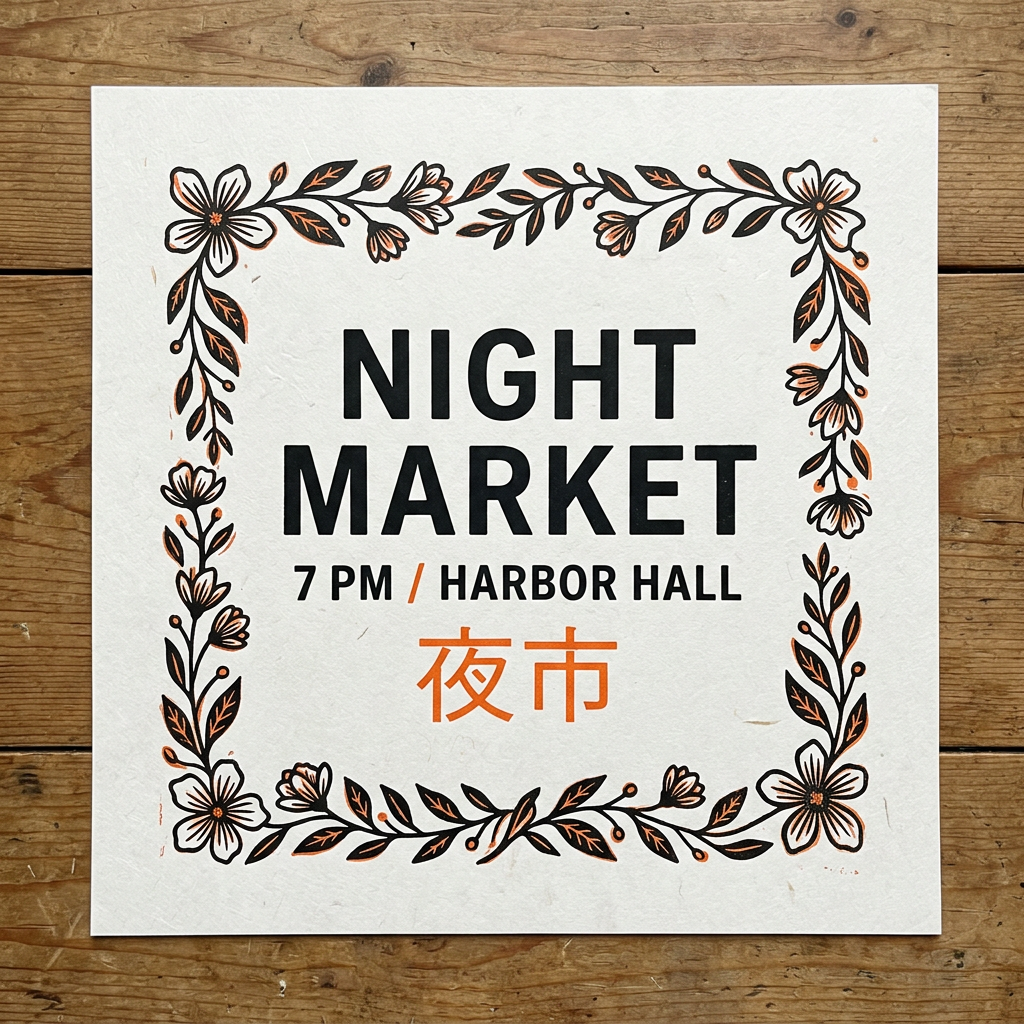
Bilingual Market Poster
Create a square illustrated community-market poster with lanterns and small food stalls. Exact visible text only: NIGHT MARKET, 夜市, SATURDAY. Use a warm red and cream palette, a clear title area, readable spacing, and one central street scene. No extra copy, real logos, or watermark.
Reference gallery example · Zanta
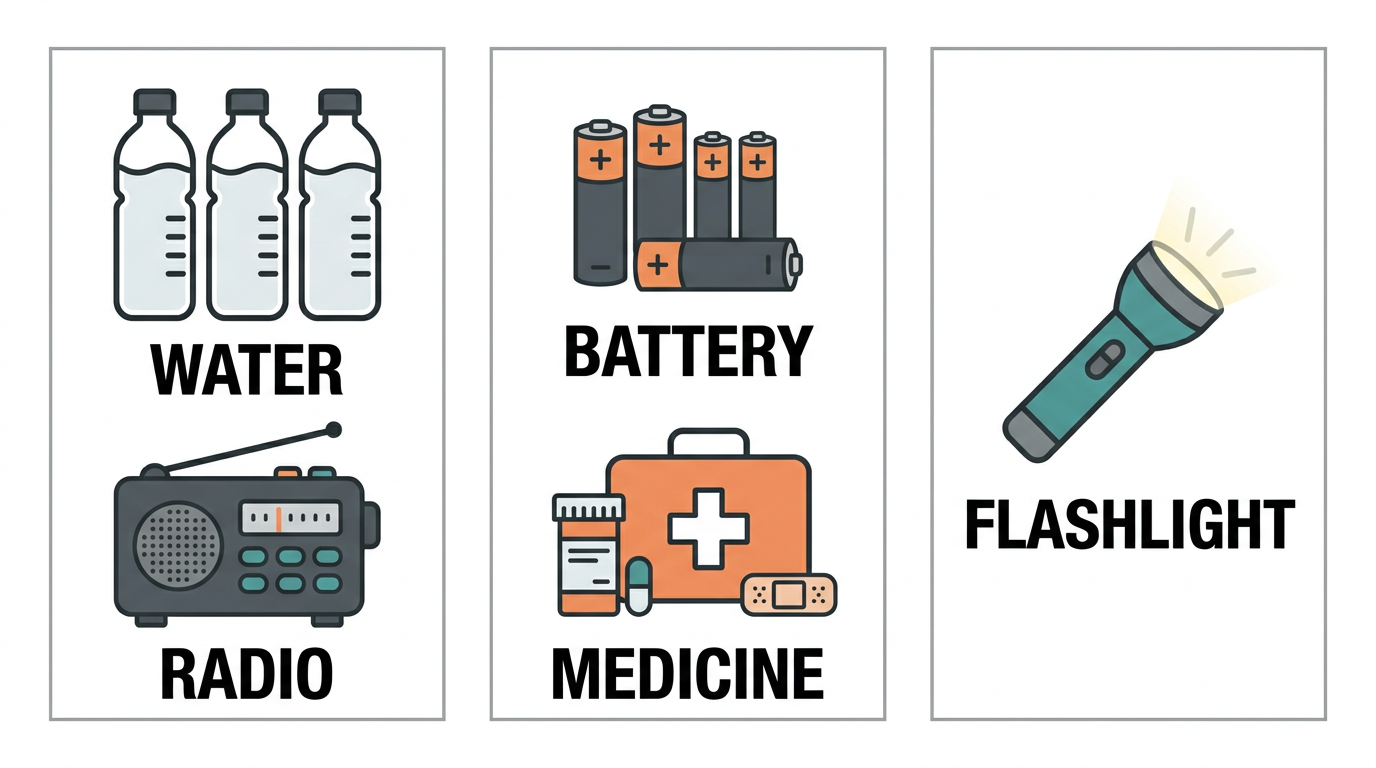
Emergency Kit Diagram
Create a simple flat illustration of a household emergency kit arranged in six labeled groups: WATER, LIGHT, RADIO, FOOD, FIRST AID, MAP. Use clear object silhouettes, cream background, orange and charcoal accents, aligned labels, and generous spacing. This is a visual concept; keep the items distinct and do not invent technical instructions.
Reference gallery example · Zanta
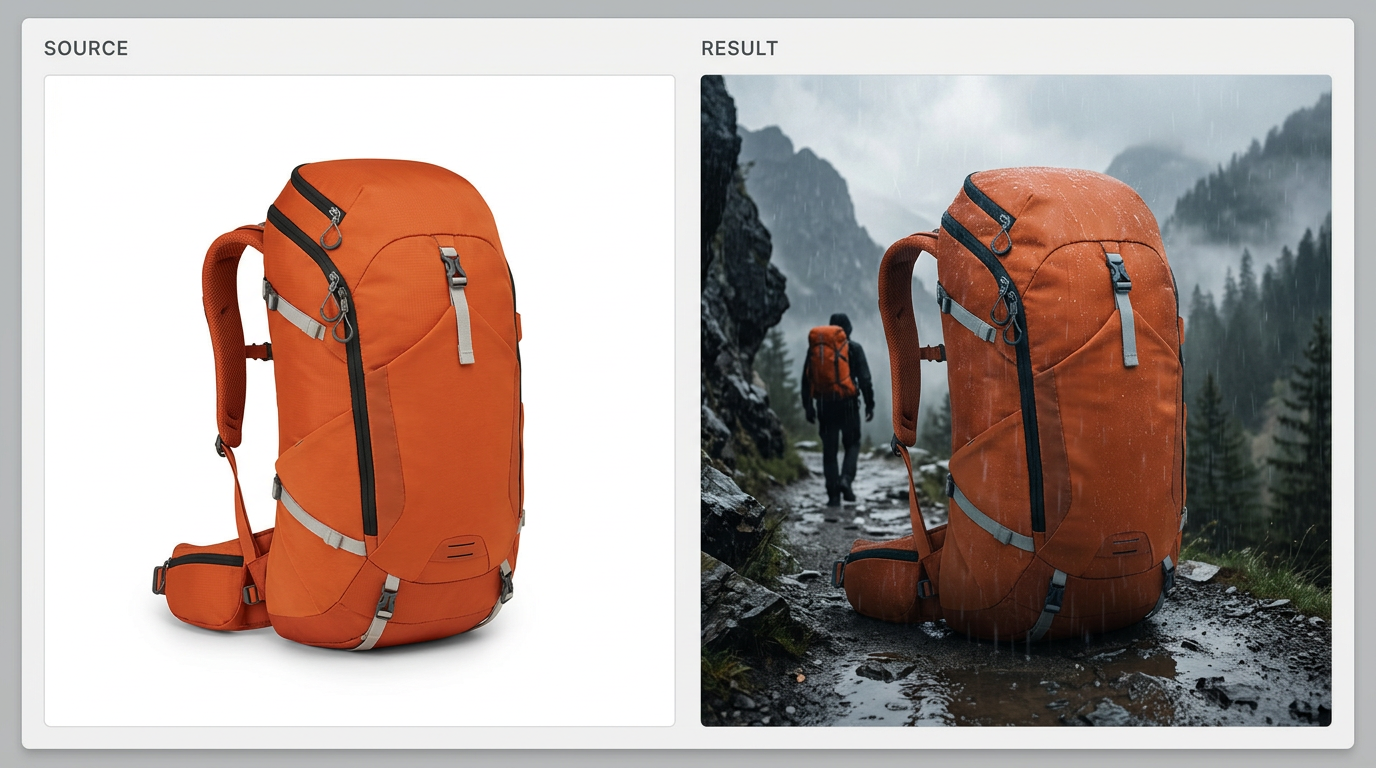
Backpack Review Board
Create a product review board for a fictional olive-green hiking backpack. Show a front view, side view, and a landscape campaign scene. Preserve the same strap layout, rounded silhouette, and fabric texture across all views. Soft studio light for the detail views, warm trail light for the campaign view, no text or logos.
Reference gallery example · Zanta
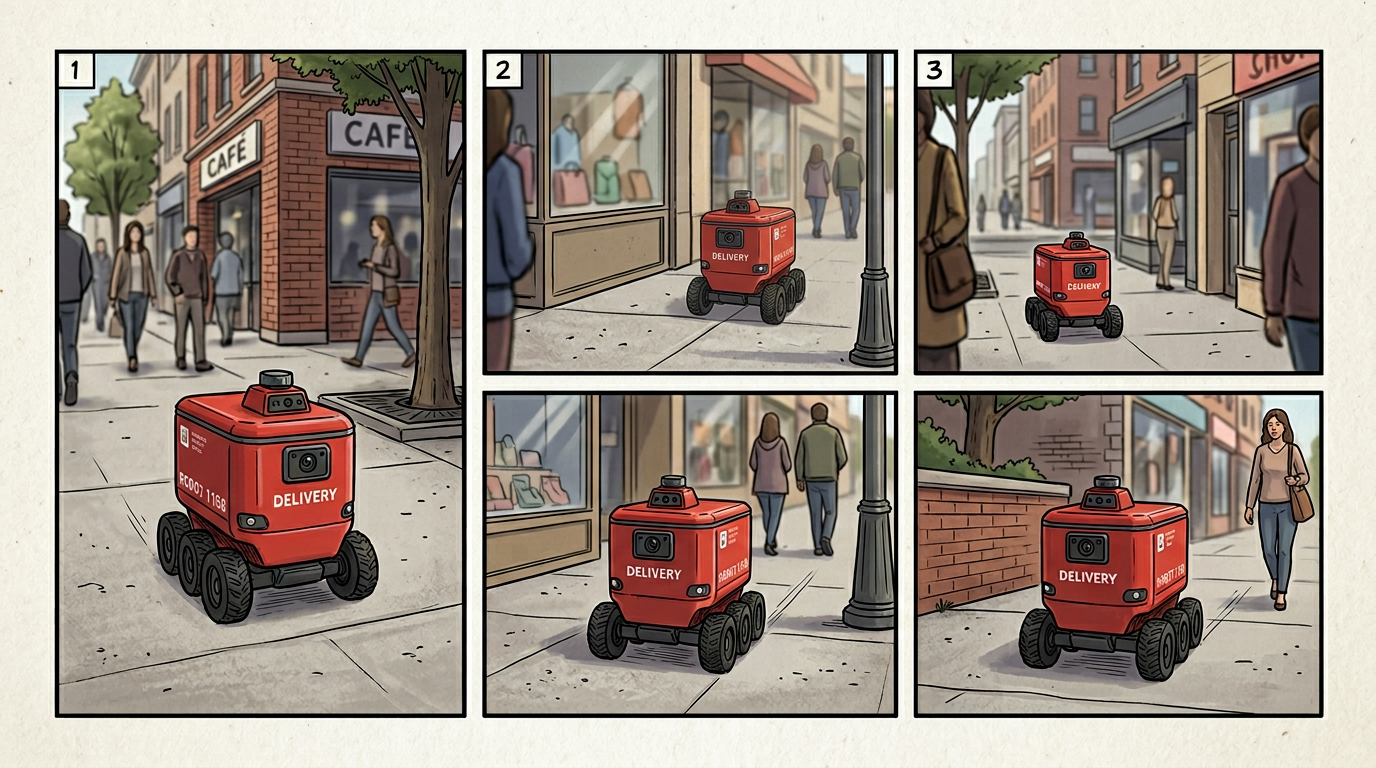
Delivery Robot Story
Create a three-panel wordless storyboard of a small red delivery robot with white wheels. First it leaves a depot, then crosses a quiet plaza, then arrives beside a blue doorway. Keep the robot proportions and colors identical, use a clean graphic style, and leave clear space between the panels.
Reference gallery example · Zanta
Nano Banana Prompt Tips
Write a production brief that makes the result easy to inspect, compare, and refine.
01 · DELIVERABLE
Name the asset first
Start with the poster, product still, character sheet, diagram, or campaign image you actually need.
02 · LAYOUT
Describe hierarchy and placement
Explain where the subject, copy space, supporting objects, and focal point belong in the frame.
03 · MATERIAL
Use concrete visual evidence
Name surfaces, light direction, lens feel, texture, environment, and the intended finish.
04 · TEXT
Keep visible words short
Quote the required words exactly and review spelling, casing, punctuation, and invented copy.
05 · QA
State the reject conditions
Call out fake logos, extra subjects, source drift, broken anatomy, or an unsafe crop before generating.
Nano Banana Use Cases
Choose the model by the job and review the visible failure mode before you publish.
Campaign-ready stills
Good fit
Product heroes, posters, social images, thumbnails, and landing-page visuals with an inspectable art direction.
Watch for
Review text, logos, product geometry, crop safety, and whether the result actually fits the channel.
Reference-guided edits
Good fit
Carry product shape, character identity, wardrobe, room layout, or material cues into a new visual.
Watch for
A reference guides generation; it does not guarantee pixel-perfect preservation of every source detail.
Concept exploration
Good fit
Compare several controlled visual directions before investing in a polished final or production shoot.
Watch for
Keep prompts and settings comparable so the batch produces a useful decision rather than unrelated images.
Practical answers about access, settings, references, review, and output use.
How do I start an image?
Sign in, write a concrete visual brief, choose the available output settings, and check the credit estimate before generating. Your completed images appear in Assets.
Can I try it with free credits?
Eligible accounts can use the credits currently available in their balance. Daily check-in may add credits when enabled. Each generation uses the amount shown in the generator; access is not an unlimited free offer.
Can I upload reference images?
Add up to 4 JPG, PNG, or WebP images. Describe what each image should guide and what needs to remain recognizable. Review the output rather than assuming exact preservation.
Which output sizes and ratios can I choose?
The generator offers 1K output and 1:1, 3:4, 4:3, 9:16, 16:9 framing. Choose from the controls shown and check the updated credit estimate.
How can I improve visible text?
Quote the exact words, keep them short, describe their placement and hierarchy, and review spelling and punctuation at full size. A visually convincing layout may still contain text mistakes.
Why did the image miss part of my brief?
Long or conflicting instructions make a result harder to control. Keep one main subject, state the protected details, and change one visible variable at a time when refining the image.
Are the samples results tested on this site?
These are examples from the reference website, reused for visual comparison. The prompt examples are newly written starting briefs, not the original prompts or a claim that this site reproduced the displayed images.
What should I check before publishing?
Check text, anatomy, product geometry, factual labels, and the final crop. Review the current site terms and make sure you have permission to use any supplied references or recognizable material.
Which Nano Banana version opens here?
Nano Banana Lite opens by default. The model selector also lets you choose the available Nano Banana 2 and Pro variants, with each variant exposing its own supported settings and credit estimate.
How do I keep a character consistent?
Use compatible references when available and repeat the essential face, clothing, proportions, and palette. Inspect each result; consistency is a goal to review, not an automatic guarantee.
When should I compare another image model?
Try another available model when the current result repeatedly misses text, layout, or the defining subject detail. Keep the brief and destination format comparable.
Start with Nano Banana in Dola AI
Create with Nano Banana Lite, Nano Banana 2, or Pro, and compare their supported settings and credit estimates.