Skip to content

AI Hug Video Generator

Effect

AI HugTwo adults to a short embrace
0/1 max

Result

Examples

AI Hug Video Examples

See how a source photo becomes a moving scene.

Source preparation

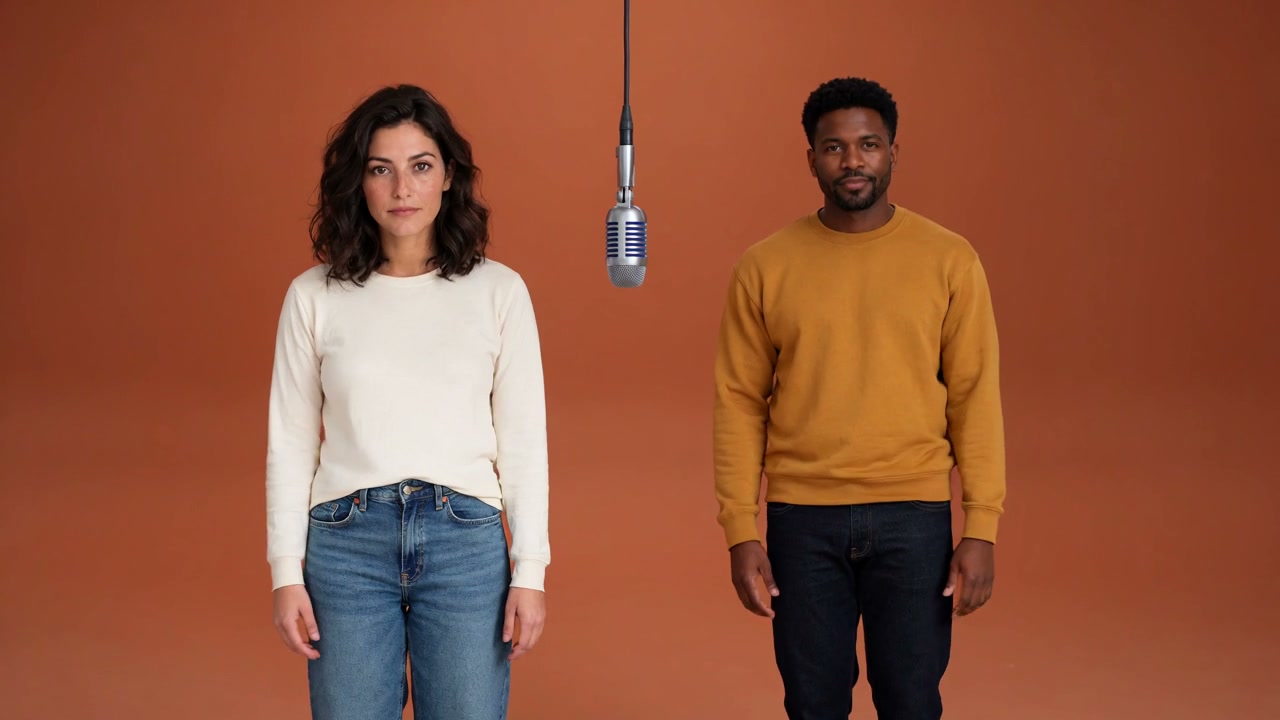
One Photo with Both People

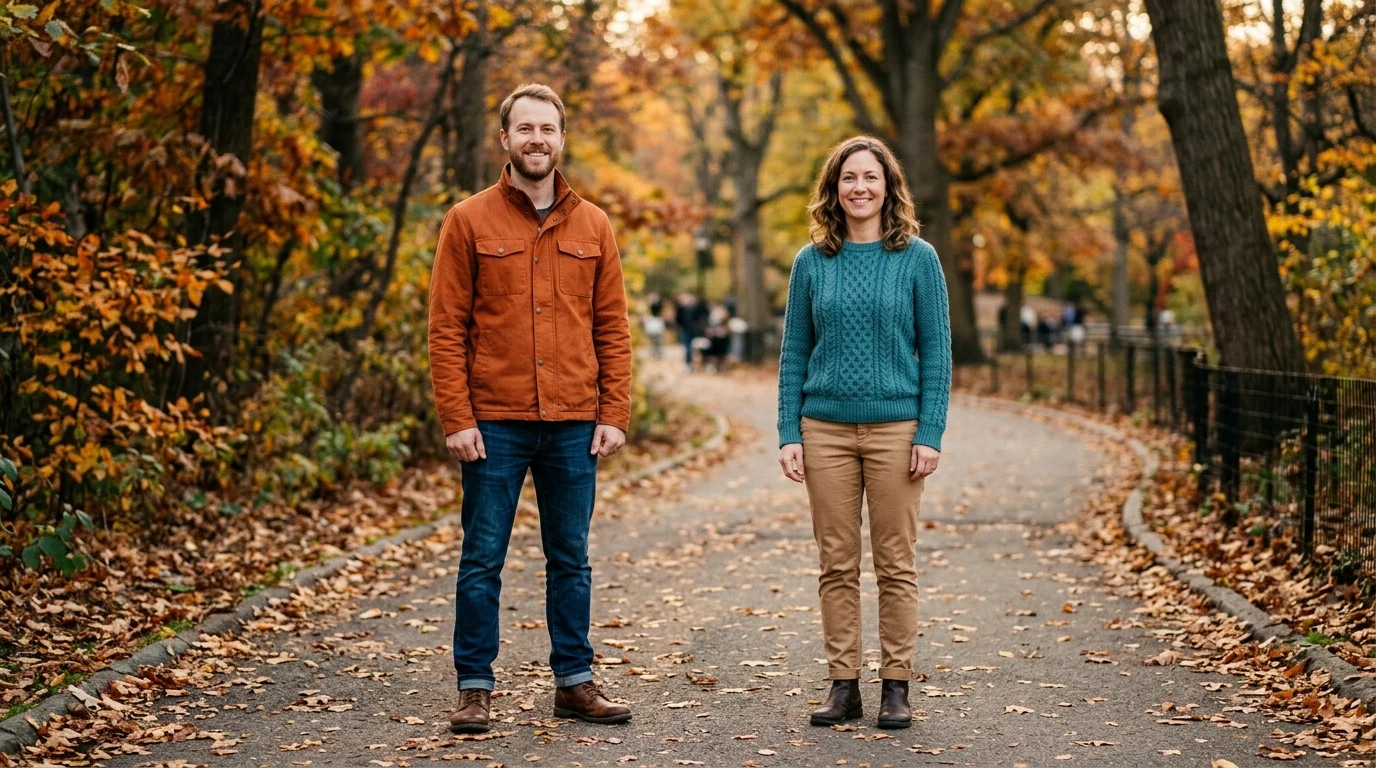
Start with both consenting adults in the same photograph. Clear faces, visible upper bodies, and similar subject size give the movement a more natural starting point.

  1. 01Use a photo containing exactly two consenting adults.
  2. 02Keep faces and upper bodies visible.
  3. 03Avoid heavy occlusion or a large difference in scale.

One Photo with Both People

Result review

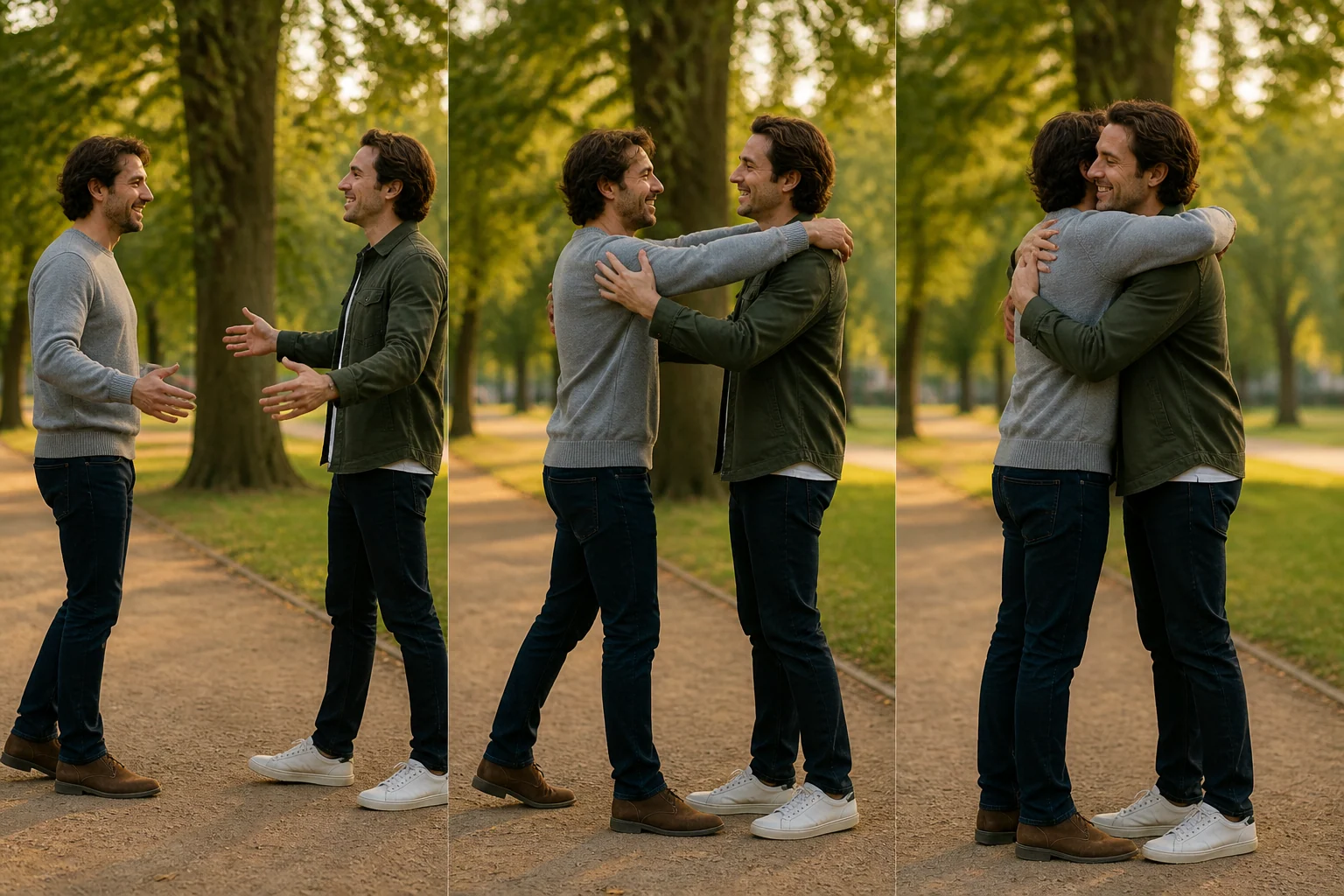
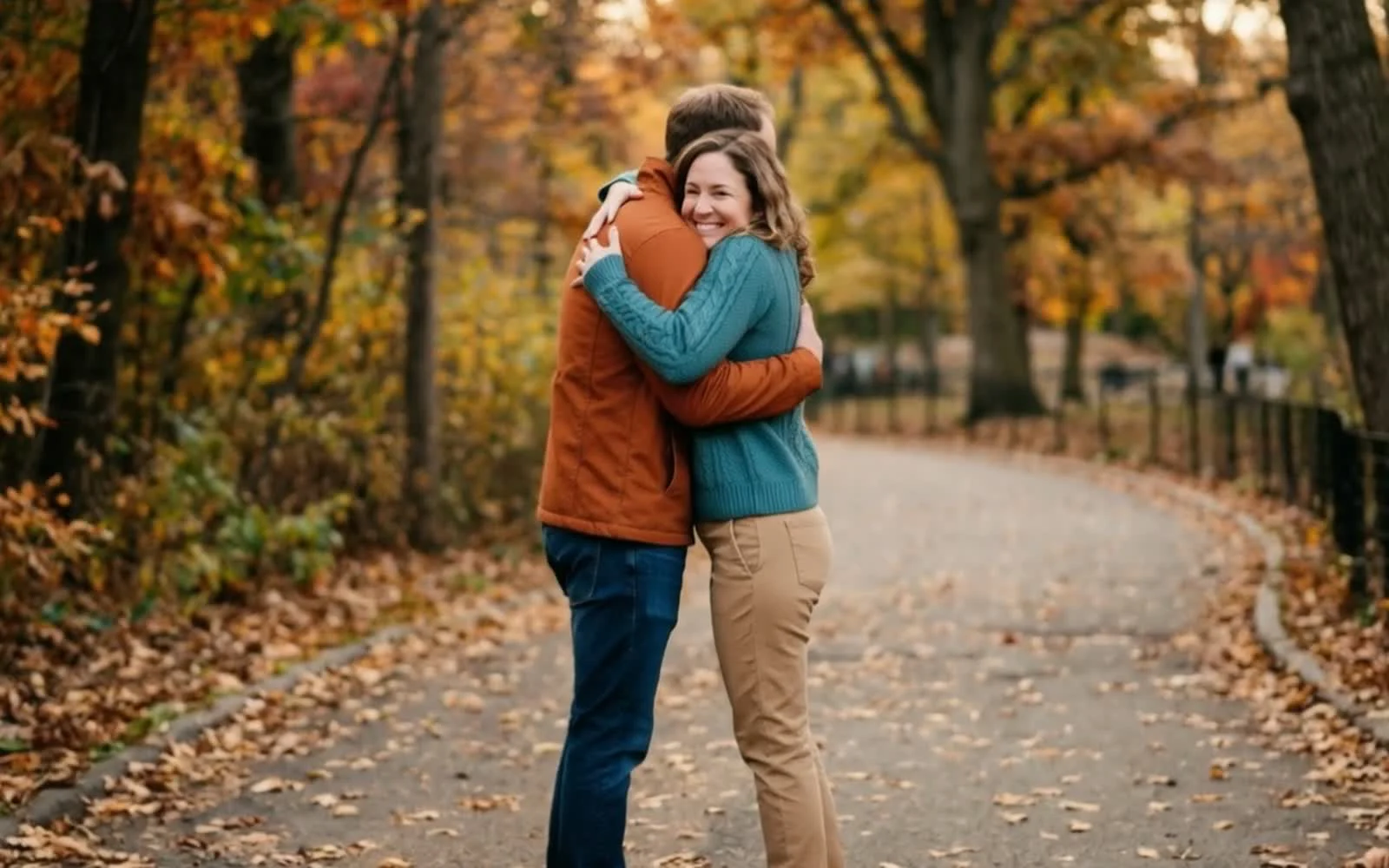
A Photo Becomes a Shared Moment

Review the movement frame by frame. Check that both identities remain recognizable and that hands, arms, and facial expressions stay natural through the embrace.

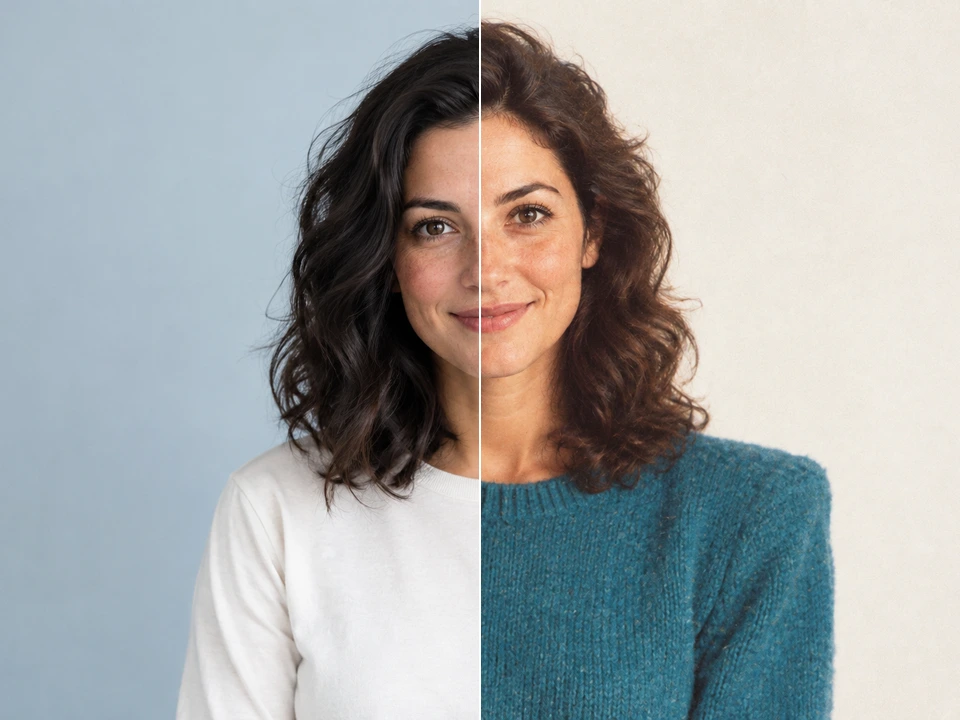
  1. 01Compare both faces with the original photo.
  2. 02Watch hands and arms during the embrace.
  3. 03Keep the version with comfortable, natural movement.
A Photo Becomes a Shared Moment

Use cases

AI Hug Video Generator Use Cases

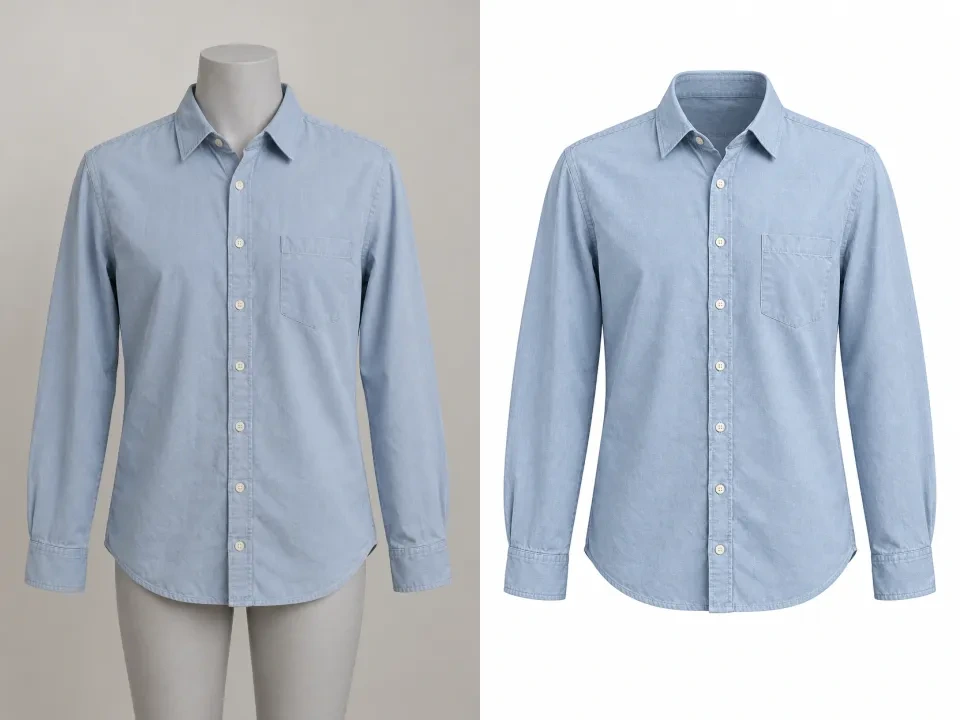
Create personal keepsakes, friendship clips, graduation moments, and reunion edits using photos shared with permission.

AI Hug Video Generator Use Cases
How to create

How to Use the AI Hug Video Generator

One photo, one effect, a result you can save.

1

Choose a photo

Upload one photograph showing exactly two consenting adults.

2

Create the hug

The ready-to-use motion preset turns the still photograph into a short clip.

3

Review and save

Play the video, review both faces and the movement, then download your favorite version.

Create AI Hug Video

AI Hug Video Generator FAQ

Choosing a shared photo, getting permission, checking movement and identity, understanding credits, and reviewing the finished embrace.

What is an AI hug video?

It is a generated video that animates two people from one still photograph into a gentle embrace.

Do both people need to be in the same photo?

Yes. This preset accepts one photograph containing exactly two consenting adults.

What photo gives the best result?

Use a sharp photo with clear faces and visible upper bodies at a similar scale, without heavy occlusion.

Which file formats can I upload?

You can upload one JPG, PNG, or WebP image up to 10 MB.

Can I choose the movement or duration?

The hug motion and five-second duration are fixed for this preset.

Will the result preserve both people exactly?

AI motion can change facial details or hand shapes. Review the full clip and keep the version that looks most natural.

How many credits are required?

The credits for the configured MiniMax H3 video preset are displayed before you create.

Can I save or download my video?

Yes. A completed clip can be downloaded, favorited, and opened from your Assets.

Turn a Photo into a Warm Embrace

Start with one photo of two consenting adults and create a short AI hug video.