Skip to content

Free AI Image Generator & Photo Editor

10 credits

Create a new image from words or explore a different look with a reference photo. Free credits help you try the available image models.

Text to Image Prompts for Better AI Images

Eight copyable text to image briefs tuned for Dola AI: concrete subject, composition, material, lighting, and ratio.

Obsidian Bloom Launch

Obsidian Bloom Launch

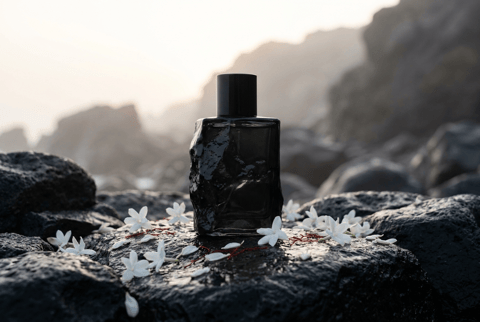
Premium brand-world image for an imaginary fragrance called Obsidian Bloom, black volcanic glass bottle on wet basalt, white jasmine petals, thin red thread, misty dawn light, restrained luxury campaign still, crisp product silhouette, no logo, no watermark.
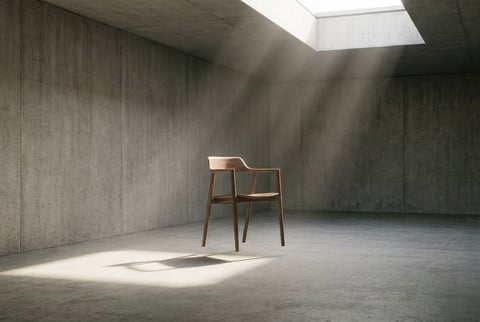
Museum Chair Still

Museum Chair Still

Museum campaign still of a single walnut chair floating inside a quiet concrete gallery, long soft shadow, dust in skylight beams, minimal composition, refined architecture photography, wide editorial composition, no readable text, no logo, no watermark.
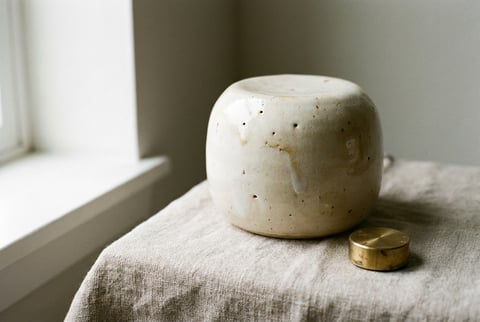
Ceramic Speaker Study

Ceramic Speaker Study

Three-quarter product study of a handmade ceramic smart speaker with tiny glaze imperfections, placed on raw linen beside a brass volume dial, soft window light, gentle shadow gradient, calm premium product photography, no text, no logo, no watermark.
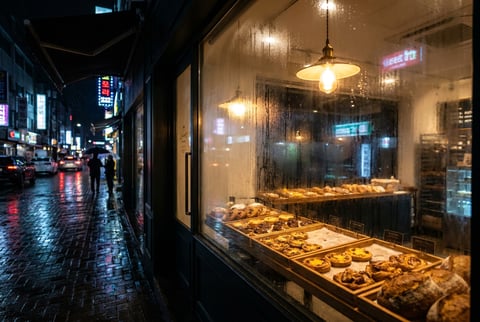
Night Bakery Window

Night Bakery Window

Wide cinematic retail window scene of a tiny late-night bakery glowing in rain, trays of pastries, condensation on glass, one warm pendant lamp, reflections of street lights, cozy but sophisticated commercial photography, no text, no logo, no watermark.
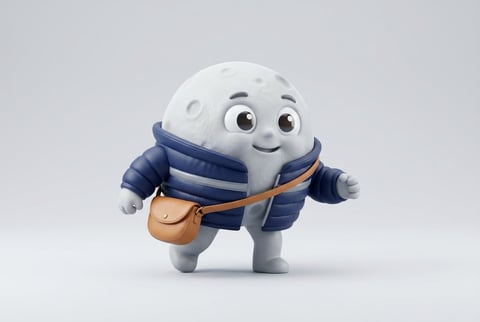
Moon Courier Mascot

Moon Courier Mascot

Cute but polished 3D mascot character, a moon courier wearing a tiny padded messenger jacket and carrying a crescent-shaped satchel, clean studio background, soft vinyl texture, expressive eyes, product mascot quality, no text, no logo, no watermark.
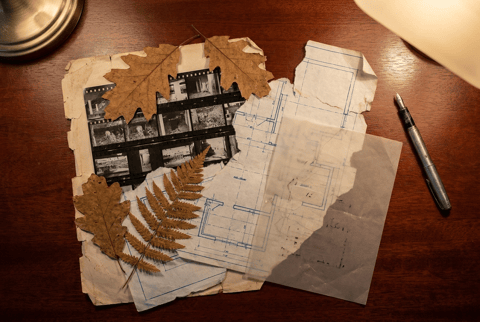
Archive Desk Collage

Archive Desk Collage

Editorial collage still of old contact sheets, torn blueprints, pressed leaves, a silver fountain pen, and one translucent acetate overlay on a mahogany desk, top-down composition, warm lamp light, tactile archival mood, no readable text, no logo, no watermark.
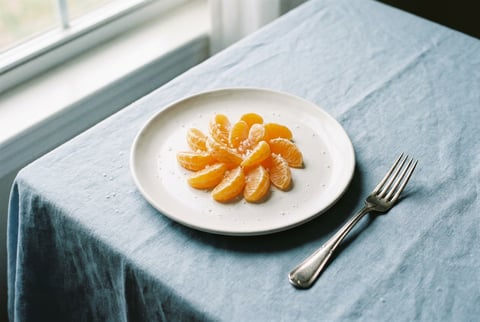
Tangerine Plate Study

Tangerine Plate Study

Editorial food image of tangerine segments arranged like a precise flower on a handmade white plate, pale blue tablecloth, tiny salt crystals, silver fork, crisp natural window light, magazine-quality restraint, no text, no logo, no watermark.
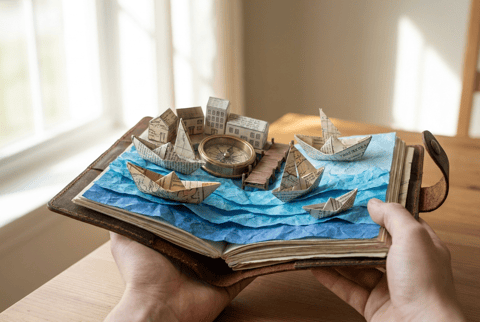
Pocket Harbor Diorama

Pocket Harbor Diorama

Miniature harbor diorama inside an open travel notebook, tiny paper boats, folded blue paper waves, brass compass, soft morning light, shallow depth of field, tactile craft meets realistic photography, clean wide composition, no text, no logo, no watermark.
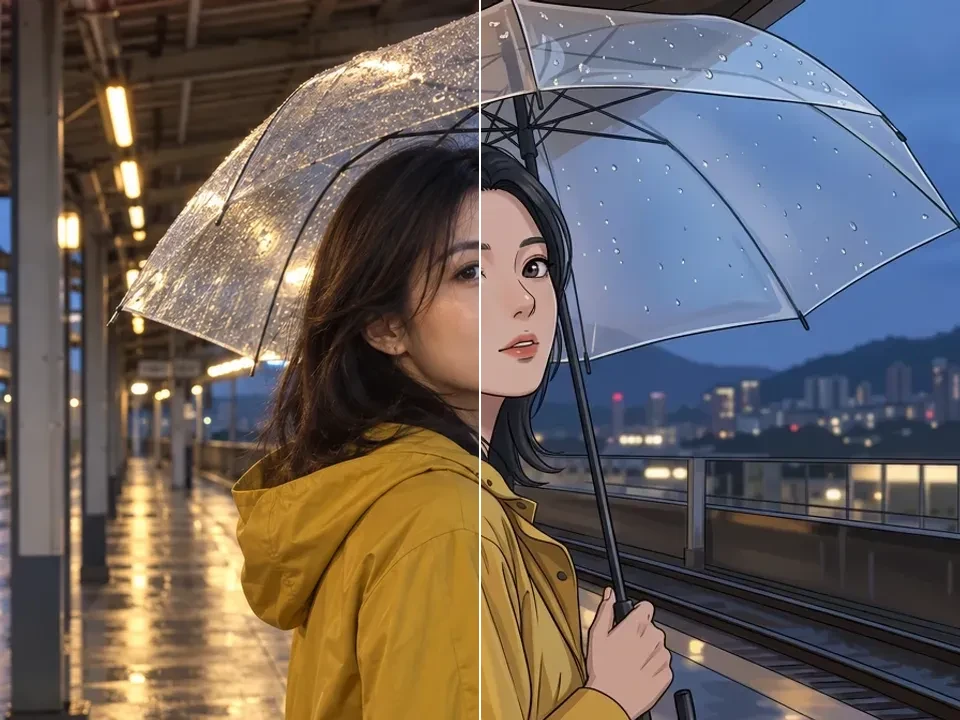
Create images from a prompt or a photo

Use Dola AI for text-to-image concepts and image-to-image edits in the same editor. Describe a portrait, product scene, illustration, or campaign idea, then choose the model and format that fit your brief. A finished image can also become the starting reference for a video.

AI image generator and photo editor

Use text to image to create portraits, product photos, illustrations, and thumbnails. For image to image, upload your own photo and describe a new background, style, or scene with a model that supports references.

Try the free AI image generator →

AI video generator from text and images

Use text to video to turn a scene description into a short clip, or image to video to animate a still photo. Describe subject movement and camera motion, then choose the settings supported by your video model.

Try the free AI video generator →

Image Models in Dola AI

Pick the image model by the task: source photo control, readable text, high-fidelity stills, fast concepts, or precise local changes.

GPT Image 2.5 for Image Creation and Reference Edits

Use GPT Image 2.5 for detailed creative briefs, reference-guided product edits, structured layouts, and polished scene generation with the connected high-quality preset.

Connected high-quality workflow

Choose the available GPT Image 2.5 settings and review the full credit quote before generating.

Reference-led variations

Bring an approved image into a new setting. Describe the change and the product, subject or layout details that should stay unchanged.

Output controls that fit the task

Available resolution, aspect ratio and quality controls depend on your selected model. Review fine text and edges in the downloaded result.

GPT Image 2.5

AI Image Generator and Editor

Create AI images from prompts, or upload a source photo when you want an AI image edit. Compare Nano Banana, Nano Banana Pro, and GPT Image 2 in one studio.

  • Generate fresh visuals from a written brief when no source image exists.
  • Upload an image when the job is restyling, cleanup, or controlled variation.
  • Compare image models by realism, style, detail, speed, text rendering, and prompt adherence.
  • Create from a prompt or edit an uploaded photo in the same studio.
Create AI images
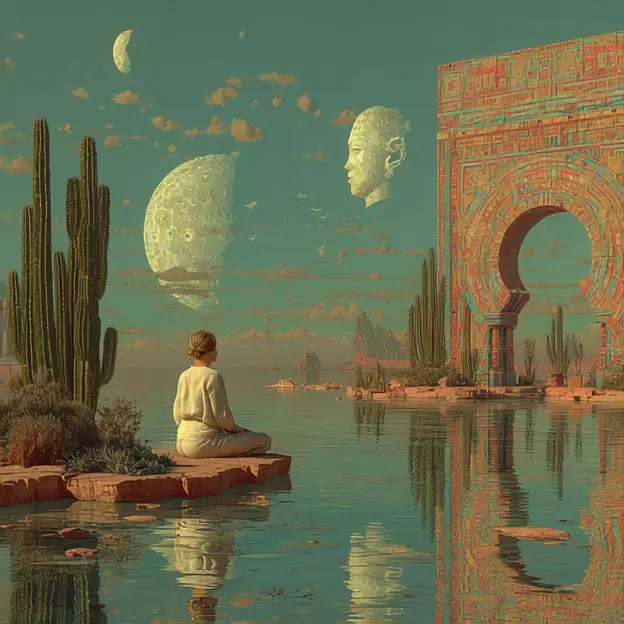
Surreal courtyard scene generated from a text prompt

Create New Images or Transform Photos

Use Nano Banana Lite or GPT Image 2 for new prompt images, then switch to image to image workflows when an upload should guide the edit.

  • Use a prompt when the image should be invented from the brief.
  • Upload a source image when continuity, cleanup, or restyling matters.
  • Choose the supported model settings for the input you provide.
  • Keep your focus on the image output and the change you want to make.
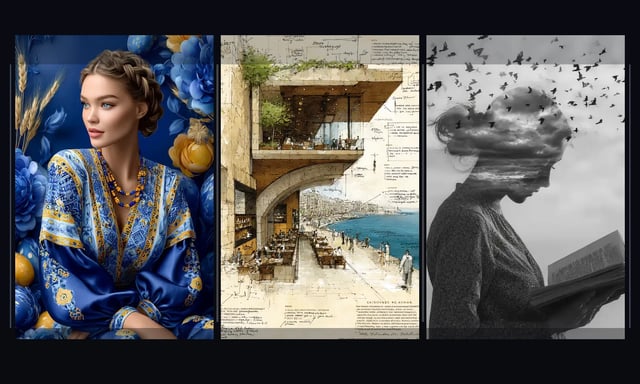
Three distinct visual directions for AI image generation

Image to Image AI for Controlled Edits

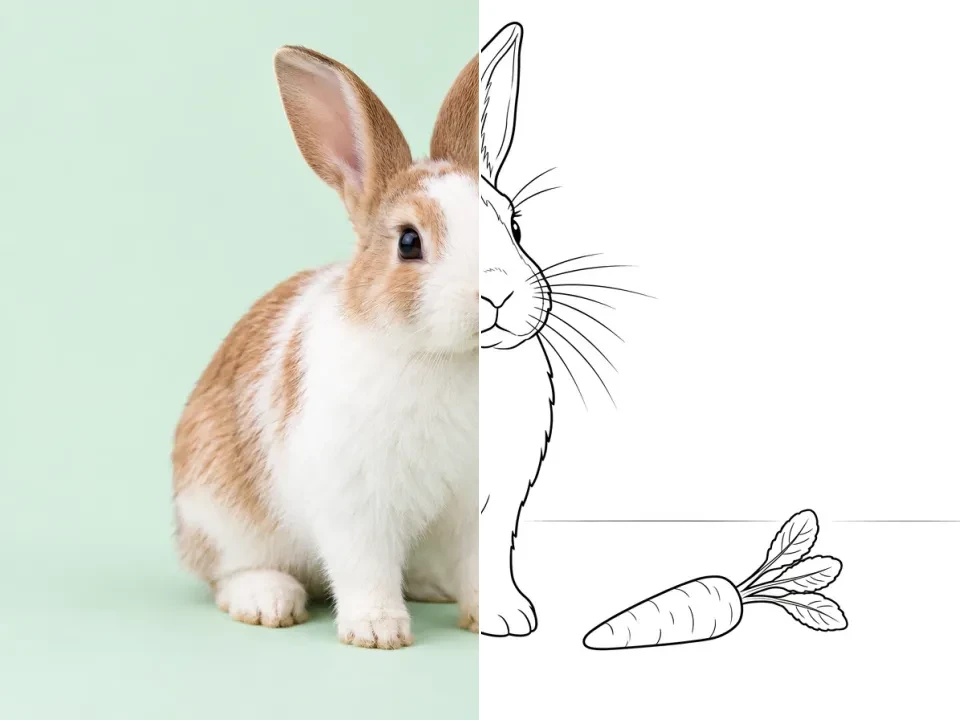
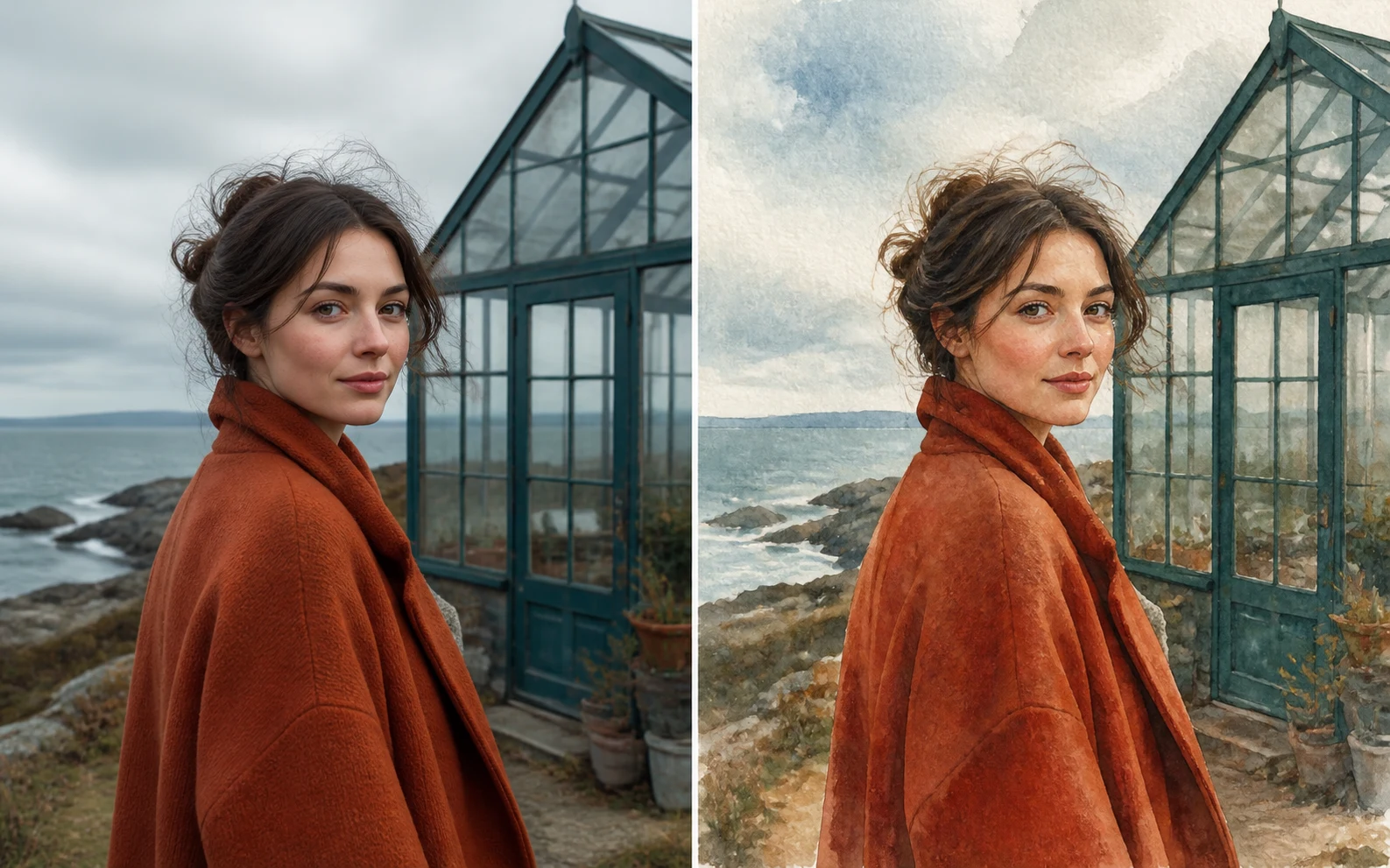
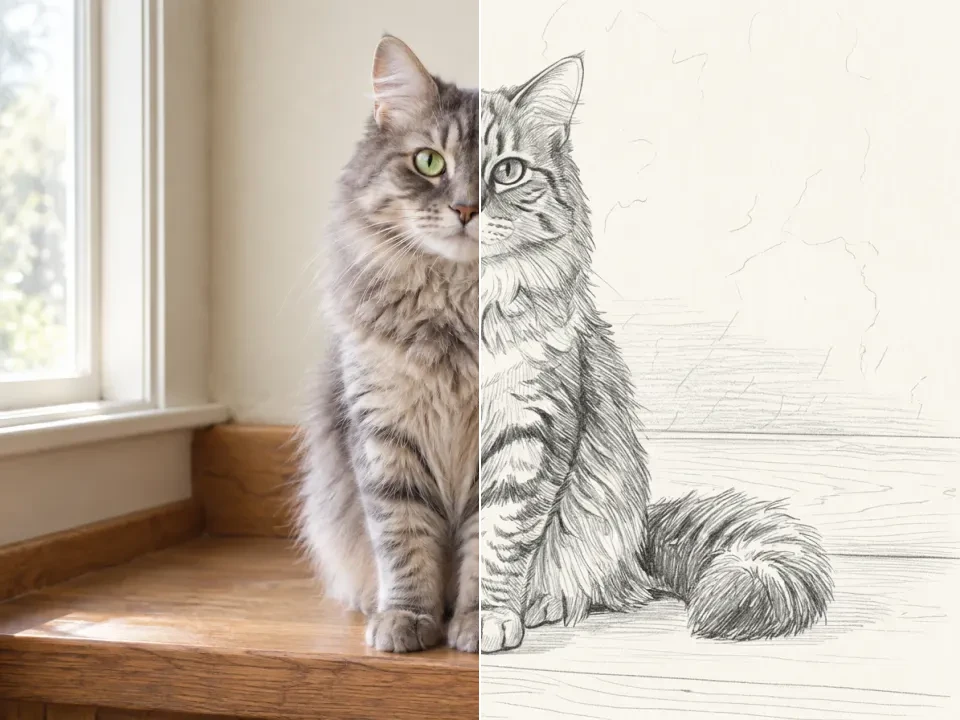
Use a source image to guide restyling, cleanup, local edits, or controlled variants while keeping the useful structure of the original photo.

  • Write for the destination, whether it is a hero image, ad, product visual, or deck slide.
  • Use composition, light, texture, and finish cues that match the intended brand feel.
  • Compare a few candidates and keep the one with the cleanest hierarchy.
  • Treat the output as a creative asset, not just a placeholder frame.
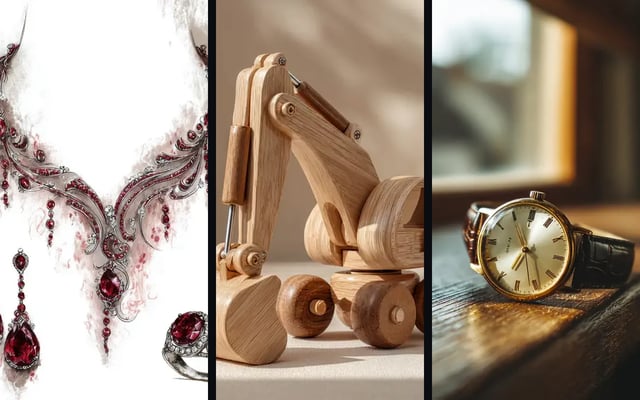
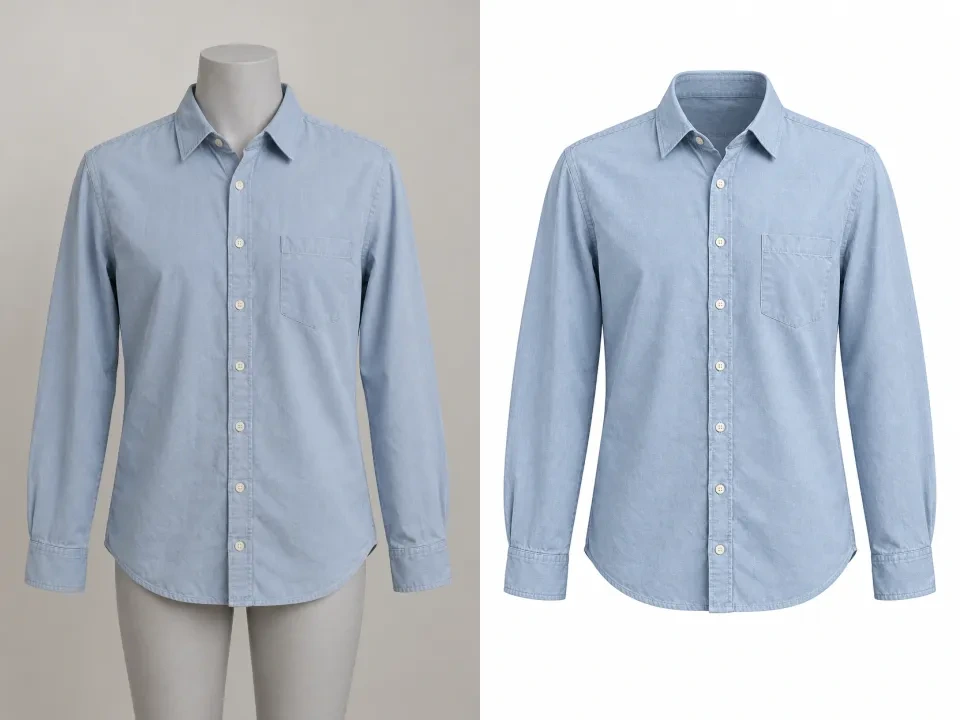
Refined product-style assets presented as finished visual directions

AI Image Generator Use Cases

Use AI image generation for fresh concepts, product stills, edits, and controlled variants in one workspace.

CAMPAIGN VISUALS

Campaign and editorial stills

Create campaign stills with Nano Banana Pro or GPT Image 2 when polish and prompt-following matter.

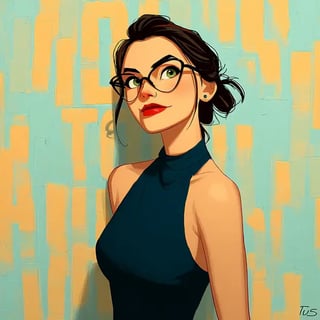
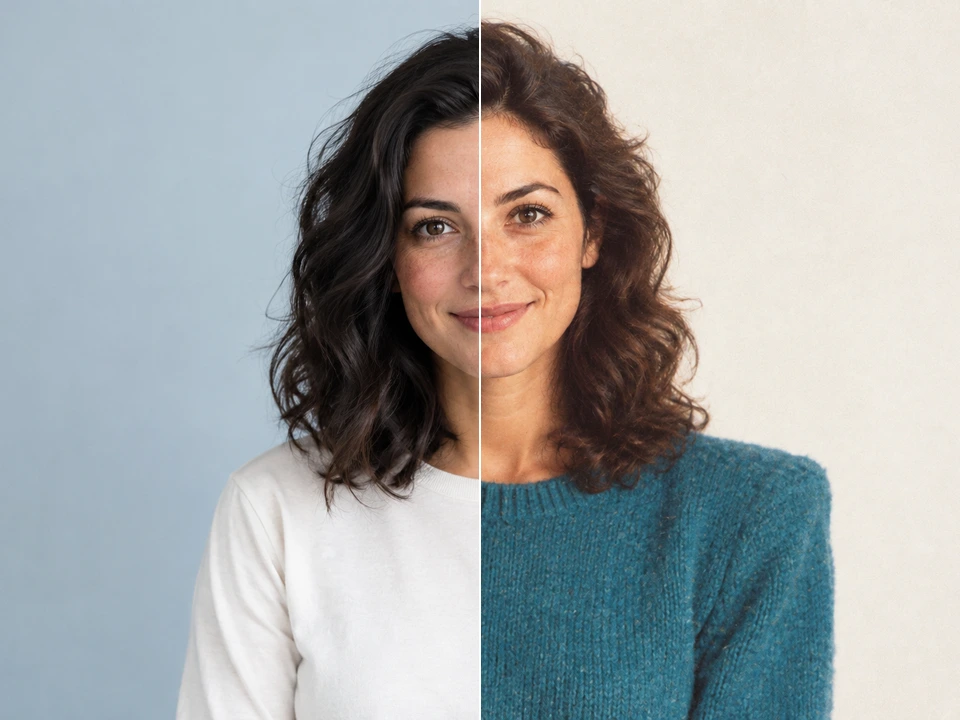
Illustrated editorial portrait for ad creative testing
PRODUCT ASSETS

Product concepts and cleanup

Use Nano Banana for product restyling and GPT Image 2 for detailed edits before assets reach catalogs or ads.

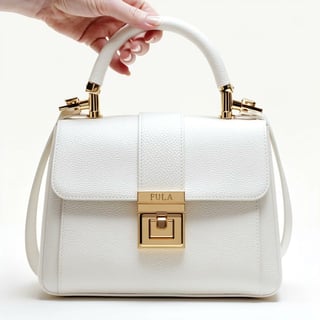
Luxury bag concept visual for ecommerce merchandising
BRAND DIRECTION

Brand visual systems

Develop branded imagery, poster directions, and cohesive visual reference systems with Nano Banana Pro or GPT Image 2.

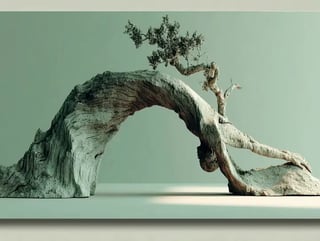
Sculptural driftwood arch visual used to define a premium campaign world
IMAGE EDITING

Controlled variants

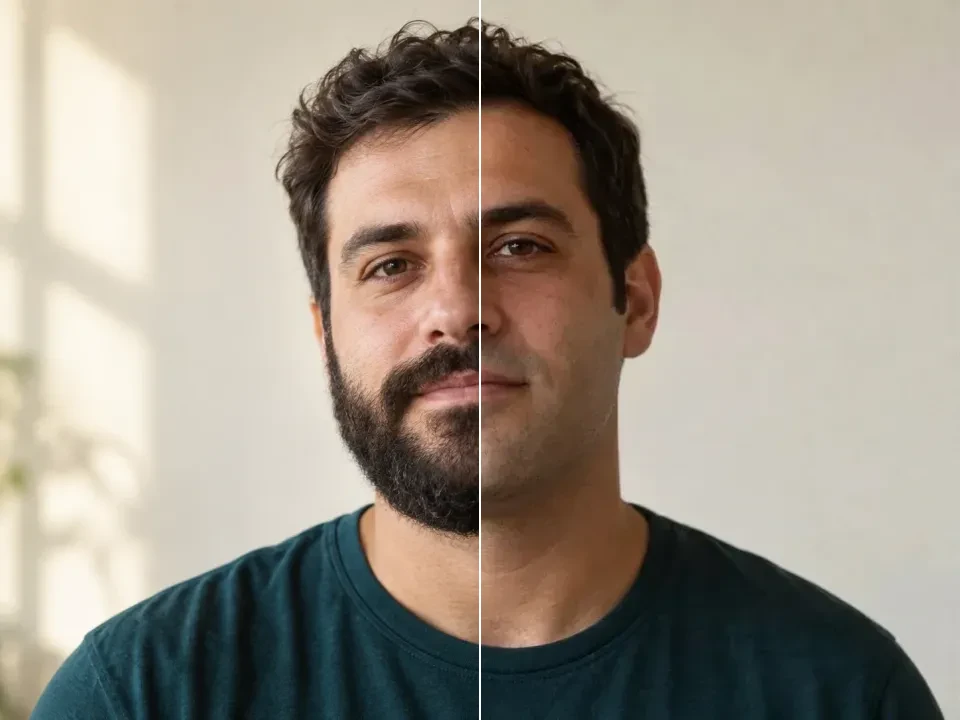
Use GPT Image 2 or Nano Banana to adapt an existing image while preserving the useful source structure.

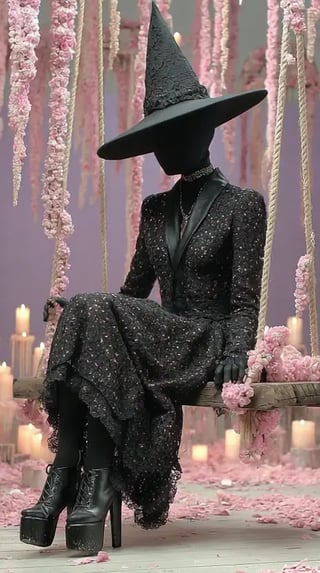
Character study created from a text prompt

How to Generate AI Images with Dola AI

Start with a clear idea, then check your settings and credit quote before submitting.

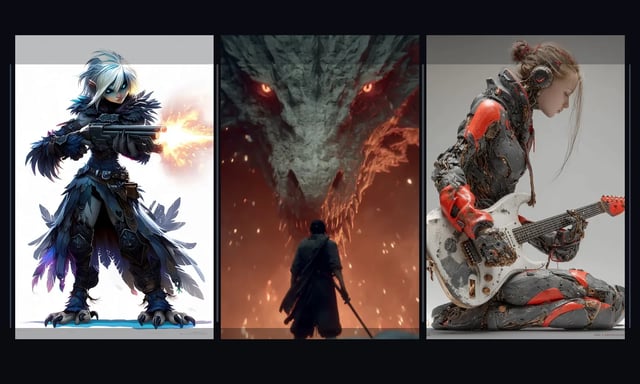
Character concept directions shown side by side
1

Describe an image or add a reference

Write the subject, setting, lighting, and style. With a reference image, explain the change you want; for video, add movement and camera direction.

2

Choose a model and check the quote

Select an available model and supported format. Sign in, then review the full batch cost on the Generate button.

3

Generate and follow the task status

Submit your request after checking the settings. Follow progress in the editor; completion time varies by model, settings, and provider demand.

4

Preview, refine, and download

Review the output and adjust the prompt for another version. Find completed results in the result panel or your signed-in history and download the ones you want.

Start AI image

AI image generator FAQ

Answers about free credits, account access, and your creative workflow.

Can I edit a photo with the image generator?

Yes, when the selected image model supports references. Upload your source photo and describe the change you want, such as a new scene, style, or composition. Reference limits and output controls vary by model.

Is Dola AI free to use?

100 sign-up credits plus daily check-in rewards of 40–120 credits. Check-in rewards follow your consecutive-day streak and can be claimed once per UTC day. Generations use credits; free credits do not mean unlimited generation.

Do I need an account to generate?

You can browse examples, write a prompt, and choose settings before signing in. Generation and reference uploads require a signed-in account. Signing in does not automatically submit your draft.

How many credits does a generation cost?

The cost depends on the model, resolution, quality, video duration, and result count. The Generate button shows the total for your selected batch. Check that quote before submitting; claim an available check-in reward or review pricing if your balance is too low.

Where can I find and download my results?

Completed work appears in the result panel and your signed-in generation history. Preview an image or play a video, then download the result you want to keep.

Can I use generated media in commercial projects?

Review our terms and the selected model’s usage rules before publication. Use reference images and other assets you have permission to use; a successful generation does not establish rights for every use.

Make your next idea visible

Start with a prompt or a reference image, then choose the workflow that fits your idea and credit balance.