Skip to content

Earth Zoom Out Effect

Effect

Earth Zoom OutPhoto to cinematic pullback
0/1 max
Duration

Result

Examples

Earth Zoom Out Video Examples

See how a source photo becomes a moving scene.

Source preparation

Start with a Place Worth Revealing

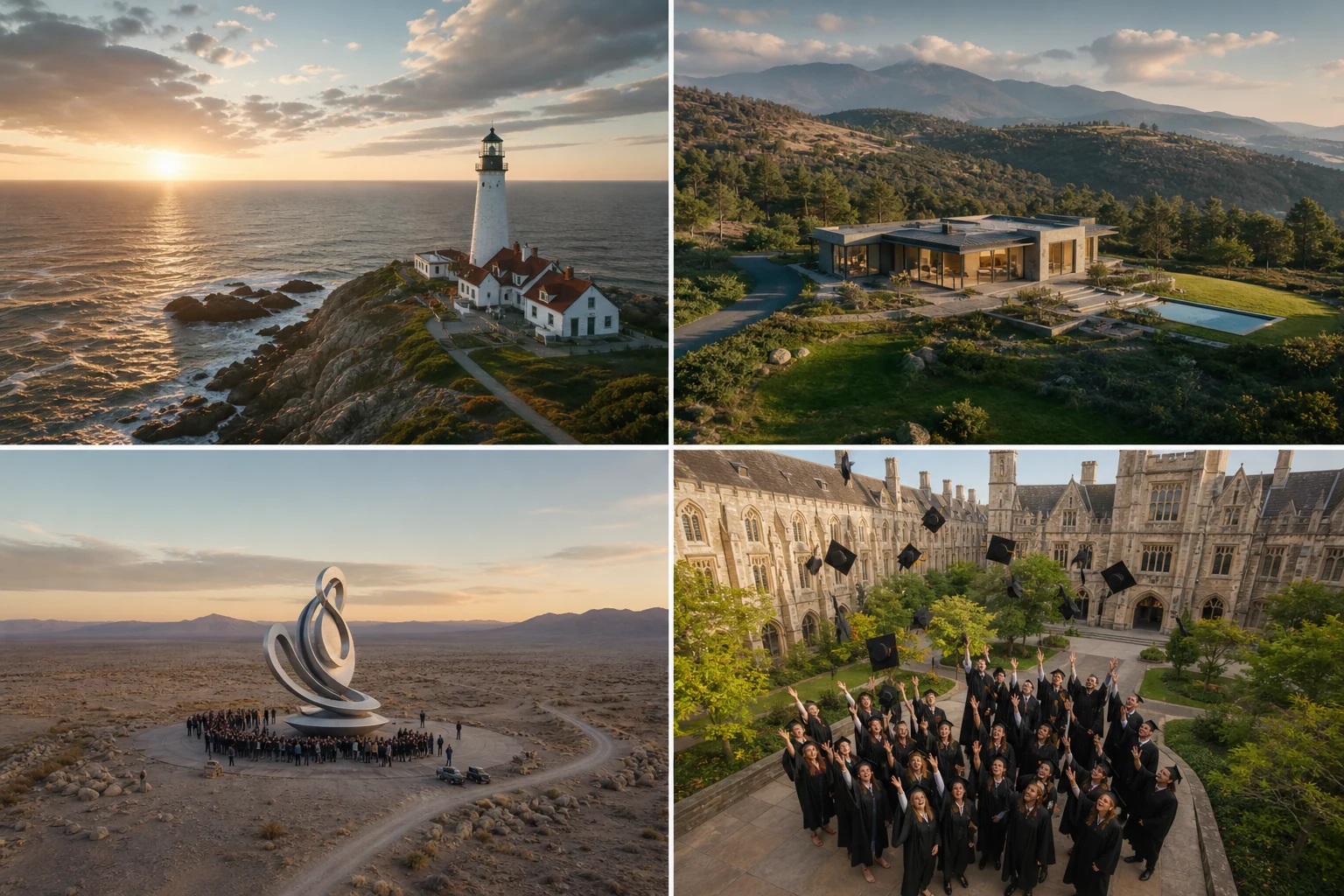
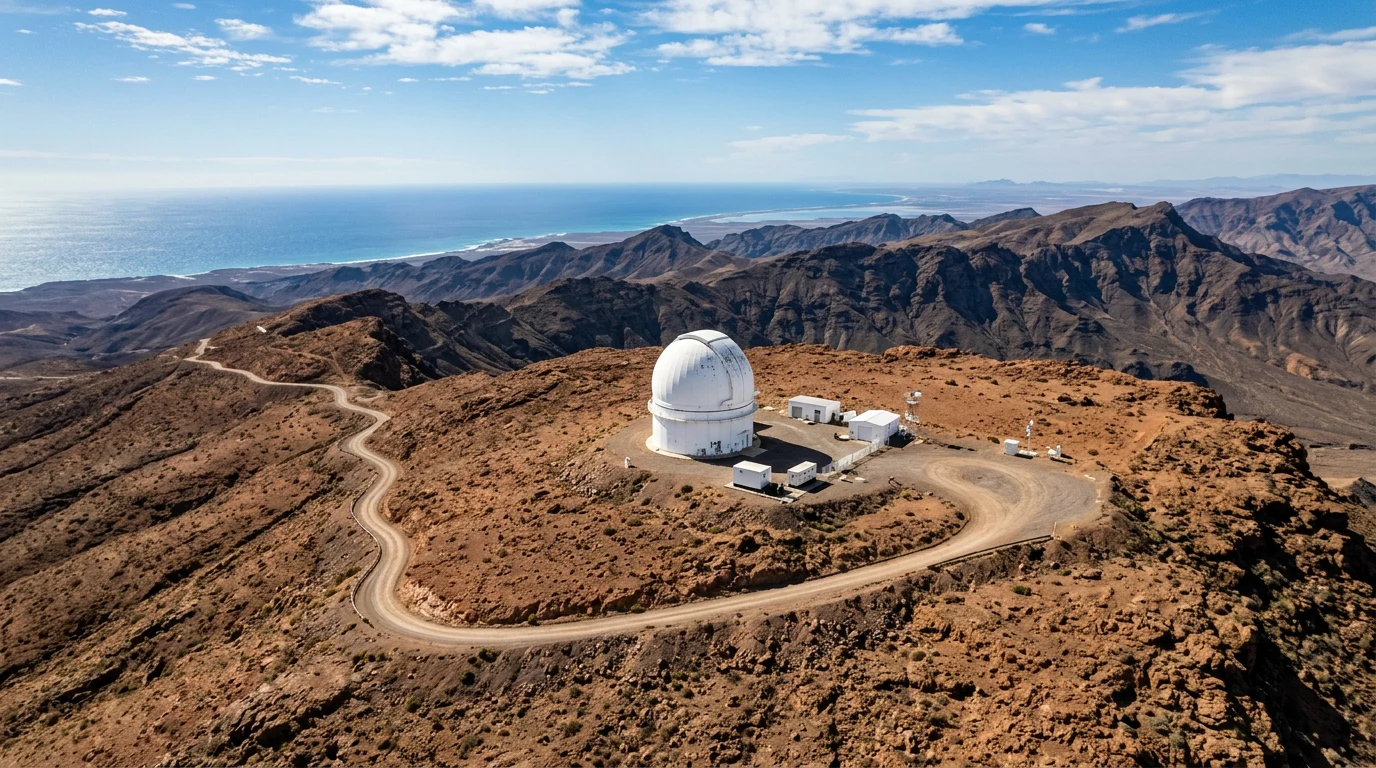
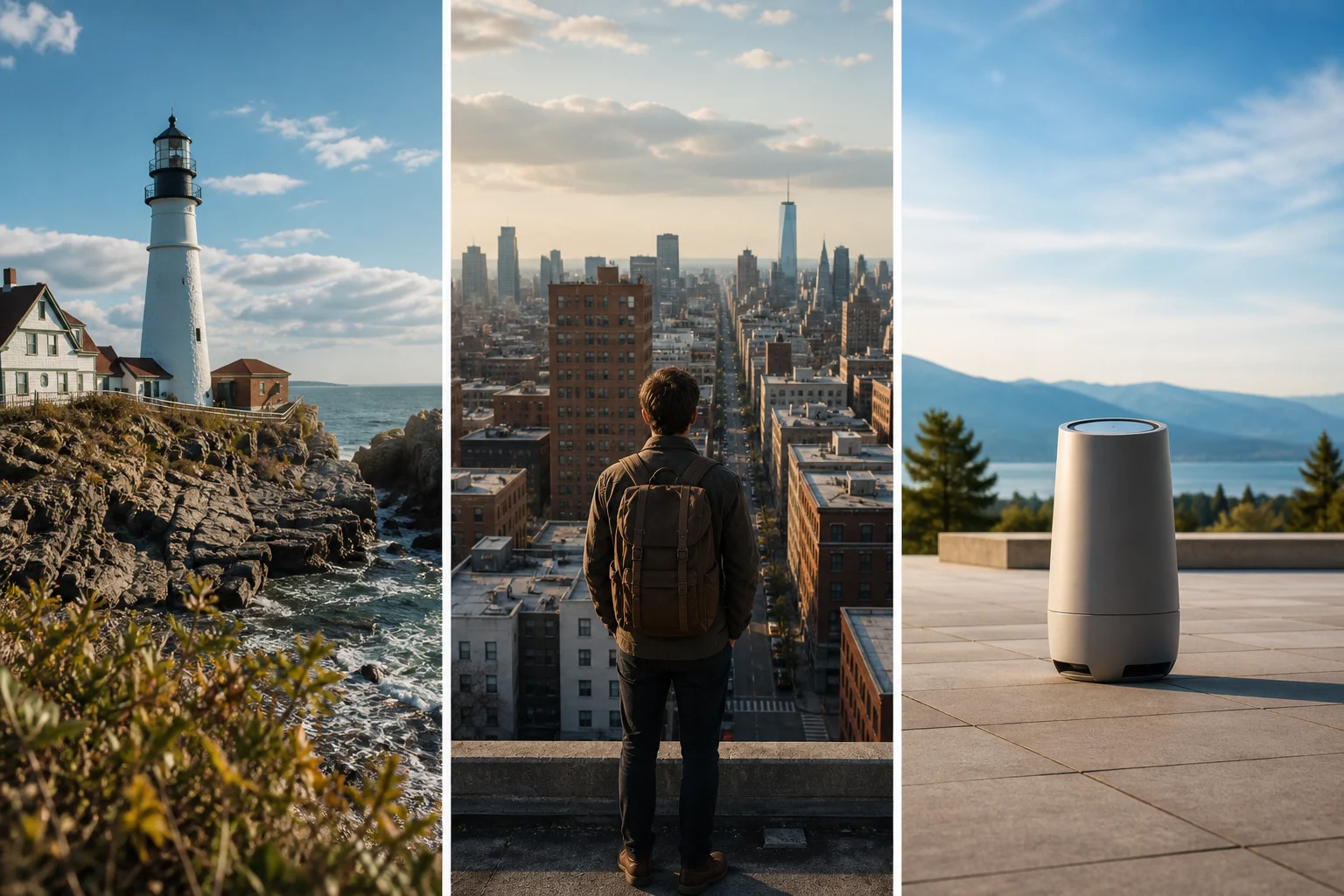
Give the camera a clear place to start. A landmark, landscape, or building with visible surroundings makes a stronger zoom-out sequence than a tightly cropped object.

  1. 01Use a sharp, well-lit scene.
  2. 02Keep the main landmark easy to recognize.
  3. 03Leave room for the landscape around your focal point.
Start with a Place Worth Revealing

Result review

From Local Scene to Space

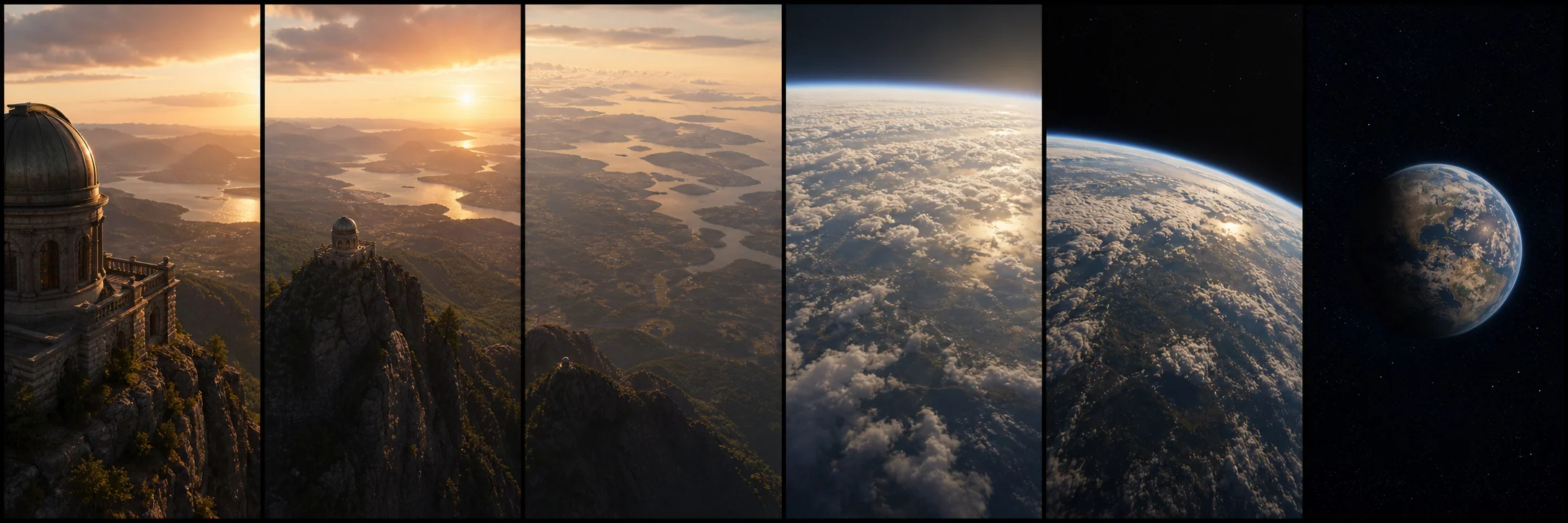
Look through the full clip and check the transition from the original scene to the wider landscape. A coherent starting frame and a smooth camera path make the effect feel continuous.

  1. 01Check the first frame against your source.
  2. 02Review terrain and building shapes as the camera pulls back.
  3. 03Look for a steady transition through clouds into space.
From Local Scene to Space

Use cases

Earth Zoom Effect Use Cases

Use an Earth zoom for travel openings, location reveals, architecture presentations, and cinematic social clips.

Earth Zoom Effect Use Cases
How to create

How to Create an Earth Zoom Out Video

One photo, one effect, a result you can save.

1

Upload a scene

Choose one clear photograph with a recognizable landmark and some depth.

2

Choose the timing

Select a supported duration and check the credits shown before creating.

3

Create and review

Play the finished clip, check its movement, then download or save it to your assets.

Create Earth Zoom Video

Earth Zoom Effect FAQ

Learn how source framing, duration, movement, credit costs, and result review affect your clip. A generated Earth zoom is a creative interpretation of the photograph rather than verified geographic imagery.

What is an Earth zoom-out effect?

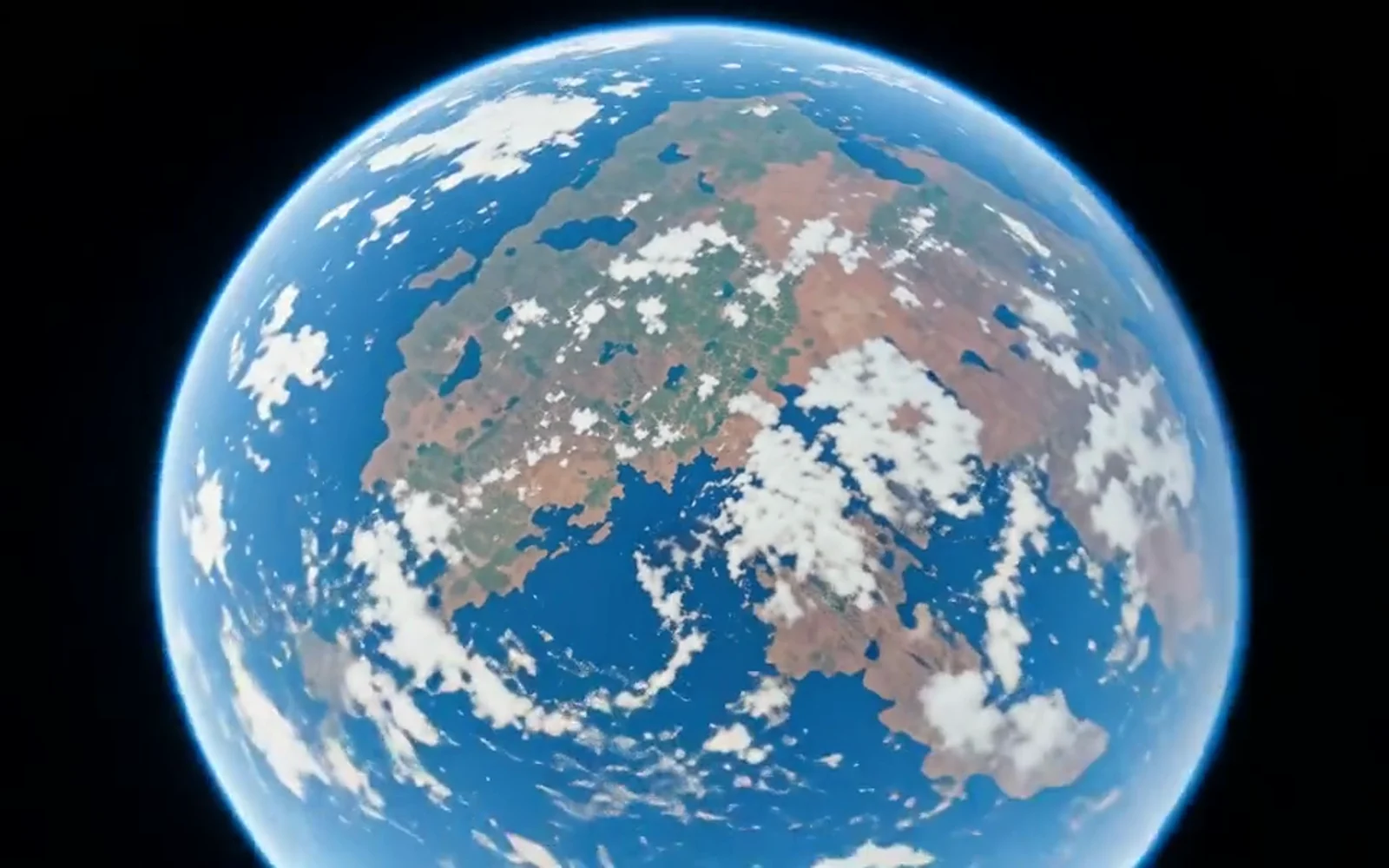
It is an AI video that begins at your photograph and pulls the camera back toward a wider landscape and a view of Earth.

What kind of photo works best?

Sharp landscapes, buildings, and recognizable landmarks with visible surroundings give the camera a useful starting point.

How many images can I upload?

This effect accepts one source image. Replacing the image keeps the same effect preset.

Which image formats can I use?

Upload a JPG, PNG, or WebP image up to 10 MB.

Can I choose the video duration?

The available durations are 5, 10, and 15 seconds, supported by the configured MiniMax H3 route.

How many credits does it use?

The required credits update when you change duration and are shown above the Create button.

Is the generated geography exact?

The wider landscape and view of Earth are generated interpretations. Review the result before using it for a geographic or factual presentation.

Can I download the finished video?

Yes. Once generation completes, play the result and use Download. Your saved clip is also available in Assets.

Create an Earth Zoom Effect

Upload one photograph and create a cinematic Earth zoom-out video.