

Text to video: start with an idea
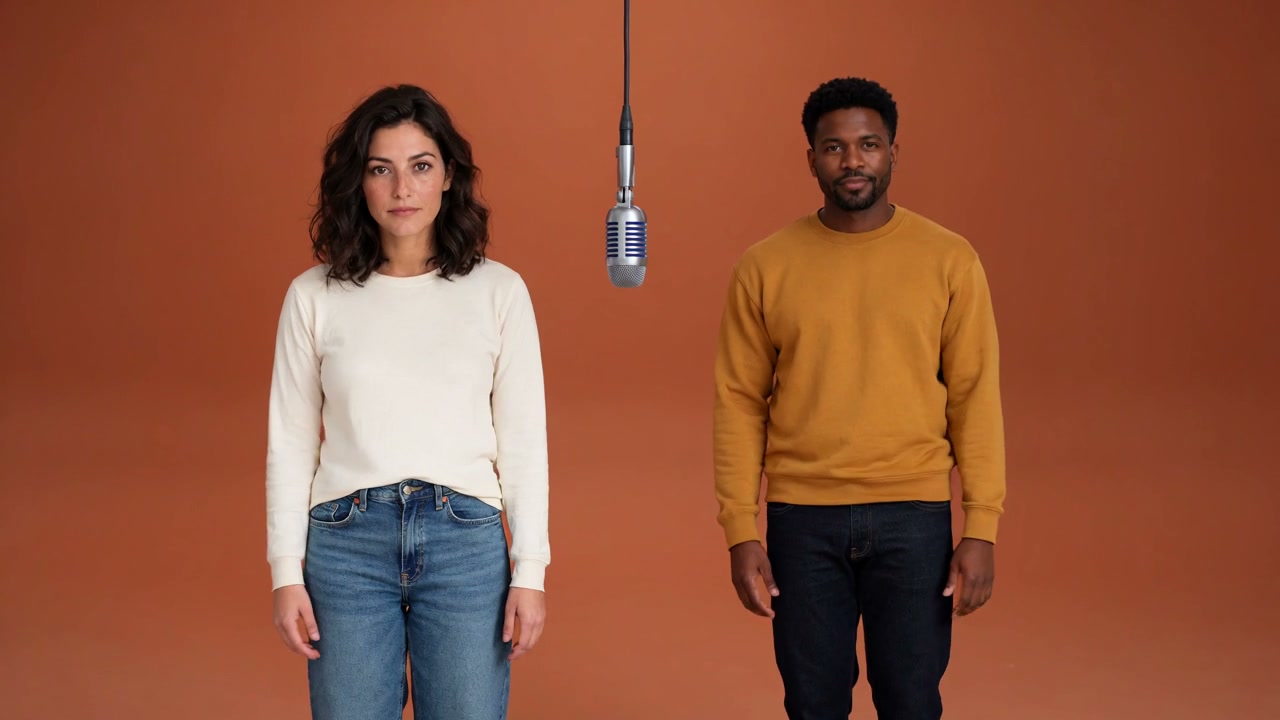
Use a written scene for story shots, visual concepts, or atmosphere clips when you have no source image. Describe the subject, environment, movement, and camera behavior together.
Try text to video →Transform your ideas into stunning videos in minutes Free with MiniMax H3 Turbo, no sign-up needed
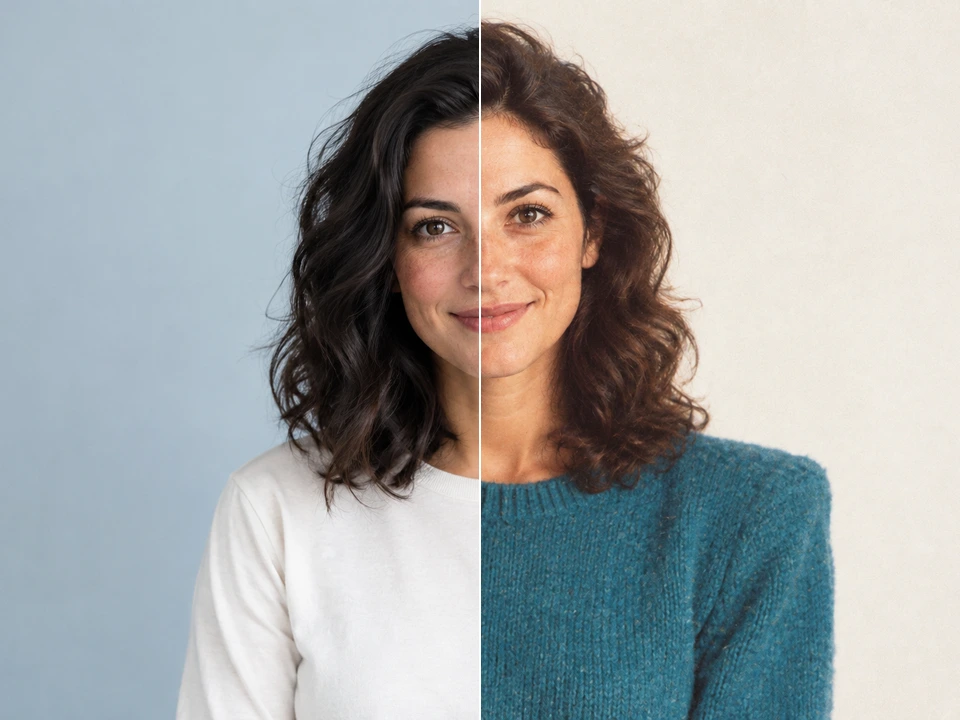
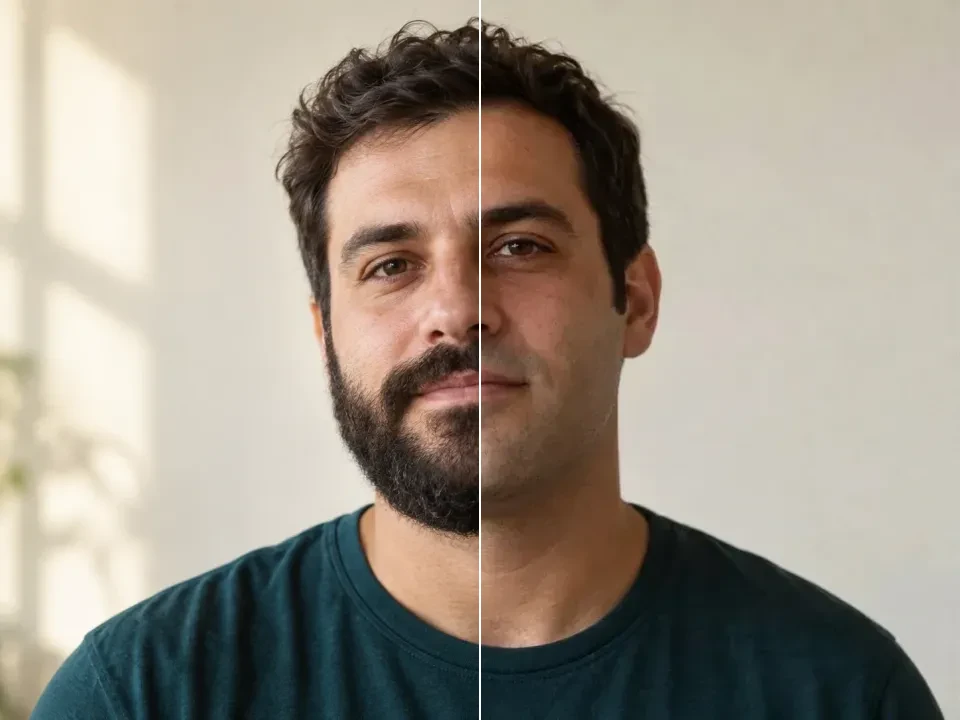
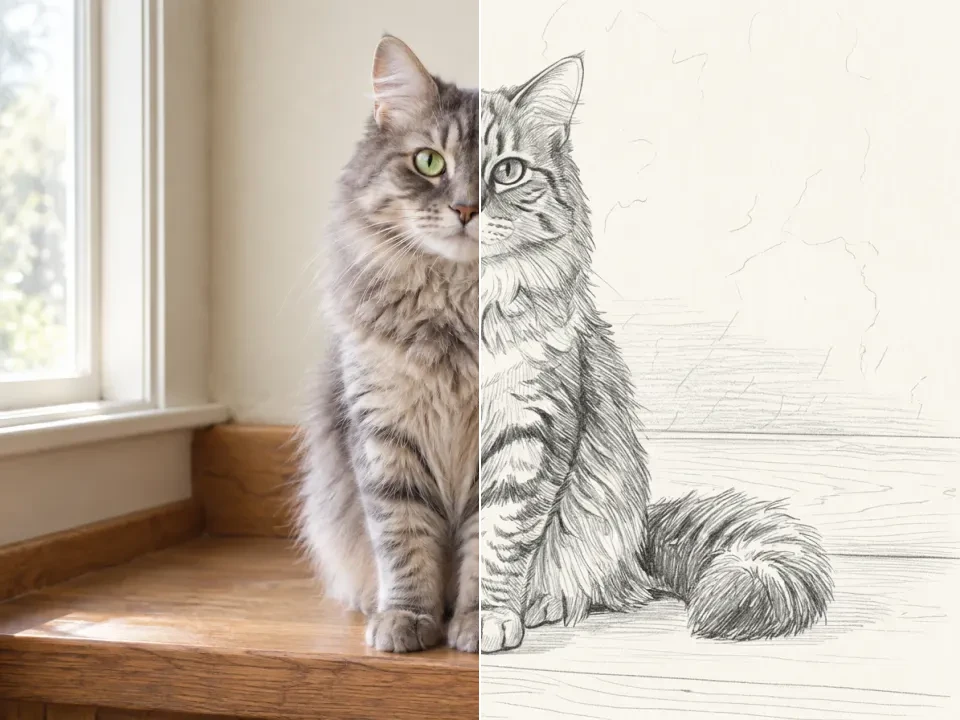
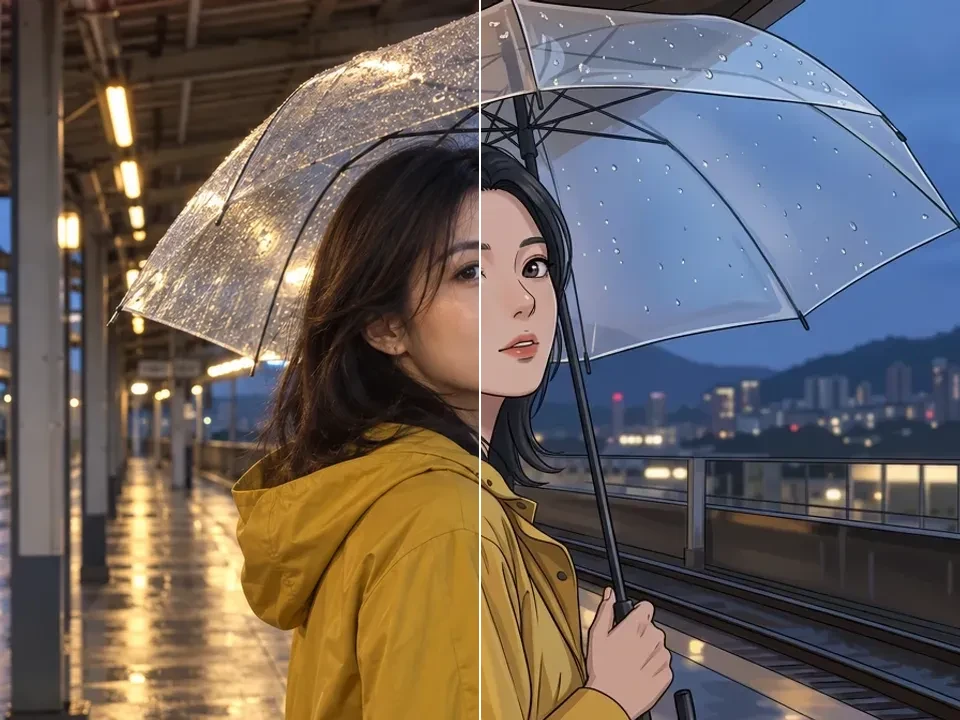
Pick a look. Make it yours.
Dola AI is an online AI video generator for creating short clips from text prompts or reference images. Describe the subject, movement, and camera direction, then choose a supported video model. Image generation and photo editing help you prepare visual concepts in the same studio. 120 sign-up credits plus daily check-in rewards of 60–120 credits. Each generation uses the credits shown before you submit.
Use a written scene for story shots, visual concepts, or atmosphere clips when you have no source image. Describe the subject, environment, movement, and camera behavior together.
Try text to video →Animate a product photo, character design, or illustration with a model that supports image references. Focus the prompt on motion. Review the result because fine details may change.
Try image to video →Need a starting frame? Create or edit an image with Dola AI, then use it as a video reference.
Start with a clear idea, then check your settings and credit quote before submitting.
Write the subject, setting, lighting, and style. With a reference image, explain the change you want; for video, add movement and camera direction.
Select an available model and supported format. Sign in, then review the full batch cost on the Generate button.
Submit your request after checking the settings. Follow progress in the editor; completion time varies by model, settings, and provider demand.
Review the output and adjust the prompt for another version. Find completed results in the result panel or your signed-in history and download the ones you want.
Explore the connected video models. Check each model’s available inputs, duration, resolution, and credit cost in the editor.
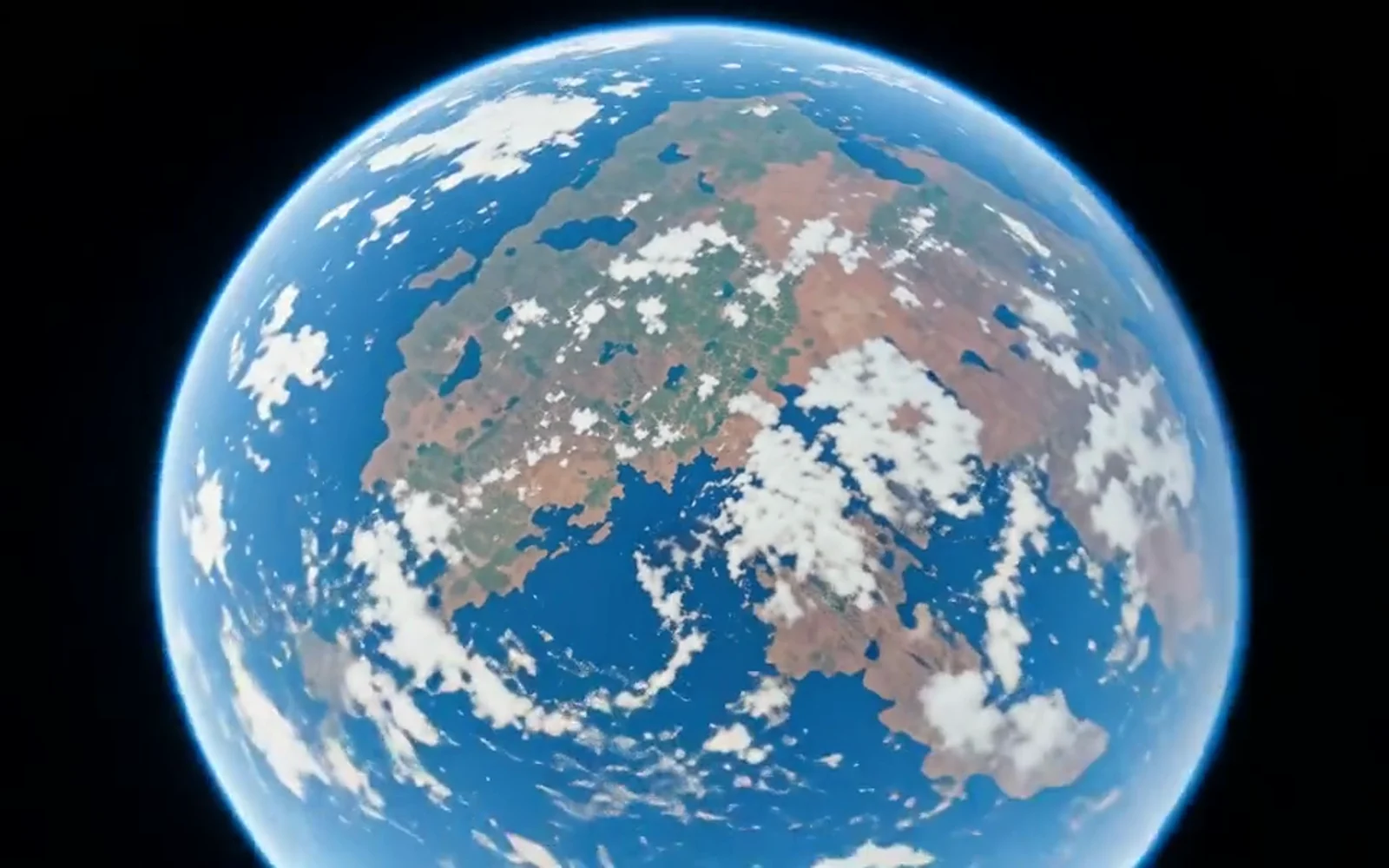
Start with a scene description or a reference image. Use a focused prompt to explore product shots, landscapes, or short visual stories.
Name the subject, its action, and one camera move. Keep lighting and pacing consistent with the scene.
Check subject details and movement before downloading. Change one part of the prompt when trying another take.
Start with a small, focused video idea that fits the way you want to share it.
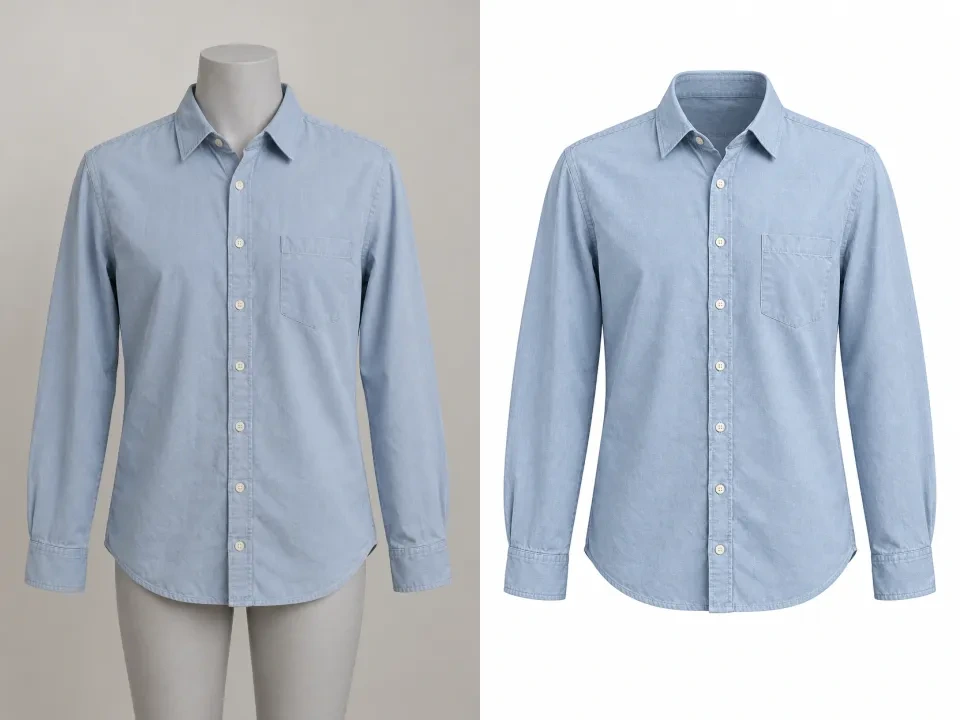
Animate a product photo or describe a studio scene. Explore lighting and camera movement, then check product shape and fine details before publishing.
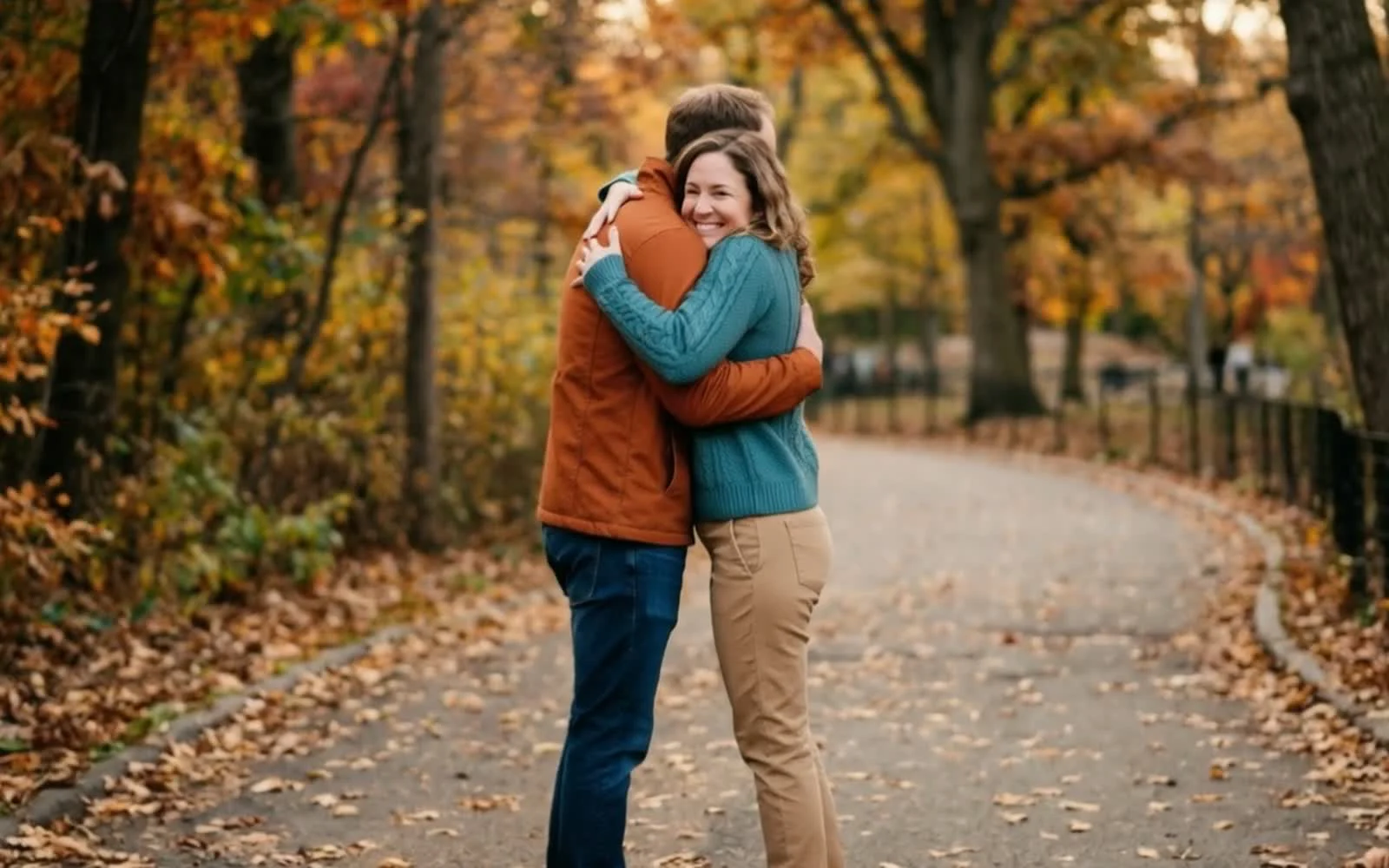
Turn a simple idea into a short vertical clip. Keep one subject and action in focus, with a format that suits your social post.
Test a setting, mood, or camera move before planning a longer production. Compare a few directions and keep the clip that best communicates the idea.
Answers about free credits, account access, and your creative workflow.
Dola AI is an online AI video generator for creating short clips from text prompts or reference images. Describe the subject, movement, and camera direction, then choose a supported video model. Image generation and photo editing help you prepare visual concepts in the same studio. 120 sign-up credits plus daily check-in rewards of 60–120 credits. Each generation uses the credits shown before you submit.
Use text to video when you want to invent a scene from words. Use image to video when you already have a product photo, character, or composition to animate. If you need a starting frame, create it in the image generator first and use a video model that accepts image references.
Duration, resolution, aspect ratio, and audio support depend on the selected model. Choose your model first, then use the options and credit quote actually displayed in the editor.
Generation time varies by model, provider demand, and settings. Follow the task status in the editor. When the clip completes, play it and check the motion, subject consistency, and details before downloading or publishing.
120 sign-up credits plus daily check-in rewards of 60–120 credits. Check-in rewards follow your consecutive-day streak and can be claimed once per UTC day. Generations use credits; free credits do not mean unlimited generation.
You can browse examples, write a prompt, and choose settings before signing in. Generation and reference uploads require a signed-in account. Signing in does not automatically submit your draft.
The cost depends on the model, resolution, quality, video duration, and result count. The Generate button shows the total for your selected batch. Check that quote before submitting; claim an available check-in reward or review pricing if your balance is too low.
Completed work appears in the result panel and your signed-in generation history. Preview an image or play a video, then download the result you want to keep.
Review our terms and the selected model’s usage rules before publication. Use reference images and other assets you have permission to use; a successful generation does not establish rights for every use.
Start with text or a photo. Sign in for free credits, choose your video settings, and make your first clip.


