Skip to content

AI Embroidery Generator

Effect

EmbroideryImage to thread-art mockup
0/1 max

Result

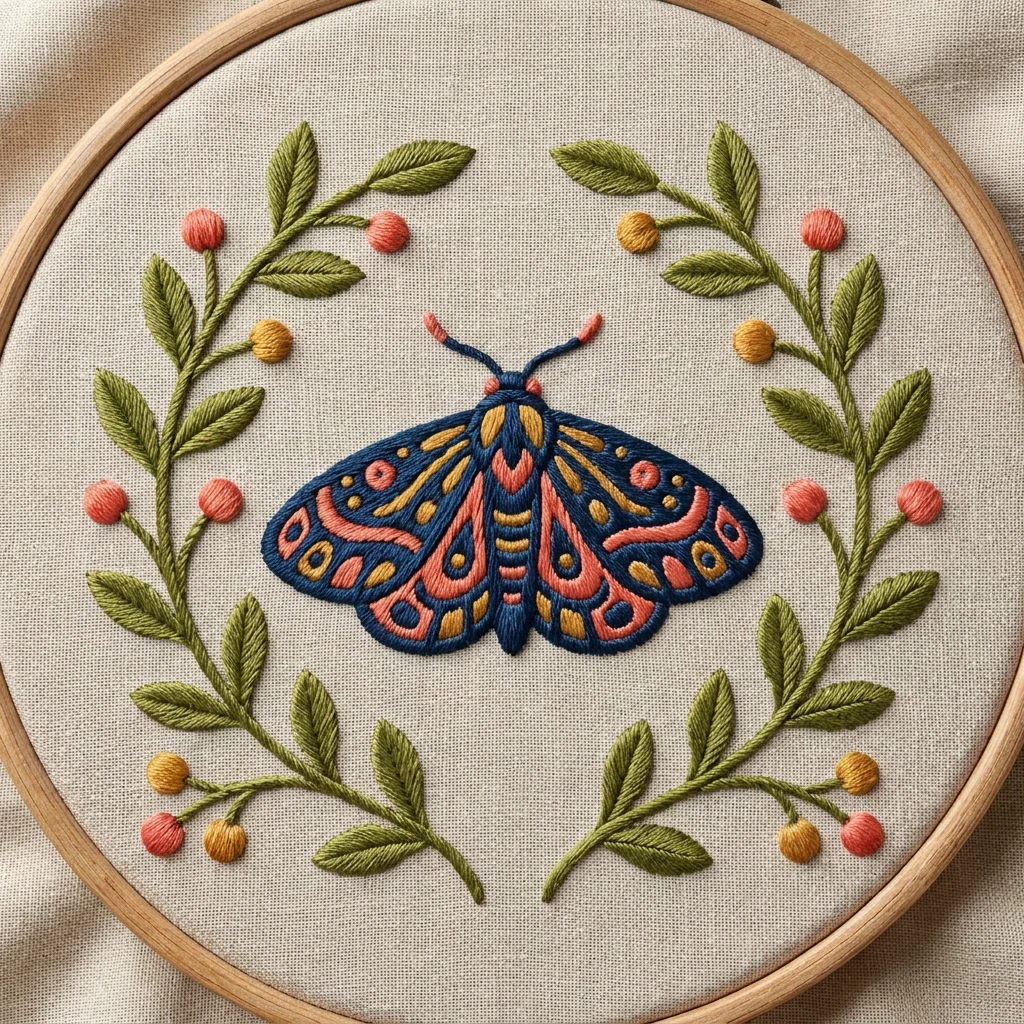
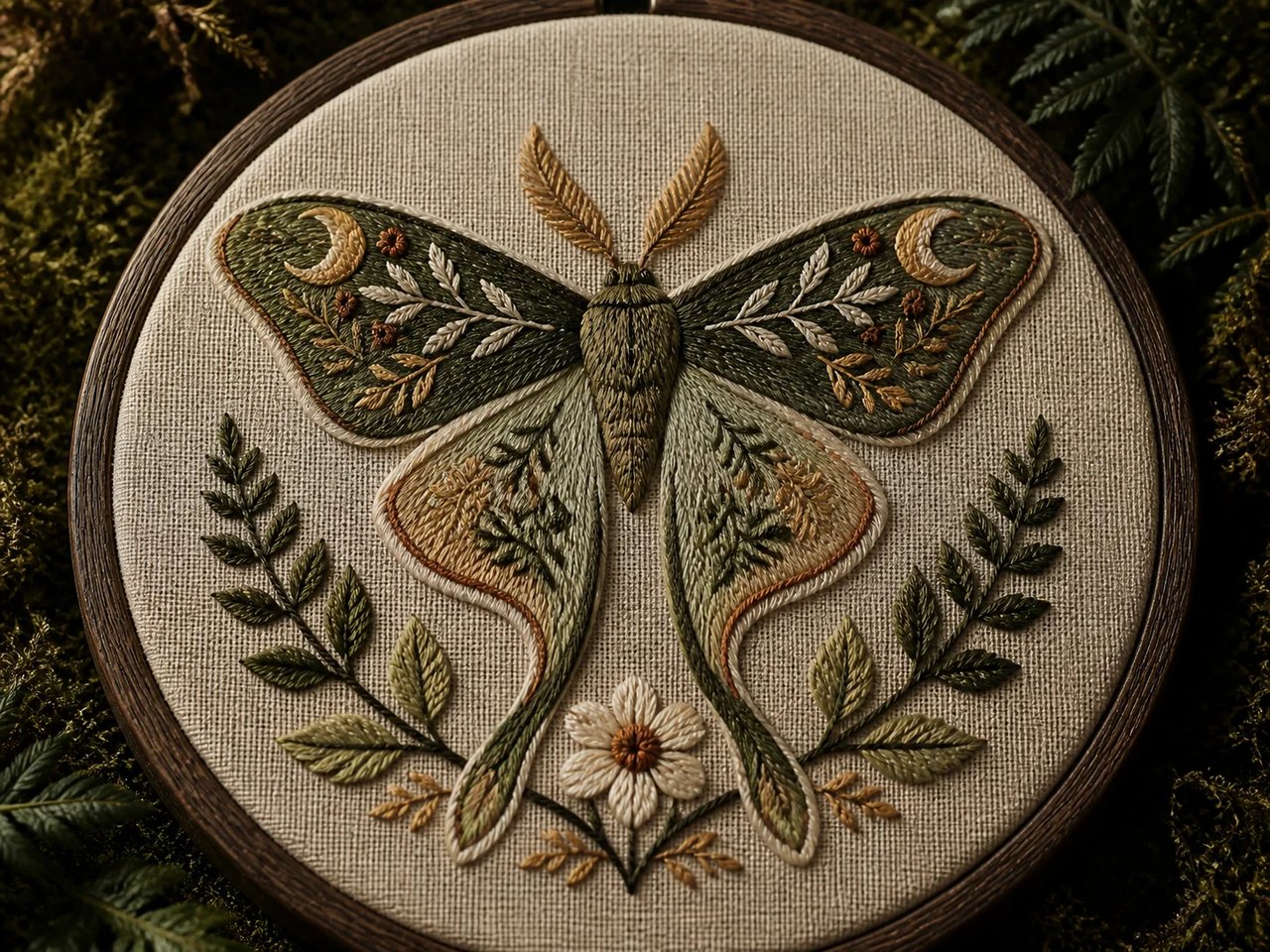
A botanical moth rendered in raised thread on fabric in a hoop.

Source-to-result examples

AI Embroidery Before and After

A flat motif can become a thread-on-fabric concept. A moth, mountain badge, and geometric flower each supply a clear outline and color plan. The generated result is a visual mockup, without the machine instructions needed to stitch it.

  1. 01Simple organic motifs can suggest softer stitched surfaces and fabric details.
  2. 02Strong outlines make geometric flowers and badge-like designs easier to interpret.
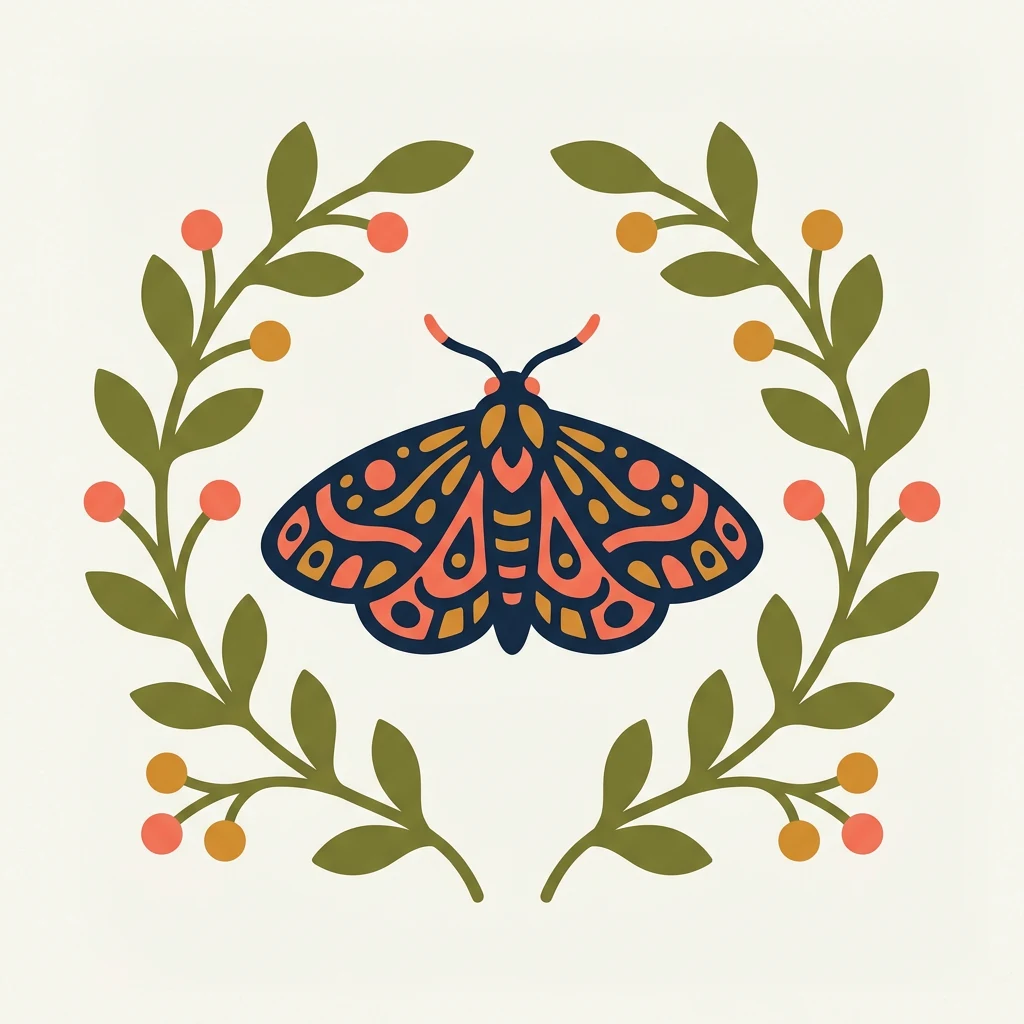
A flat botanical moth motif with leafy stems and berry dots in a limited color palette.
The same botanical moth motif rendered as embroidery in a wooden hoop with satin borders, directional stitches, and French knots.

Drag the divider or use the arrow keys to compare the same source photo with its generated result.

Botanical hoop art

Follow the motif’s outline and color regions into the raised thread treatment, then examine how the surrounding fabric contributes to the finish.


A flat circular mountain badge with two peaks, a sun, a river, and pine trees.
The same mountain badge rendered as a dense embroidered patch with satin border on indigo denim.

Drag the divider or use the arrow keys to compare the same source photo with its generated result.

Circular apparel patch

Follow the motif’s outline and color regions into the raised thread treatment, then examine how the surrounding fabric contributes to the finish.
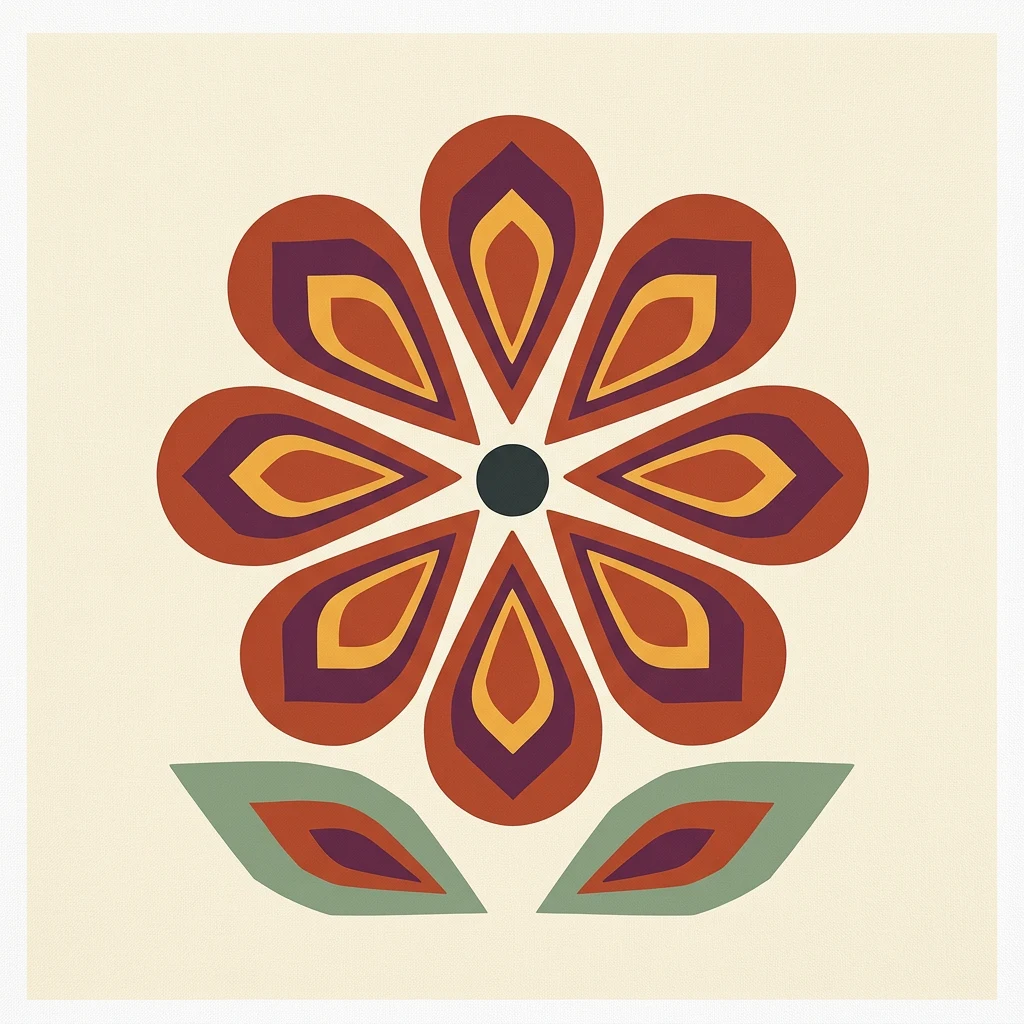
A flat geometric eight-petal flower motif with two leaves and a limited warm color palette.
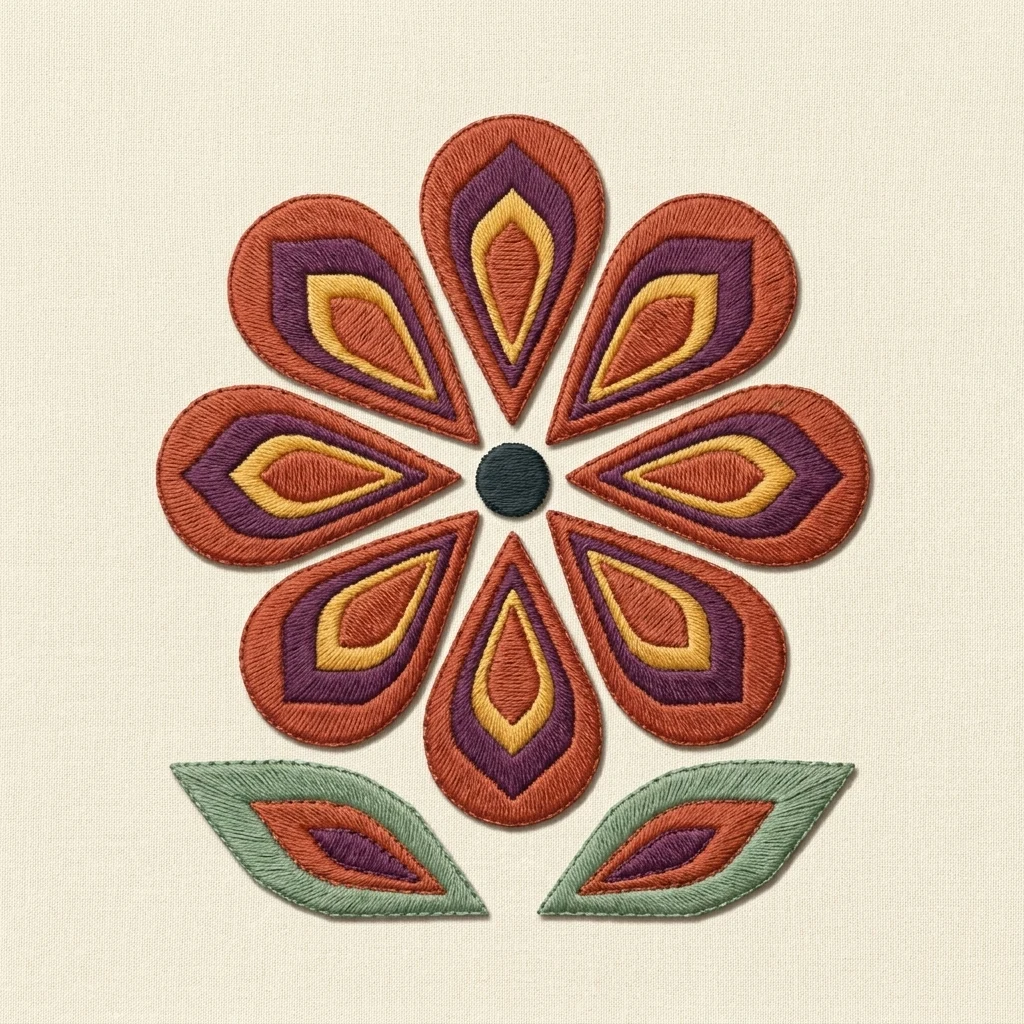
The same geometric flower motif rendered as embroidery on pale cotton canvas with crisp satin edges and directional fills.

Drag the divider or use the arrow keys to compare the same source photo with its generated result.

Geometric flower study

Follow the motif’s outline and color regions into the raised thread treatment, then examine how the surrounding fabric contributes to the finish.
Source preparation

Start with a Readable Motif

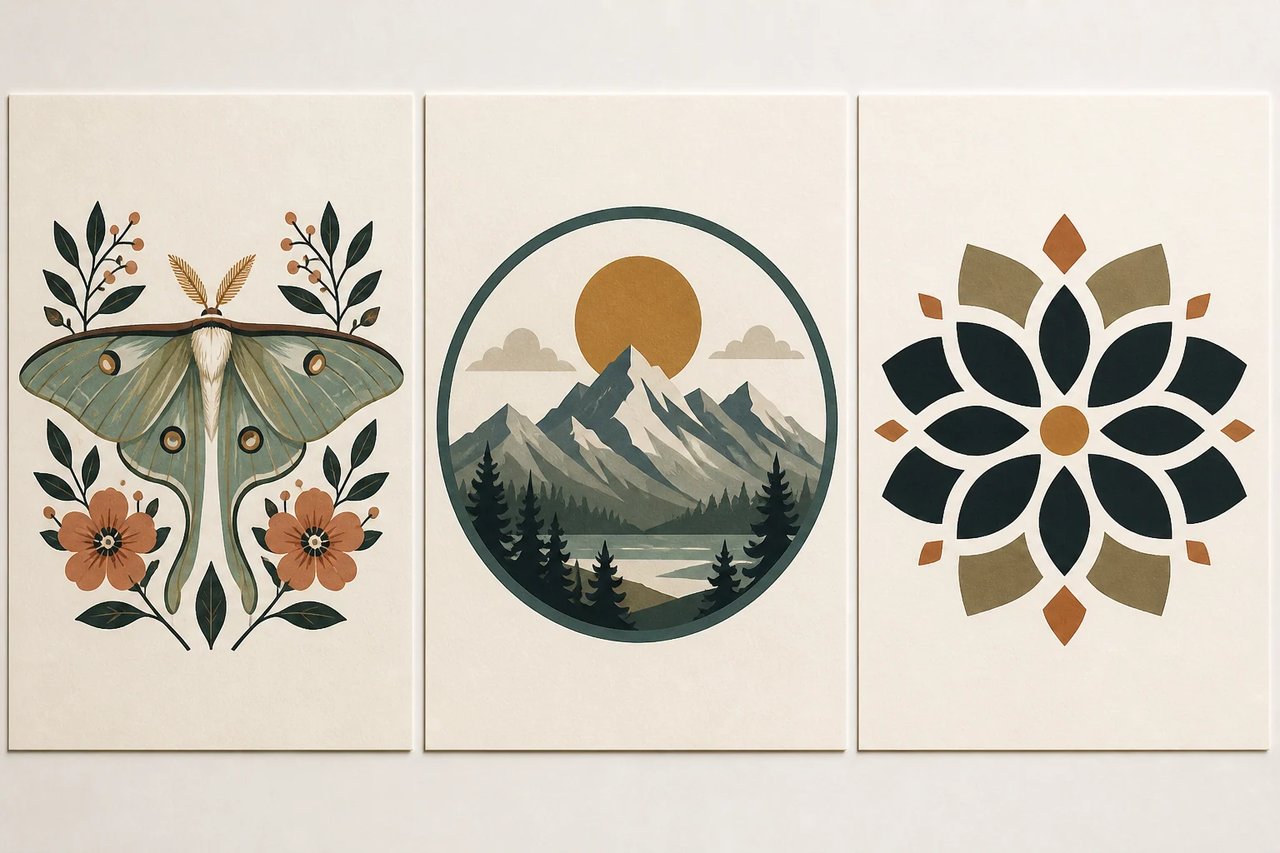
Start with a motif whose main shapes remain recognizable at a small size. Distinct color areas and a simple silhouette guide the preset better than tiny lettering or crowded detail. Treat the upload as a design brief for a textile-style illustration, then review how the simulated thread treatment changes its edges.

  1. 01Use clearly separated shapes and a manageable set of colors.
  2. 02Allow a margin for the design’s edge and the fabric around it.
Three embroidery-ready source motifs with clear silhouettes and color regions: a botanical moth, a mountain badge, and a geometric flower.

Production handoff

Raised Stitches and Fabric Texture

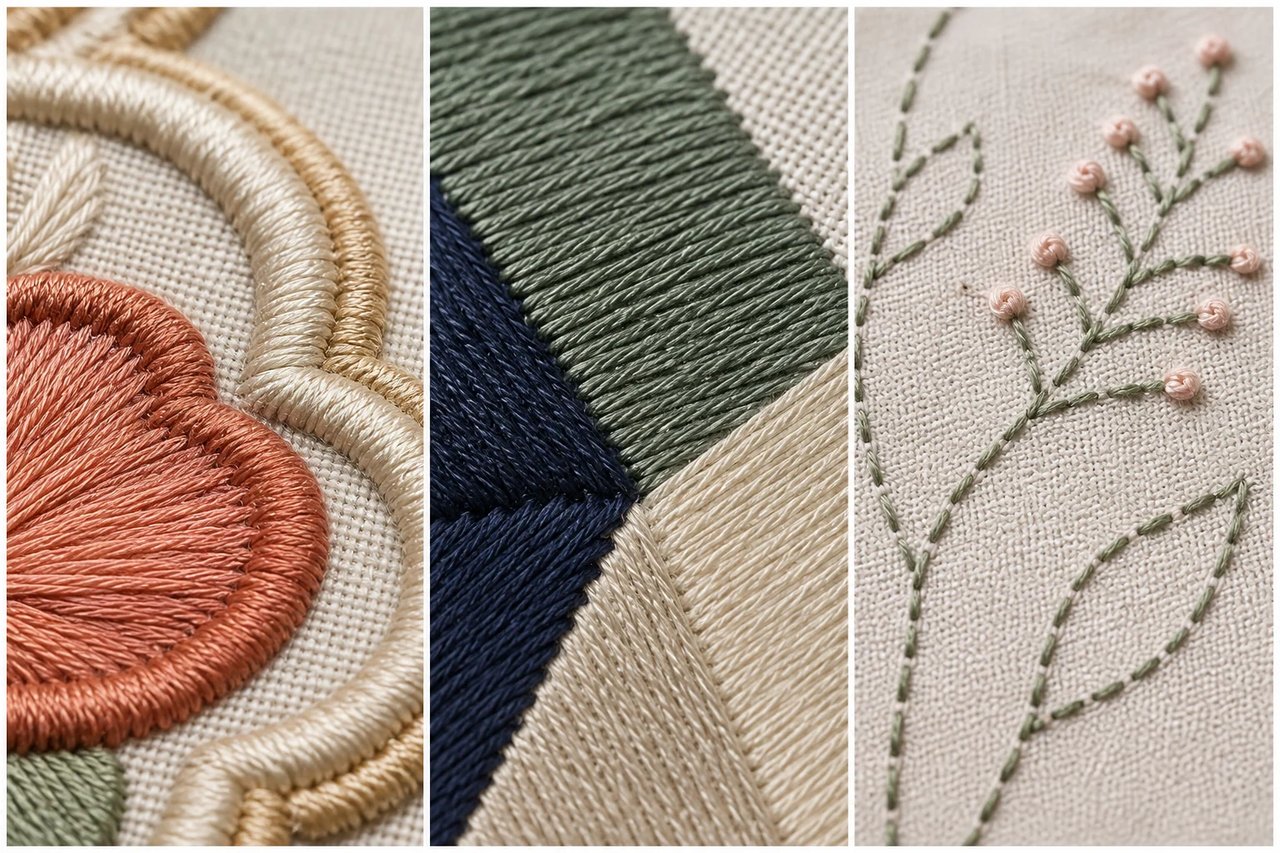
Thread direction, raised borders, and the surrounding fabric all affect the appearance of an embroidery concept. Inspect those features together in the close reference. A convincing image can help explain a preferred finish to another person, but it still needs a separate digitizing process before an embroidery machine can reproduce the design.

  1. 01Compare thread direction, raised edges, and fills while developing the visual concept.
  2. 02Arrange separate digitizing for production; the image does not contain stitch instructions.
Macro embroidery studies comparing satin borders, directional fill stitches, running stitches, and French knots on believable fabric surfaces.

Practical applications

AI Embroidery Generator Use Cases

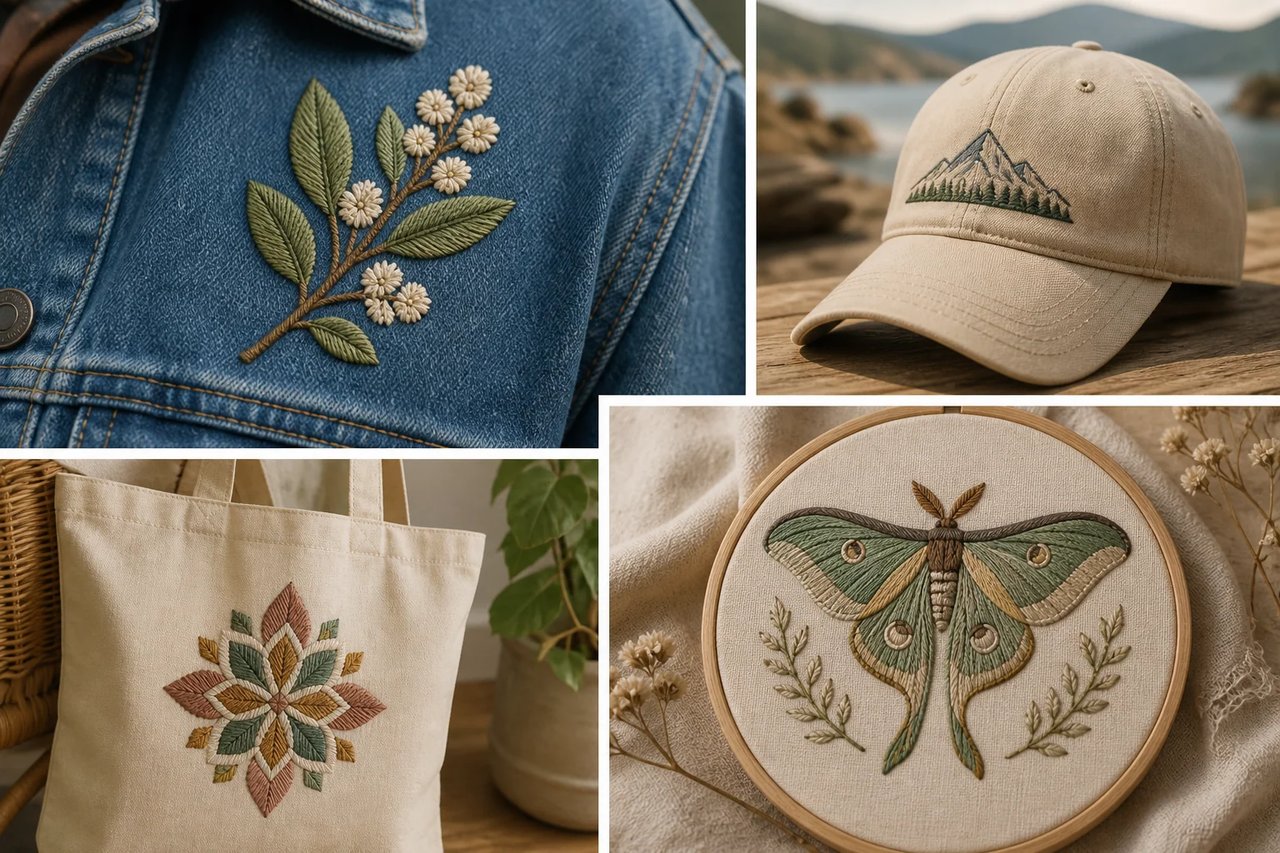
Consider hoop artwork, badges, apparel details, or a merchandise concept. Use the generated thread-style image to compare visual directions before arranging any separate production work.

Four AI Embroidery Generator use cases shown on a denim jacket, cap, canvas tote, and decorative hoop artwork.
How to create

How to Use the AI Embroidery Generator

One photo, one effect, a result you can save.

The same mountain badge rendered as a dense embroidered patch with satin border on indigo denim.
1

Select a clear motif

Upload artwork or a photo with distinct contours and color areas. Small text and crowded details may be difficult to preserve.

2

Review the craft direction

Keep the embroidery preset selected and check the credit cost. Leave some margin around the source motif for its stitched treatment.

3

Save the visual concept

Inspect the threads, edges and recognizable details, then download the image for a design board or presentation.

Create Embroidery Mockup

AI Embroidery Generator FAQ

Artwork preparation, thread texture, fabric presentation, credit costs, result review, and using the generated image as a design concept rather than a file for an embroidery machine.

What does the AI Embroidery Generator make?

This effect generates an image that looks stitched, with thread-like texture, layered marks and fabric cues. Your source guides the subject and colors while the preset sets the craft direction. The result is a visual embroidery concept rather than a pattern that controls a sewing machine.

How do I use the AI Embroidery Generator in Dola AI?

Upload one source image, check the credit cost and create the embroidery effect. Compare the stitched interpretation with the original and download the image for review or presentation.

Which image works best for an AI embroidery effect?

Choose a readable motif with clear edges and separated colors. Simple illustrations, portraits and badge-like shapes can give the model a stronger guide than fine text or a crowded photograph. Leave space around the subject so the imagined stitching is not cramped against the edge.

Does the AI Embroidery Generator create DST or PES files?

This page exports a rendered image, not DST, PES or another stitch-program format. It supplies no stitch order, thread chart or machine settings. Use specialist digitizing software and a production check if you want to turn the visual concept into actual embroidery.

Is the AI Embroidery Generator free to use?

The page and example images can be viewed freely. Creating your own result uses the credits displayed in the editor. Sign in to check your balance before submitting; browsing a reference does not start a paid request.

Why does my AI embroidery result look like fur or tangled thread?

Fine source texture or weak boundaries can be interpreted as long fibers instead of deliberate stitches. Try a simpler image with more distinct color areas. Inspect the output at full size for tangled lines, unreadable lettering and areas where the texture hides the intended motif.

How is the AI Embroidery Generator different from digitizing software?

The image generator makes a convincing visual impression of thread on fabric. Digitizing software defines the stitches a machine should actually sew, including sequence and density. A generated mockup can support design discussions, but it cannot replace a tested embroidery program.

Can I use an AI Embroidery Generator image for merchandise?

For merchandise concepts, use source artwork you are entitled to adapt and check the image for unwanted brands or altered details. Review the relevant Dola AI terms before commercial use. A rendered mockup also needs a separate practical design and digitizing review before physical production.

Create an Embroidery Mockup

Start with your photo, explore the effect, and save a result that feels personal.