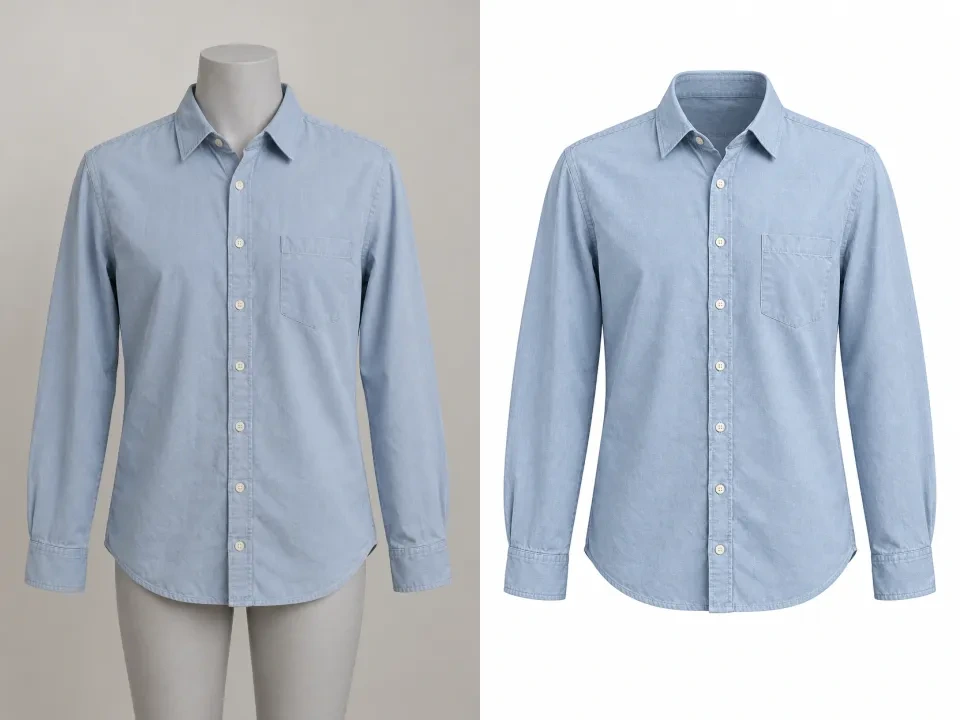
Remove a Mannequin from a Clothing Photo
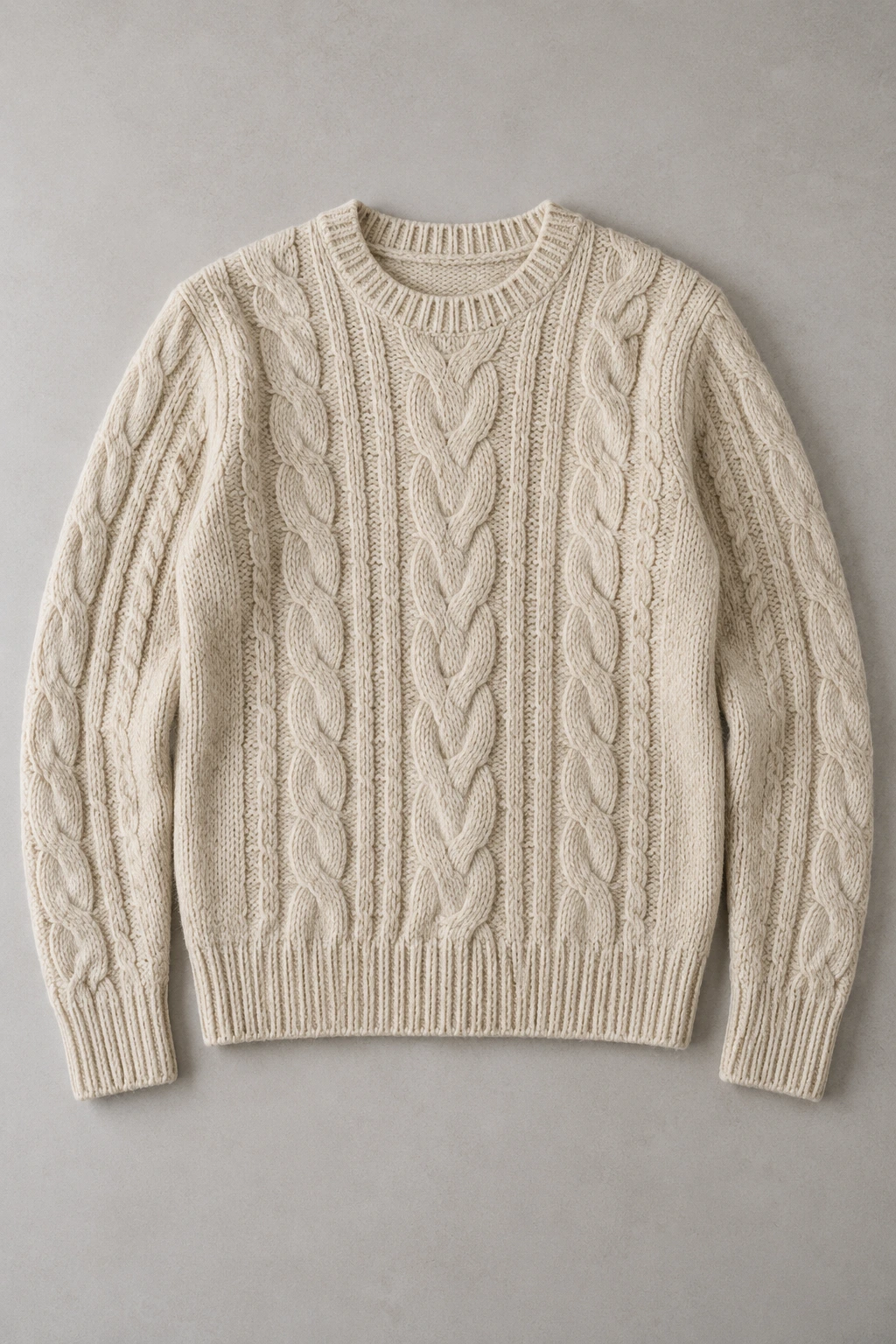
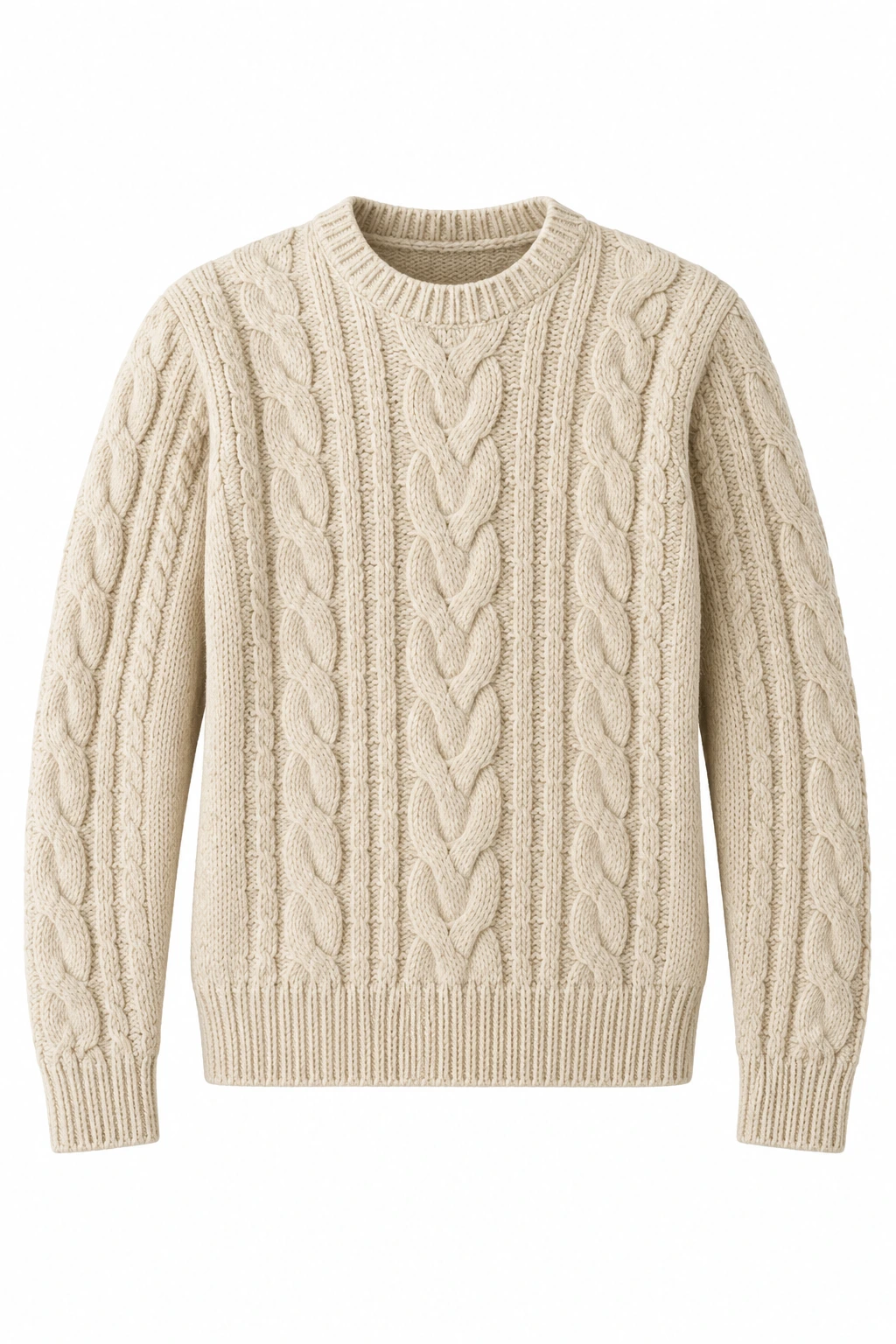
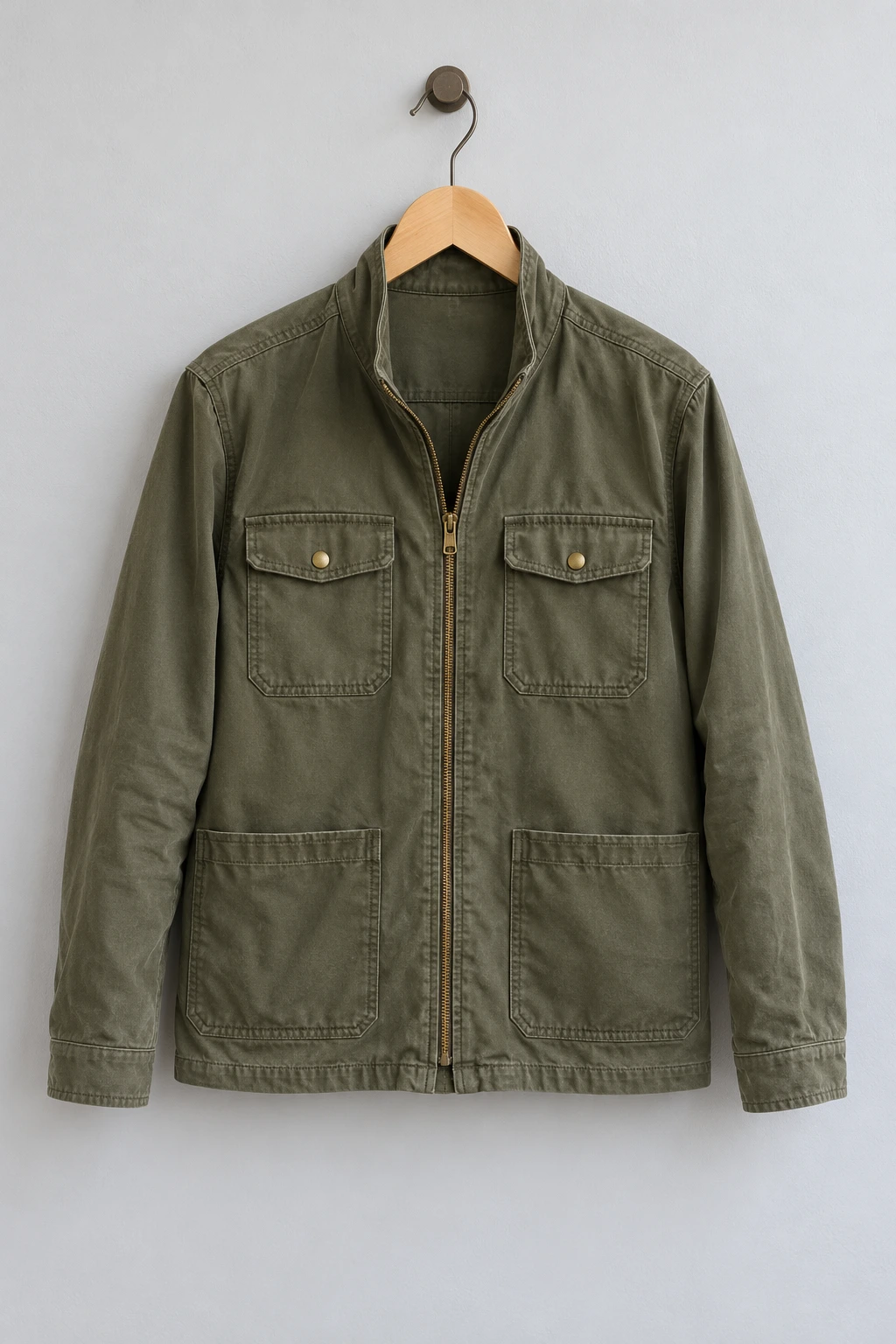
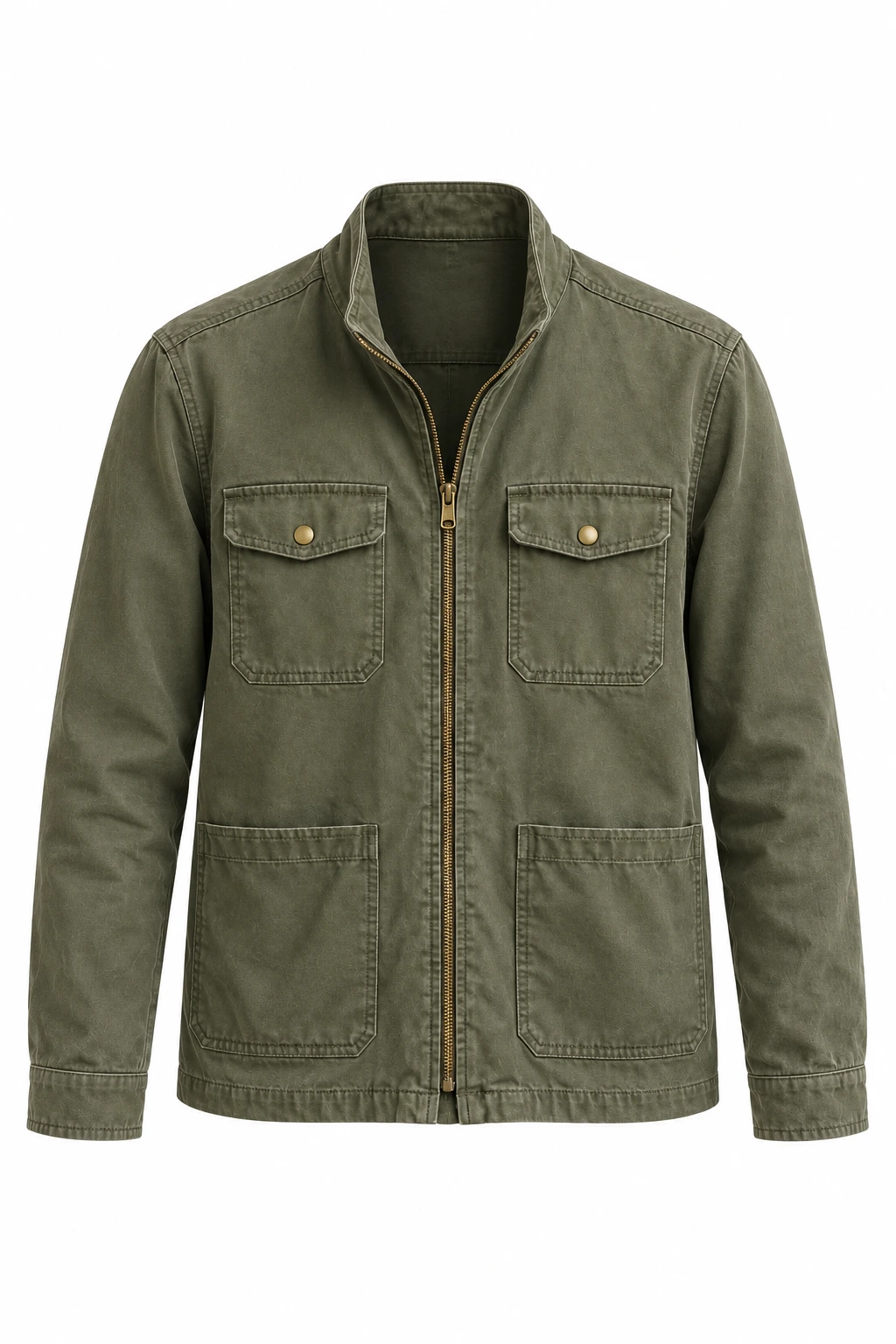
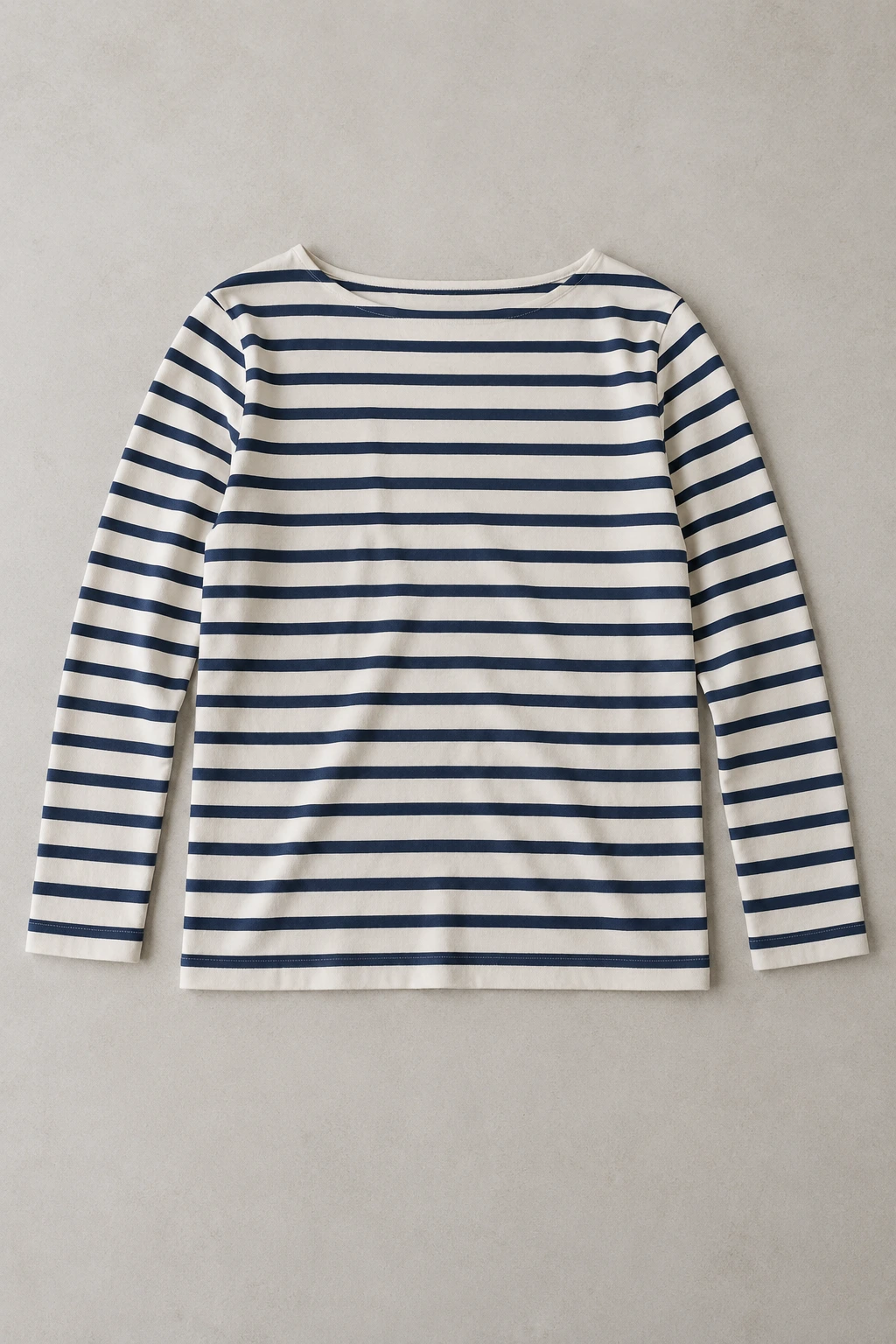
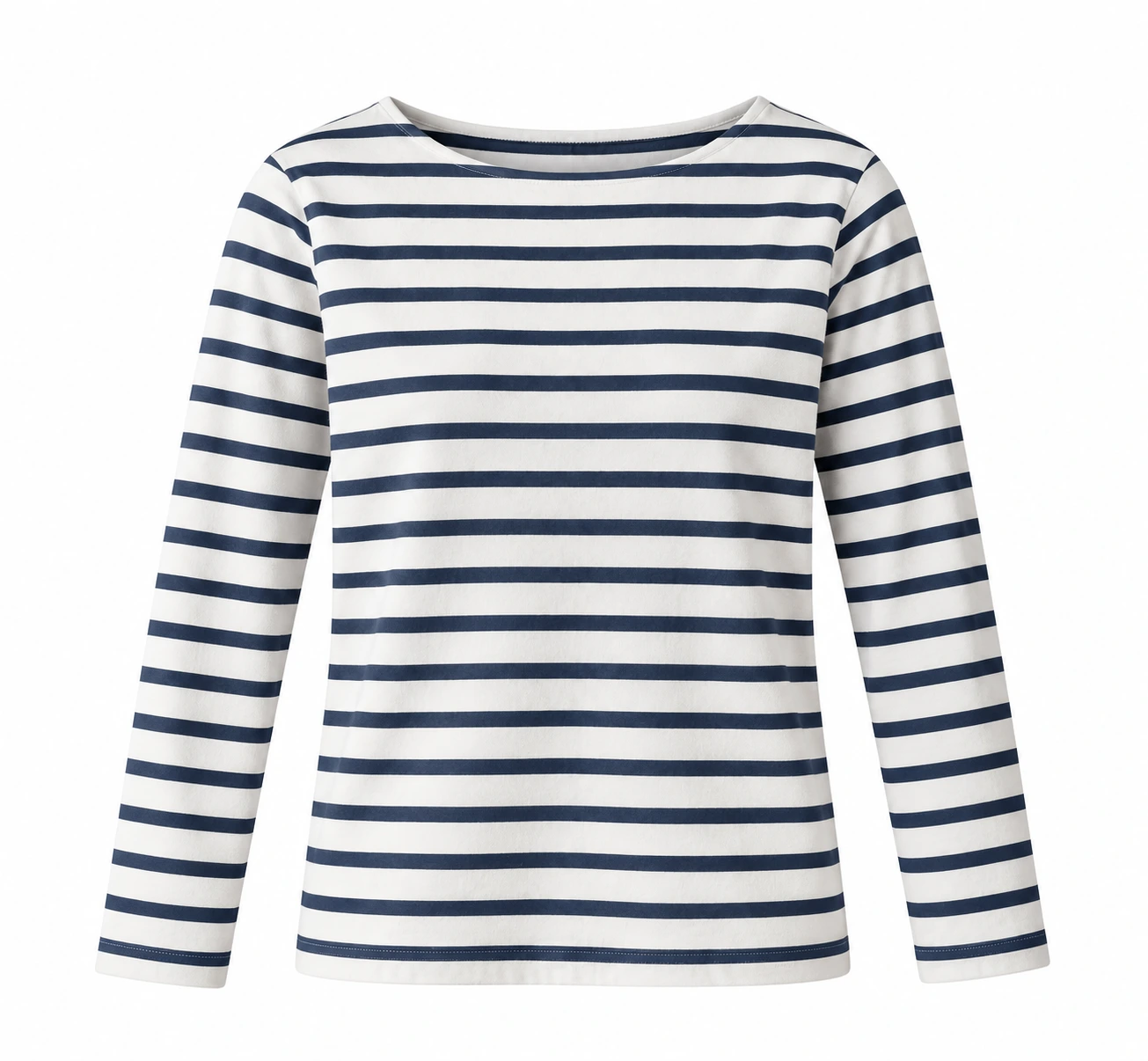
Give a single garment a clean catalog presentation. The preset asks the image model to remove the support, shape the clothing naturally, and show an empty neckline against white. The result should let a customer examine the item without a mannequin distracting from its fabric or silhouette.
Use a front-facing photograph with even illumination and clear clothing edges. Include the collar, cuffs, and full lower edge instead of cropping the product tightly. Compare the completed image with your original before using it as a product listing.
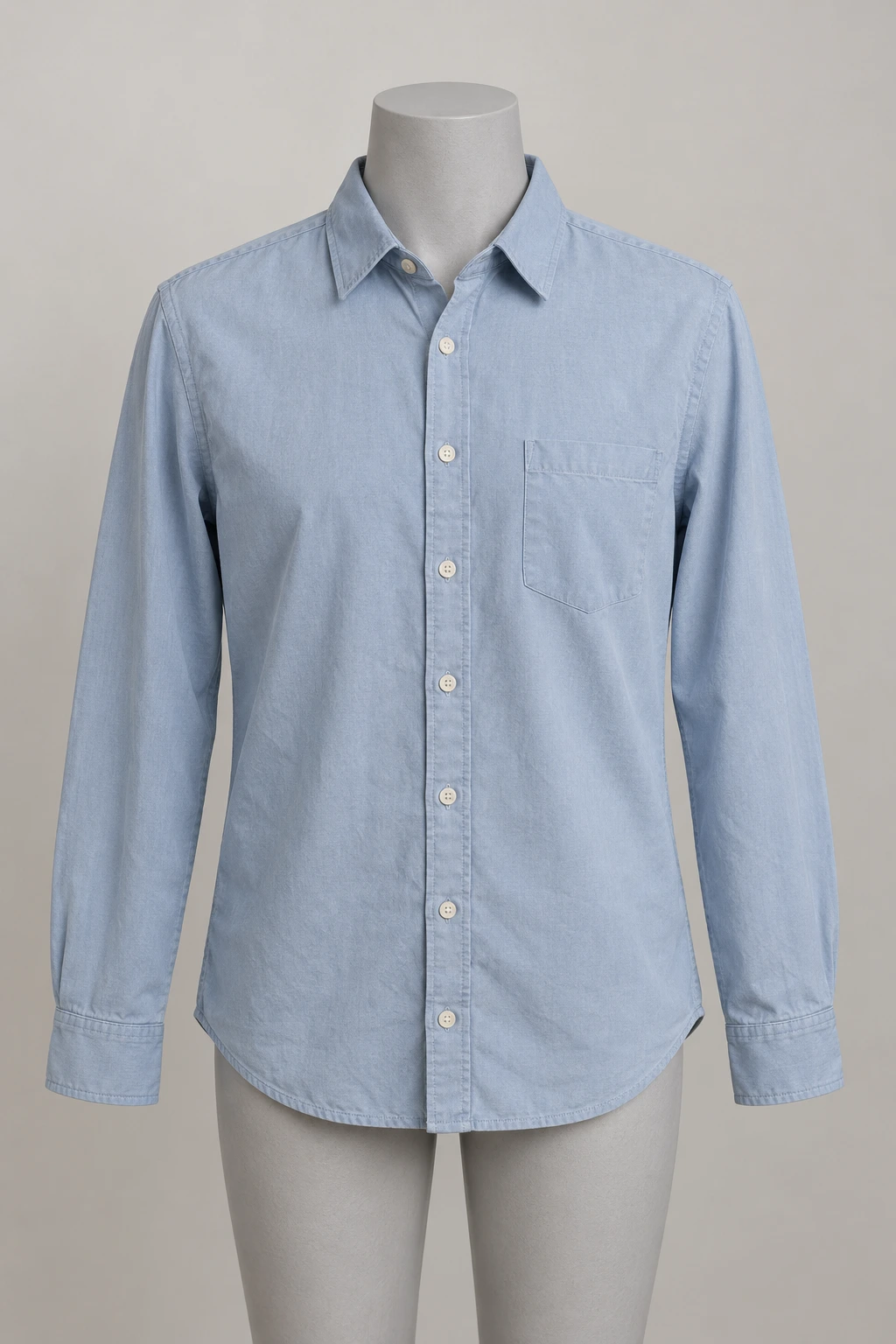 Original photo
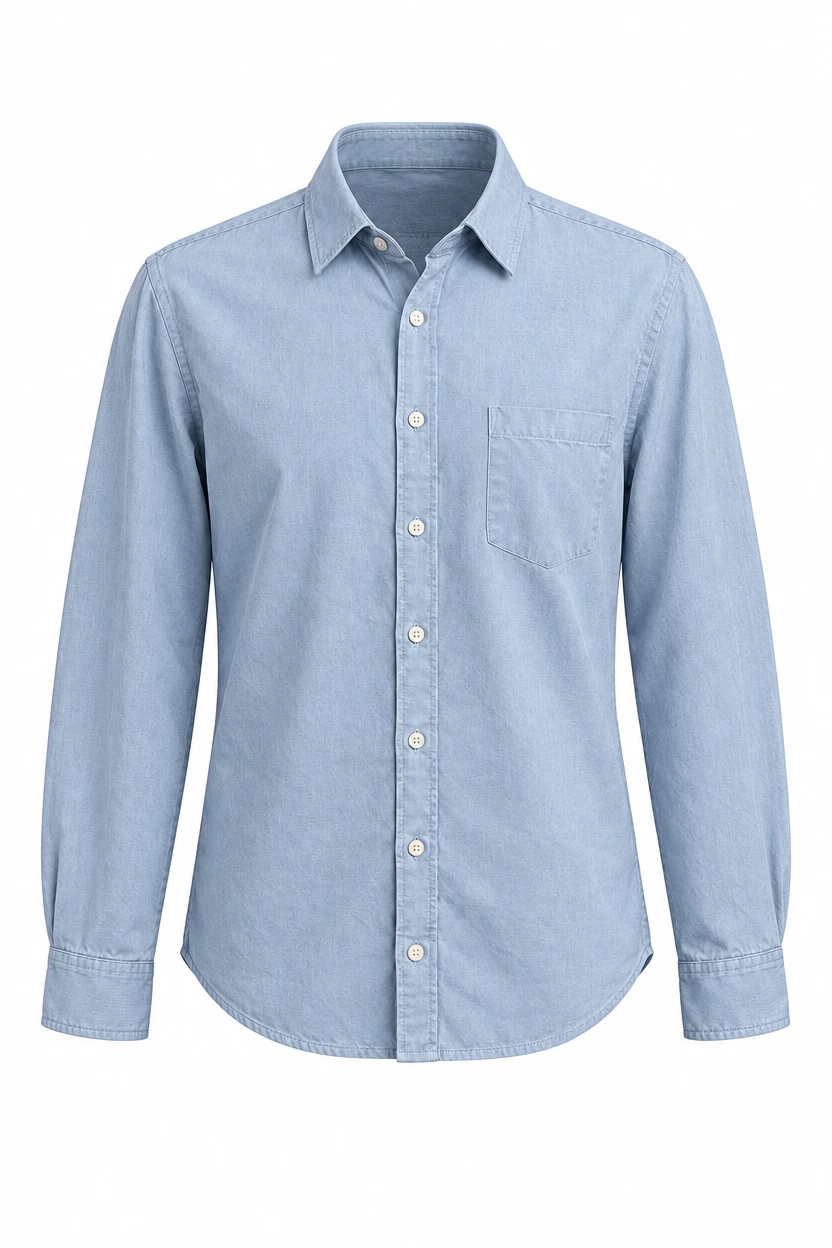 Generated result
Shirt on a Mannequin
Compare the complete blue shirt with its hollow neckline and a clean product-photo finish.