Photo to Coloring Page: Make It Personal
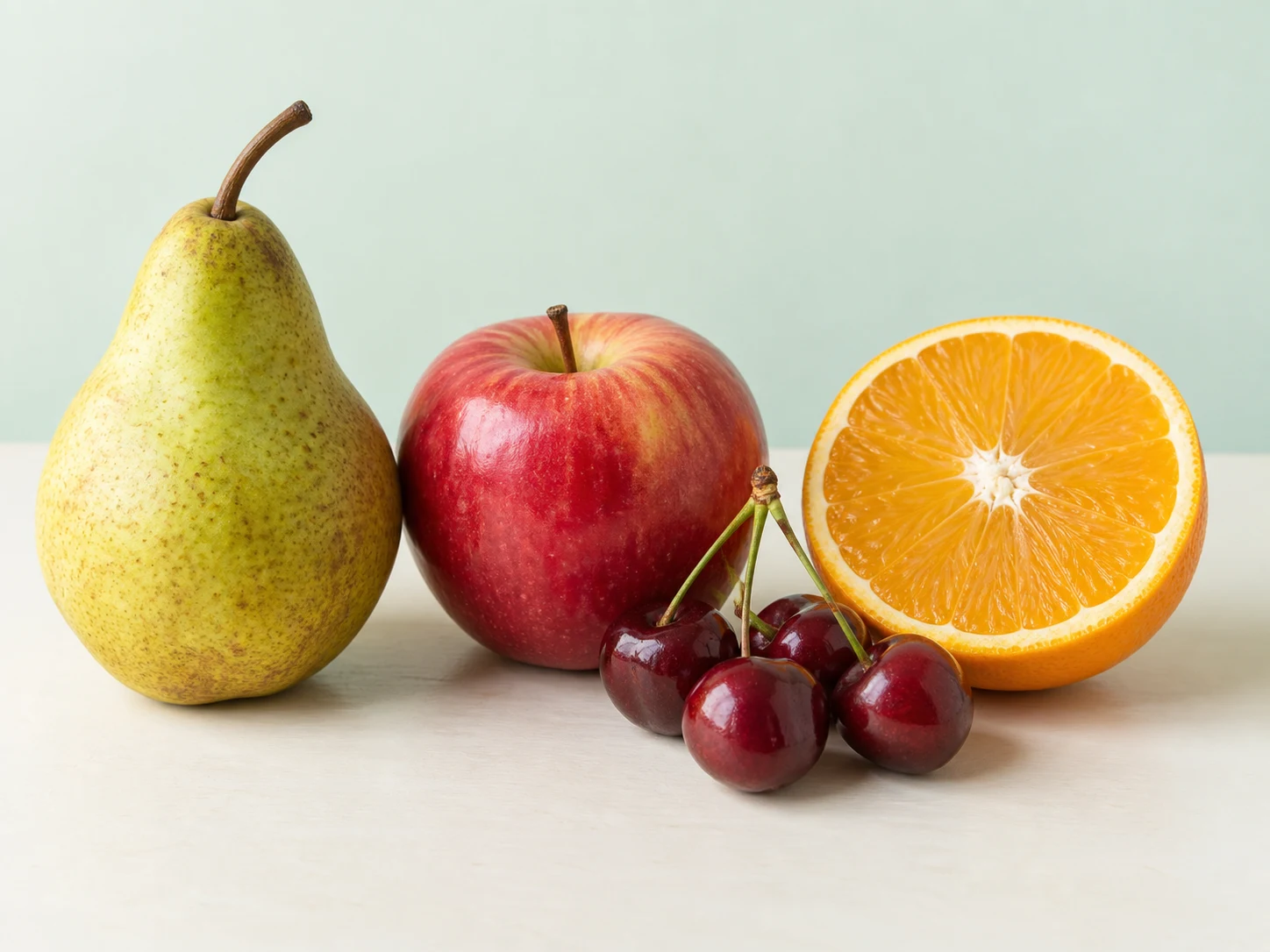
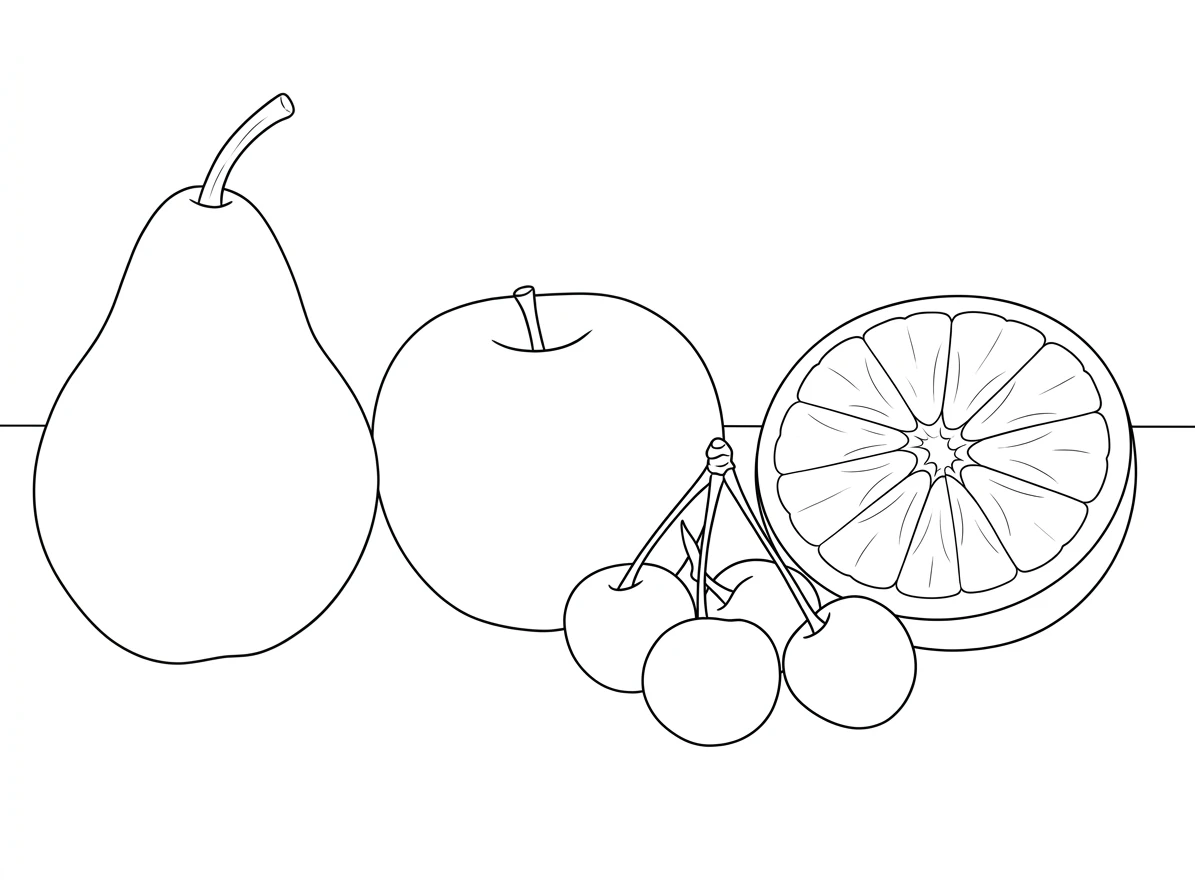
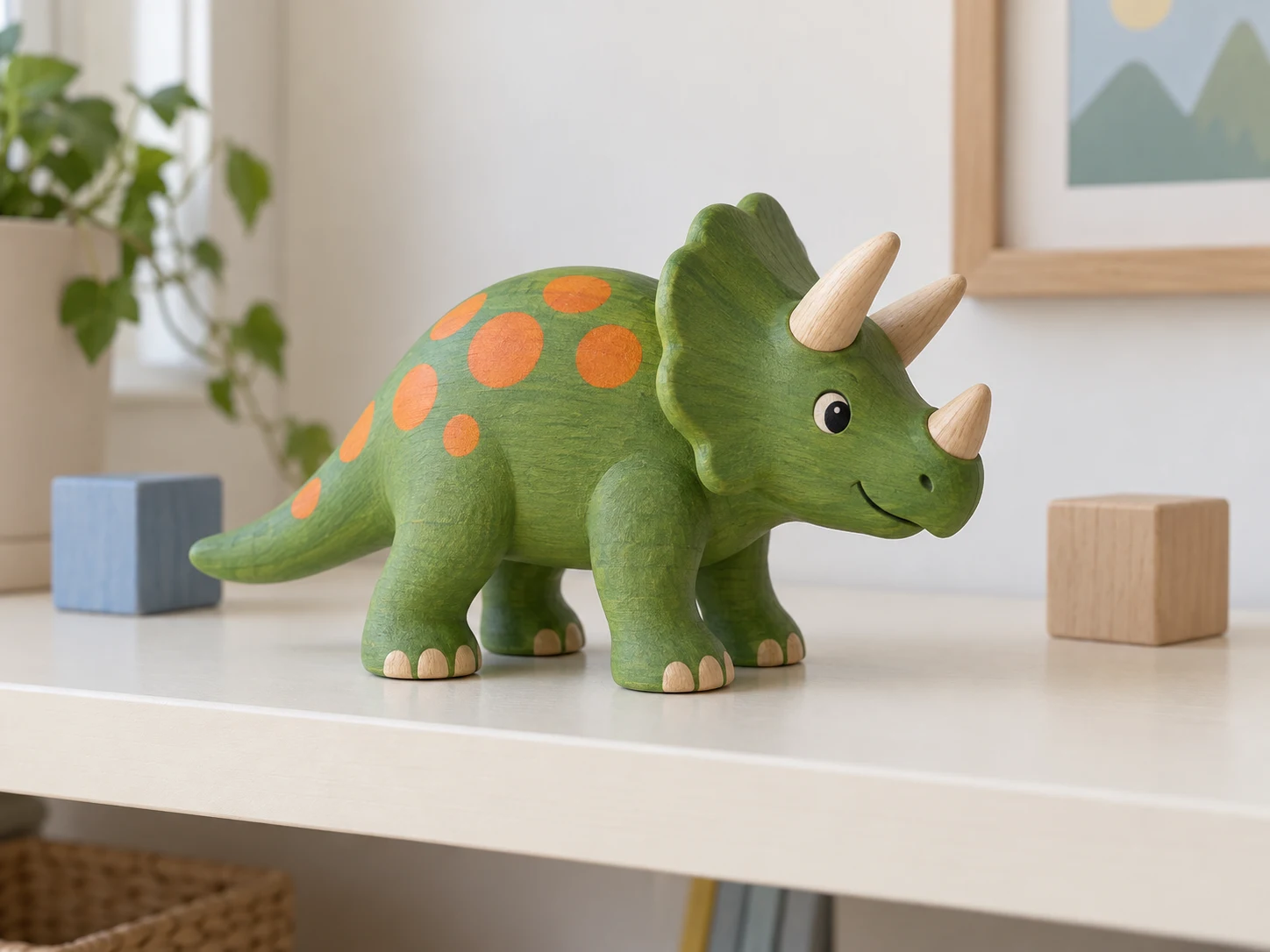
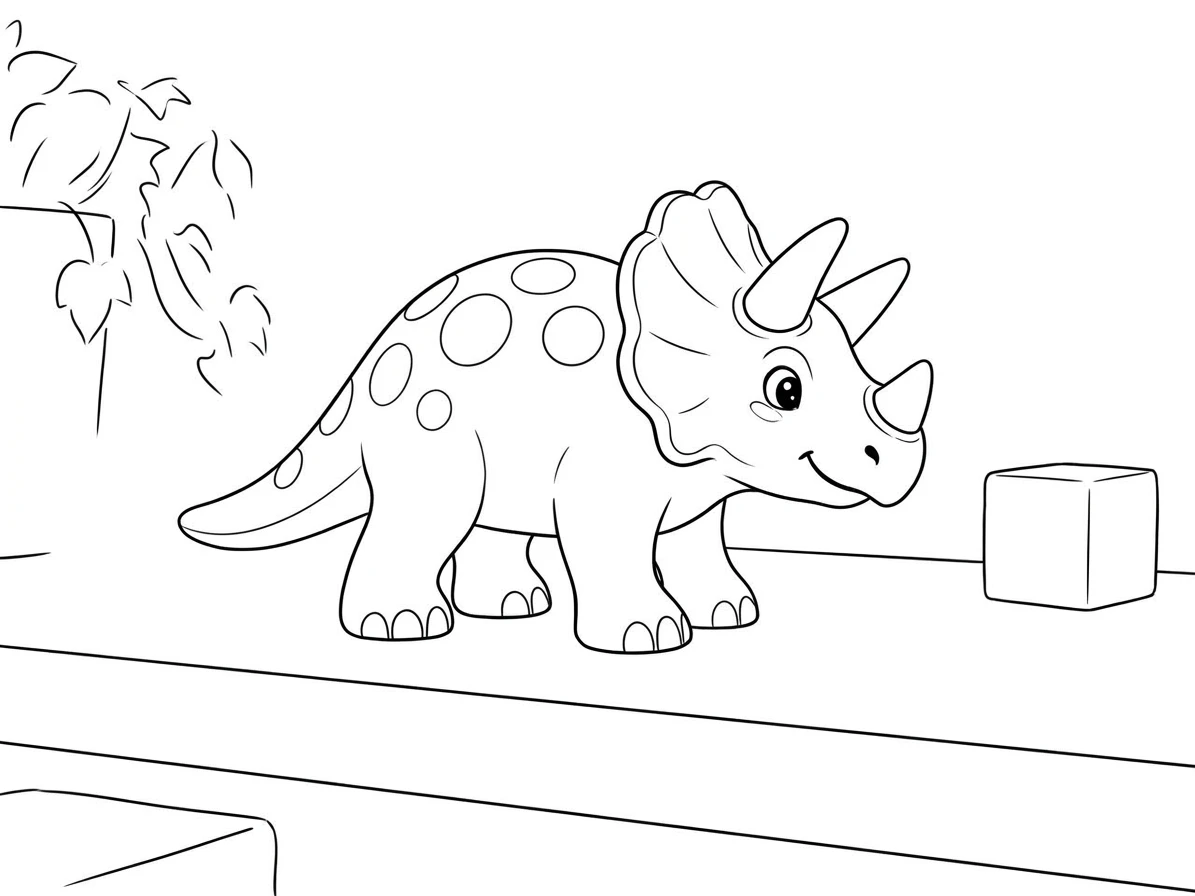
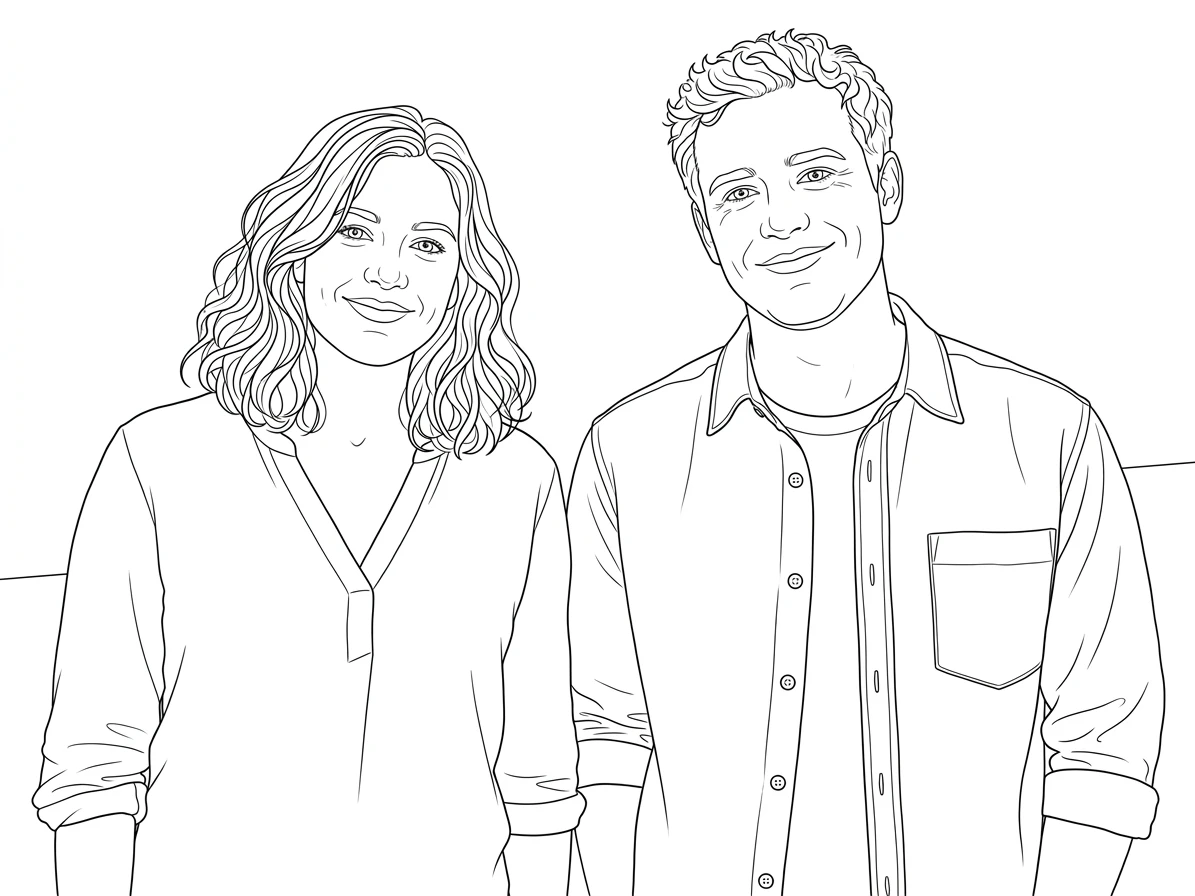
A familiar photograph can provide the subject for a more personal coloring activity. Instead of choosing an unrelated illustration, start with a pet, a favorite object, or a simple moment you want to remember. The preset asks for dark outlines and open white areas, turning the visual information in the upload into a drawing intended for coloring.
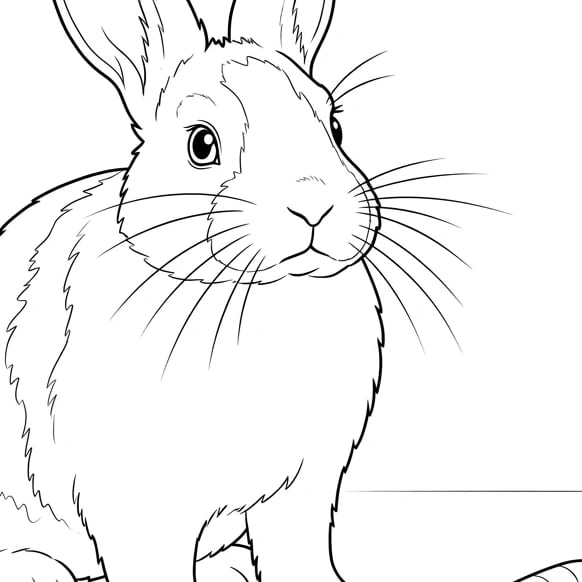
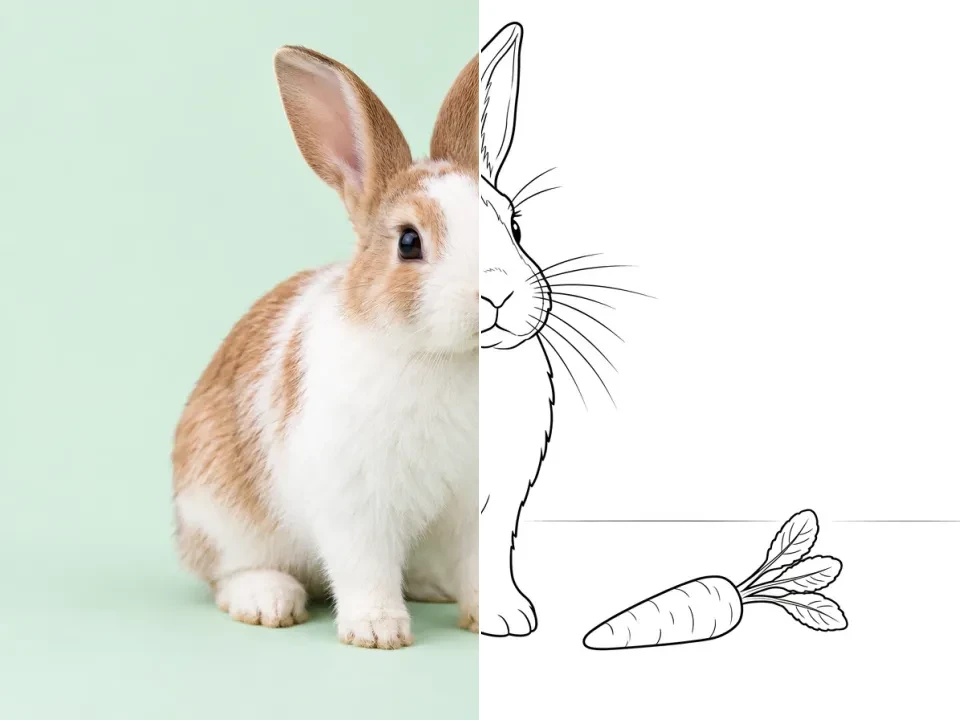
The rabbit reference shows how a recognizable subject can remain readable after color and much of the shading are removed. A quiet background makes it easier to separate the main outline from small details. For your own source, choose the subject first and crop out distractions before uploading. Review the generated lines at full size so you can spot gaps, unwanted dark patches, or shapes that became too crowded.
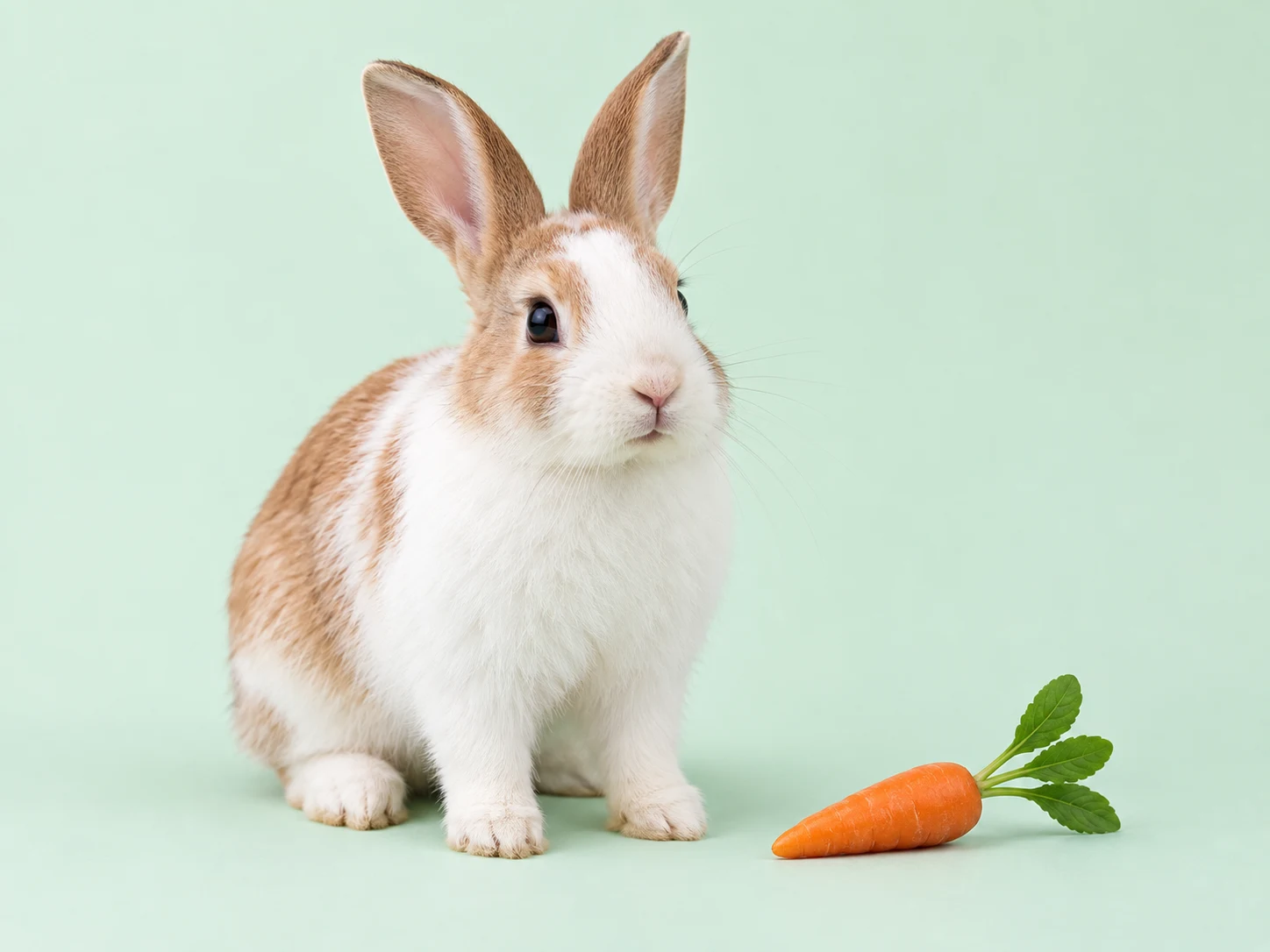
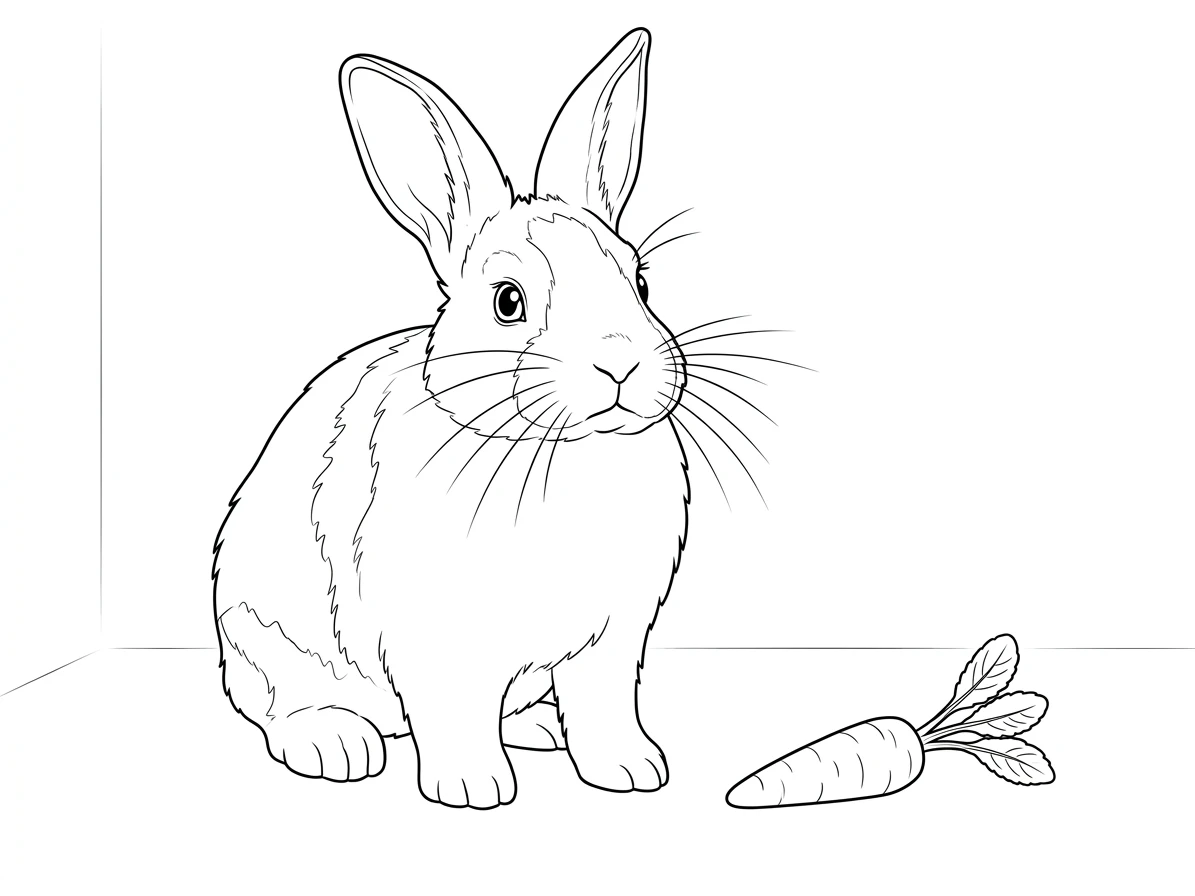
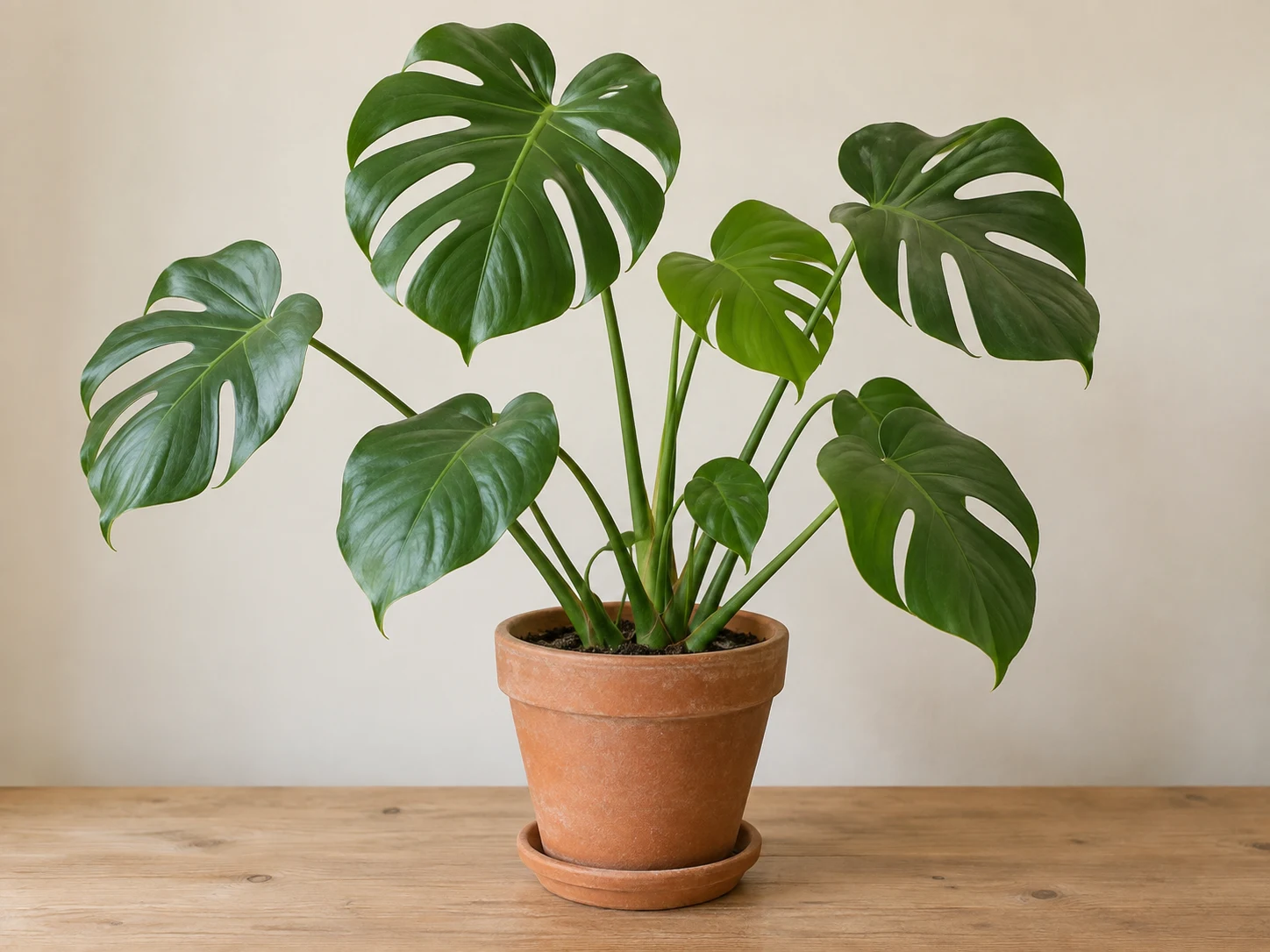
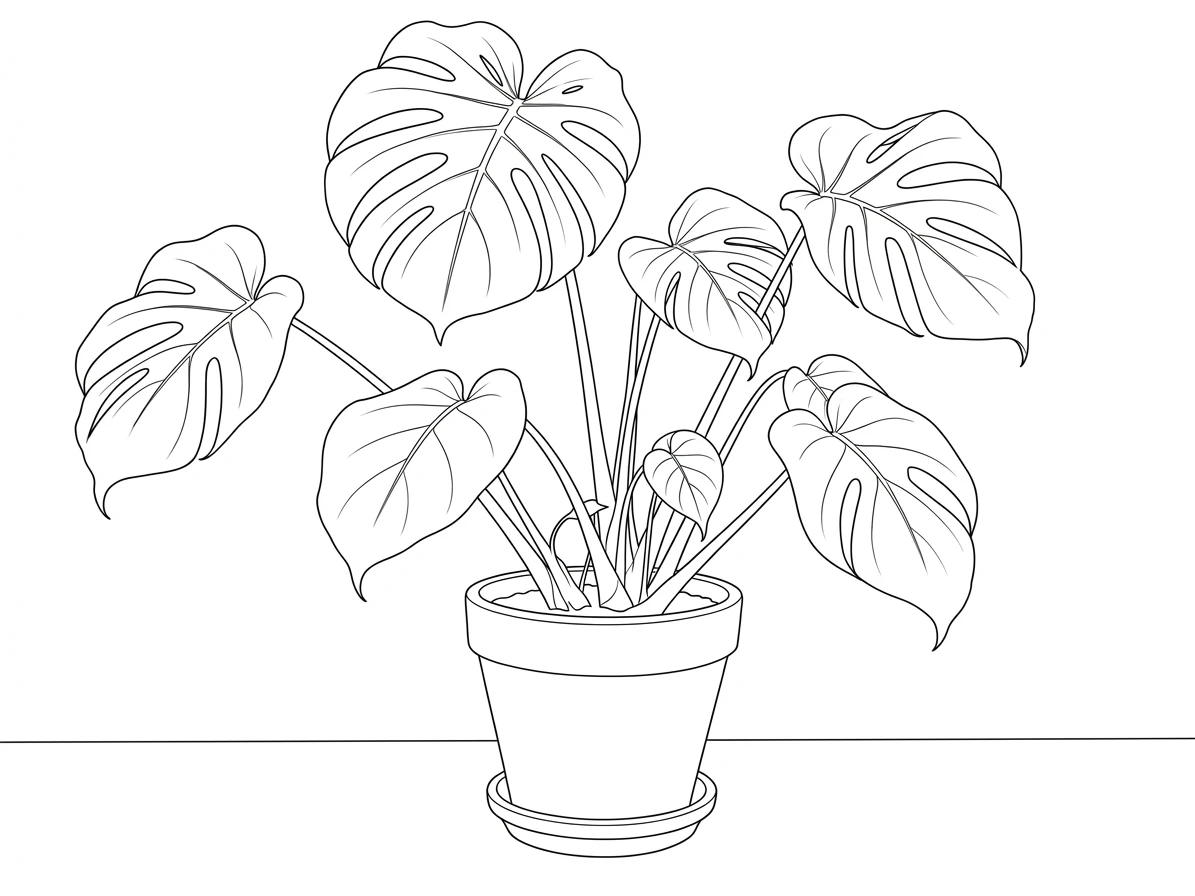
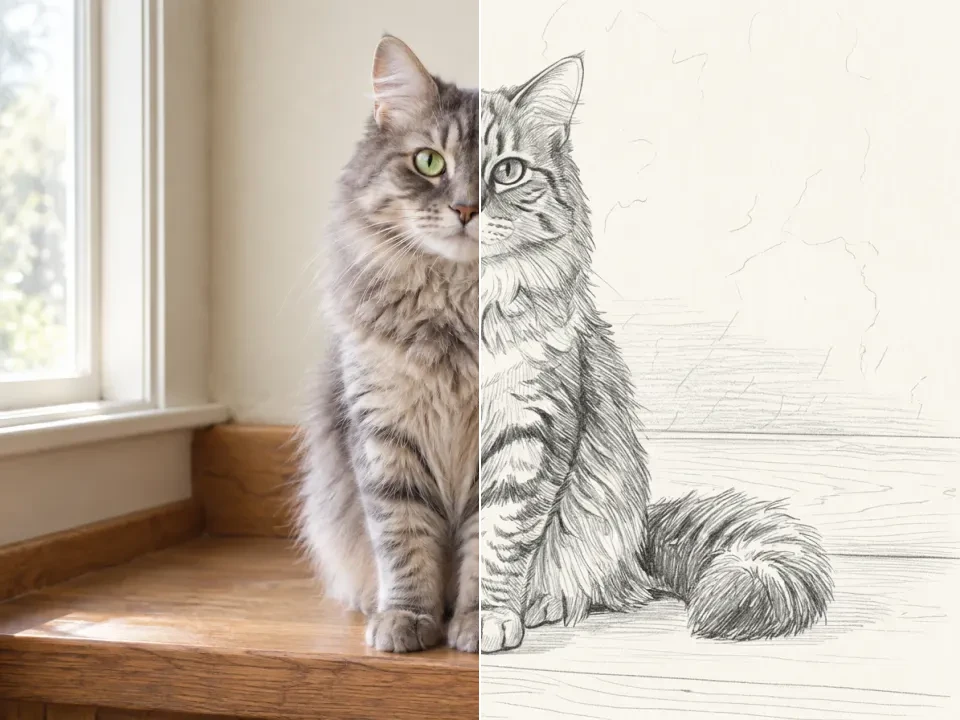
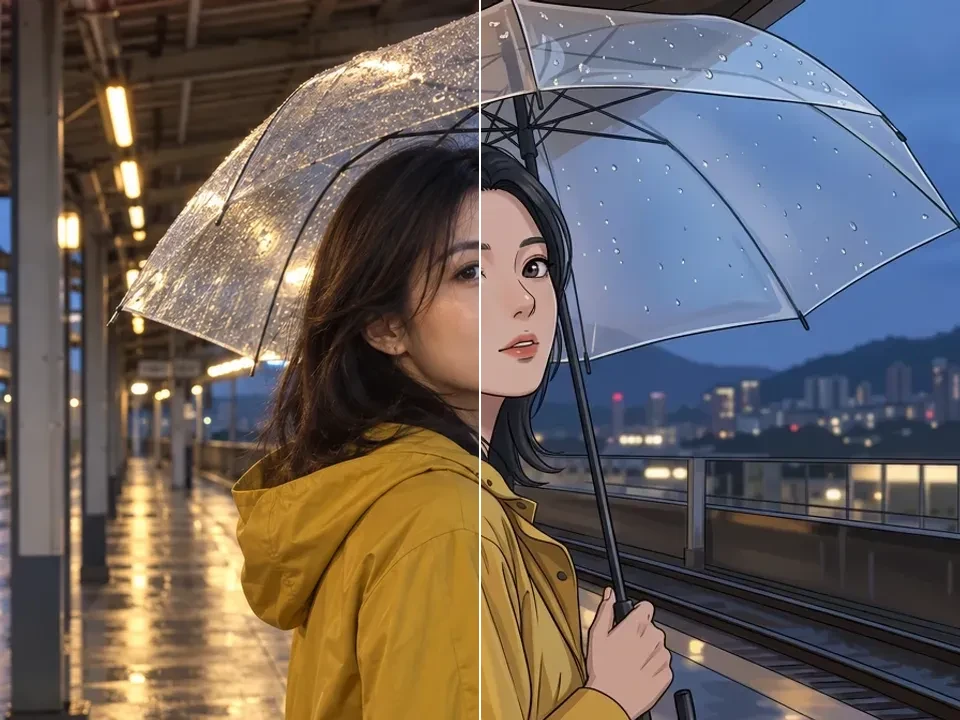
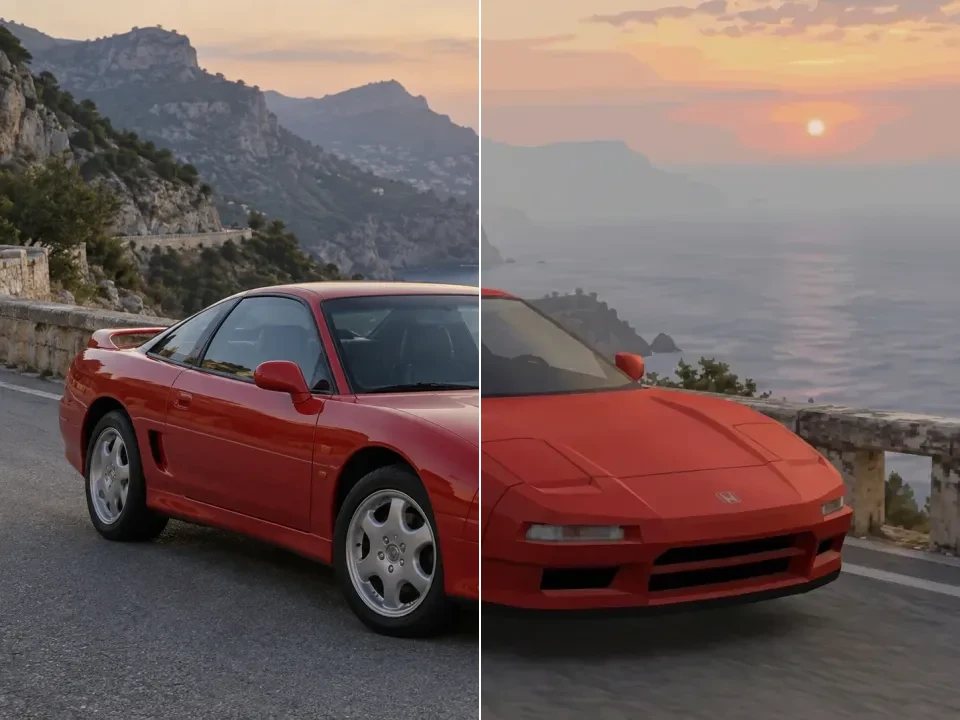
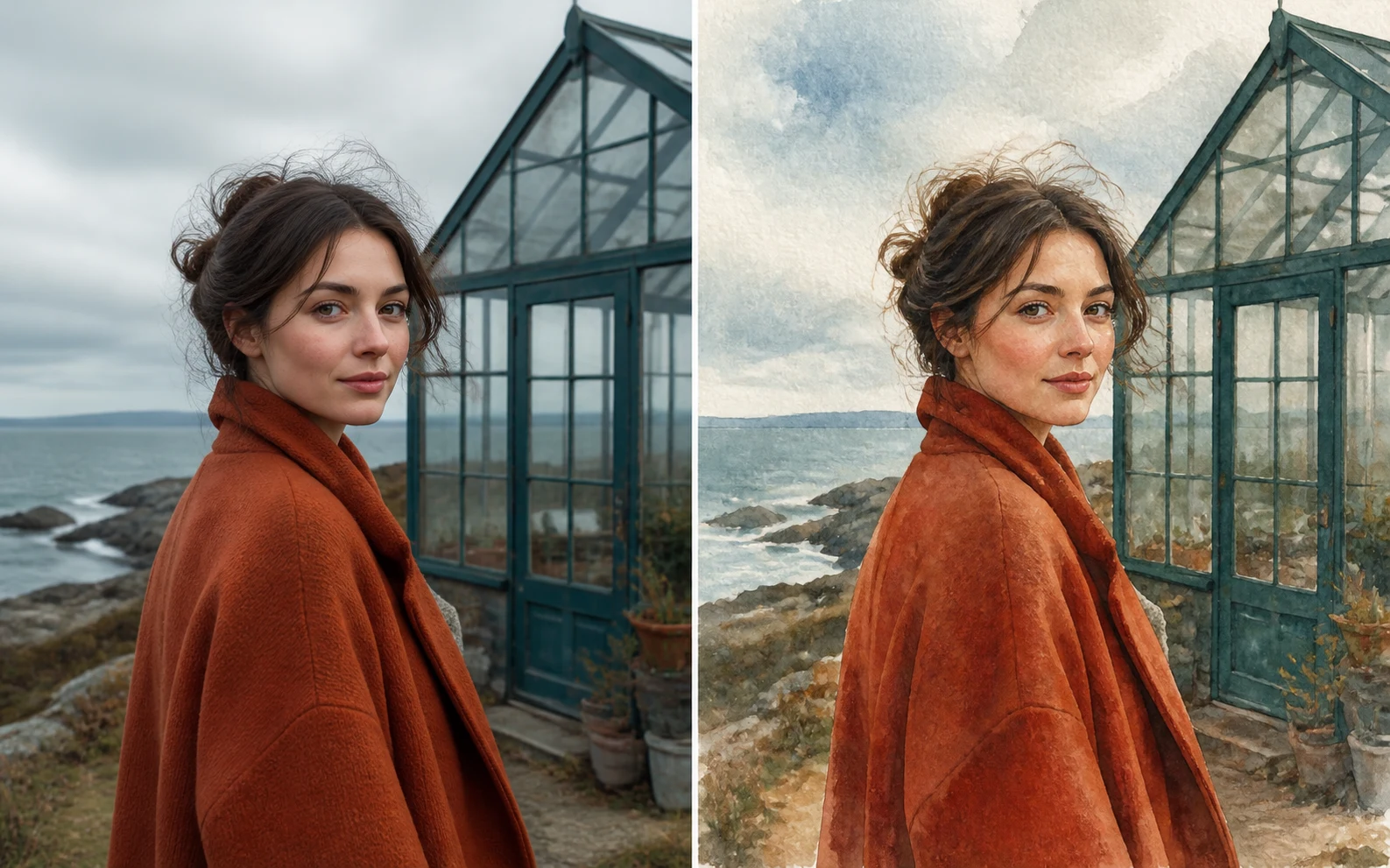
Drag the divider or use the arrow keys to compare the same source photo with its generated result.
Your pet, ready to color
Check how the original subject becomes open coloring spaces separated by dark outlines, with less photographic surface detail.