Skip to content

Photo to Sketch

Effect

Pencil SketchTurn photos into pencil drawings
0/1 max

Result

Original photograph of an adult violinist in an ivory linen shirt beside a rehearsal-room window.
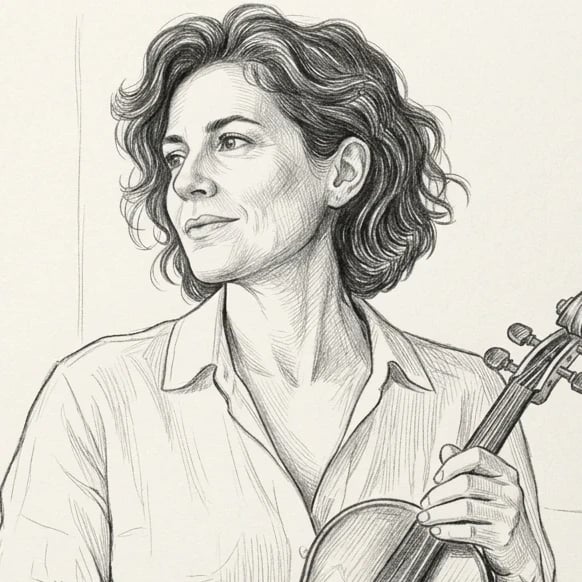
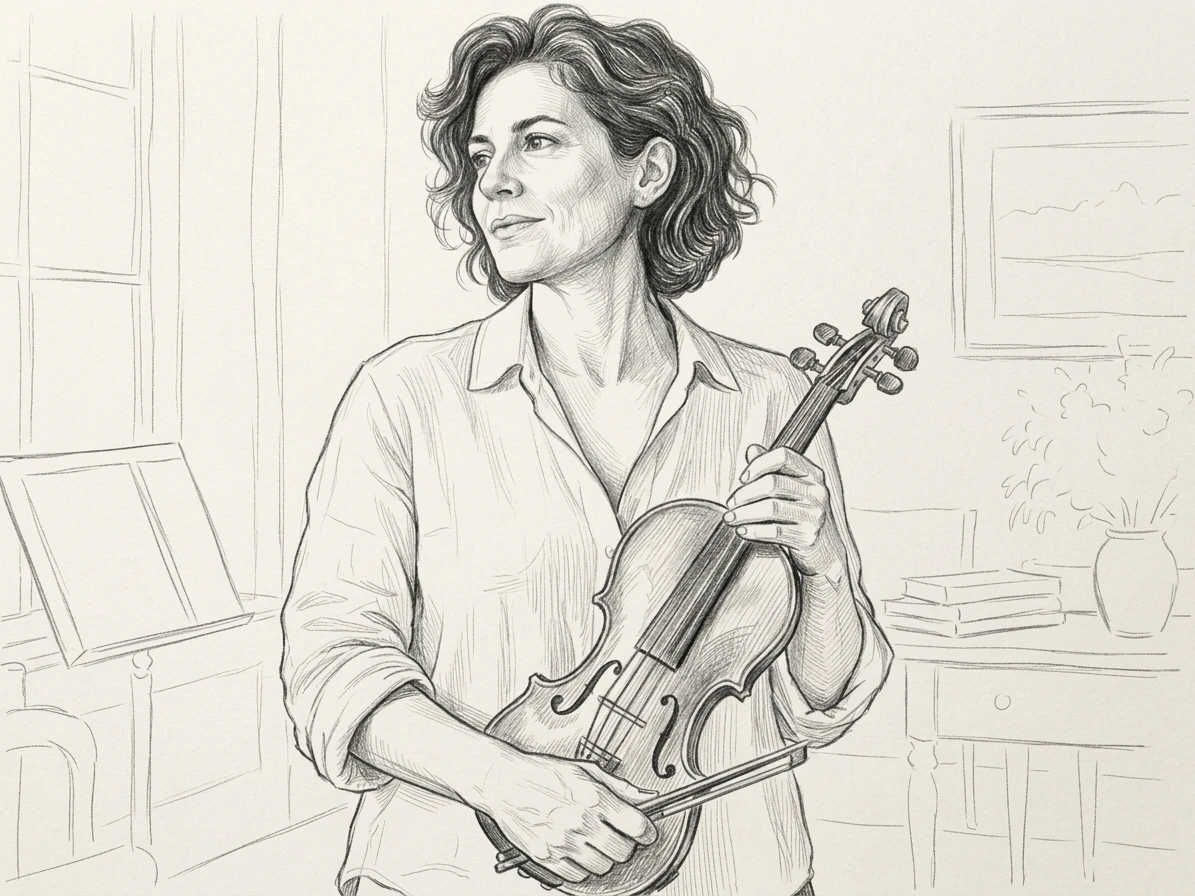
Graphite pencil drawing of the same violinist, ivory shirt, instrument, and window-lit room.

Drag the divider or use the arrow keys to compare the same source photo with its generated result.

Photo to Pencil Sketch

Translate a photograph into a drawing built from contours and tonal marks. A strong portrait already contains a useful arrangement of light, shadow, and expression. The sketch treatment changes the visual material while using that arrangement as its starting point, giving you a pencil-style interpretation that remains connected to the original composition.

Consider where the drawing will be used before choosing your crop. A personal card may benefit from a close face, while a journal page can leave room for shoulders and background. Keep the source reasonably sharp and inspect the eyes, hair edges, and darker areas after generation. The best version should read clearly without relying on color.
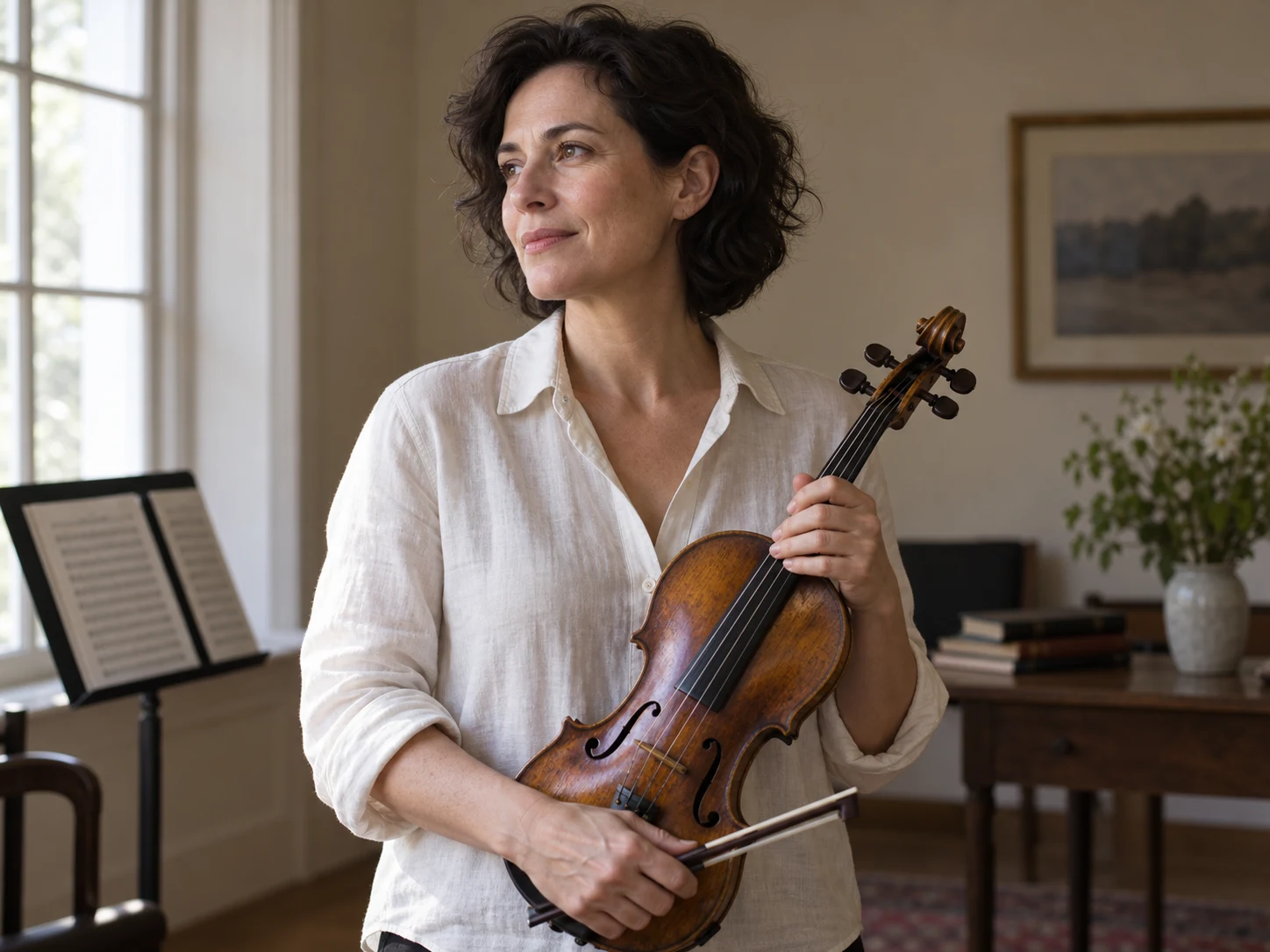
Original photograph of an adult violinist in an ivory linen shirt beside a rehearsal-room window.
Graphite pencil drawing of the same violinist, ivory shirt, instrument, and window-lit room.

Drag the divider or use the arrow keys to compare the same source photo with its generated result.

Portraits with pencil character

Follow the important contours and shaded areas to see how the photographic subject becomes a readable pencil-style drawing.
Pet Photos as Pencil Drawings

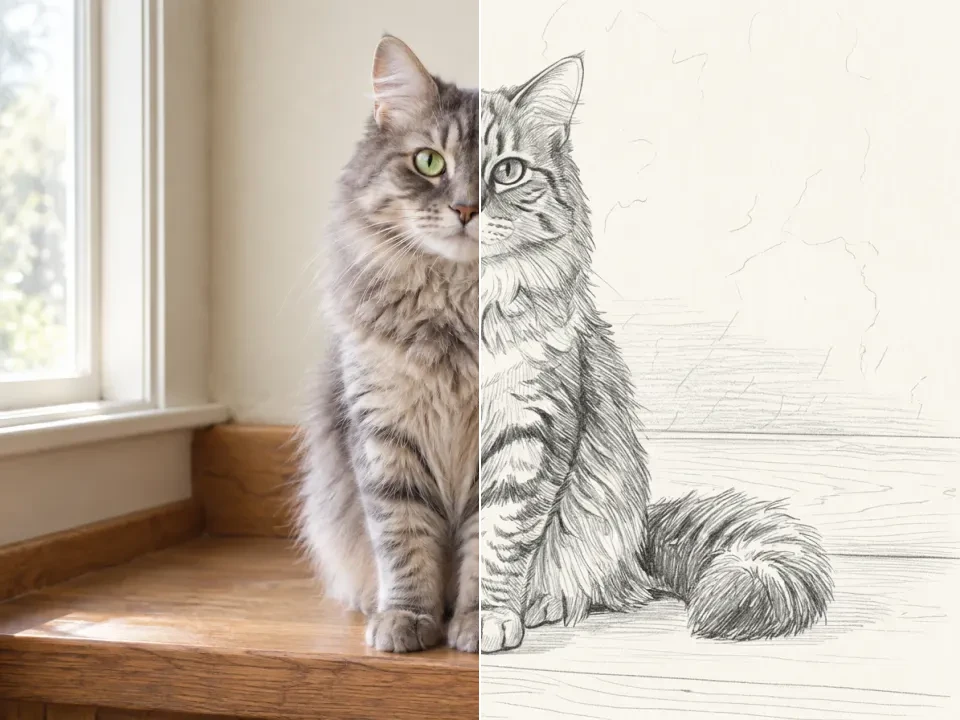
Pet photographs offer distinctive shapes that translate well into linework: a tilted head, a curved ear, or a patch of fur can carry much of the subject’s character. These examples explore how a drawing can simplify texture while keeping the pose and the features that make the animal recognizable to someone who knows it.

Photograph the animal from a position that clearly shows its face and outline. A quiet background makes fur and whiskers easier to separate from surrounding objects. After generation, compare the nose, ears, paws, and markings with the upload. Fine pencil texture is appealing, but it should support the subject rather than cover important features with a dense web of marks.

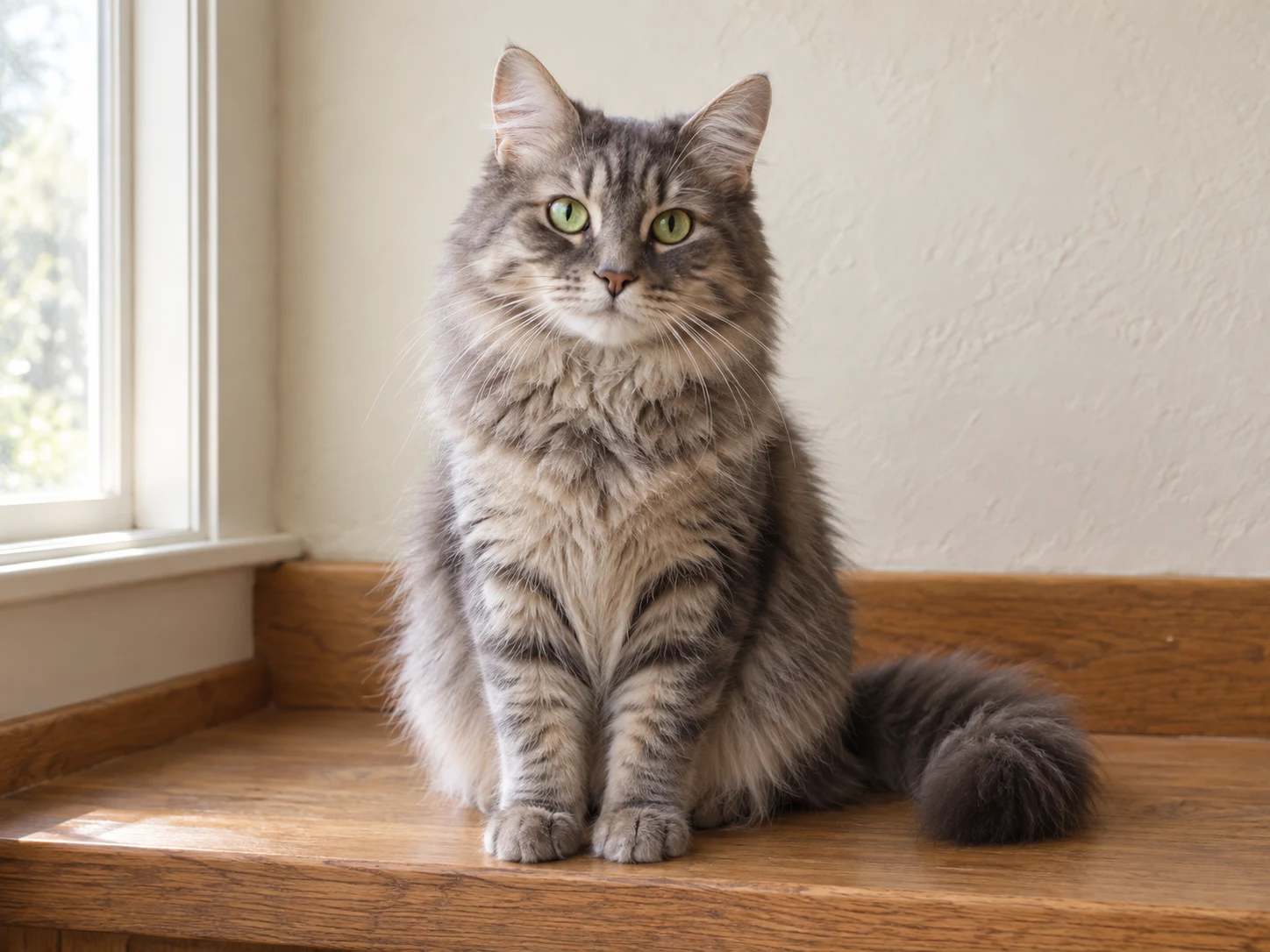
Original gray tabby cat with green eyes and a curled tail sitting on an oak window bench.
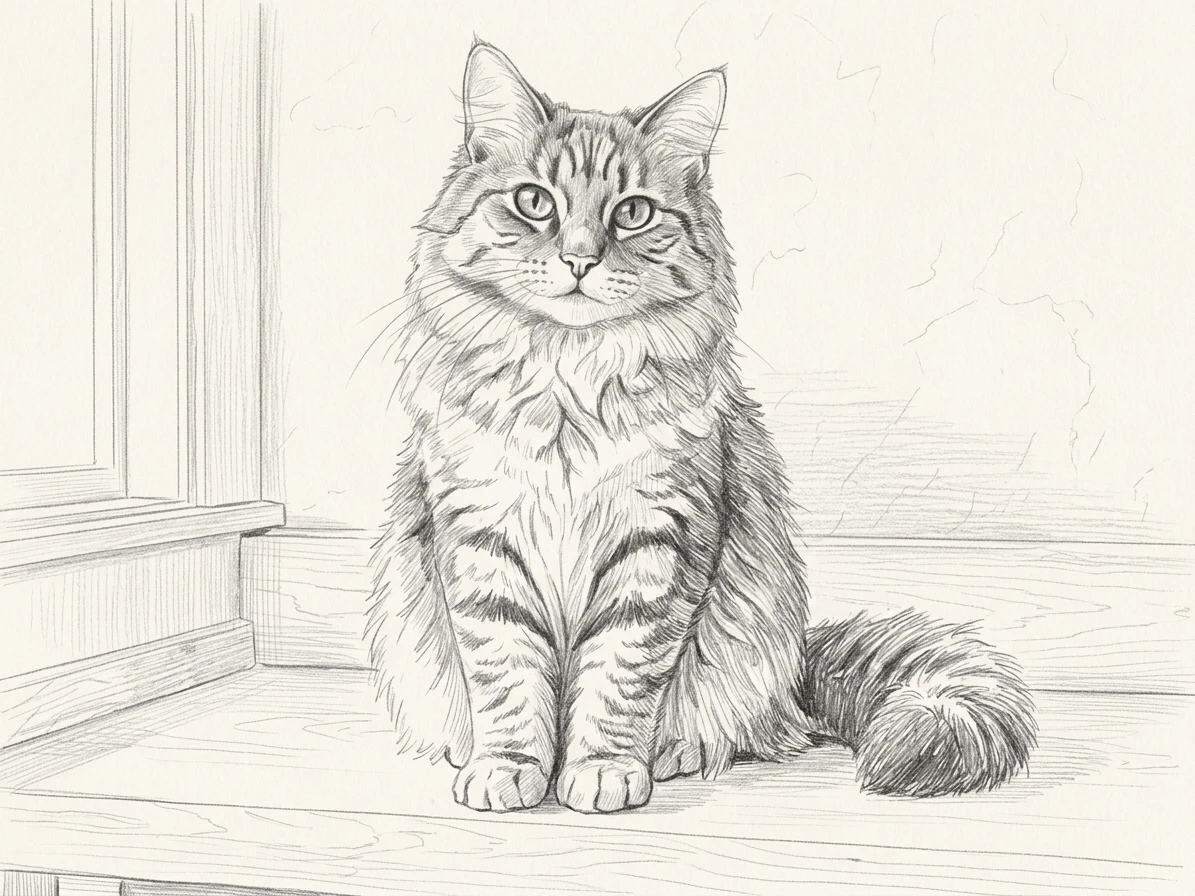
Pencil sketch of the same tabby cat, retaining its ears, seated silhouette, paws, and curled tail.

Drag the divider or use the arrow keys to compare the same source photo with its generated result.

Fur without a wall of lines

Follow the important contours and shaded areas to see how the photographic subject becomes a readable pencil-style drawing.
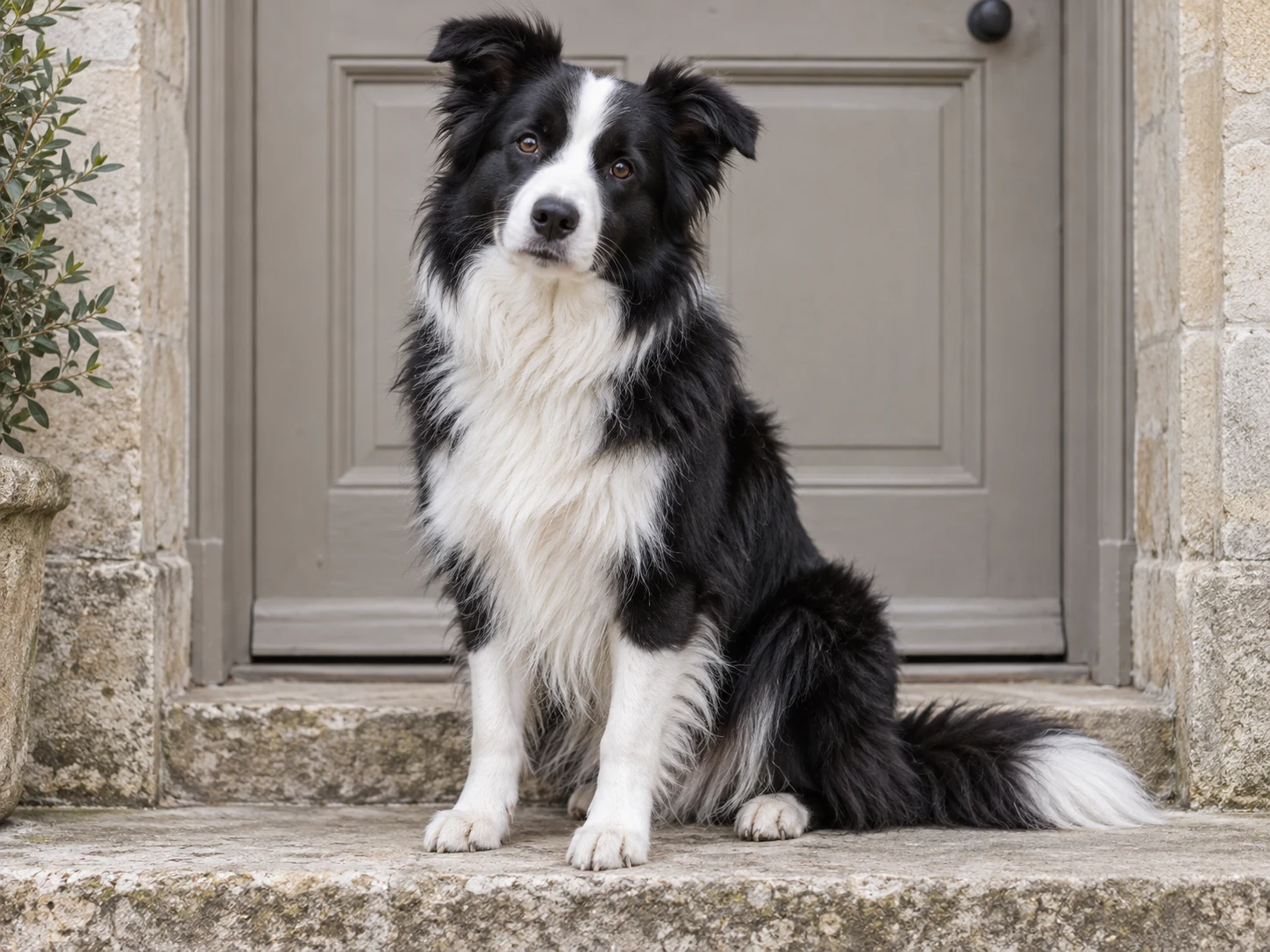
A black-and-white border collie sitting on a pale stone doorstep in soft daylight.
Graphite sketch of the same border collie, with pencil shading separating its dark coat from white chest and paws.

Drag the divider or use the arrow keys to compare the same source photo with its generated result.

Dark fur, bright expression

Follow the important contours and shaded areas to see how the photographic subject becomes a readable pencil-style drawing.
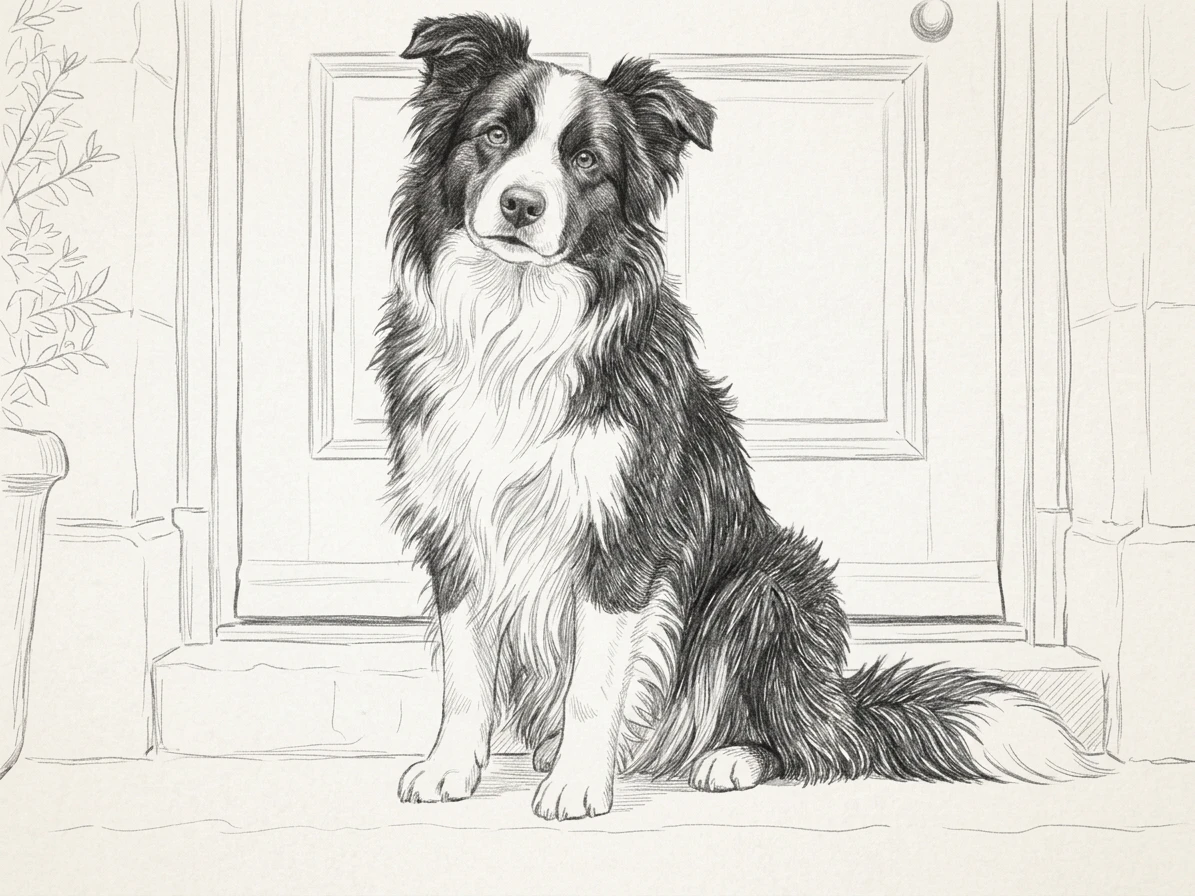
Photo to Sketch for Places and Objects

Buildings and everyday objects bring different drawing problems into focus. Architecture depends on readable edges and a consistent sense of perspective; a chair or woven surface also depends on the direction of its smaller details. The examples use those differences to show how the same sketch treatment can work across subjects beyond a portrait.

Try a place you remember, an object with a clear silhouette, or a small arrangement photographed in natural light. Keep the main edges inside the frame and avoid a background that competes with them. Review straight lines and repeated patterns carefully. A generated drawing can suggest the character of a scene without serving as an accurate technical or architectural illustration.

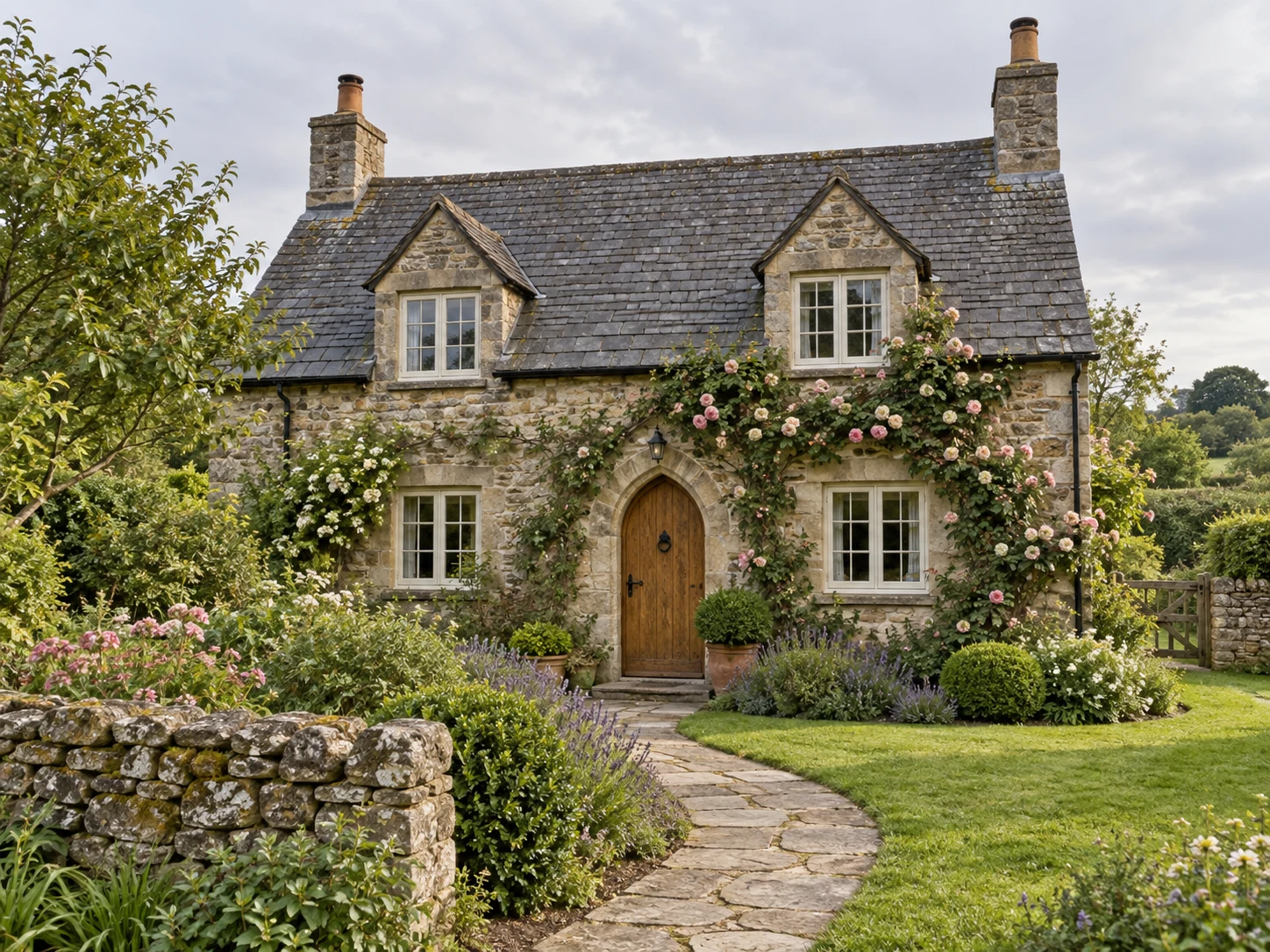
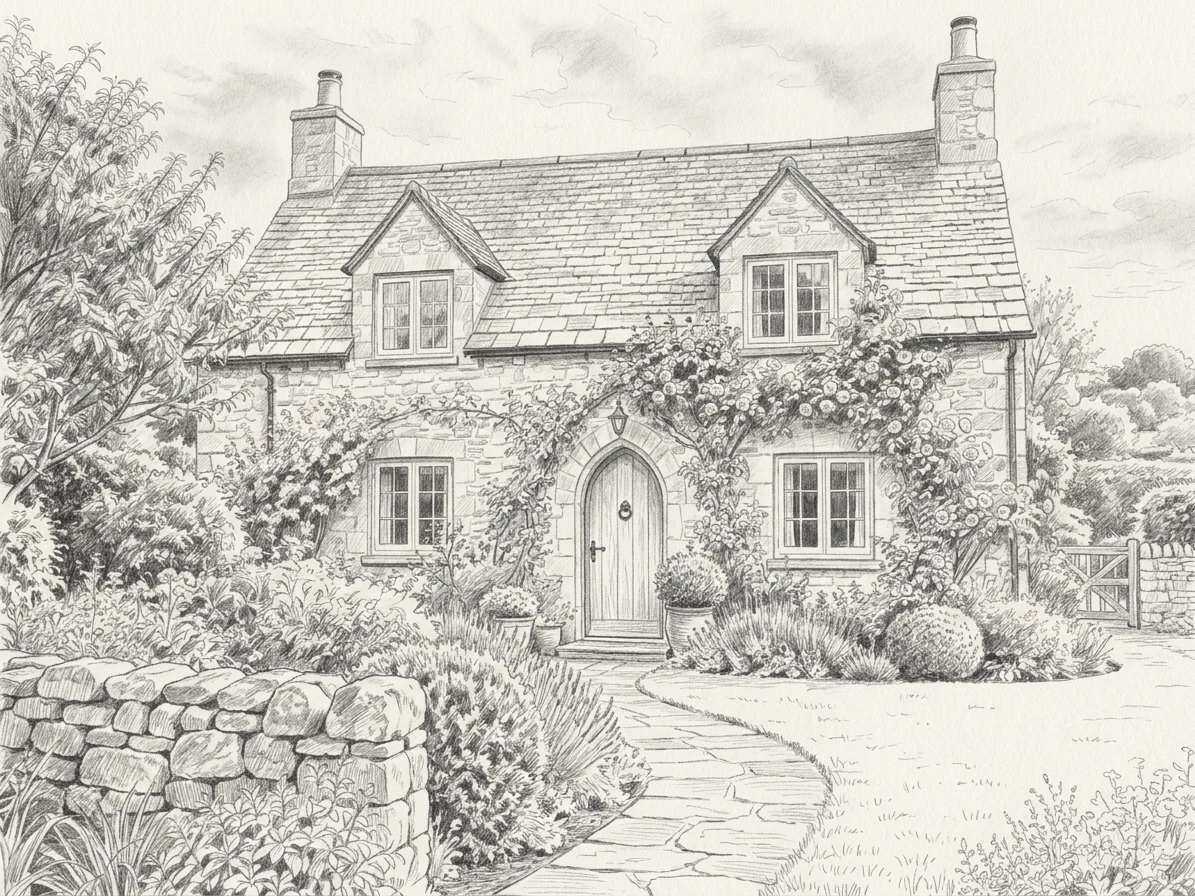
Original English stone cottage with a slate roof, arched oak door, climbing roses, and a garden path.
Graphite drawing of the same stone cottage, roof, arched doorway, roses, and garden path.

Drag the divider or use the arrow keys to compare the same source photo with its generated result.

A place worth drawing

Follow the important contours and shaded areas to see how the photographic subject becomes a readable pencil-style drawing.
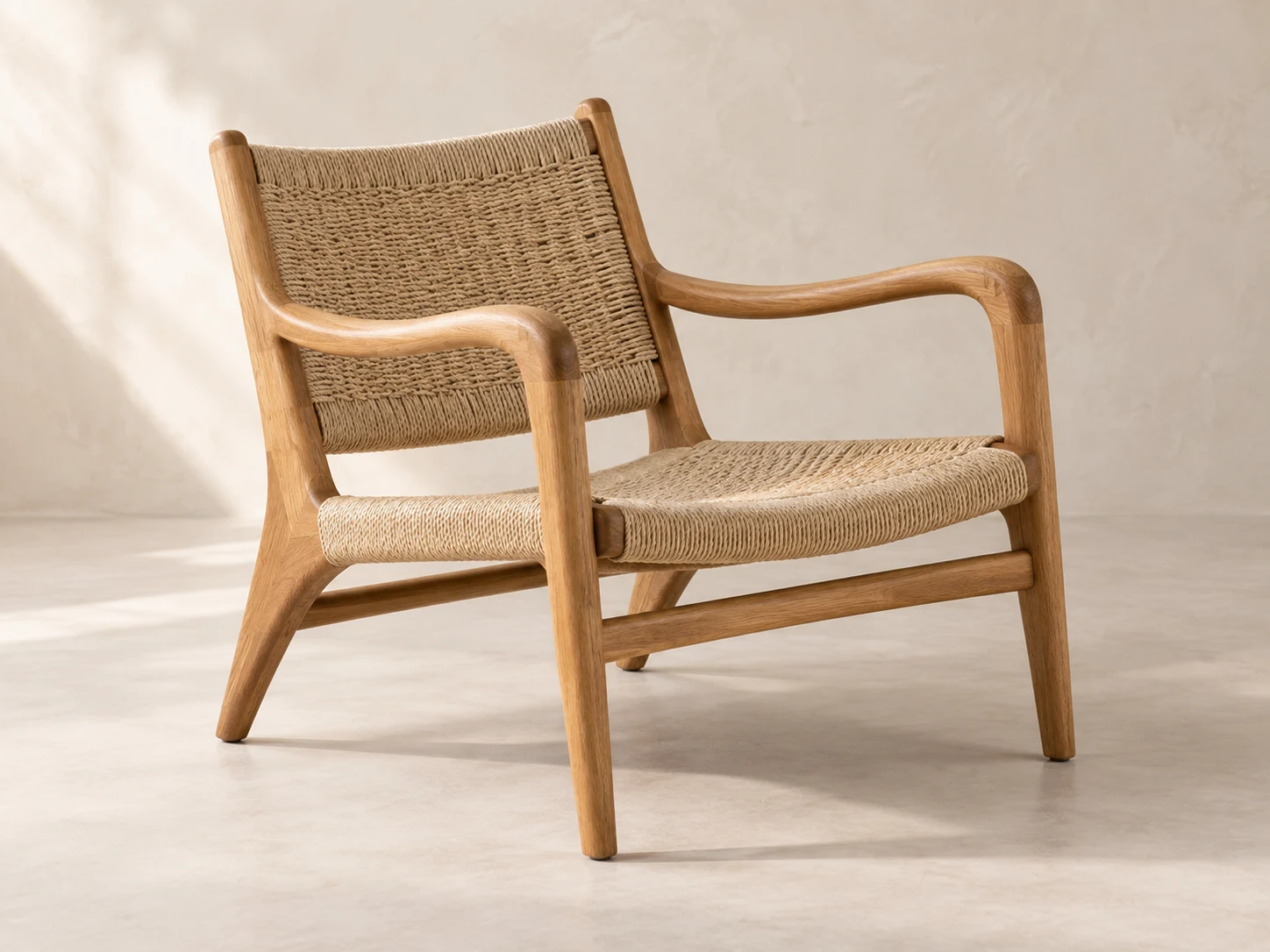
An oak lounge chair with a woven rope seat and back, photographed at a three-quarter angle.
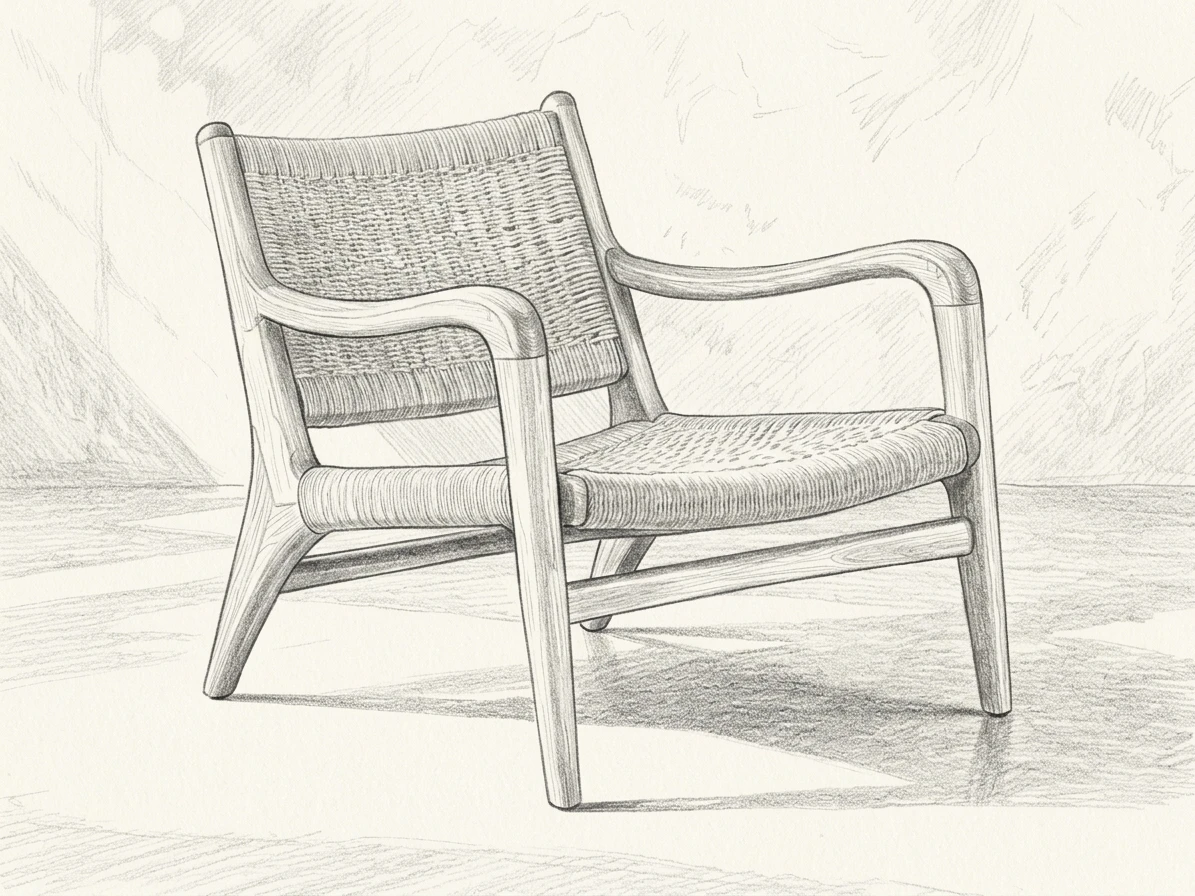
Pencil drawing of the same oak and rope chair with curved armrests, angled legs, and woven surfaces.

Drag the divider or use the arrow keys to compare the same source photo with its generated result.

Furniture as a drawing reference

Follow the important contours and shaded areas to see how the photographic subject becomes a readable pencil-style drawing.
Pencil Detail That Holds Up Close

A convincing pencil image balances dark accents with areas where the paper can remain visible. Dense shading should describe volume rather than turn every surface equally gray. This close view is useful for judging the quality of the marks, the separation of neighboring shapes, and the way highlights survive the change from photograph to drawing.

Use a source with visible differences between light and shadow, while keeping important details out of the darkest areas. Once the image is ready, inspect it at the size you intend to share or print. Look for stray outlines, broken contours, and patches of unnecessary shading. You can then decide whether a simpler source composition would give the next version more clarity.

Enlarged detail from the violinist pencil result, showing facial contours, hatching, and white paper areas.
How to create

How to Turn a Photo into a Sketch

One photo, one effect, a result you can save.

1

Pick a readable photo

Choose a portrait, animal, object or building with defined edges and enough light to separate the subject from the background.

2

Create the drawing

Leave the sketch preset selected and check the displayed cost. Submit one photo to generate its pencil-and-ink interpretation.

3

Check the finished lines

Review the outline, shading and small details, then download the image. Check its size separately if you plan to print it.

Create Pencil Sketch

Photo to Sketch FAQ

What does Photo to Sketch create?

This tool turns one reference photo into an AI-rendered drawing with pencil-like shading and ink-style contours. The preset preserves the broad subject and arrangement while translating photographic texture into marks on a paper-like surface.

How can I turn a photo into sketch art?

Upload a clear image, leave Photo to Sketch selected and review the credit cost. Create the drawing, then examine the outlines and tonal balance against your source. You can download the finished image from its result card.

Does it work on pets and buildings too?

You can try portraits, animals, buildings and objects. Subjects with distinct edges and clear lighting are easier to interpret. Dense foliage, repeating windows and overlapping details may become simplified or redrawn in the sketch.

Can I print the generated pencil sketch?

You can download the image and print it using your usual image or print software. Check the file dimensions and a print preview first. This tool does not prepare a dedicated print layout or guarantee sharp detail at every enlargement.

Is Photo to Sketch free to use?

Browsing the examples does not spend credits. Creating a drawing uses the amount shown before submission. Sign in to view your available balance and the saved results in your account.

Why is my sketch too dark or too busy?

Dark backgrounds and fine textures can turn into dense shading. Try an image with a quieter background or more even light. Review small lines and facial features in the downloaded file before deciding whether another source would work better.

Will every detail match the source photo?

The result follows the photo as a reference rather than tracing every pixel. Small patterns, text, hair and architectural details can change. Keep the original and compare the areas that matter to you before using the drawing.

Try Photo to Sketch

Start with your photo, explore the effect, and save a result that feels personal.