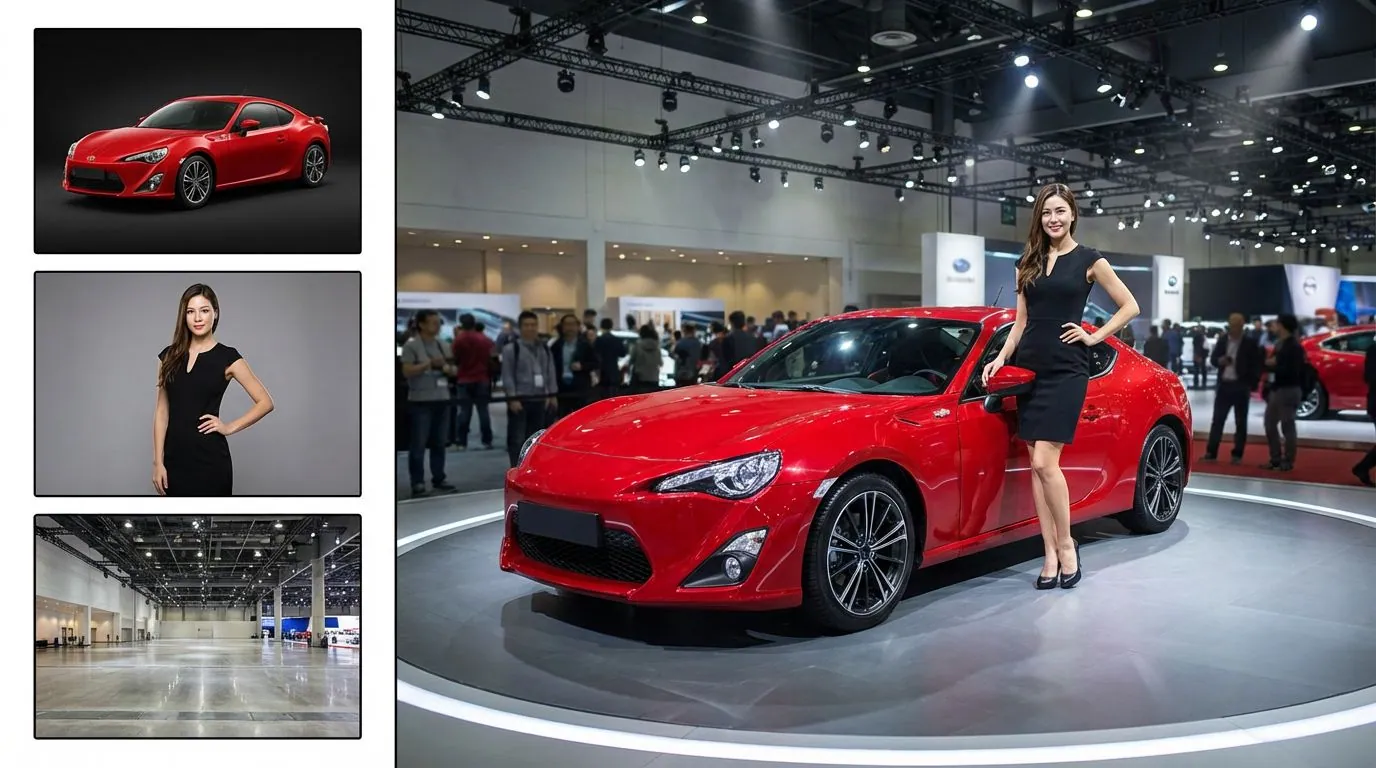
Reframe for another format
Explore a landscape composition for a presentation, banner, or video cover from a more tightly framed source.
Give your composition more room
Reimagine a photograph in a wider composition with added surroundings. This workflow redraws the image and does not lock the original pixels in place.
Start creatingUpload one photo and choose the output aspect ratio for the new composition.
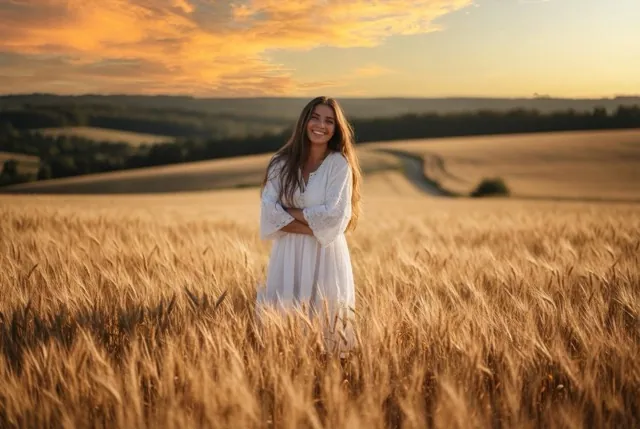
Make it yours
Upload one photo and choose the output aspect ratio for the new composition. Review the credit quote before you create.
Create your first masterpiece to see it appear here.
Generative reframing, not pixel-preserving outpainting.
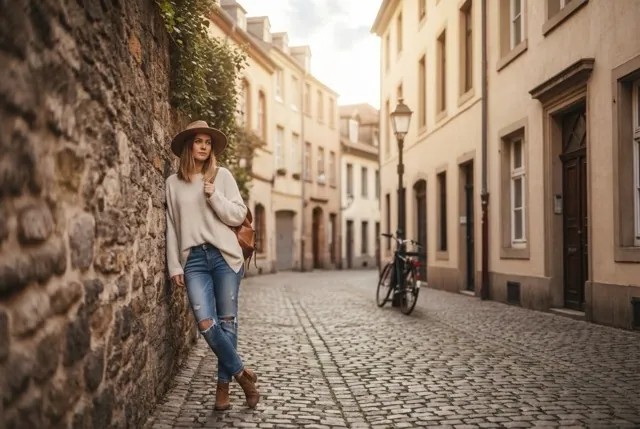
Creative direction
Explore a landscape composition for a presentation, banner, or video cover from a more tightly framed source.
Review both the added surroundings and the original subject because this workflow does not protect a fixed central pixel region.
A starting point
Recreate the uploaded photograph in a wider composition by extending the surrounding environment naturally. Keep the original main subject recognizable and near the center. Continue the existing lighting, perspective, materials and background style into the new space. Preserve the core composition as closely as possible while adding believable breathing room. No duplicated subjects, new text, logos or watermark. This is generative reframing rather than exact masked outpainting.
From idea to download
Use a clear source with enough visible surroundings to suggest what should continue beyond the edges.
Select the desired ratio and describe the added environment before generating.
Check the subject, horizon, architecture, repeated objects, and new edges before downloading.
Before you create
No. It generates a reframed image. The original area can change along with the new surroundings.
This page uses aspect ratio and written instructions. It does not offer a masked canvas or pixel-locked outpainting controls.
It invents a plausible continuation. The added scene should not be treated as a record of what was actually outside the photograph.