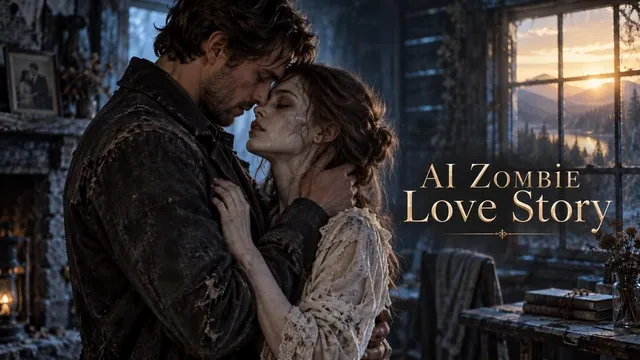
A small action gives the clip a story
A glance, discovery, or interrupted snack is easier to communicate in five seconds than a complete adventure.
An original creature vlog in a few sentences
Write a Bigfoot encounter, woodland vlog, or mock-documentary scene and turn it into a short AI video. No reference photo is required.
Start creatingDescribe one scene, one camera approach, and one short action.
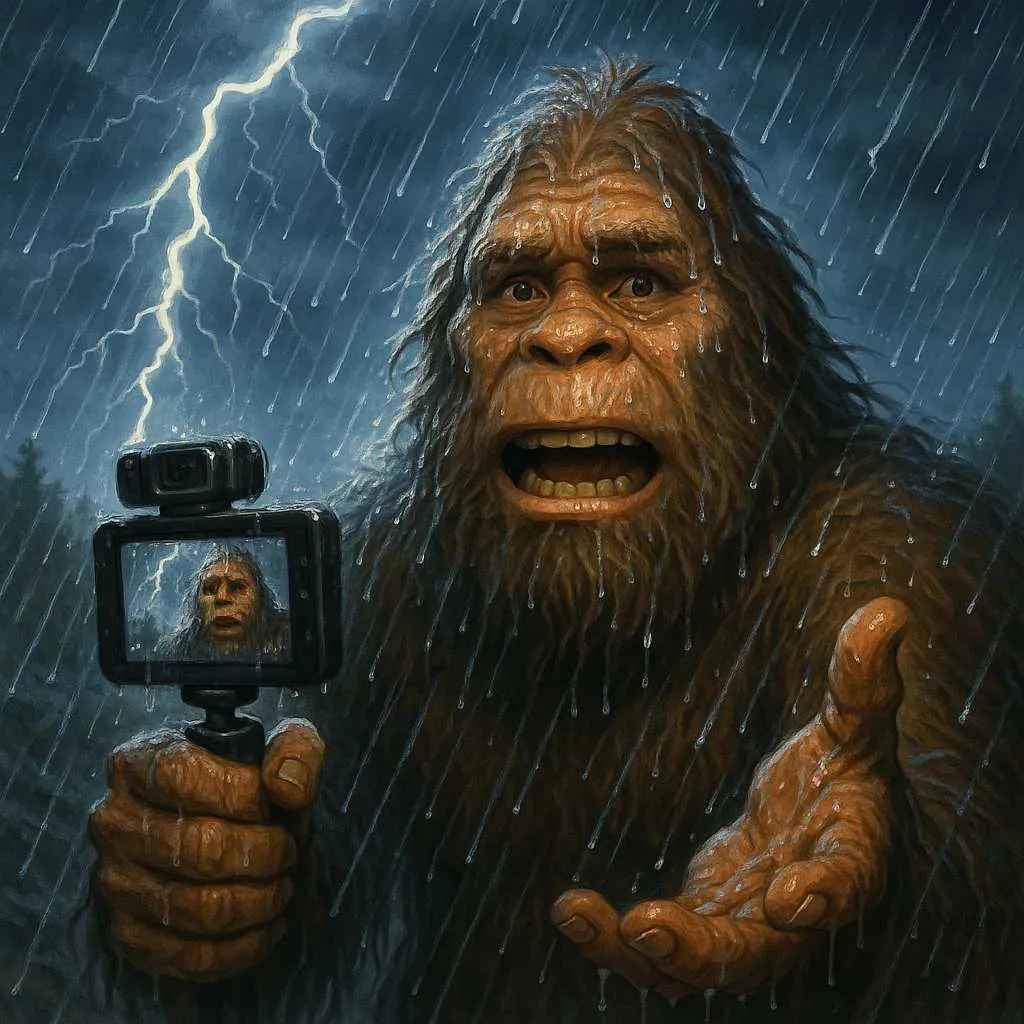
Make it yours
Describe one scene, one camera approach, and one short action. Review the credit quote before you create.
Create your first masterpiece to see it appear here.
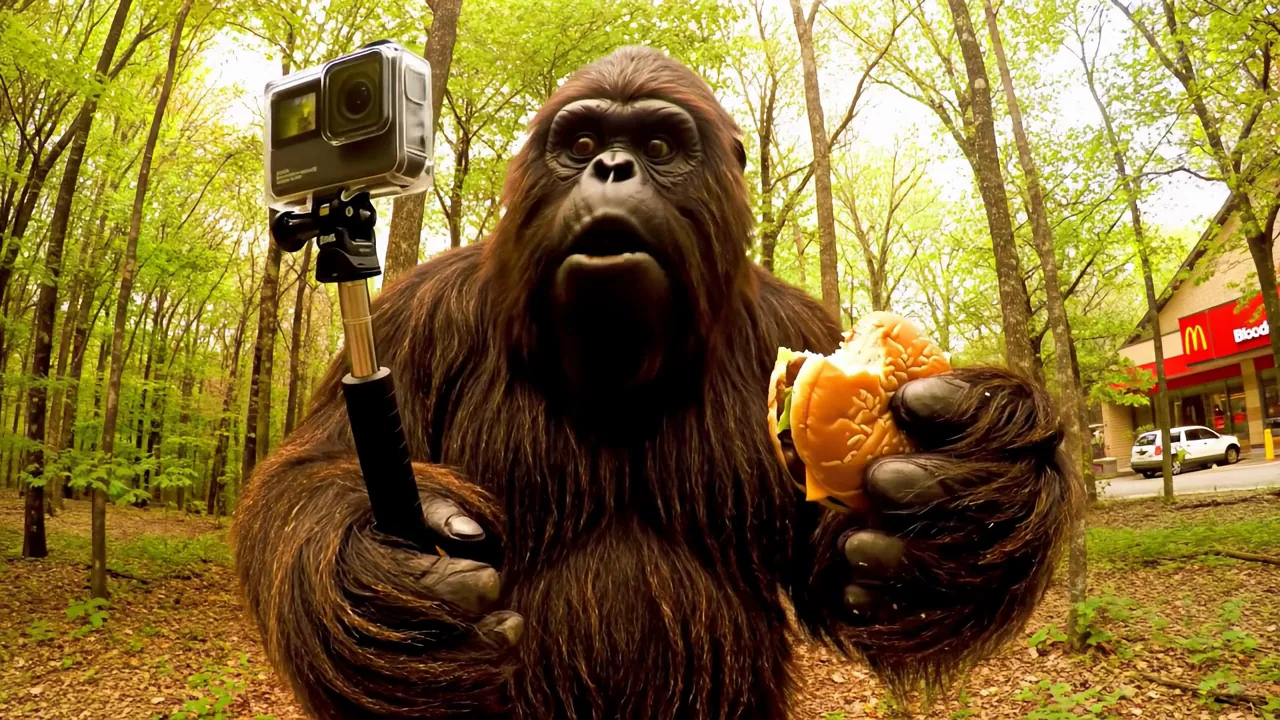
Creative direction
A glance, discovery, or interrupted snack is easier to communicate in five seconds than a complete adventure.
Try a selfie vlog, a quiet observation, or a mock-documentary shot by changing the written brief.
A starting point
Create a five-second playful mock-documentary shot of an original friendly Bigfoot character hiking through a misty redwood forest. A handheld selfie-style camera frames the creature from the chest up as it pauses, notices a tiny bird on a branch and gives a curious silent reaction. Natural morning light, believable fur, steady spatial continuity and gentle forest ambience. One continuous shot, no captions, logos, watermark or claimed real footage.
From idea to download
Describe the creature, location, action, and camera in a concise prompt.
Review the displayed duration and credits before submitting.
Inspect hands, fur, camera motion, and the surrounding forest before downloading.
Before you create
No. This page starts from a written prompt and uses text-to-video generation.
This preset creates a short clip. A longer episode needs separate shots, editing, and any narration or soundtrack you choose to add.
Exact speech and lip synchronization are not promised. Build the scene around a visible action and review any generated sound.