
Effects
Available AI image and video effects
Choose a photo style or video effect, inspect the examples, then add your own photos to the preset workspace. Check the credit cost and review the result before sharing.
Video Effects
Explore scenes with movement, timing, and sound.
Image Effects
Create a still image or take an existing visual in a new direction.
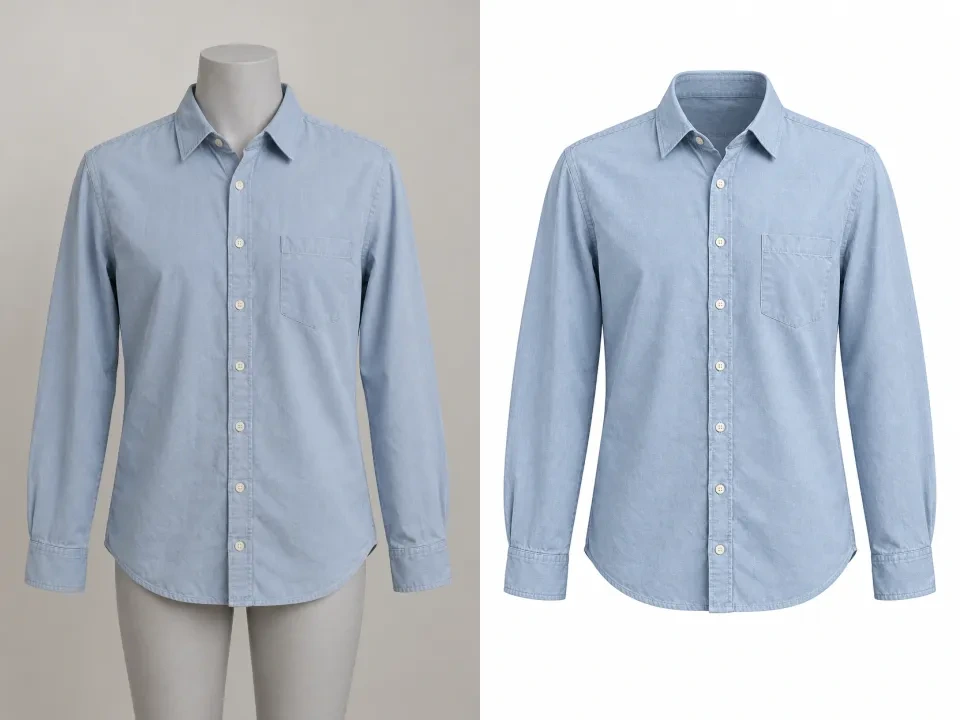
AI Ghost Mannequin Generator
Clothing photo to hollow mannequin image
Create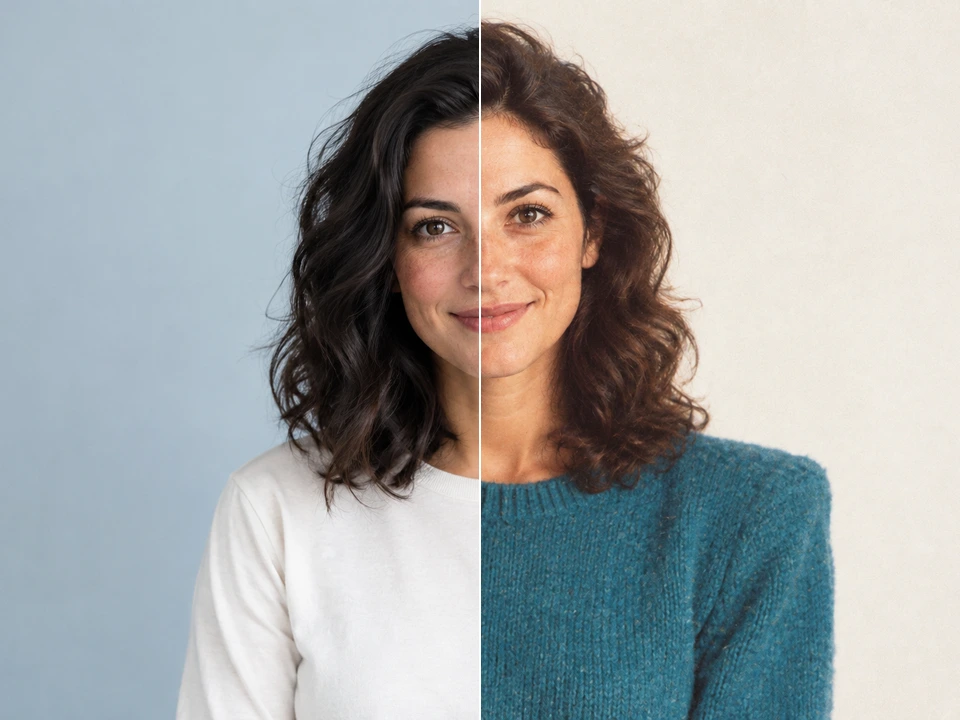
80s Photo Filter
Your photo, a vintage 1980s look
Create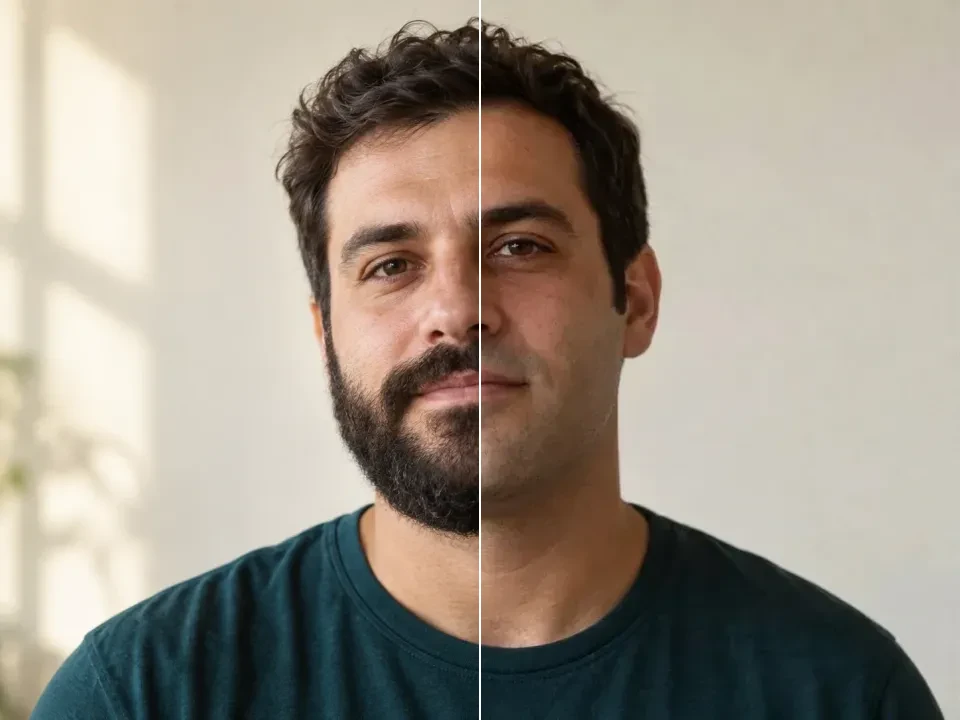
No Beard Filter
Try a clean-shaven look
Create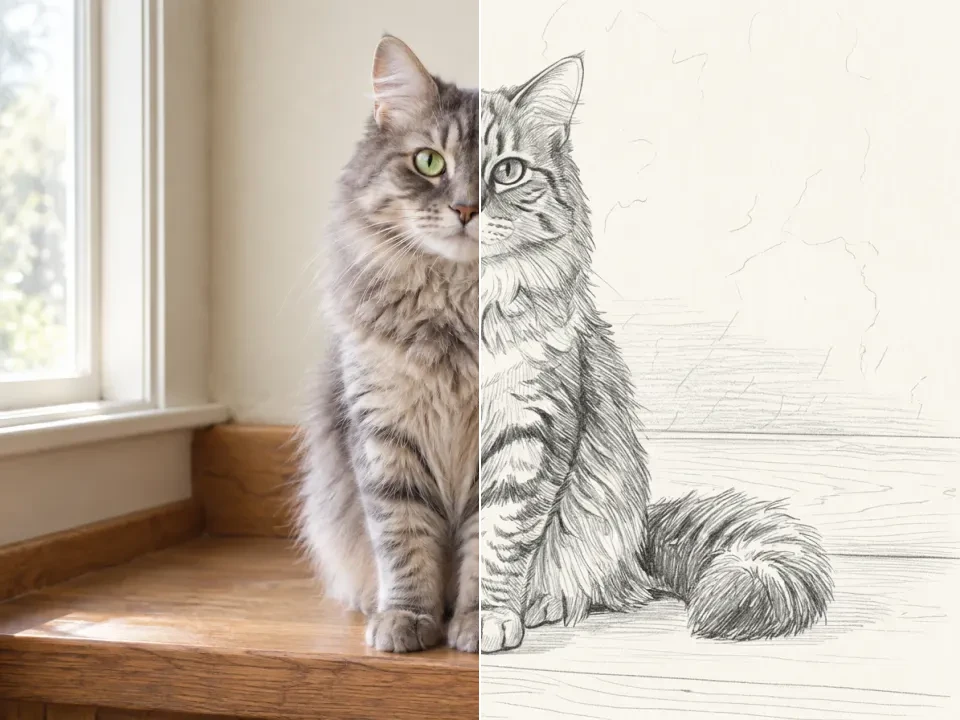
Photo to Sketch
Turn photos into pencil drawings
Create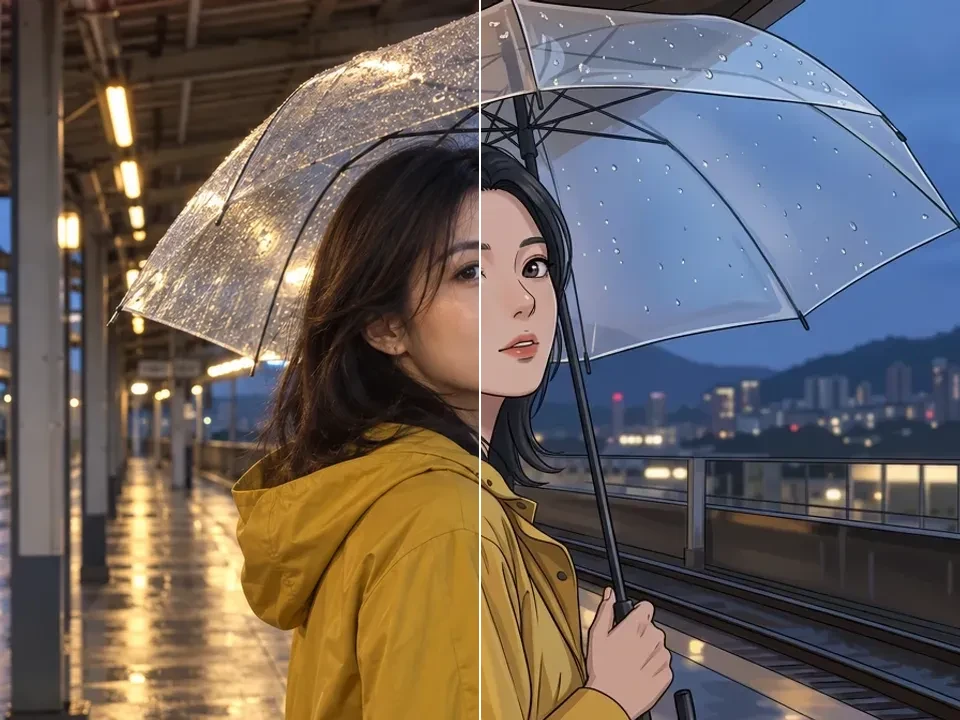
Photo to Anime Converter
Reimagine your photo as anime art
Create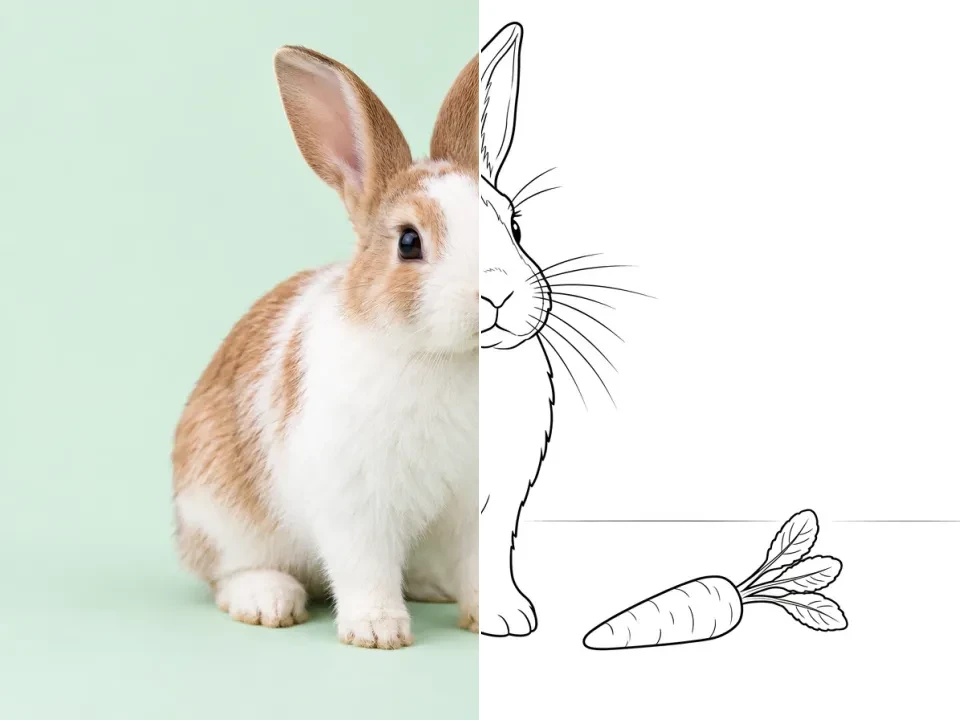
Photo to Coloring Page
Make a coloring sheet from a photo
Create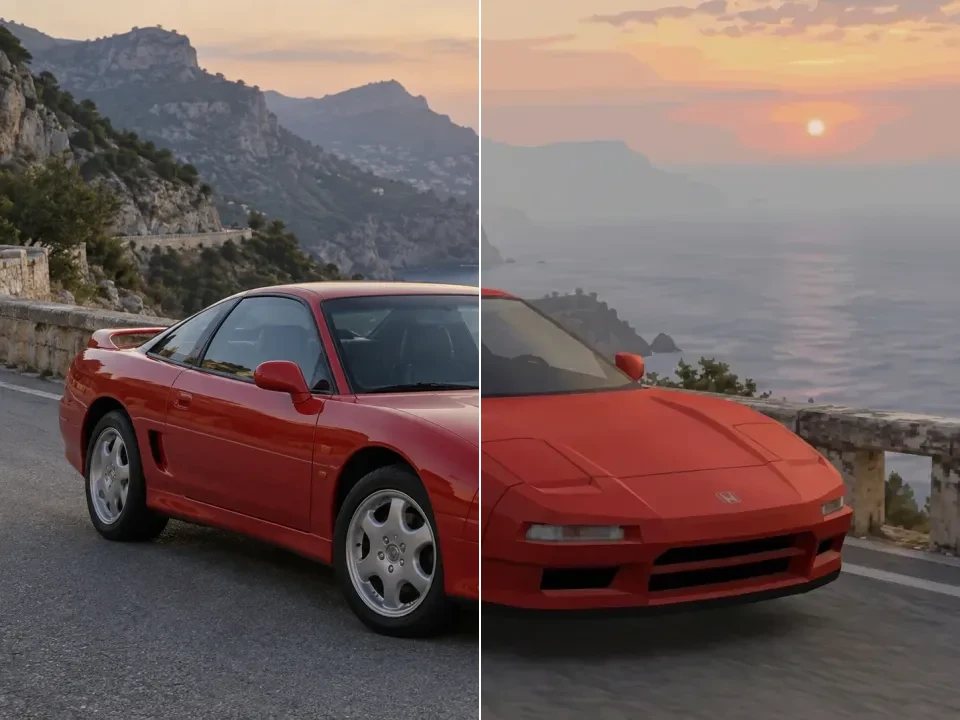
PS2 Filter
Step into an early-2000s game scene
Create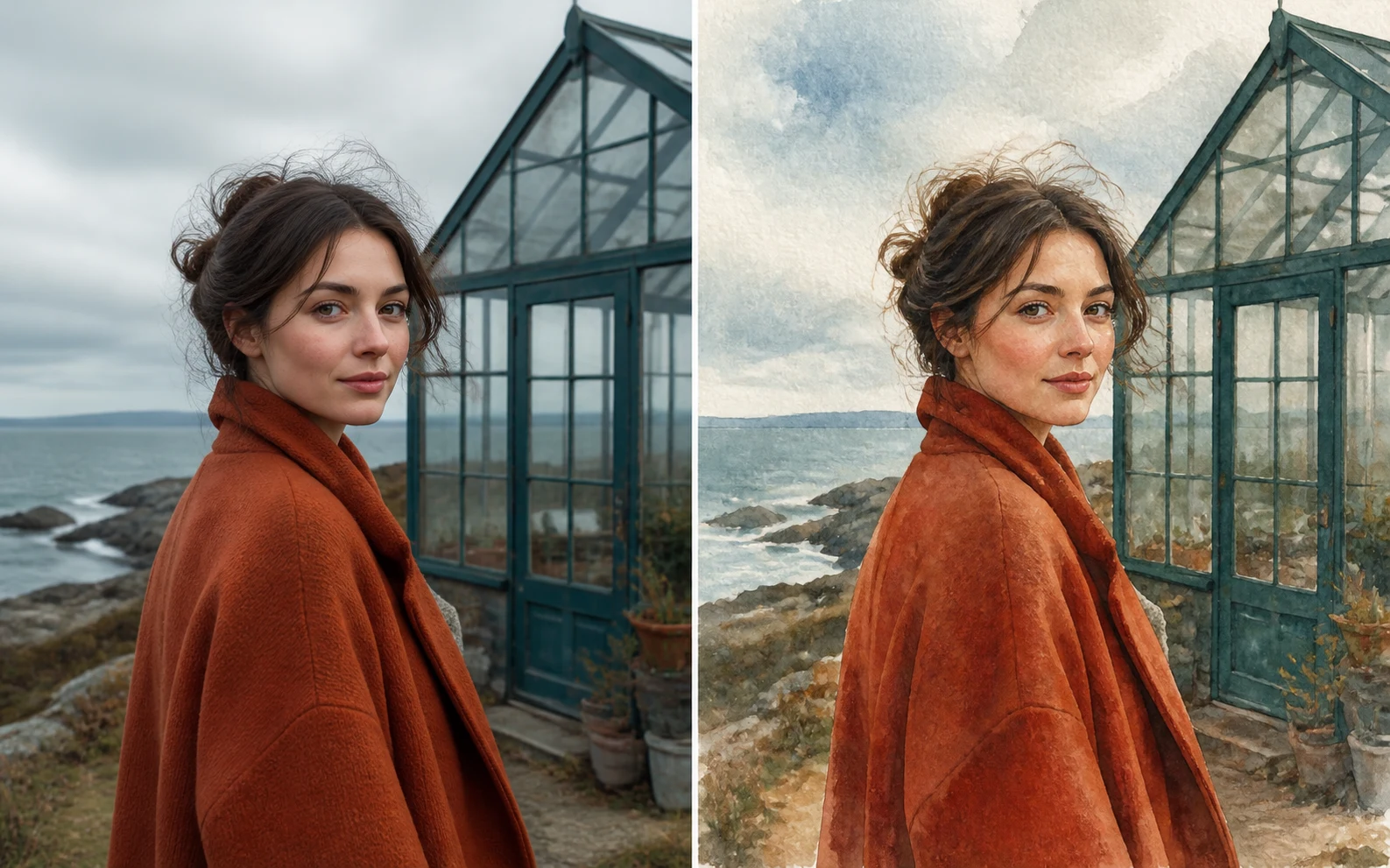
Watercolor Filter for Photos
Photo to painted image
Create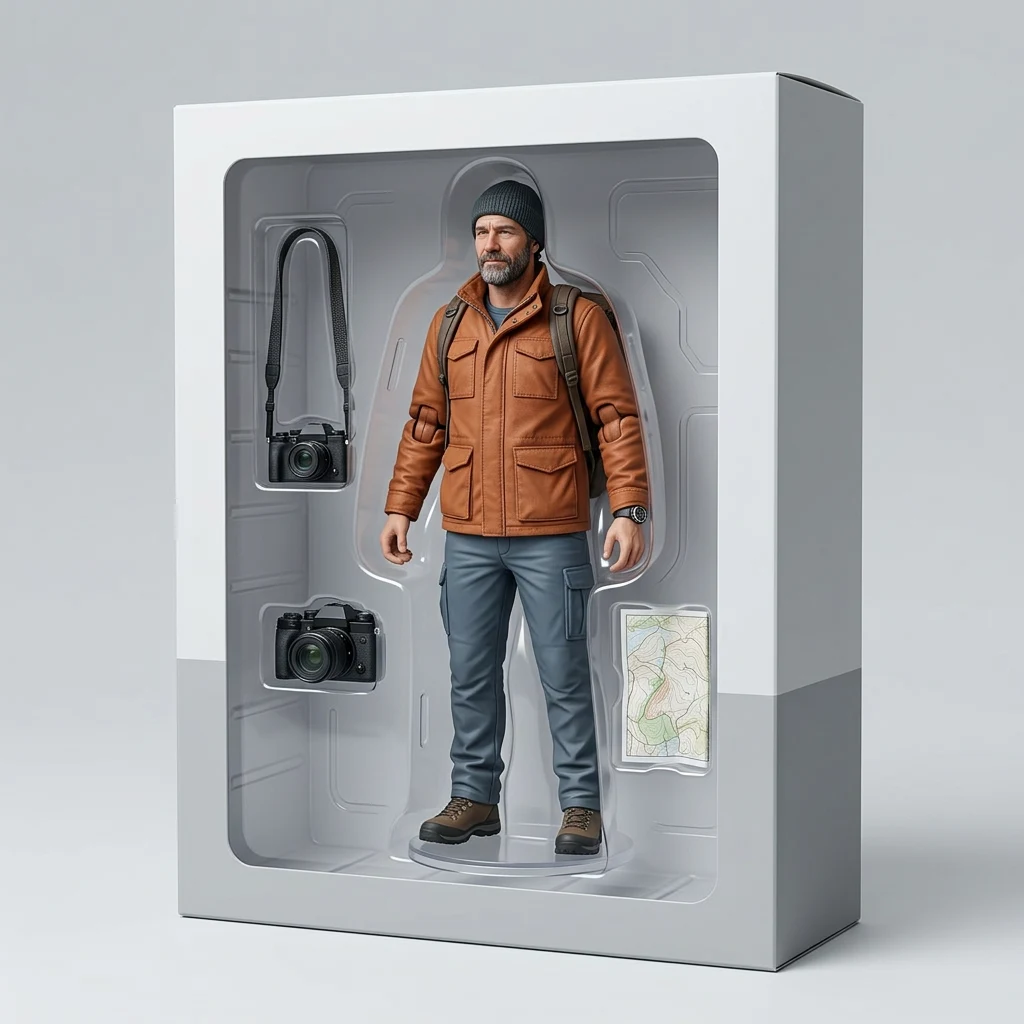
AI Action Figure Generator
Portrait to collectible concept
Create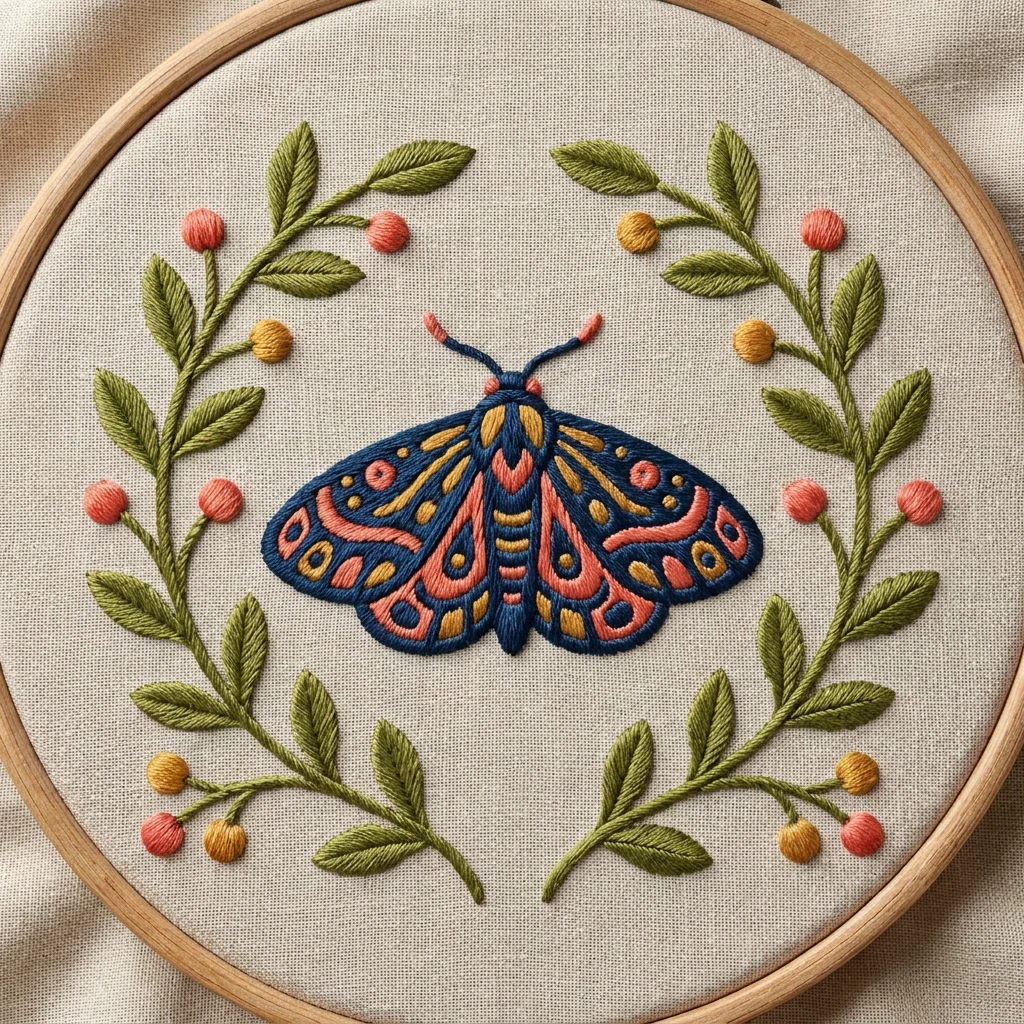
AI Embroidery Generator
Image to thread-art mockup
CreateFrom a photo to your next creation
- 01
Choose the result
Compare the finished examples. Pick a still-image treatment or a video effect that suits the moment you want to create.
- 02
Add images
Open an effect and follow its named upload fields. Clear subjects give the preset a better source to work from.
- 03
Create and share
Check the credits before creating. Review the completed image or video, then download the version you want to keep.
FAQs
What is the difference between an effect and a model?
An effect supplies the creative instructions and source requirements for a specific look. A model workspace lets you write a different brief and choose its supported settings. Both use the available generation models in Dola AI.
Should I choose an image effect or a video effect?
Choose an image effect for a still photo, illustration, or product image. Choose a video effect when the result should move. Open the examples to compare the finished look before adding your own photos.
Do all effects use the same number of photos or credits?
Each effect specifies its own upload fields and output settings. Most accept one photo; Hotel Lobby uses two separate portraits. The generation form displays the actual credit cost before you submit. Watching examples does not spend credits.
Want to shape your own creative direction? AI Models