Focus on a visible corner mark
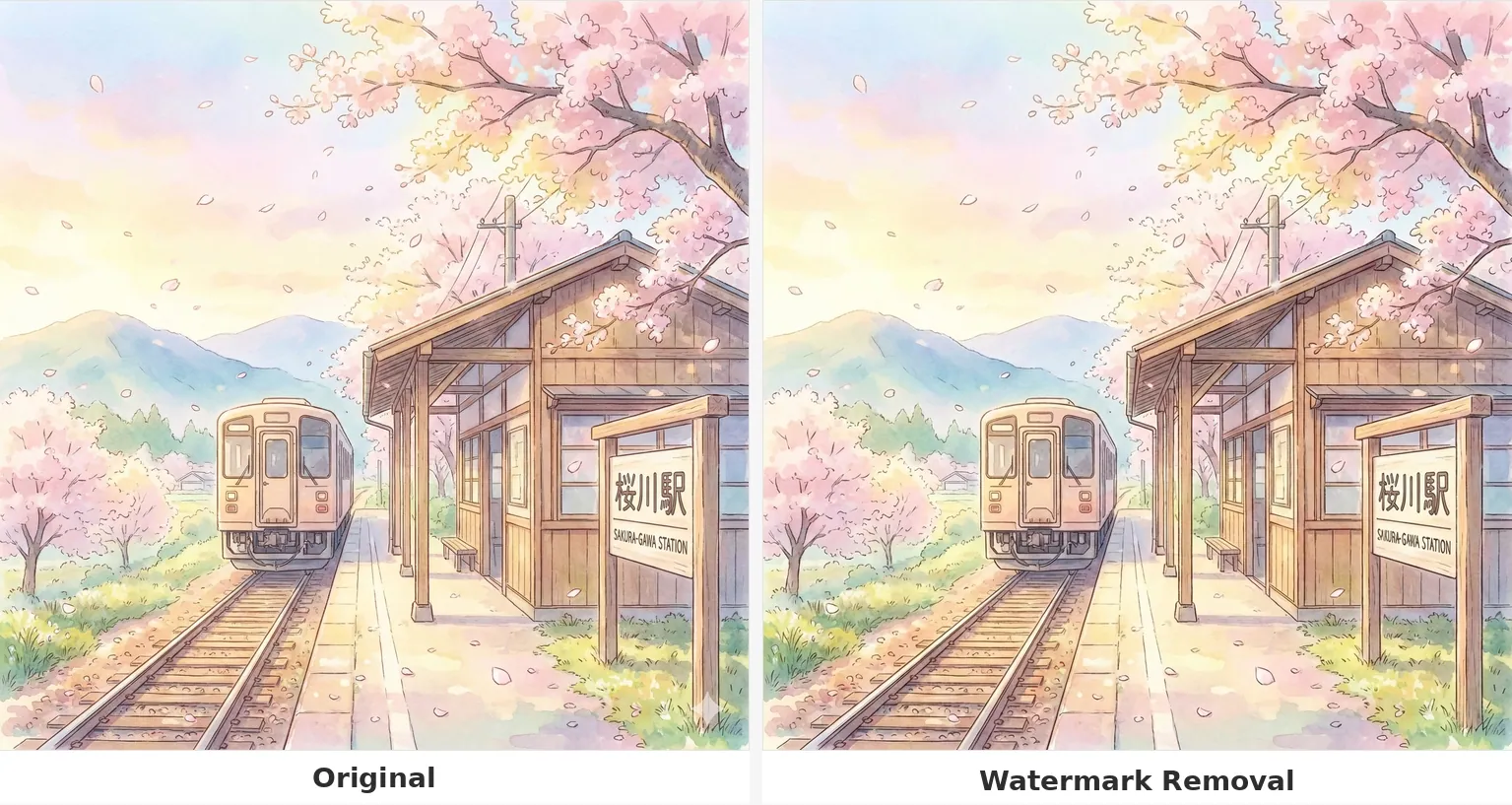
The preset asks the model to reconstruct the small marked area using its surrounding color and texture.
Reconstruct a small marked area
Create an edited version of an image with a visible Gemini-style corner mark removed. AI reconstructs image content and may change other details.
Start creatingUpload one image you have permission to edit; keep the marked corner visible.
Make it yours
Upload one image you have permission to edit; keep the marked corner visible. Review the credit quote before you create.
Create your first masterpiece to see it appear here.
Generative image editing; no promise of lossless restoration or invisible watermark removal.
Creative direction
The preset asks the model to reconstruct the small marked area using its surrounding color and texture.
Generative editing can alter distant details too. Compare important faces, text, and objects with the source.
A starting point
Edit the uploaded image to remove a small visible Gemini-style sparkle logo or corner mark, if present. Reconstruct the obscured area to match adjacent texture, color and lighting. Preserve the rest of the scene and its composition as closely as possible. Do not invent a logo when none is present. Do not remove other artistic details, signatures or meaningful subject features. No added text or watermark.
From idea to download
Upload the original file with the visible corner mark and enough surrounding context.
Review the cost and create an edited variation.
Zoom into the repaired corner and scan the rest of the composition before keeping the result.
Before you create
No. The model redraws image content and cannot recover pixels hidden beneath a mark with certainty.
No. This page only targets a visible corner mark and makes no claim to remove embedded provenance or invisible watermarks.
A generative edit is unnecessary and may alter the image. Keep the original file instead.