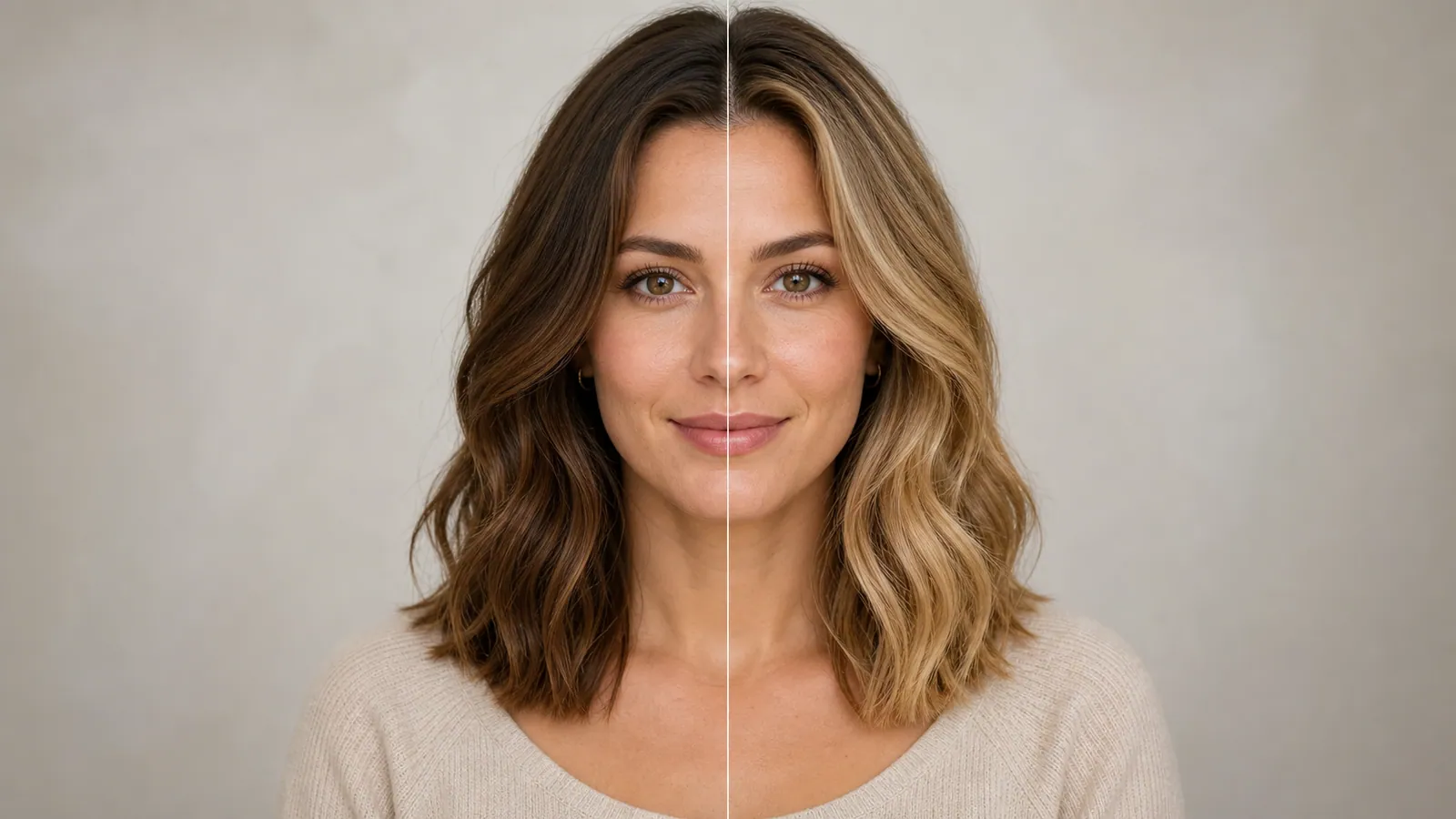
Soften an obvious color treatment
Use a new rendering to reduce a strong tint, flat contrast, or artificial smoothness when the underlying subject is still visible.
Rework an overly processed photograph
Create a more natural-looking version of a filtered photograph. AI redraws the image; it cannot recover the exact pixels or details that a filter removed.
Start creatingUpload one filtered photo with visible facial or subject detail.
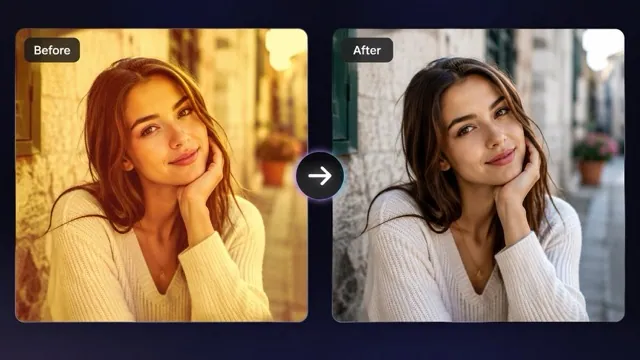
Make it yours
Upload one filtered photo with visible facial or subject detail. Review the credit quote before you create.
Create your first masterpiece to see it appear here.
Generative reconstruction; not lossless filter reversal.

Creative direction
Use a new rendering to reduce a strong tint, flat contrast, or artificial smoothness when the underlying subject is still visible.
AI can change skin, fine text, and small objects. Keep the source and compare both versions before replacing an important image.
A starting point
Edit the uploaded photograph toward a natural camera appearance. Reduce excessive color casts, artificial skin smoothing, aggressive contrast and stylized overlays. Preserve the subject, identity, framing, clothing and background as closely as possible. Use realistic skin texture and balanced light. Reconstruct conservatively rather than inventing fine details. No added text, objects, logos or watermarks.
From idea to download
Start from the largest filtered file you have. A small screenshot gives the model less visible detail.
Submit the photo after reviewing the credit quote and let the preset reduce the processed appearance.
Check the face, small lettering, clothing, and background. Keep the original file as well as any version you accept.
Before you create
No. Filters can destroy information. The result is a new AI reconstruction, not a reversal of the original editing process.
It may produce a plausible natural-looking portrait, but hidden facial features cannot be reliably recovered. Avoid treating the result as documentary evidence.
No. Review identity, texture, text and small objects because generative editing can alter them.