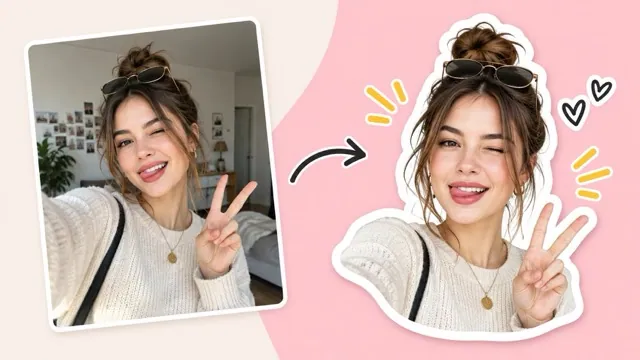
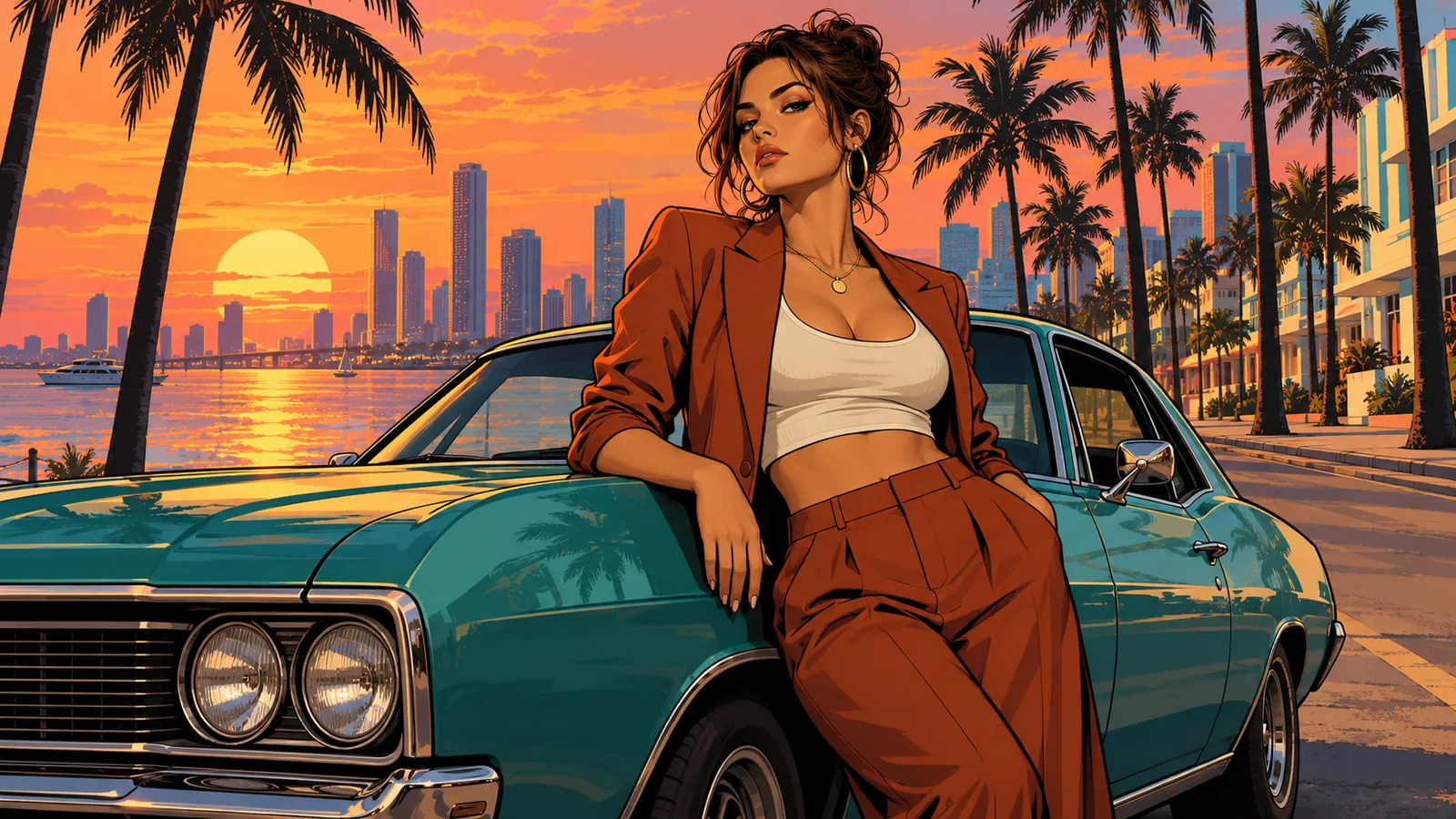
Start with a subject or a scene
Describe one useful focal point and the mood around it. A source image can guide colors and silhouette.
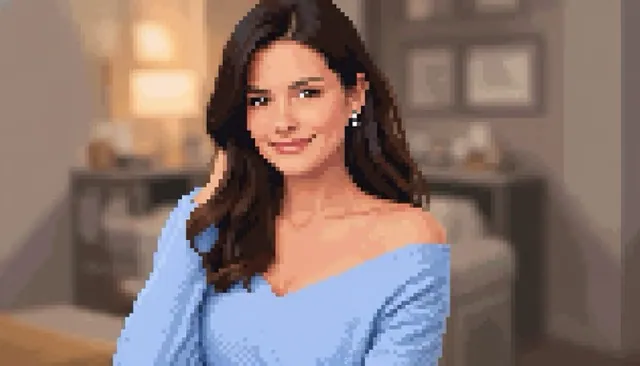
Describe your idea, or add one image to guide the subject.
Gpt Image 2
Build a small scene with deliberate shapes
Create pixel-art-style characters, props, and scenes from a written idea or an optional reference image.
Gpt Image 2 · Review the credit quote before you create.
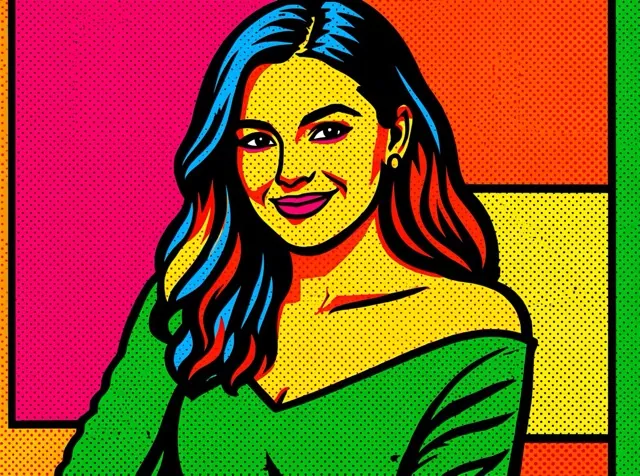
Creative direction
Describe one useful focal point and the mood around it. A source image can guide colors and silhouette.
Explore an icon, environment, or character concept before preparing technical sprite dimensions in a pixel editor.
A starting point
Create a cohesive pixel-art-style scene with a clear central subject, a limited color palette and readable block-shaped shading. Use consistent apparent pixel scale and intentional silhouette design. If a reference image is supplied, reinterpret its main subject and composition. Otherwise show a small lantern-lit cottage beside a forest path at dusk. No typography, logos, watermark or photorealistic texture.
From idea to download
Name the subject, setting, view angle, and a small color palette. Add a reference only if it helps.
Check that the apparent pixel sizes and shading language feel consistent.
Download the artwork. Use a pixel editor for exact grids, palette indexing, animation frames, or engine-specific exports.
Before you create
No. You can use a written prompt alone or add one reference to guide the subject.
This page generates a larger raster illustration in a pixel-art style. Exact sprite grids and indexed palettes need a separate editing step.
It can explore a visual concept, but this workflow does not validate consistent animation frames or produce engine-ready sprite metadata.