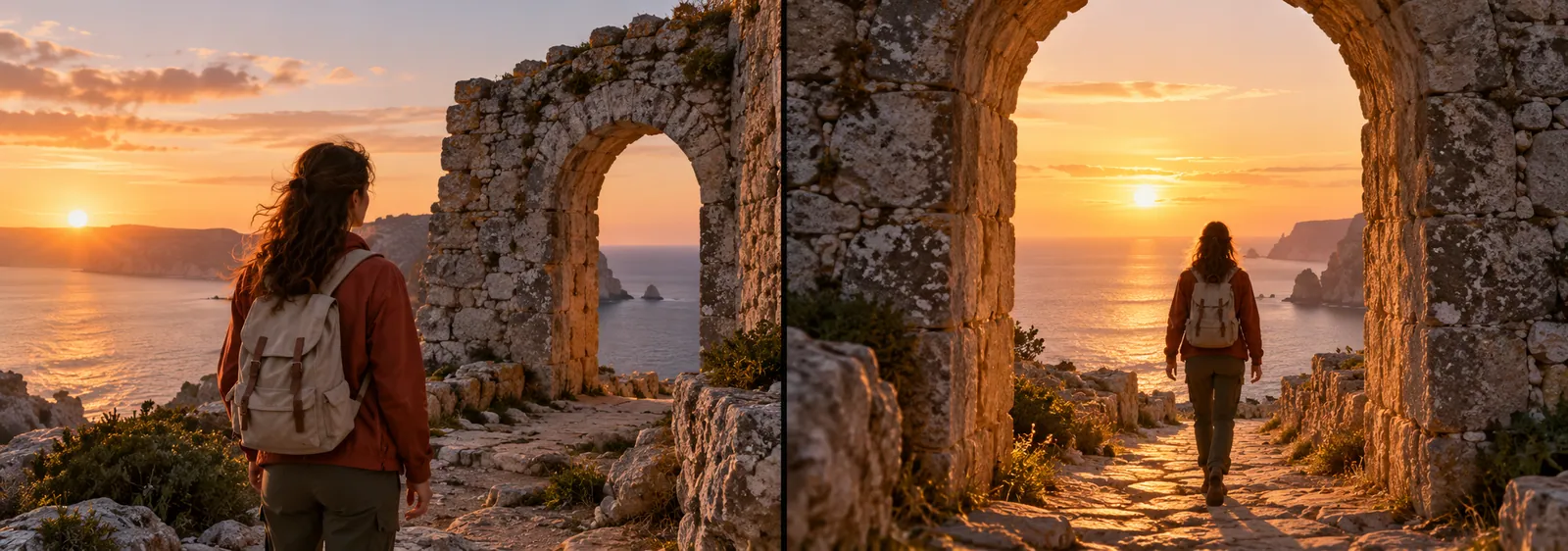
Start from existing motion
The source gives the model an action sequence and camera movement to reinterpret.

Upload one MP4 source video of exactly 6 or 10 seconds, up to 10 MB. Optional images can guide the edit.
Wan 2.7 Videoedit
Rework a short source clip
Upload a six- or ten-second MP4 video and describe a new visual treatment. Wan 2.7 Videoedit generates a revised clip from your source and instructions.
Wan 2.7 Videoedit · Review the credit quote before you create.
Supported source duration: 6 or 10 seconds. No automatic trimming or lossless edit guarantee.
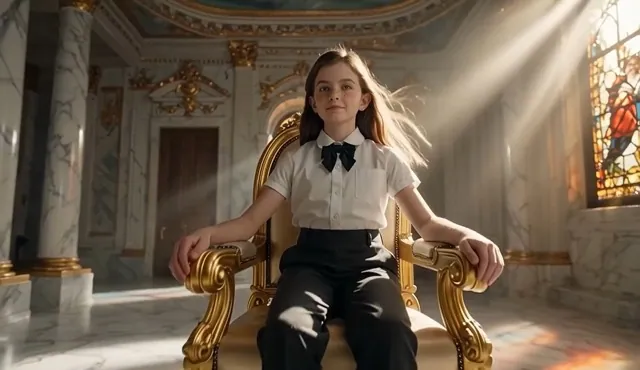
Creative direction
The source gives the model an action sequence and camera movement to reinterpret.
Ask for a focused change in atmosphere or style. Optional image references can help communicate a target look.
A starting point
Edit the supplied video into a cohesive cinematic scene with warmer natural lighting, restrained film-like color and cleaner visual atmosphere. Preserve the main subject, sequence of actions, camera movement and scene layout as closely as possible. Use any additional image references only as visual guidance. Do not add text, logos, watermarks or extra subjects.
From idea to download
Use a six- or ten-second MP4 video under 10 MB. Trim longer footage in your own editor before uploading.
Explain what should change and what should stay recognizable. Review the matched duration and 1080p quote.
Play both clips and inspect motion, faces, objects, and timing before downloading.
Before you create
This workflow currently accepts six- or ten-second MP4 source clips. It does not automatically trim or transcode other formats or durations.
No. The model generates a new video and may change fine details, motion, and subject identity.
A source video is required here. Use AI Video or a photo-based effect when you want to start from an image.