
A clear takeoff moment
A simple lift and glide makes the motion readable in a five-second clip.
A portrait becomes a fantasy flight
Create a short broom-flight scene from one portrait, with a clear takeoff, gentle camera movement, and a fantasy setting.
Start creatingUpload one clear adult portrait or full-body photograph.

Make it yours
Upload one clear adult portrait or full-body photograph. Review the credit quote before you create.
Create your first masterpiece to see it appear here.
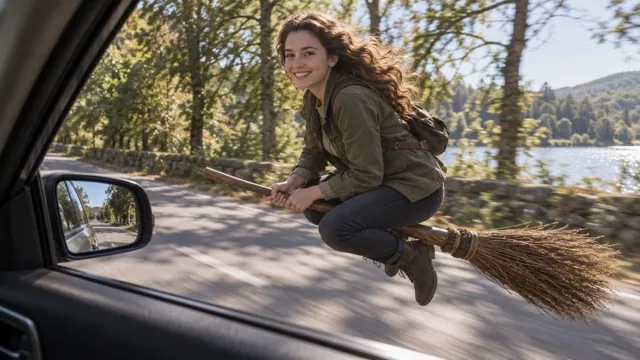
Creative direction
A simple lift and glide makes the motion readable in a five-second clip.
Hands, seated posture, and the broom position are the details that most strongly affect the illusion.
A starting point
Animate the uploaded adult into a whimsical fantasy broom-riding scene. Preserve recognizable facial features and clothing cues. Show the person seated securely on a simple wooden broom, lifting gently above a moonlit garden and gliding forward with a delighted expression. Keep the body proportionate, hands naturally positioned and the flight smooth. One continuous vertical shot. No named fictional character, franchise costume, text, logos, watermark, falls or injury.
From idea to download
Choose a visible face and an uncluttered pose; a full-body source can help establish clothing.
Review the vertical five-second settings and credit quote.
Check the takeoff, face, hands, broom, and last frame before saving.
Before you create
No. The preset asks the model to generate a fantasy broom and flight scene.
The preset creates an original fantasy scene. It does not reproduce a particular film shot or character.
The photograph guides likeness, but movement can change face and body details. Review the full result.
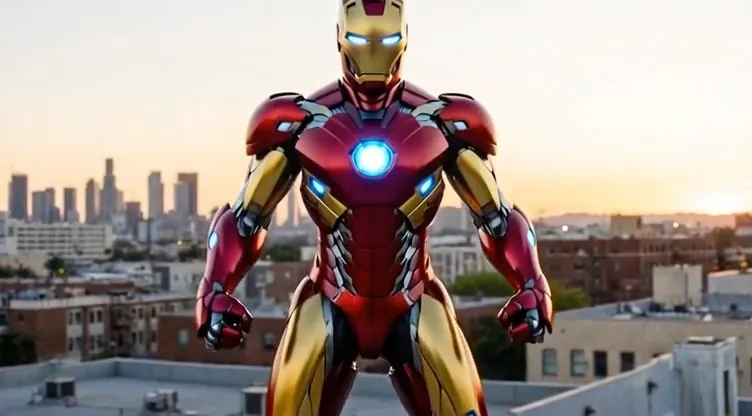
Upload one adult portrait or upper-body photograph.
Open workspace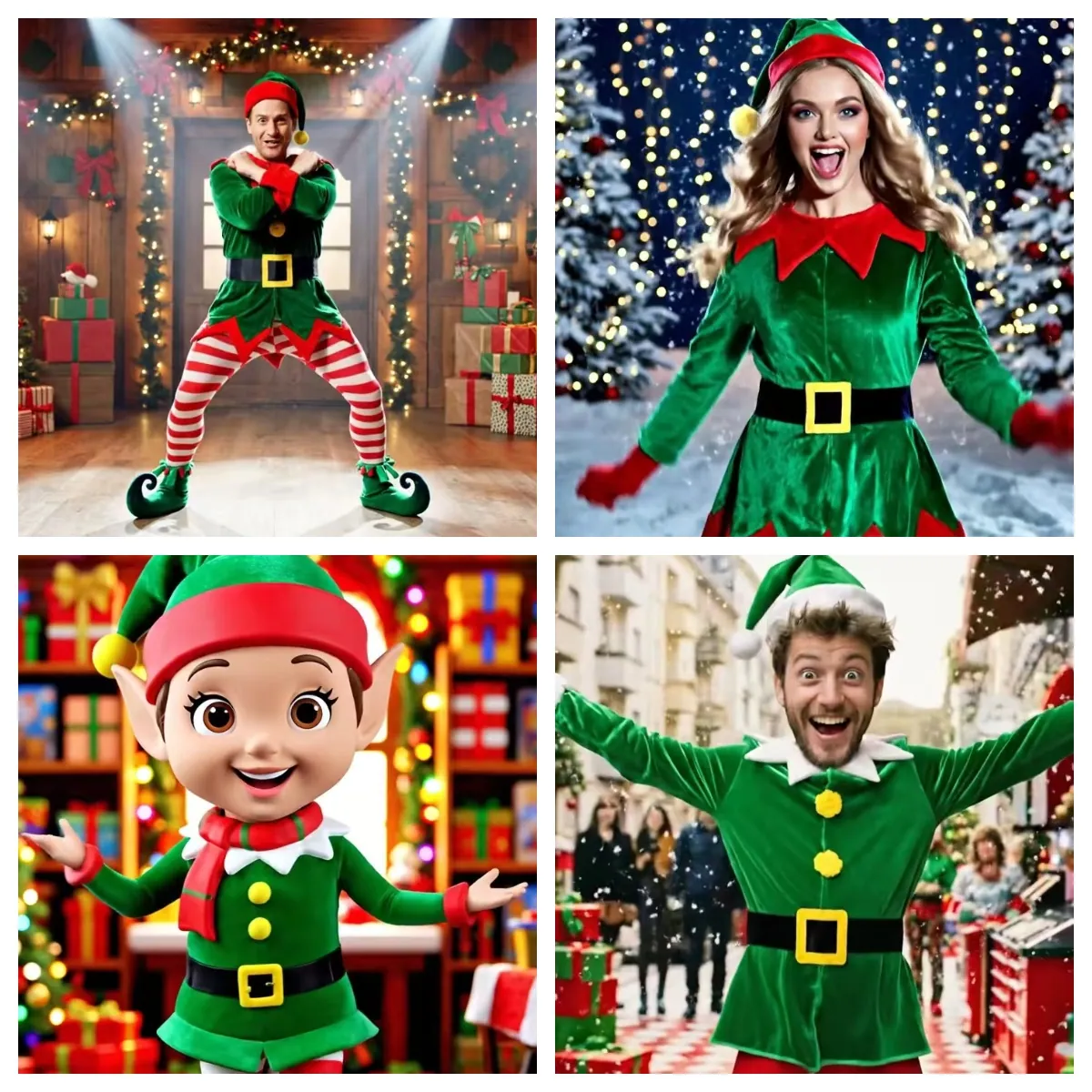
Upload one adult portrait or full-body photograph.
Open workspace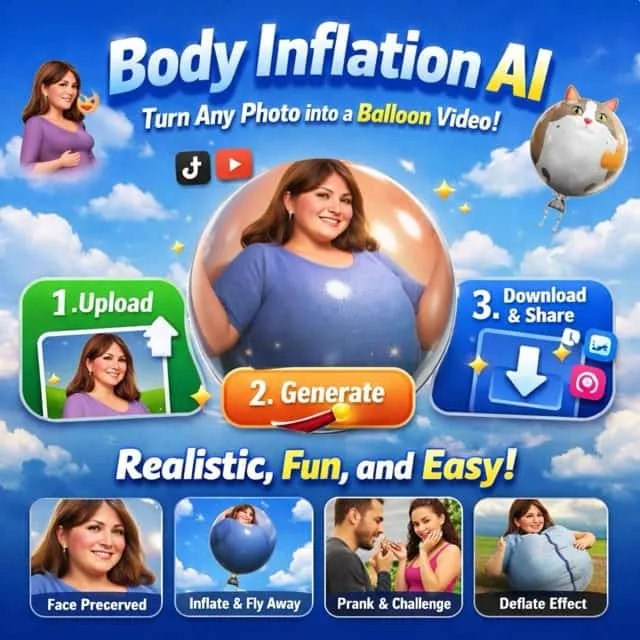
Upload one adult full-body or three-quarter photograph with space around the silhouette.
Open workspace