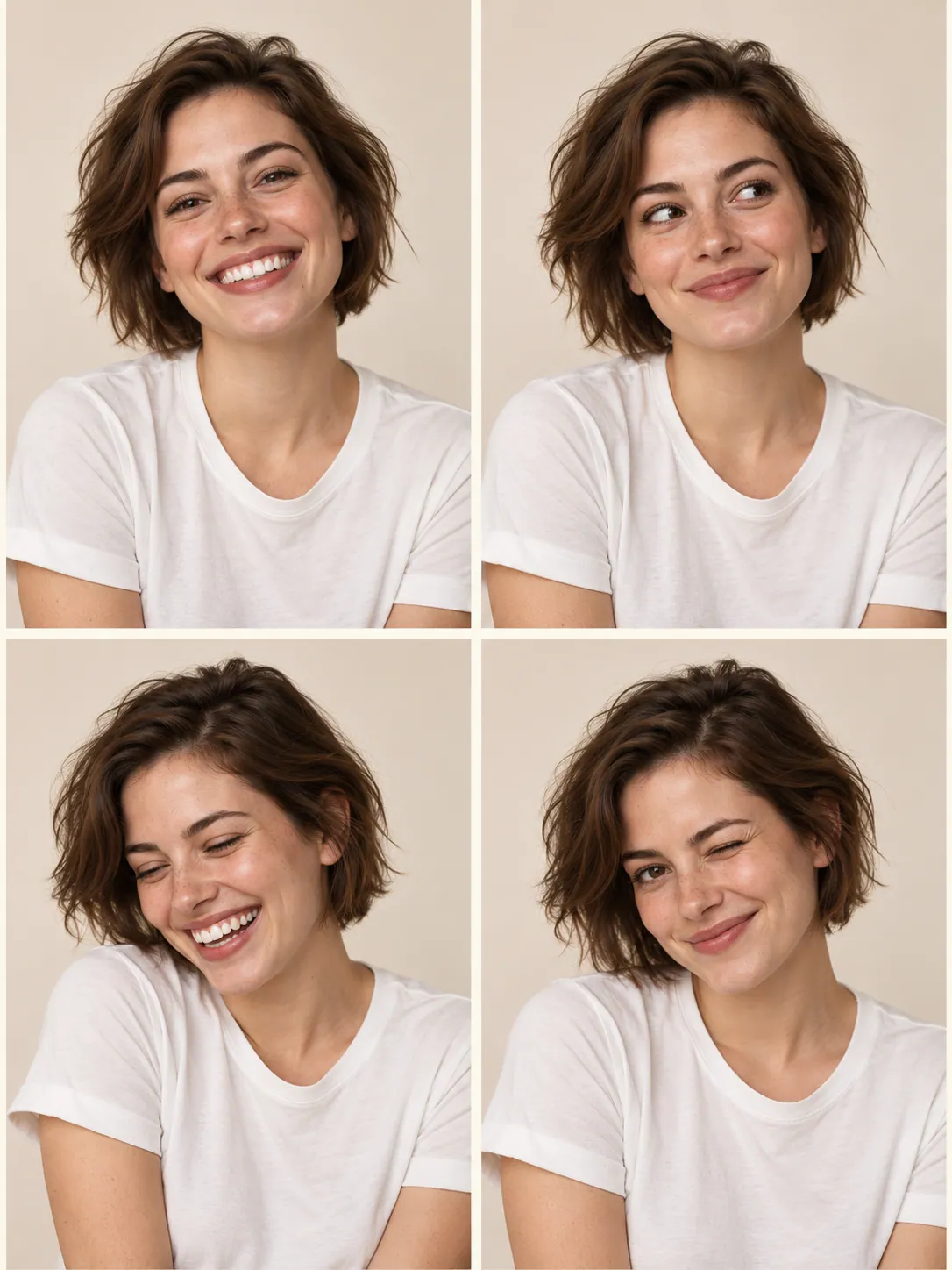
One portrait, several expressions
A shared outfit and backdrop connect the four panels while each expression changes the mood.
Upload one front-facing adult portrait with even light.
Gpt Image 2
Four expressions in one portrait strip
Create a photo-booth-style portrait collage from one clear source image. The preset requests a single composition with four expression panels.
Gpt Image 2 · Review the credit quote before you create.
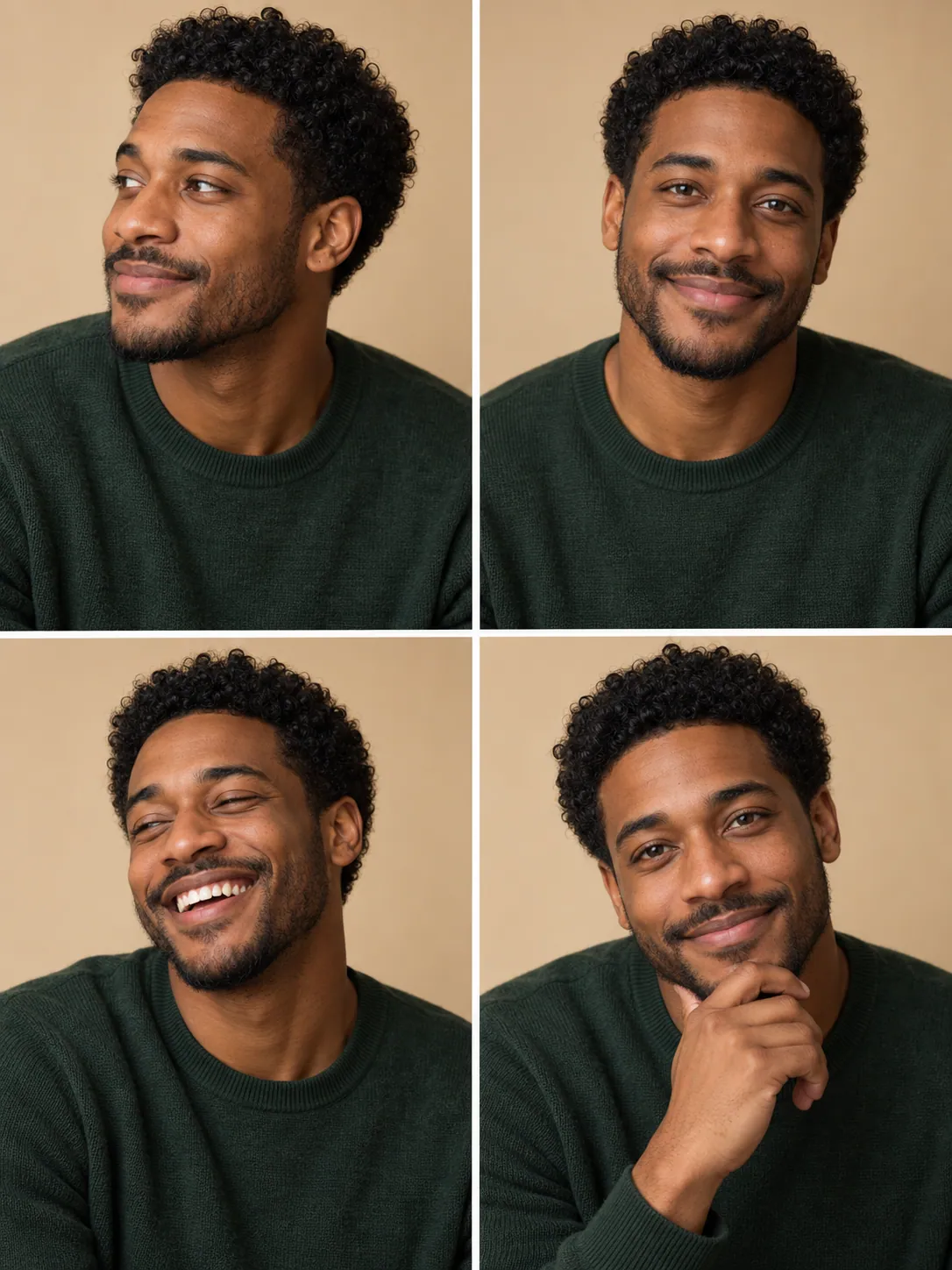
Creative direction
A shared outfit and backdrop connect the four panels while each expression changes the mood.
Download the complete layout for a card, journal, or social post. It is delivered as one image.
A starting point
Create one 2-by-2 photo booth collage from the uploaded adult portrait. Keep the same recognizable person, hairstyle, clothing and simple studio backdrop in all four panels. Show four natural expressions: relaxed smile, playful surprise, thoughtful glance and broad smile. Use consistent camera distance, soft frontal light, narrow white gutters and a clean outer border. Four distinct panels in one image. No captions, dates, text, logos or watermark.
From idea to download
Keep both eyes visible and avoid a crop that cuts through the top of the head.
Generate the collage, check that it has four panels, and compare identity, eye direction, and lighting across them.
Download the full image. Crop individual panels in your editor if you need separate pictures.
Before you create
No. The workflow returns one image. The prompt requests a 2-by-2 layout, but you should check the generated panel count. Separate crops require your own editor.
Yes. AI may change facial details. Check all four panels rather than only the first portrait.
The page accepts an uploaded image. It does not require a live camera session.