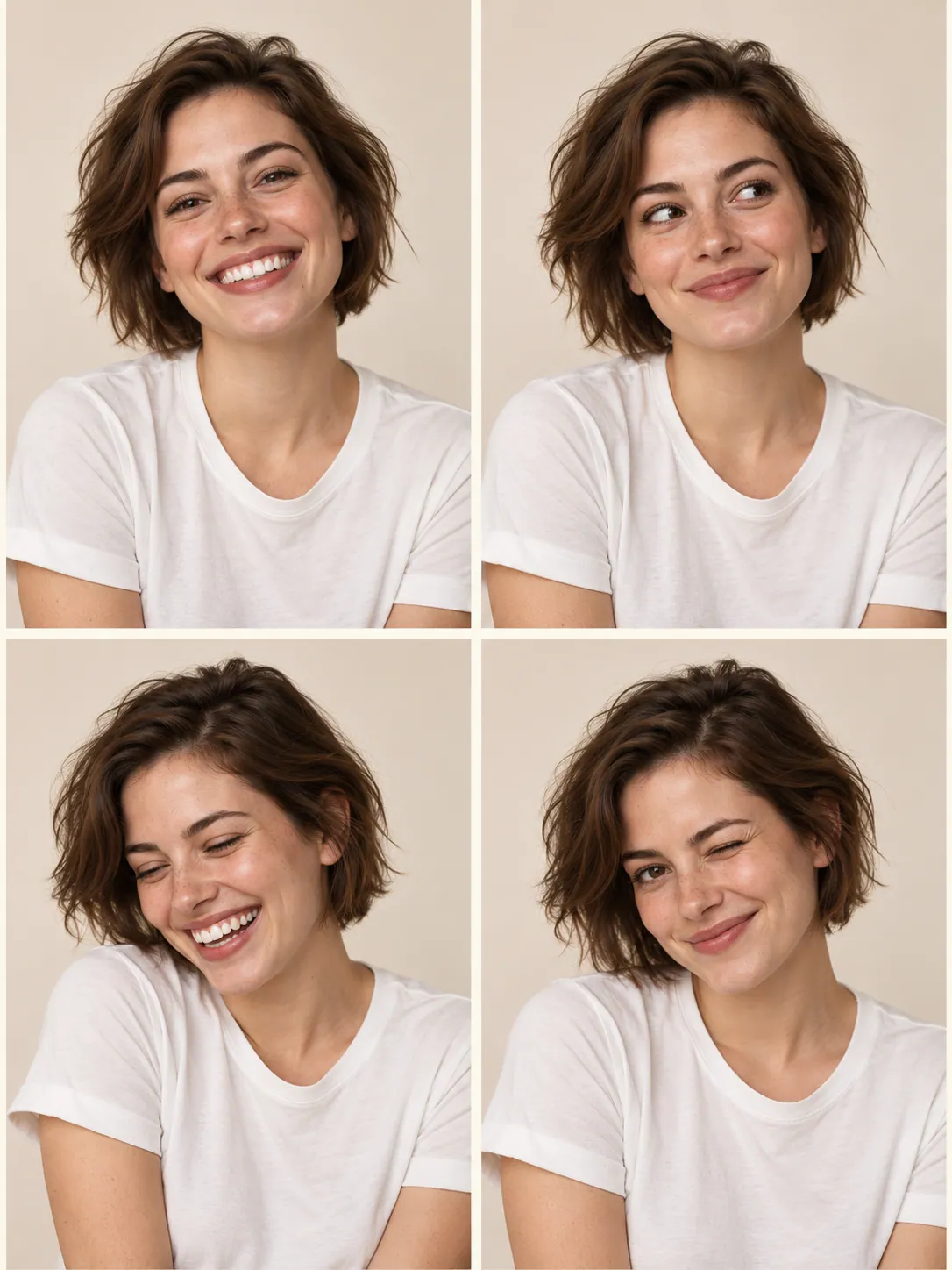
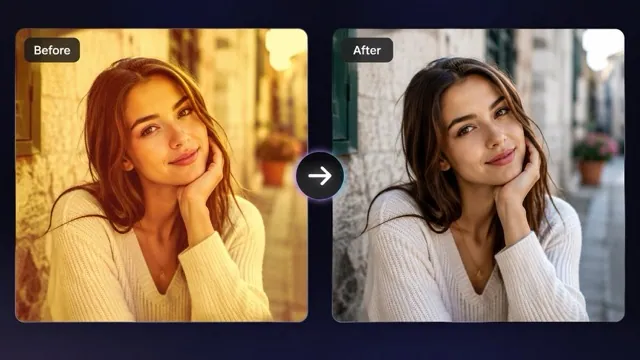
Color with existing texture
The source guides the cut and volume while the preset explores a blonde color treatment.
Explore a different hair color
Preview a natural blonde hair treatment on your portrait. Compare the new color with your skin tone, lighting, and current hairstyle.
Start creatingUpload one portrait with the hair visible and uncovered.
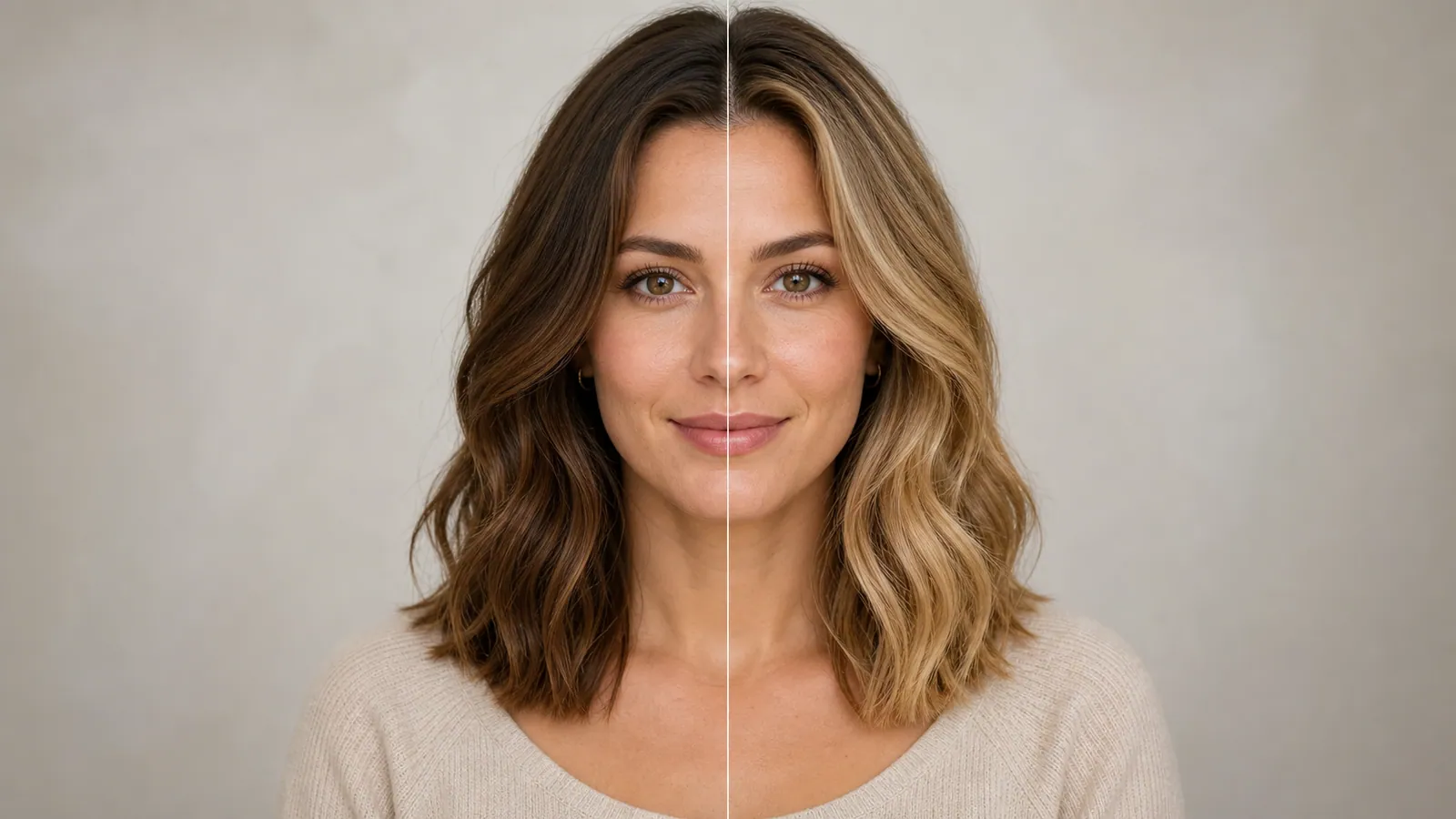
Make it yours
Upload one portrait with the hair visible and uncovered. Review the credit quote before you create.
Create your first masterpiece to see it appear here.
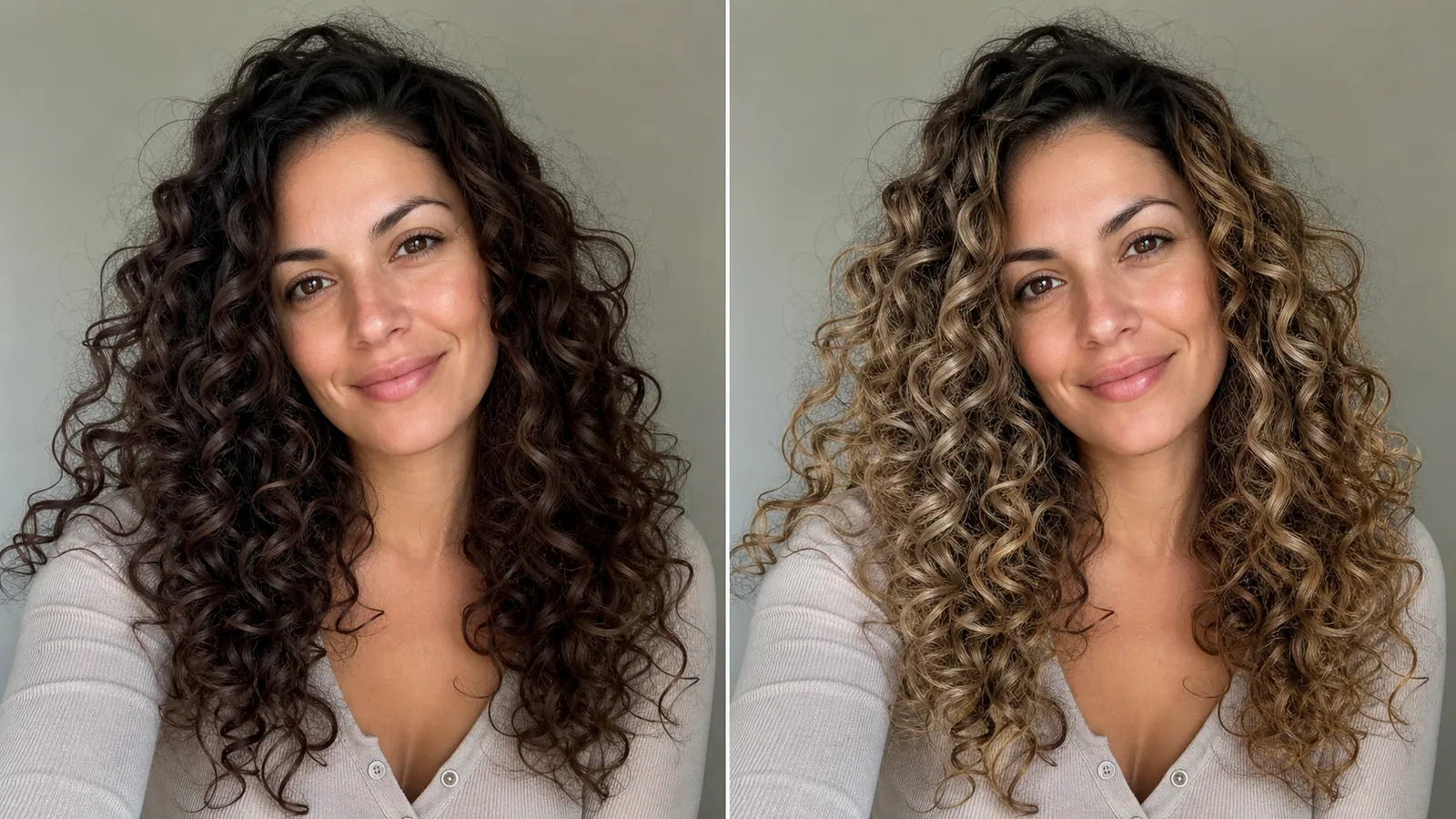
Creative direction
The source guides the cut and volume while the preset explores a blonde color treatment.
Use the accepted preview to discuss a direction with a stylist. It does not predict the result of a particular dye or salon process.
A starting point
Edit the uploaded portrait by changing only the visible hair color to a natural neutral blonde with believable darker roots and subtle tonal variation. Preserve hairstyle, hair length, texture, face, expression, skin tone, clothing and background as closely as possible. Match the original lighting and retain individual hair strands. Do not alter eyebrows unless necessary for a natural appearance. No text, logos or watermark.
From idea to download
Avoid hats, heavy shadows, and a background that merges into your hairstyle.
Review the quote and generate a variation using the current portrait.
Check roots, ears, stray strands, and the face before keeping the result.
Before you create
No. It is a visual concept. Actual hair color depends on your current hair, products, lighting, and the coloring process.
The preset asks to preserve it, but generative editing may change individual strands or the outline.
For a custom shade such as ash, honey, or platinum, use AI Image with your own instructions.